vFlat Scan - PDF Scanner, OCR

vFlat Scan - PDF Scanner, OCR


Free

1.33.6for iPhone, iPad
Age Rating
4+
Apps in this category do not contain restricted content.
9+
Apps in this category may contain mild or occasional cartoon, fantasy or real-life violence, as well as occasional or mild adult, sexually suggestive or horrifying content and may not be suitable for children under 9 years of age.
12+
Apps in this category may contain occasional mild indecent language, frequent or intense cartoon or real-life violence, minor or occasional adult or sexually suggestive material, and simulated gambling, and may be for children under 12 years of age.
17+
You must be at least 17 years old to access this App.
Apps in this category may contain frequent and intense offensive language; Frequent and intense cartoon, fantasy or realistic violence: frequent and intense adult, scary and sexually suggestive subjects: as well as sexual content, nudity, tobacco, alcohol and drugs, may not be suitable for children under 17 years of age.
vFlat Scan - PDF Scanner, OCR Screenshots
vFlat Scan - PDF Scanner, OCR postervFlat Scan - PDF Scanner, OCR postervFlat Scan - PDF Scanner, OCR postervFlat Scan - PDF Scanner, OCR postervFlat Scan - PDF Scanner, OCR postervFlat Scan - PDF Scanner, OCR postervFlat Scan - PDF Scanner, OCR postervFlat Scan - PDF Scanner, OCR poster

About vFlat Scan - PDF Scanner, OCR

An Ultra-convenient, Lightning-fast, High-quality scanning app vFlat.

Main features of vFlat

Auto-Recognizing of Scan Area
vFlat automatically recognizes borders of documents or book pages to scan. You can get clear-cut scan results from any angle without manual cropping.

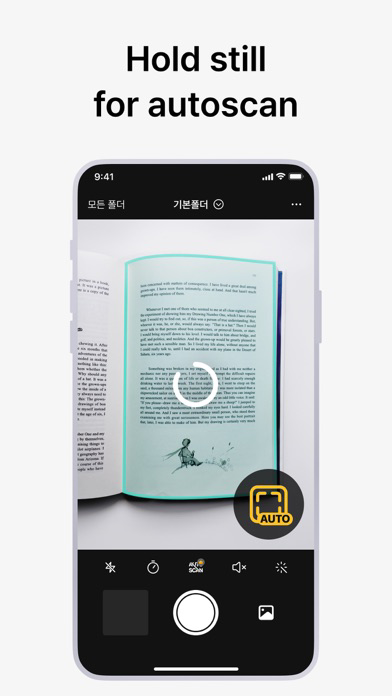
Automatic Capturing
It recognizes the scan target and captures automatically without having to press the button repeatedly. Scanning is quicker and easier when capturing hundreds of book pages or a lot of paperwork.

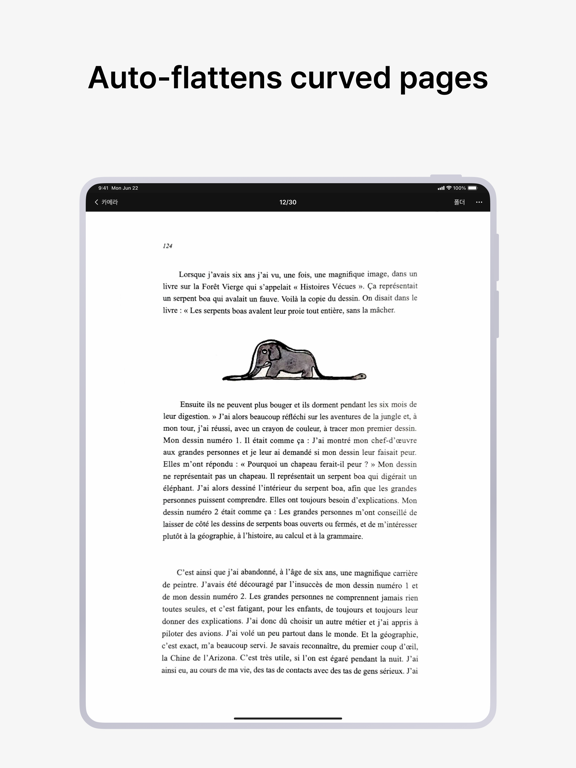
Flattening Curved Pages
It automatically straightens the curved surface of book pages. vFlat Scans as if they were captured with a professional book scanner, without having to taking pieces of the book.

Two-page Capturing
The left and right pages of a book are captured with a single click and they are automatically divided and saved. Get fast results, even when scanning thick books.

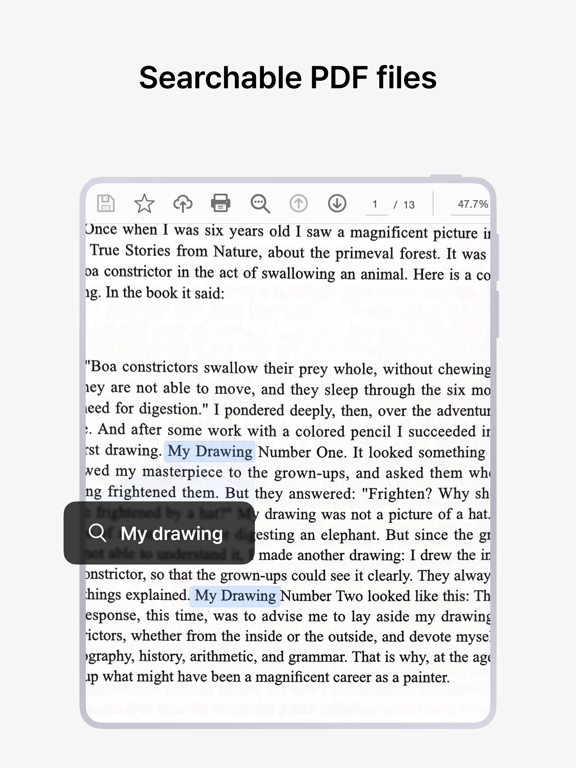
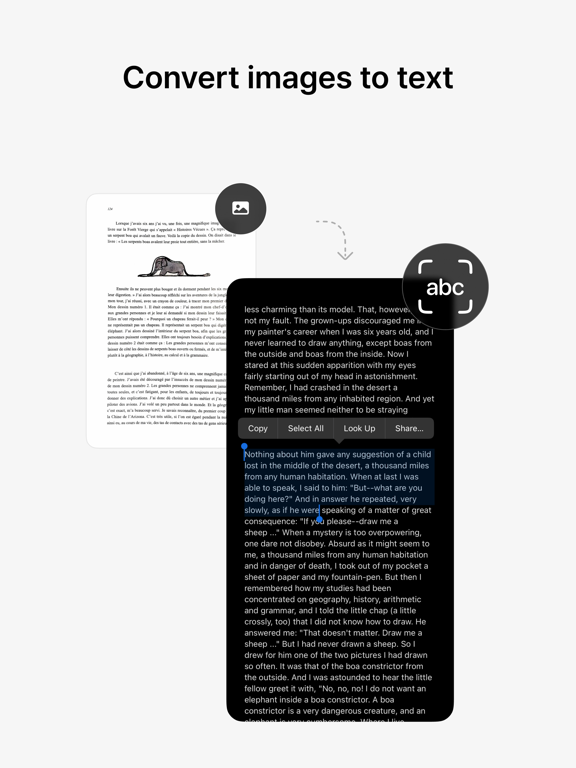
Free Text Recognition (OCR)
It converts scanned images to text for free through text recognition. You can copy the converted text and easily share it with friends or colleagues.

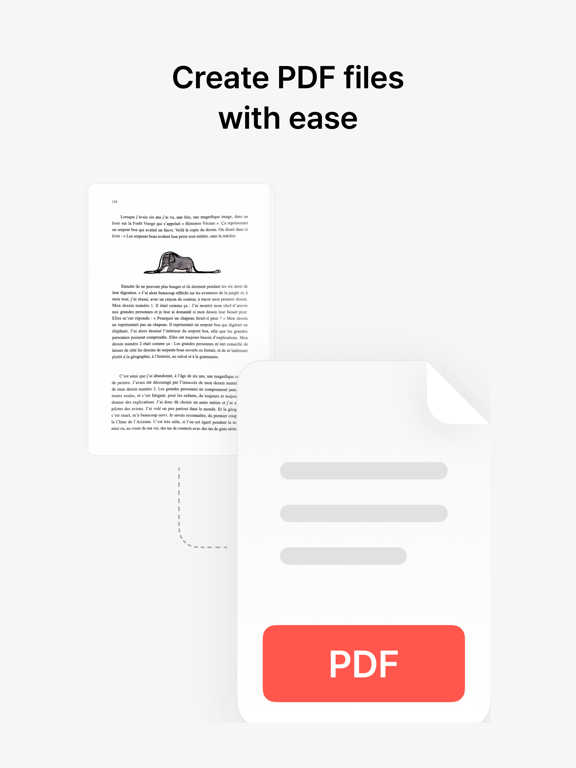
Exporting to various formats (PDF, JPG, TXT)
You can convert scanned images into PDF files and image files(JPG) and text files(TXT). You can convert the file into a format suitable for your purpose.


Terms of Use and Privacy Policy
vFlat does not collect your personal information and scan data without your explicit consent.
· Terms of Use https://vflat.page.link/terms_en
· Privacy Policy https://vflat.page.link/privacy_en

Information on access rights
· Camera: Camera access is required to take a document.
· Photo Library: Access permission is required to save captured images to the photo library. (Optional)


We look forward to hearing from you!
If you like vFlat, please leave a review.
Please send your comments and suggestions about vFlat to the channels below.
· Email: support@vflat.com

Show More

What's New in the Latest Version 1.33.6

Last updated on May 28, 2026
Old Versions
minor bugs are fixed.
Show More
Version History
1.33.6
May 28, 2026
minor bugs are fixed.

vFlat Scan - PDF Scanner, OCR FAQ

Click here to learn how to download vFlat Scan - PDF Scanner, OCR in restricted country or region.
Check the following list to see the minimum requirements of vFlat Scan - PDF Scanner, OCR.
iPhone
iPad

vFlat Scan - PDF Scanner, OCR Alternative

You May Also Like

Get more from VoyagerX, Inc.