Video Compressor & Editor App
Free
2.0.2for iPhone, iPad
Age Rating
Video Compressor & Editor App Screenshots
About Video Compressor & Editor App
Need to reduce video size or make quick edits before sharing?
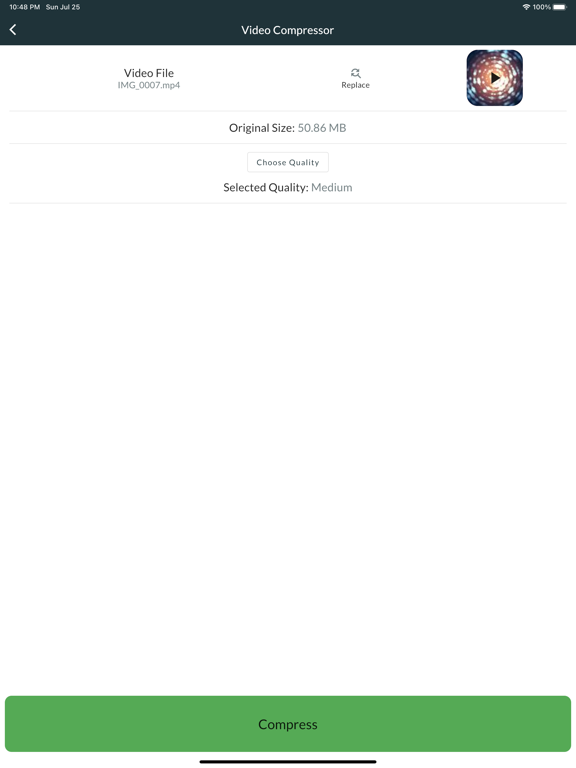
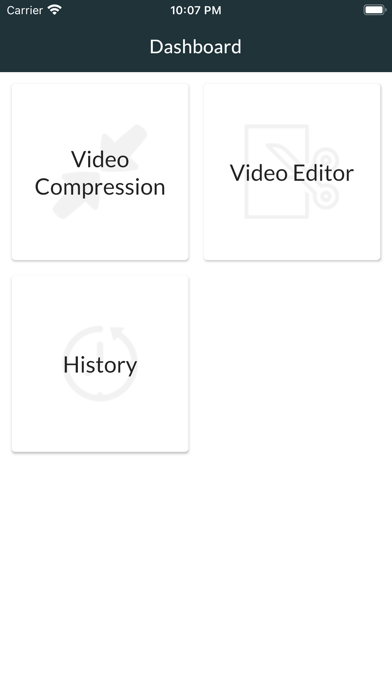
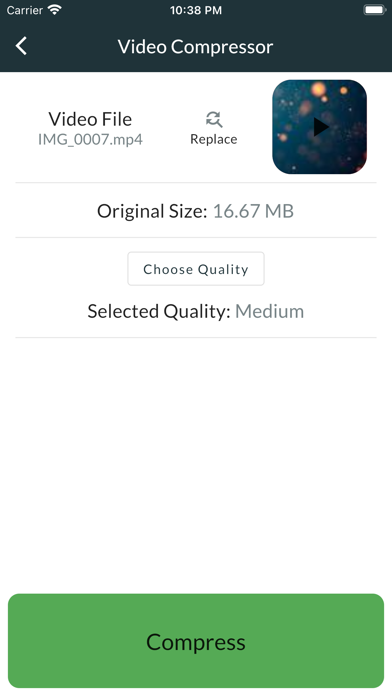
Video Compressor. Easy Editor lets you compress, trim, split, convert, and edit videos fast - fully offline and directly on your device.
No uploads. No accounts. Your videos stay private.
1. Compress videos without losing control
Choose the exact quality you need:
- 1080p (High quality) - clear video with smaller file size
- 720p - balanced quality and compression
- 480p - ideal for sharing
- 360p - strong compression
- 240p - smallest files
Perfect for saving storage, sending videos by messenger, or uploading with size limits.
2. Simple video editor for everyday tasks
Edit your videos in seconds:
- Apply filters - Sepia, Grayscale, Vintage, Brighten, Contrast, Cool, Warm
- Rotate and flip videos
- Change playback speed
- Blur sensitive areas
- Mute audio
- Adjust bitrate to control file size
No complex timeline. Just the tools you actually need.
3. Split, resize, and convert videos
- Split long videos into smaller clips
- Resize videos to common resolutions
- Convert videos for better compatibility
- Prepare videos for email, social apps, or cloud storage
4. Local processing and secure storage
- All compression and editing happen locally
- No cloud uploads
- Works offline
- Your videos remain on your device
This means faster processing and full privacy.
5. Fast sharing
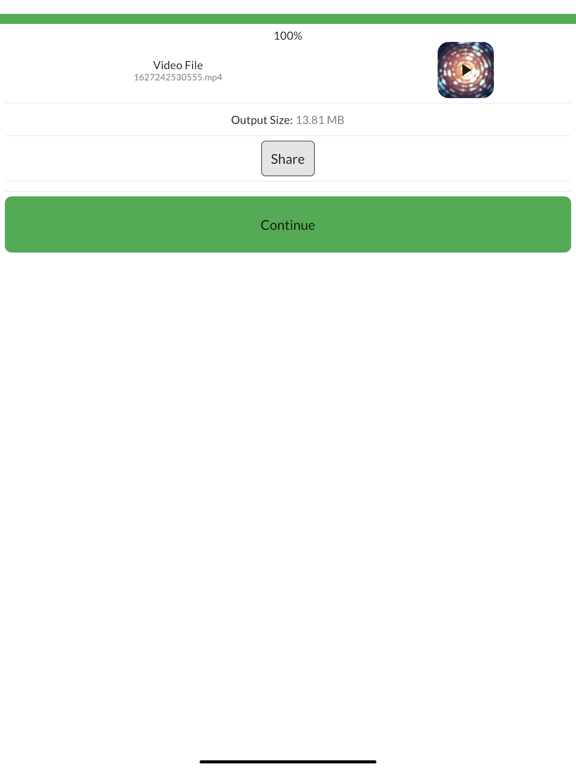
- Share compressed or edited videos instantly
- Works with messaging apps, email, and cloud services
- Smaller files send faster and use less data
6. Why video compression matters
Video files are large. Compression helps you:
- Free up storage space
- Send videos faster
- Reduce mobile data usage
- Avoid upload size limits
- Store more videos on your device
With the right compression level, you keep good visual quality while cutting file size significantly.
7. Designed for speed and ease
- Clean and simple interface
- Fast processing
- Clear quality presets
- Works on older devices
If you need a fast video compressor, an easy video editor, or a simple way to resize and shrink videos, this app is built for you.
____
Privacy Policy - https://video-editor-compressor.web.app/privacypolicy.html
Terms and Conditions - https://video-editor-compressor.web.app/tos.html
LICENSED APPLICATION END USER LICENSE AGREEMENT - https://www.apple.com/legal/internet-services/itunes/dev/stdeula/

Video Compressor. Easy Editor lets you compress, trim, split, convert, and edit videos fast - fully offline and directly on your device.
No uploads. No accounts. Your videos stay private.
1. Compress videos without losing control
Choose the exact quality you need:
- 1080p (High quality) - clear video with smaller file size
- 720p - balanced quality and compression
- 480p - ideal for sharing
- 360p - strong compression
- 240p - smallest files
Perfect for saving storage, sending videos by messenger, or uploading with size limits.
2. Simple video editor for everyday tasks
Edit your videos in seconds:
- Apply filters - Sepia, Grayscale, Vintage, Brighten, Contrast, Cool, Warm
- Rotate and flip videos
- Change playback speed
- Blur sensitive areas
- Mute audio
- Adjust bitrate to control file size
No complex timeline. Just the tools you actually need.
3. Split, resize, and convert videos
- Split long videos into smaller clips
- Resize videos to common resolutions
- Convert videos for better compatibility
- Prepare videos for email, social apps, or cloud storage
4. Local processing and secure storage
- All compression and editing happen locally
- No cloud uploads
- Works offline
- Your videos remain on your device
This means faster processing and full privacy.
5. Fast sharing
- Share compressed or edited videos instantly
- Works with messaging apps, email, and cloud services
- Smaller files send faster and use less data
6. Why video compression matters
Video files are large. Compression helps you:
- Free up storage space
- Send videos faster
- Reduce mobile data usage
- Avoid upload size limits
- Store more videos on your device
With the right compression level, you keep good visual quality while cutting file size significantly.
7. Designed for speed and ease
- Clean and simple interface
- Fast processing
- Clear quality presets
- Works on older devices
If you need a fast video compressor, an easy video editor, or a simple way to resize and shrink videos, this app is built for you.
____
Privacy Policy - https://video-editor-compressor.web.app/privacypolicy.html
Terms and Conditions - https://video-editor-compressor.web.app/tos.html
LICENSED APPLICATION END USER LICENSE AGREEMENT - https://www.apple.com/legal/internet-services/itunes/dev/stdeula/
Show More
What's New in the Latest Version 2.0.2
Last updated on Dec 28, 2025
Old Versions
Major upgrade to the compression engine
Show More
Version History
2.0.2
Dec 28, 2025
Major upgrade to the compression engine
Video Compressor & Editor App FAQ
Click here to learn how to download Video Compressor & Editor App in restricted country or region.
Check the following list to see the minimum requirements of Video Compressor & Editor App.
iPhone
iPad