Visual Timer by Yong
Free
1.5.7for iPhone, iPad
Age Rating
Visual Timer by Yong Screenshots
About Visual Timer by Yong
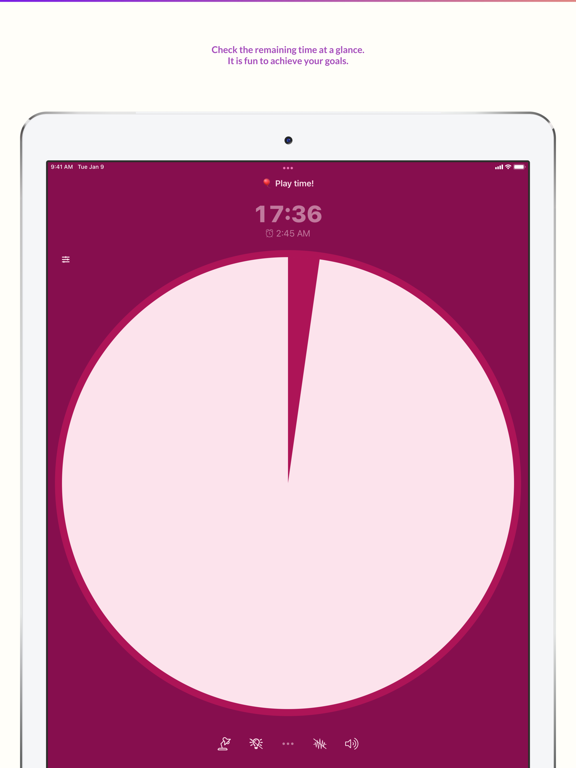
Visual Timer by Yong provides an awesome graphical indicator for measuring times. It contains wide configuration options so that the user can make their own timers for various occasions. Boost your productivity with a powerful timer!
= Main Features =
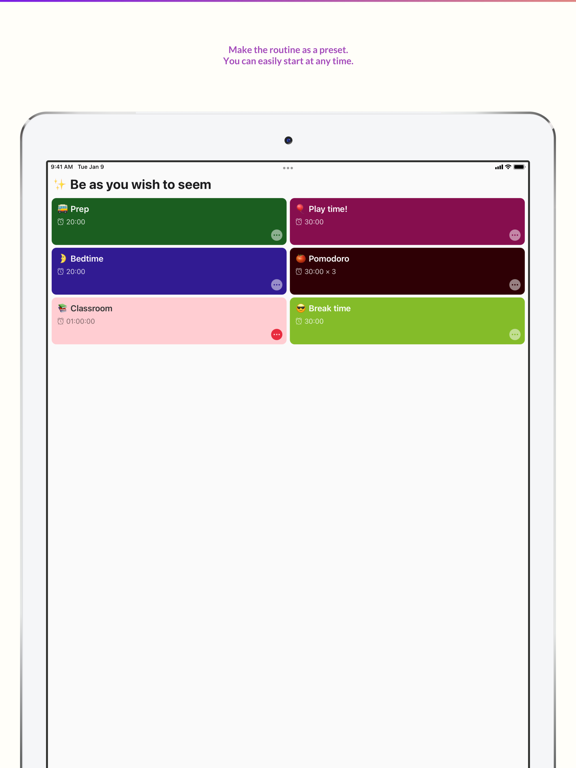
- Create Multiple Preset Timers.
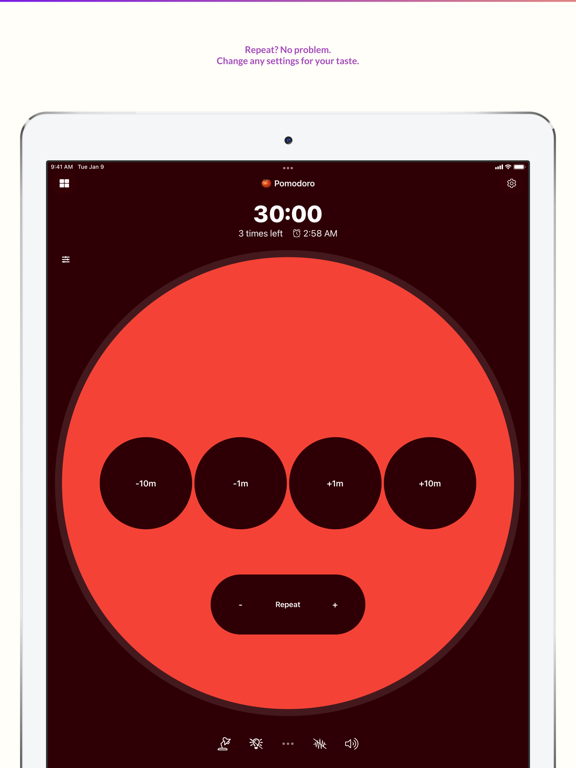
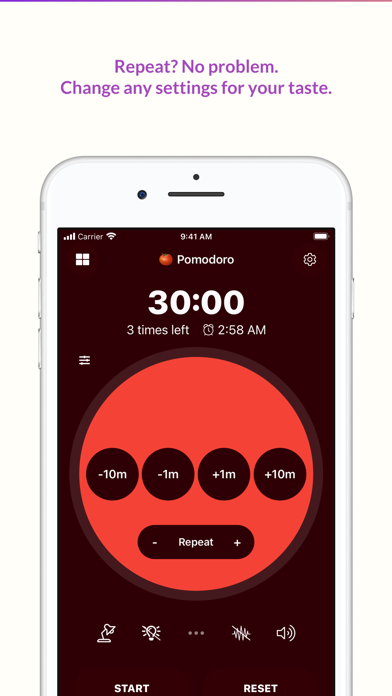
- Repeat features for Pomodoro timer. Boost your productivity!
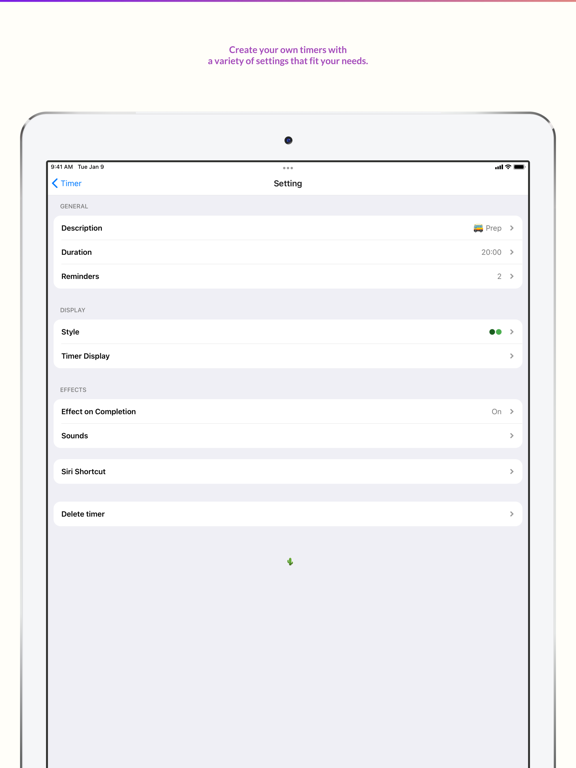
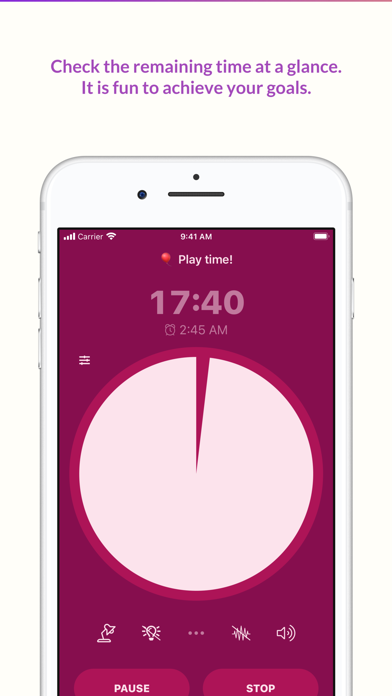
- Add reminders of the timers: so that you can easily check the remaining time by percentage, or by time. (e.g. alert 5 mins before it ends)
- Multiple sound options (starting, during, ended)
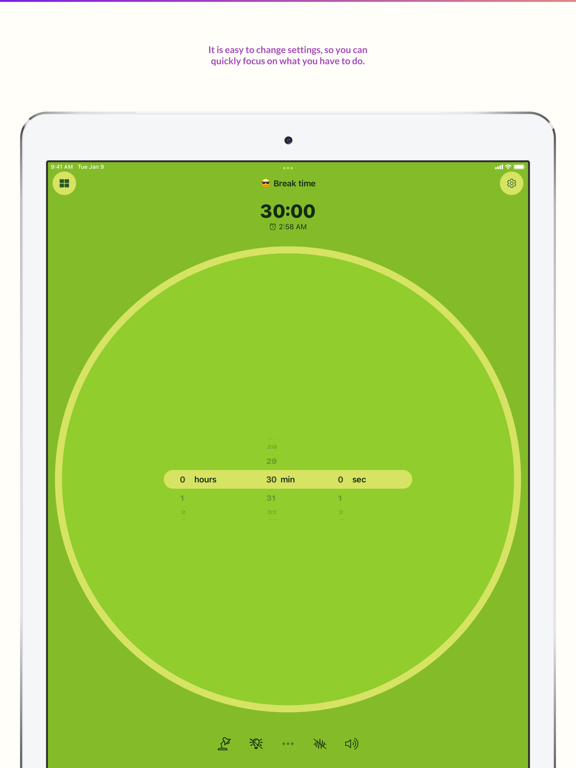
- Multiple adjusting options (classical buttons, gestures, wheels)
- Wide color options with dark mode support. Choose your favorite color!
- Siri and Shortcuts Support. You can control timer using your voice!
- Kid-friendly Image Sets included
(You can display the image sets on the ending screen!)
= Highlights =
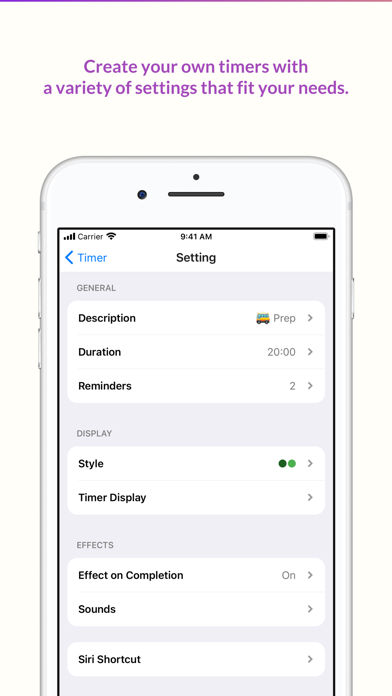
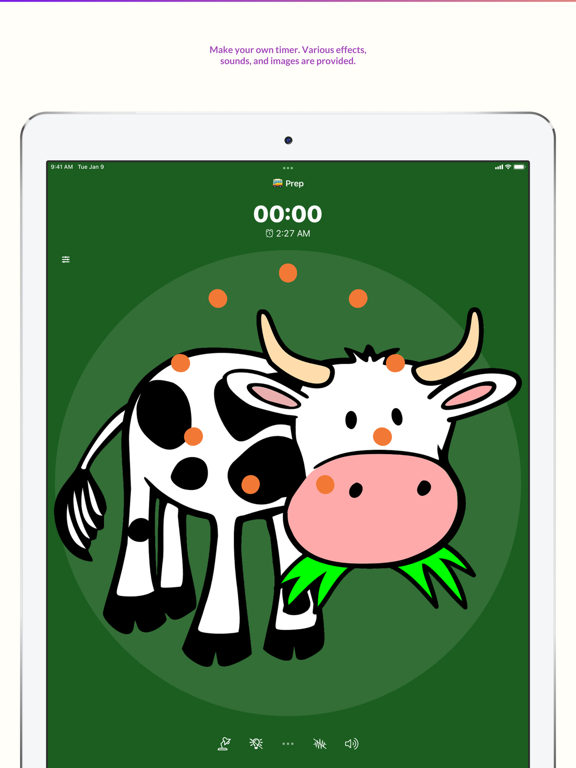
- Various completion effects
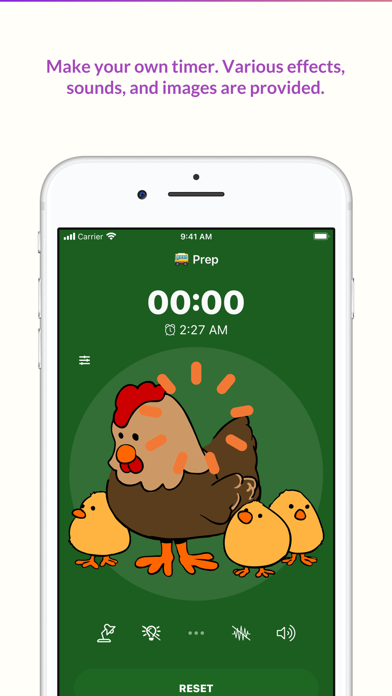
Set your favorite effects: Sounds, vibration, flashlight, images to reveal. (Kids friendly!)
- Presets
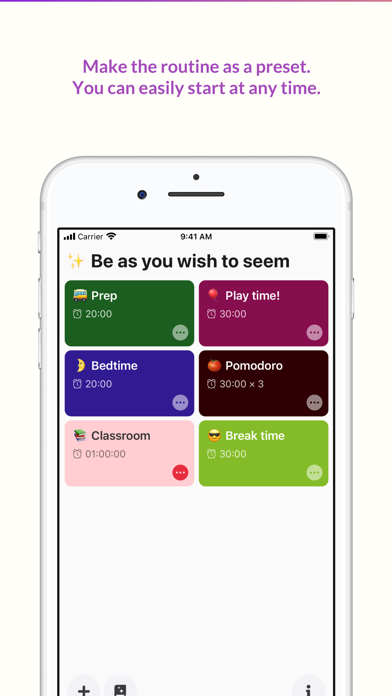
Prepare your preset for your task. Quick start leads to finish.
- Reminders
Add more reminders to handle complicated tasks. Add a note and sounds as breadcrumbs.
- Repeat
Repeat a whole timer as much as you want.
- Landscape/Multitasking support
Visual Timer is avilable to use on iPhone and iPad. The layout optmized for the both mode, landscape and portrait.
- Title as a mini note
Tap the title on presets screen. Add a note or inspirational quote easily.
- Open preset or last timer
Decide the first screen of the app: a list of timer or the last-used timer.
- Styles
You can change every color of the timer using a flexible color picker.
- Change timer display
Change timer display setting such as a direction of movement, size of display.
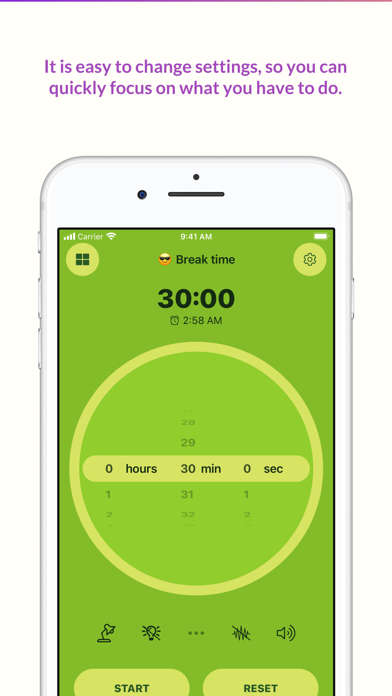
- 3 types of duration control
Visual Timer provides wheel, buttons, and gestures mode for duration control.
- Quick action buttons
You can quickly change certain settings such as brightness, sounds, vibrations.
- Default templates provided
Visual Timer comes with basic presets. Create the timer using templates.
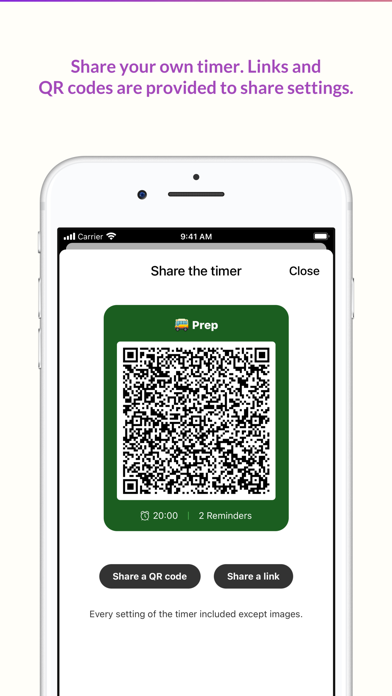
- Share the timer
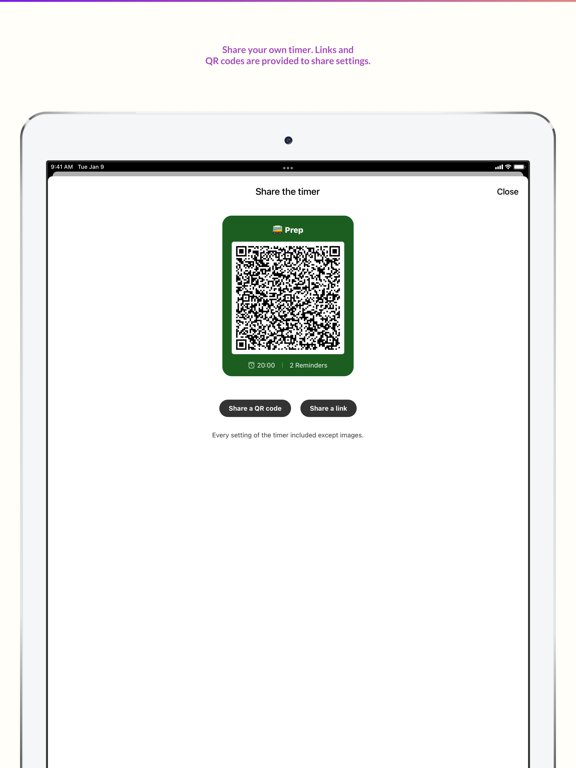
Share your timer setting with others using a QR code or a link.

= Main Features =
- Create Multiple Preset Timers.
- Repeat features for Pomodoro timer. Boost your productivity!
- Add reminders of the timers: so that you can easily check the remaining time by percentage, or by time. (e.g. alert 5 mins before it ends)
- Multiple sound options (starting, during, ended)
- Multiple adjusting options (classical buttons, gestures, wheels)
- Wide color options with dark mode support. Choose your favorite color!
- Siri and Shortcuts Support. You can control timer using your voice!
- Kid-friendly Image Sets included
(You can display the image sets on the ending screen!)
= Highlights =
- Various completion effects
Set your favorite effects: Sounds, vibration, flashlight, images to reveal. (Kids friendly!)
- Presets
Prepare your preset for your task. Quick start leads to finish.
- Reminders
Add more reminders to handle complicated tasks. Add a note and sounds as breadcrumbs.
- Repeat
Repeat a whole timer as much as you want.
- Landscape/Multitasking support
Visual Timer is avilable to use on iPhone and iPad. The layout optmized for the both mode, landscape and portrait.
- Title as a mini note
Tap the title on presets screen. Add a note or inspirational quote easily.
- Open preset or last timer
Decide the first screen of the app: a list of timer or the last-used timer.
- Styles
You can change every color of the timer using a flexible color picker.
- Change timer display
Change timer display setting such as a direction of movement, size of display.
- 3 types of duration control
Visual Timer provides wheel, buttons, and gestures mode for duration control.
- Quick action buttons
You can quickly change certain settings such as brightness, sounds, vibrations.
- Default templates provided
Visual Timer comes with basic presets. Create the timer using templates.
- Share the timer
Share your timer setting with others using a QR code or a link.
Show More
What's New in the Latest Version 1.5.7
Last updated on Feb 10, 2022
Old Versions
- In-App purchasing process updated.
Show More
Version History
1.5.7
Feb 10, 2022
- In-App purchasing process updated.
Visual Timer by Yong FAQ
Click here to learn how to download Visual Timer by Yong in restricted country or region.
Check the following list to see the minimum requirements of Visual Timer by Yong.
iPhone
iPad