WACKER Square
Free
4.8for iPhone, iPad and more
9.9
1 Ratings
Wacker Chemie AG
Developer
167.6 MB
Size
Oct 12, 2023
Update Date
Entertainment
Category
4+
Age Rating
Age Rating
WACKER Square Screenshots
About WACKER Square
WACKER Square – A straightforward and convenient information package
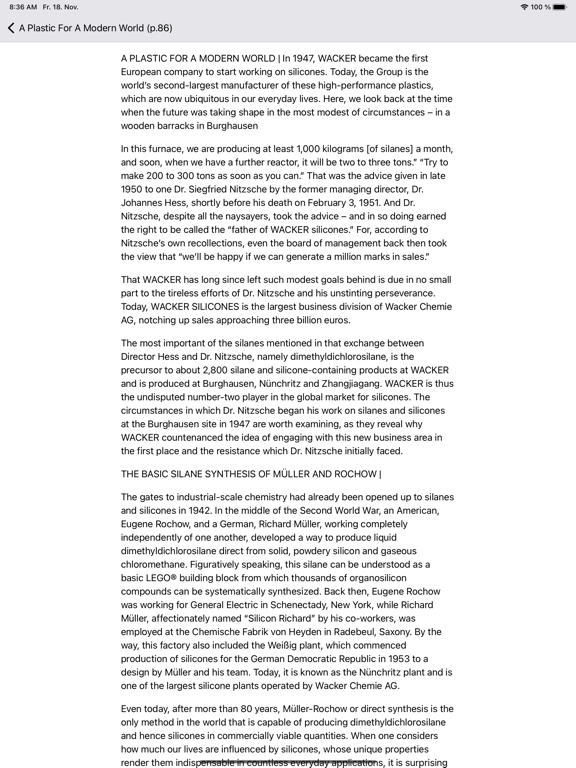
Our media app puts brochures, podcasts and videos from the world of WACKER at your fingertips. The app is your digital media center - intuitive to use, with a personalized selection of media, and always available, whether you are online or offline. Put together your own favorite media items for access at any time. You can also annotate PDFs and share them by email or Messenger for a straightforward, 100% digital dialog with your customers or colleagues. And if you have trouble finding a particular media item, just use the enhanced search function.
WACKER Square Features at a Glance:
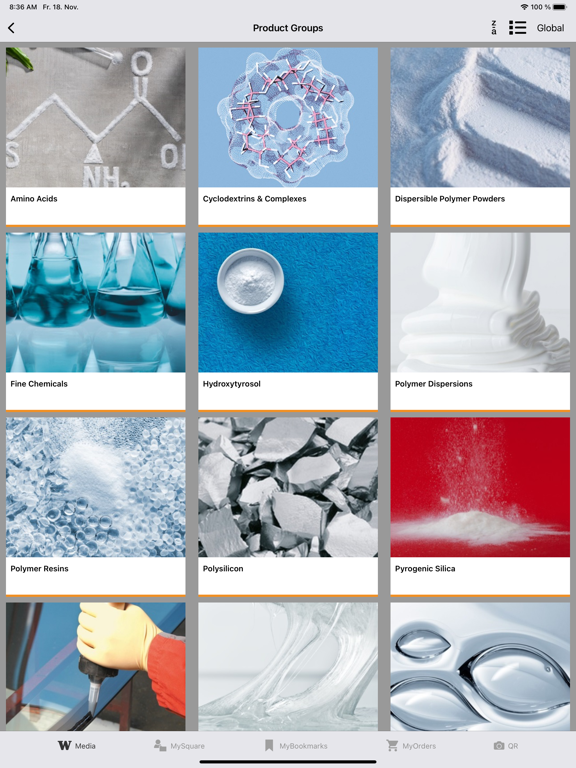
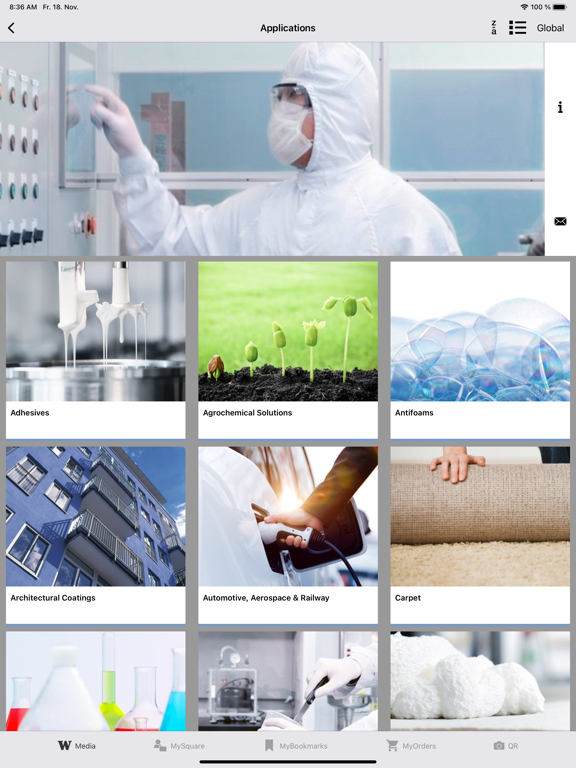
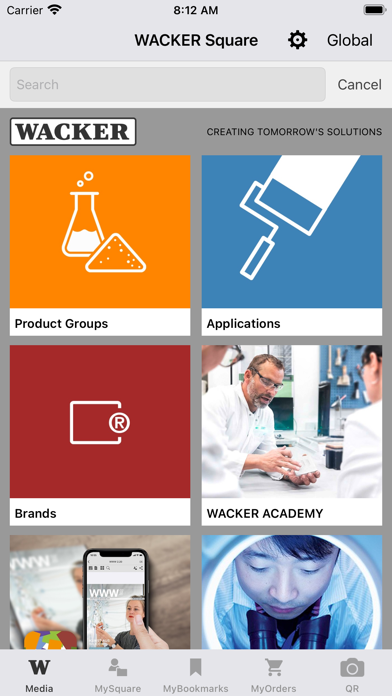
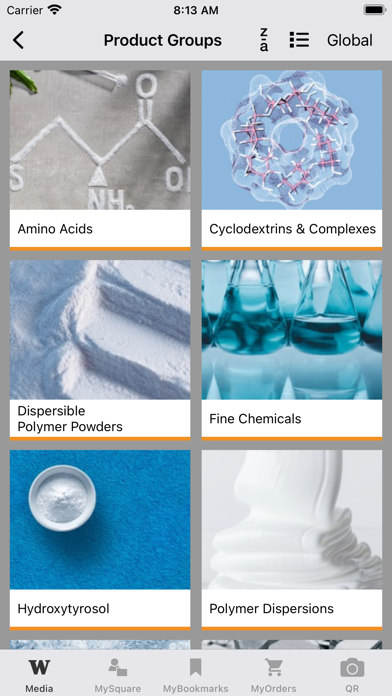
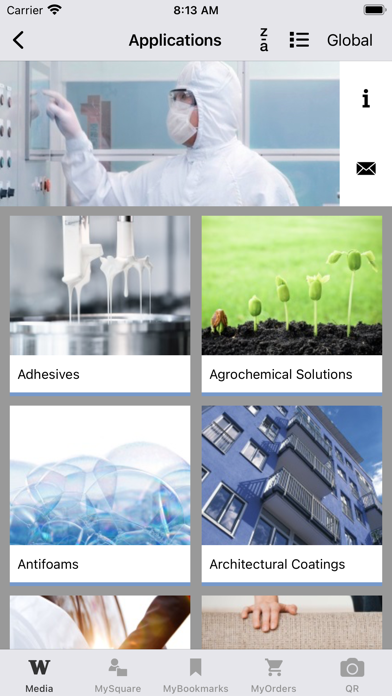
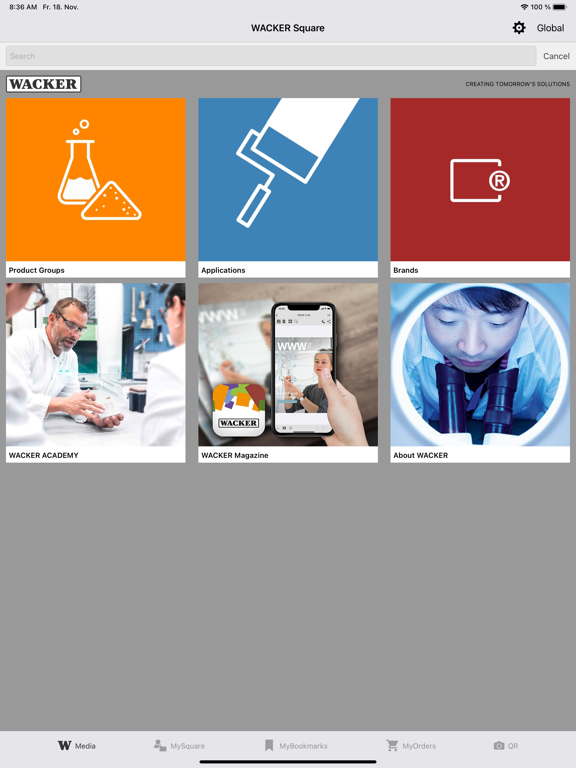
- Find what you’re looking for: media overviews and individual media organized by product group, application, brand and “About WACKER.”
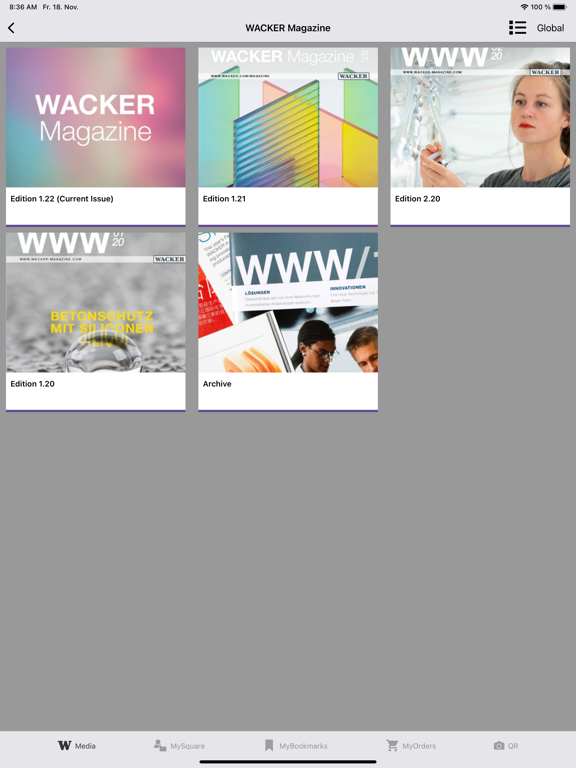
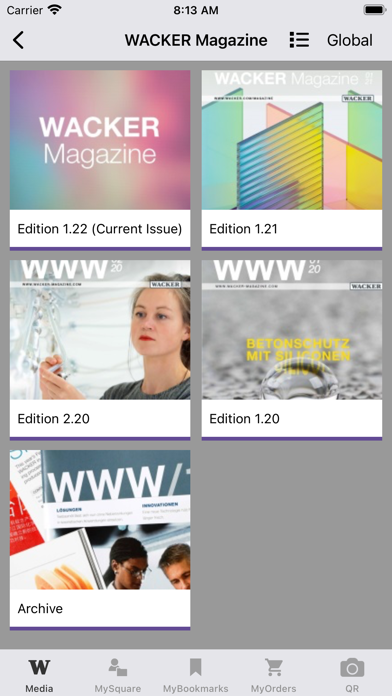
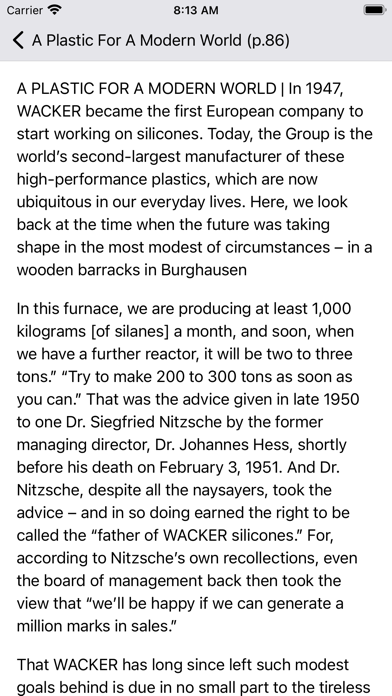
- WACKER Magazine: our customer magazine is now available as an online version and is brimming with fascinating stories, reports and interviews.
- Use the regional filter to select the local media that are relevant to your market.
- Use MySquare to create your own personal media collection.
- You can download all your sources of content, no matter where you are, making content available offline at all times.
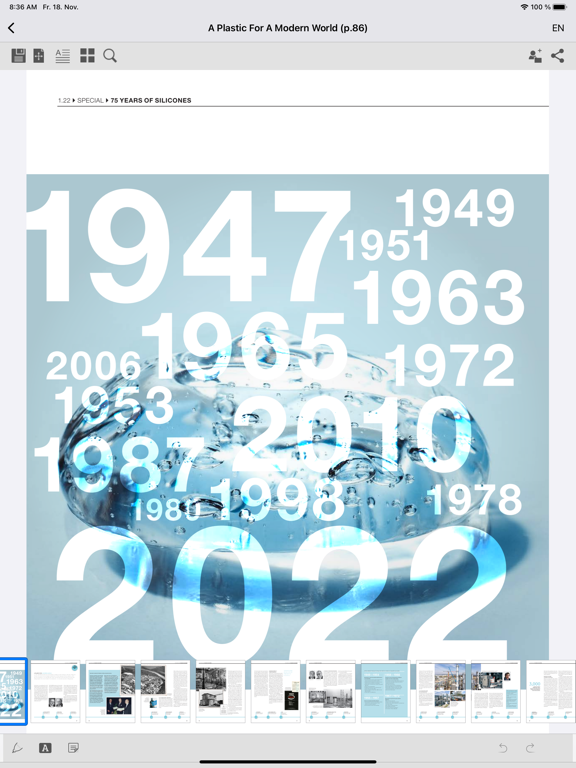
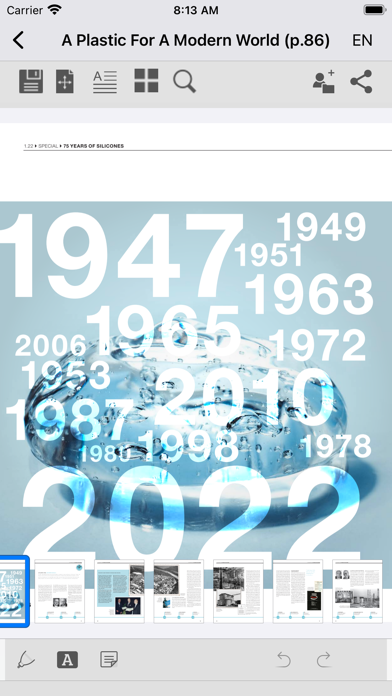
- Add your handwritten notes, comments and observations to the PDF directly (brochures).
- All media completely up to date: you can always find the latest version in WACKER Square.
- Use MyBookmarks to navigate quickly between frequently used parts of the app.
- Use the Share Media feature for collaborating.
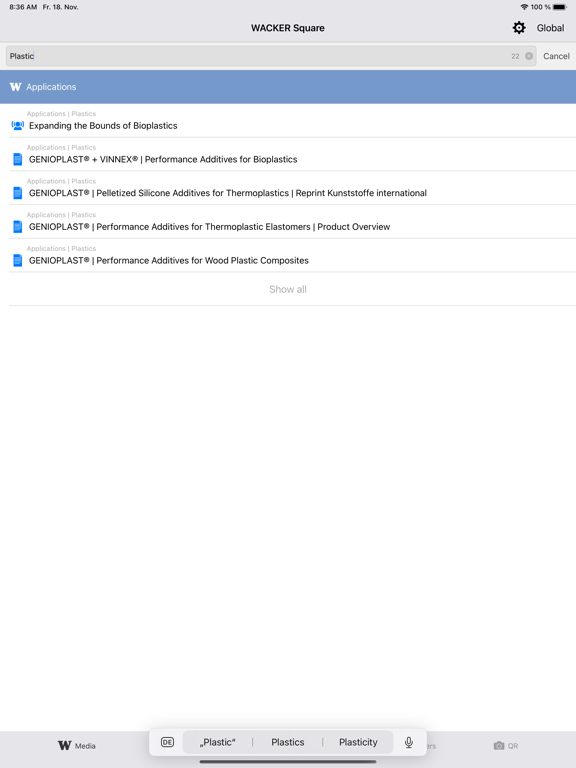
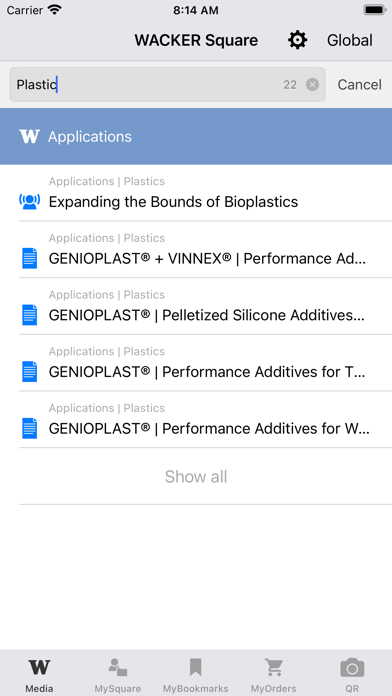
A convenient search feature allows you to find what you’re looking for faster.
The app speaks English, German, Chinese and Korean.
Use the integrated QR scanner to open available QR codes or to receive direct access to our WACKER ACADEMY seminar documentation.
-----------------------------------------------
WACKER Square –a Wacker Chemie AG app
www.wacker.com/square-app
Our media app puts brochures, podcasts and videos from the world of WACKER at your fingertips. The app is your digital media center - intuitive to use, with a personalized selection of media, and always available, whether you are online or offline. Put together your own favorite media items for access at any time. You can also annotate PDFs and share them by email or Messenger for a straightforward, 100% digital dialog with your customers or colleagues. And if you have trouble finding a particular media item, just use the enhanced search function.
WACKER Square Features at a Glance:
- Find what you’re looking for: media overviews and individual media organized by product group, application, brand and “About WACKER.”
- WACKER Magazine: our customer magazine is now available as an online version and is brimming with fascinating stories, reports and interviews.
- Use the regional filter to select the local media that are relevant to your market.
- Use MySquare to create your own personal media collection.
- You can download all your sources of content, no matter where you are, making content available offline at all times.
- Add your handwritten notes, comments and observations to the PDF directly (brochures).
- All media completely up to date: you can always find the latest version in WACKER Square.
- Use MyBookmarks to navigate quickly between frequently used parts of the app.
- Use the Share Media feature for collaborating.
A convenient search feature allows you to find what you’re looking for faster.
The app speaks English, German, Chinese and Korean.
Use the integrated QR scanner to open available QR codes or to receive direct access to our WACKER ACADEMY seminar documentation.
-----------------------------------------------
WACKER Square –a Wacker Chemie AG app
www.wacker.com/square-app
Show More
What's New in the Latest Version 4.8
Last updated on Oct 12, 2023
Old Versions
- General bug fixes
Show More
Version History
4.8
Oct 12, 2023
- General bug fixes
4.5.2
May 1, 2023
General bug fixes
4.5.1
Mar 9, 2023
General bug fixes
4.5
Jan 11, 2023
General bug fixes
4.4
Nov 30, 2022
Intro
Intro expanded to include PDF reader functions
Regions
The selected region is displayed in the upper menu bar
Media overview
The desired document language can now also be selected in the media overview
General
PDF reader updated
General bug fixes
Intro expanded to include PDF reader functions
Regions
The selected region is displayed in the upper menu bar
Media overview
The desired document language can now also be selected in the media overview
General
PDF reader updated
General bug fixes
4.3
Mar 17, 2022
- General bug fixes
4.2
Oct 22, 2021
New Search Feature
- Most recently added media shown
- Number of search hits shown
- Search hits are matched to the app’s content categories
- Media type icons appear next to search hits
- Return to list of search hits
- Search guidance opens automatically if there are no search hits
WACKER ACADEMY: Manual Download
- Possible to download individual seminar documents
Visual Adjustments
- Redesigned homepage featuring icons and images for even more intuitive navigation
- Most recently added media shown
- Number of search hits shown
- Search hits are matched to the app’s content categories
- Media type icons appear next to search hits
- Return to list of search hits
- Search guidance opens automatically if there are no search hits
WACKER ACADEMY: Manual Download
- Possible to download individual seminar documents
Visual Adjustments
- Redesigned homepage featuring icons and images for even more intuitive navigation
4.1
May 4, 2021
Accessing WACKER's Customer Magazine
Exciting stories from the world of chemistry. You can now access the current issue of WACKER's customer magazine as a full issue or as individual articles in the app. Read the magazine conveniently on your tablet and take advantage of the app's numerous features. You can also add comments or handwritten notes, highlight text passages and share them with others. Take advantage of the offline availability of our articles.
4.0.0
Dec 14, 2020
New Features
- WACKER Square goes to WACKER ACADEMY:
As a seminar participant, you now have immediate access to specially compiled documentation for your seminar in the WACKER Square app. The integrated QR code reader provides a straightforward option for unlocking and then editing these documents – so that you can conveniently add comments and handwritten notes to any PDF files during your training. Once the training is over, just send the documents to yourself via email.
- Optimized PDF display, with clear user guidance and intuitive functions for highlighting, commenting and sharing documents.
- WACKER Square goes to WACKER ACADEMY:
As a seminar participant, you now have immediate access to specially compiled documentation for your seminar in the WACKER Square app. The integrated QR code reader provides a straightforward option for unlocking and then editing these documents – so that you can conveniently add comments and handwritten notes to any PDF files during your training. Once the training is over, just send the documents to yourself via email.
- Optimized PDF display, with clear user guidance and intuitive functions for highlighting, commenting and sharing documents.
3.9
Mar 11, 2020
- General bug fixes
- New interactive introduction to the app’s main functions
3.8.1
Mar 2, 2020
- General bug fixes
3.8
Jan 21, 2020
- New stickers for the iPhone Messenger (iMessage): Four-seasons and Chinese New Year’s stickers
- General bug fixes
- General bug fixes
3.7.1
Nov 29, 2019
WACKER continuously works to further improve the WACKER Square app for you. To ensure that you always have the current version on your device, please install the suggested updates.
• New tile: “Product brands”
• Filter option by region-specific content
• Optimized arrangement function
• “Recently added” now available under “About WACKER”
• General bug fixes
• New tile: “Product brands”
• Filter option by region-specific content
• Optimized arrangement function
• “Recently added” now available under “About WACKER”
• General bug fixes
3.7
Oct 15, 2019
General bug fixes
3.6
Aug 23, 2019
WACKER continuously works to further improve the WACKER Square app for you. To ensure that you always have the current version on your device, please install the suggested updates.
•General bug fixes
•General bug fixes
3.5.3
Apr 18, 2019
New Functions:
Now with Easter stickers!
Update to current iOS-12.1-SDK
General bug fixes
Now with Easter stickers!
Update to current iOS-12.1-SDK
General bug fixes
3.5.2
Feb 13, 2019
New Functions:
General bug-fixing
Possible to change language without restarting the app
Date of publication of media displayed
Order option: When a PDF from the PDF view is added to MyOrders, the number automatically assigned to the language version opened is “1”.
Now available with Valentine’s Day sticker!
General bug-fixing
Possible to change language without restarting the app
Date of publication of media displayed
Order option: When a PDF from the PDF view is added to MyOrders, the number automatically assigned to the language version opened is “1”.
Now available with Valentine’s Day sticker!
3.5.1
Feb 12, 2019
New Functions:
General bug-fixing
Possible to change language without restarting the app
Date of publication of media displayed
Order option: When a PDF from the PDF view is added to MyOrders, the number automatically assigned to the language version opened is “1”.
Now available with Valentine’s Day sticker!
General bug-fixing
Possible to change language without restarting the app
Date of publication of media displayed
Order option: When a PDF from the PDF view is added to MyOrders, the number automatically assigned to the language version opened is “1”.
Now available with Valentine’s Day sticker!
3.5
Dec 21, 2018
New Functions:
·Camera icon opens a pop-up menu for switching to the QR scanner or Square AR App.
·Document view reworked (split screen, MyOrders, MySquare)
·The number of brochures and as many languages as required (if available) added to MyOrders
·The selection and number of languages can be edited during ordering in MyOrders
·Media that are available offline are highlighted in green in MySquare
·Optional change of language inserted into the settings
·Camera icon opens a pop-up menu for switching to the QR scanner or Square AR App.
·Document view reworked (split screen, MyOrders, MySquare)
·The number of brochures and as many languages as required (if available) added to MyOrders
·The selection and number of languages can be edited during ordering in MyOrders
·Media that are available offline are highlighted in green in MySquare
·Optional change of language inserted into the settings
3.4.1
Nov 22, 2018
- Now with the WACKER splash screen
- Optimized for iOS 12 for faster loading
- General bug fixes
- Optimized for iOS 12 for faster loading
- General bug fixes
3.4
Oct 31, 2018
- Updated Privacy Statement
- Revised surface view that now includes a tile and list viewing option
- Extended filter options, including ability to jump directly to the media selected
- Addition of various functions for arranging groups and media
- New PDF reader with the following additional options: content search, grid view, and ability to edit and send edited PDFs
- Addition of an option to adjust the quantity in MyOrders
- Revised surface view that now includes a tile and list viewing option
- Extended filter options, including ability to jump directly to the media selected
- Addition of various functions for arranging groups and media
- New PDF reader with the following additional options: content search, grid view, and ability to edit and send edited PDFs
- Addition of an option to adjust the quantity in MyOrders
3.3
Jul 30, 2018
- Updated Privacy Statement: Chinese, English, German
- Updated tab bar display: Adapting the media icon and order quantity field in “My Orders”
- Expanding media to include a podcast section
- Updated tab bar display: Adapting the media icon and order quantity field in “My Orders”
- Expanding media to include a podcast section
3.2
May 4, 2018
· New language versions:Chinese and Korean
· Modification of the jump-in icon for WACKER Square AR
· New feature for electromobility: with the new AR content, you’ll find out how our silicones support key functions in hybrid and electric vehicles.
· Modification of the jump-in icon for WACKER Square AR
· New feature for electromobility: with the new AR content, you’ll find out how our silicones support key functions in hybrid and electric vehicles.
3.0
Dec 14, 2017
New in version 3.0
· New camera functionality: link to WACKER’s Square AR augmented reality app. Discover augmented reality in WACKER’s calendar for 2018.
· Enhance your messages with digital WACKER emoji stickers for use in iMessage.

· New camera functionality: link to WACKER’s Square AR augmented reality app. Discover augmented reality in WACKER’s calendar for 2018.
· Enhance your messages with digital WACKER emoji stickers for use in iMessage.
2.1.0.1
Nov 26, 2017
Bug Fix
WACKER Square FAQ
Click here to learn how to download WACKER Square in restricted country or region.
Check the following list to see the minimum requirements of WACKER Square.
iPhone
Requires iOS 12.0 or later.
iPad
Requires iPadOS 12.0 or later.
iPod touch
Requires iOS 12.0 or later.
WACKER Square supports English, German, Korean, Simplified Chinese