Age Rating
4+
Apps in this category do not contain restricted content.
9+
Apps in this category may contain mild or occasional cartoon, fantasy or real-life violence, as well as occasional or mild adult, sexually suggestive or horrifying content and may not be suitable for children under 9 years of age.
12+
Apps in this category may contain occasional mild indecent language, frequent or intense cartoon or real-life violence, minor or occasional adult or sexually suggestive material, and simulated gambling, and may be for children under 12 years of age.
17+
You must be at least 17 years old to access this App.
Apps in this category may contain frequent and intense offensive language; Frequent and intense cartoon, fantasy or realistic violence: frequent and intense adult, scary and sexually suggestive subjects: as well as sexual content, nudity, tobacco, alcohol and drugs, may not be suitable for children under 17 years of age.
Weekly Planning Screenshots
Weekly Planning posterWeekly Planning posterWeekly Planning posterWeekly Planning posterWeekly Planning posterWeekly Planning posterWeekly Planning poster
Weekly Planning posterWeekly Planning posterWeekly Planning posterWeekly Planning posterWeekly Planning posterWeekly Planning posterWeekly Planning posterWeekly Planning poster

About Weekly Planning

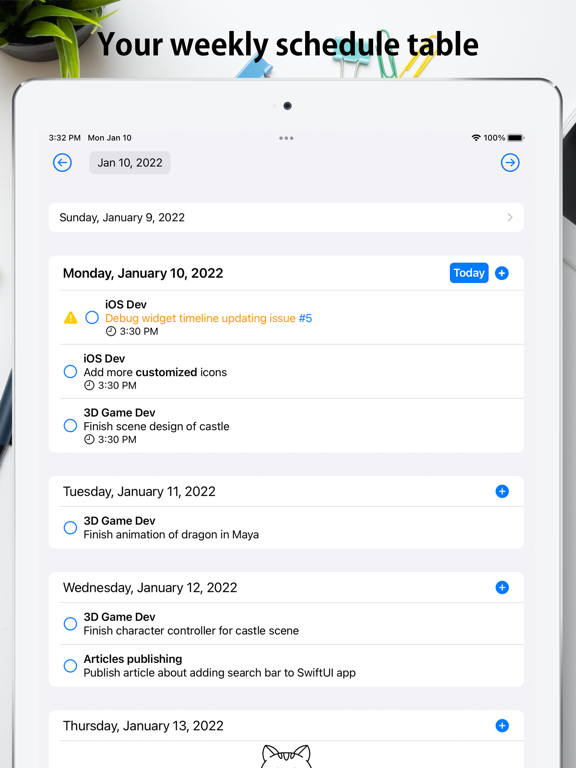
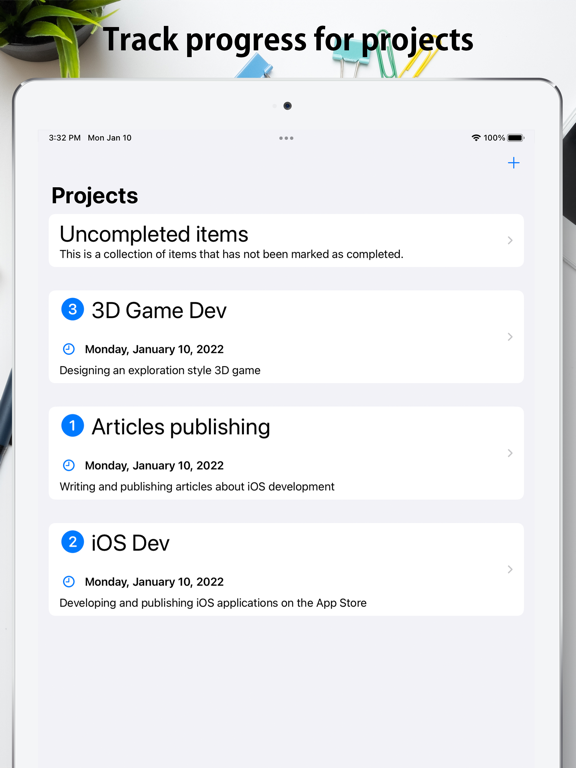
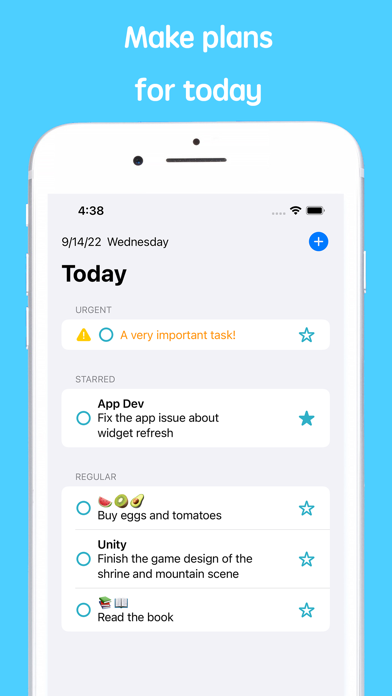
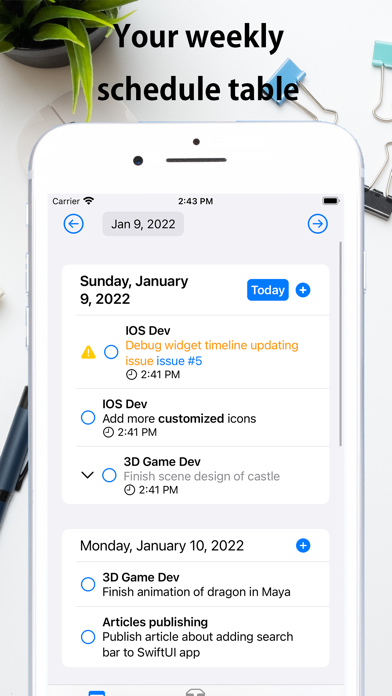
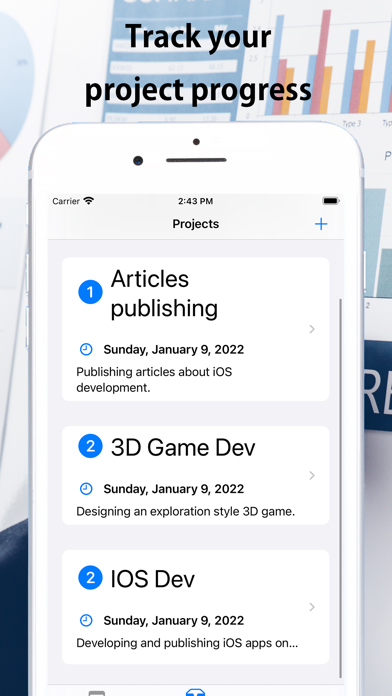
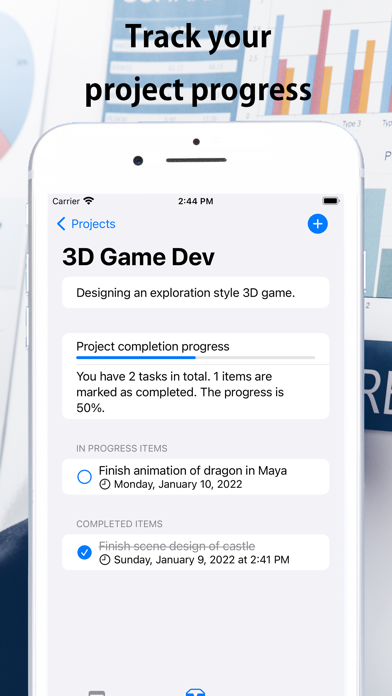
Plan your tasks for the entire week in the "weekly view"; Assign tasks to projects and track progress in the "projects view"; Assign urgency level for tasks for prioritazation; Customized app icon and home widget.

Designed based on various researches for improving productivity.

- In the weekly view, the days of one entire week is shown. You can create task for a specific day. This helps you to focus on planning what to do for recent upcoming days.

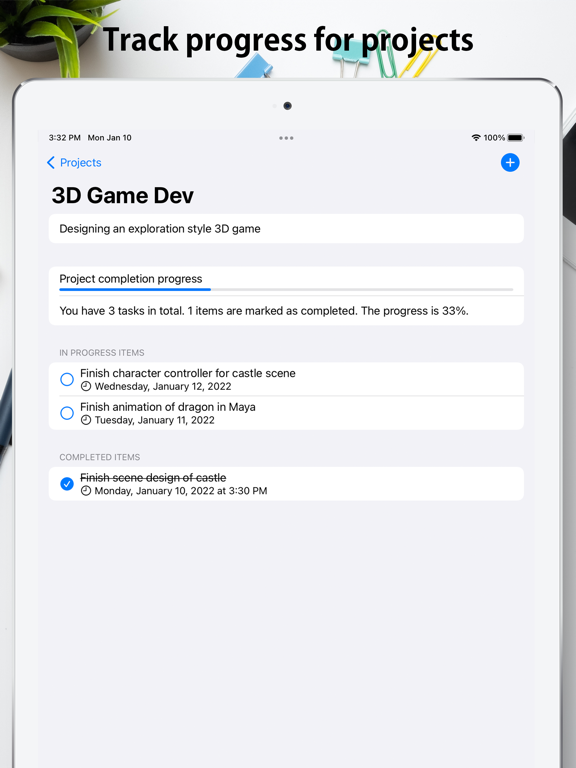
- Assign your planning items into projects. Track the progress of your projects.

- Set an urgency level for each task.

- Focus timer to help you focus on a single task, displayed on lock screen and the Dynamic Island (on supported iPhone devices)

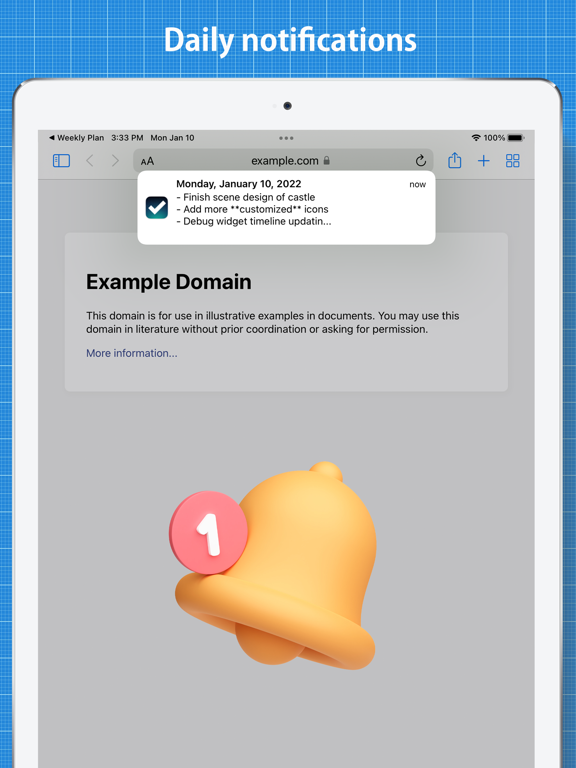
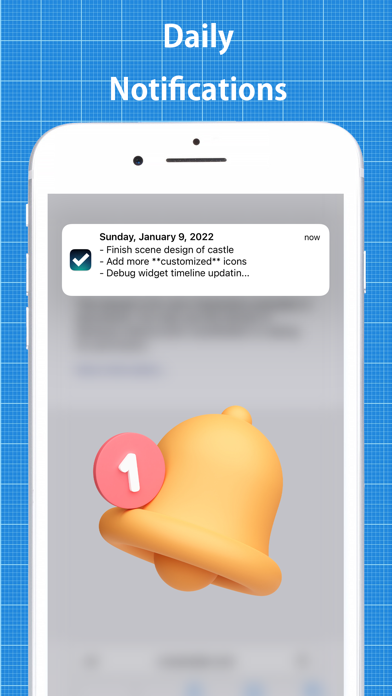
- Daily notifications remind you about what to do every morning

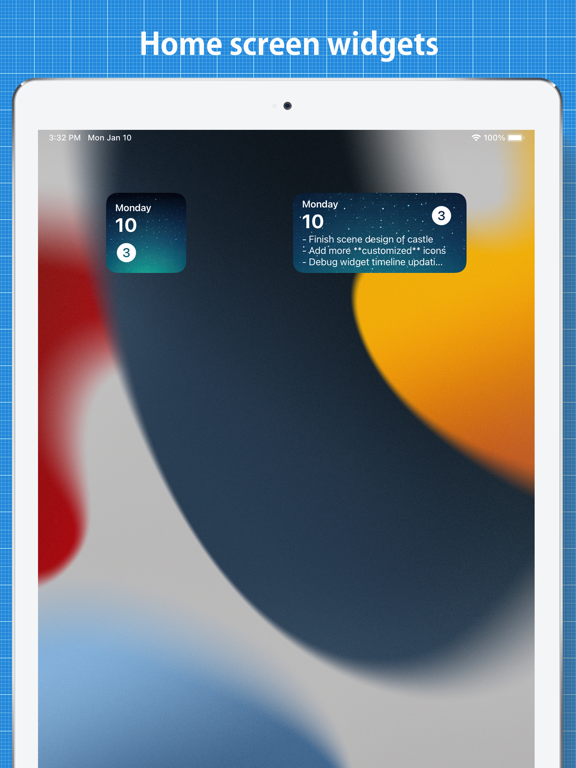
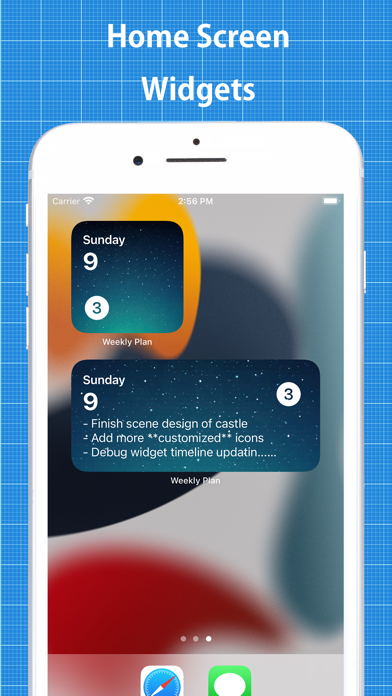
- Home screen widgets

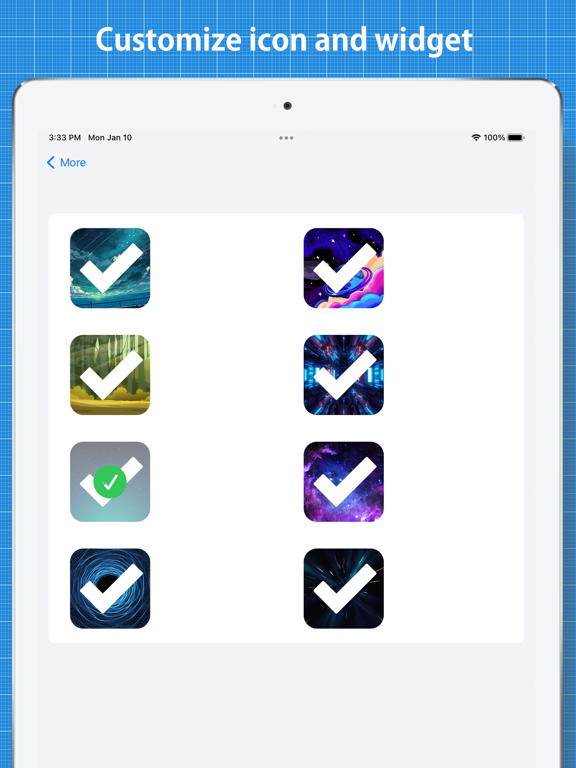
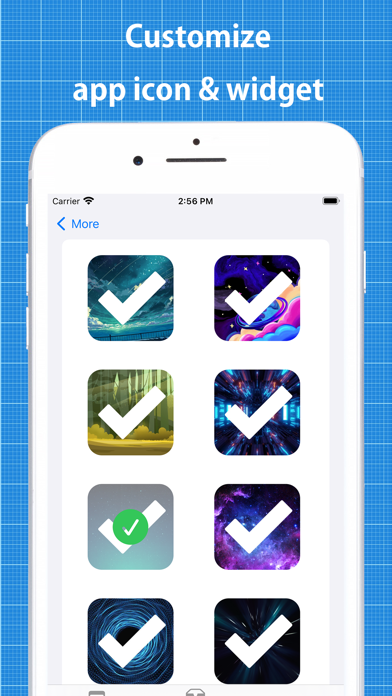
- Customize the app icon and background of the widget

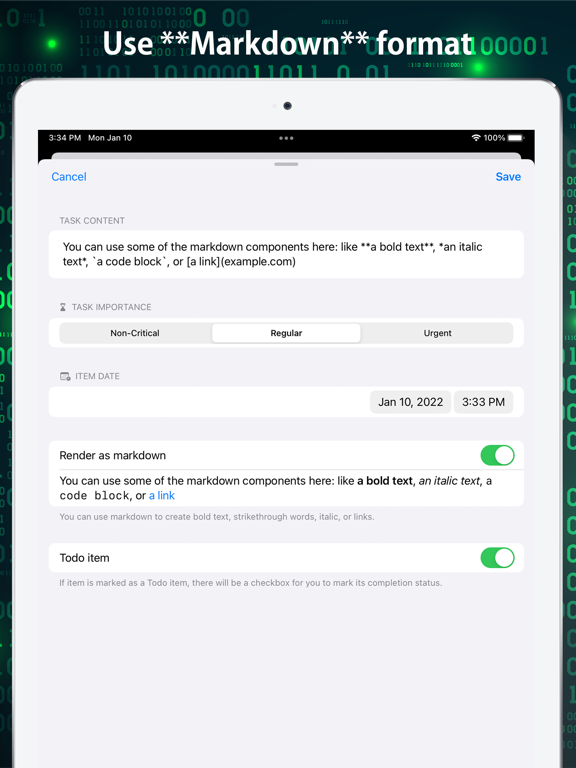
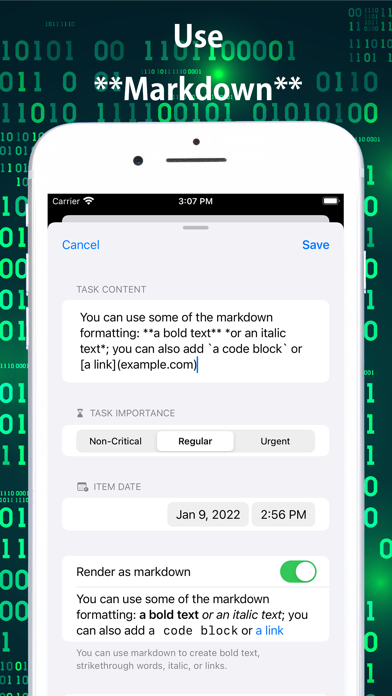
- Use basic markdown formats (bold, italic, links within text, code block)

Show More

What's New in the Latest Version 3.2.1

Last updated on Oct 26, 2022
Old Versions
- Fixed an issue which might cause multiple focus session to be created
- Added more compatibility for the app
Show More
Version History
3.2.1
Oct 26, 2022
- Fixed an issue which might cause multiple focus session to be created
- Added more compatibility for the app

Weekly Planning FAQ

Click here to learn how to download Weekly Planning in restricted country or region.
Check the following list to see the minimum requirements of Weekly Planning.
iPhone
iPad

Weekly Planning Alternative

You May Also Like

Get more from 株式会社Smartソフト