Widget Note - Sync PC Sticky -

Widget Note - Sync PC Sticky -


Free

1.1for iPhone, iPad and more
Tatsuya Kawasaki
Developer
44,9 MB
Size
Feb 3, 2022
Update Date
Productivity
Category
Age Rating
4+
Apps in this category do not contain restricted content.
9+
Apps in this category may contain mild or occasional cartoon, fantasy or real-life violence, as well as occasional or mild adult, sexually suggestive or horrifying content and may not be suitable for children under 9 years of age.
12+
Apps in this category may contain occasional mild indecent language, frequent or intense cartoon or real-life violence, minor or occasional adult or sexually suggestive material, and simulated gambling, and may be for children under 12 years of age.
17+
You must be at least 17 years old to access this App.
Apps in this category may contain frequent and intense offensive language; Frequent and intense cartoon, fantasy or realistic violence: frequent and intense adult, scary and sexually suggestive subjects: as well as sexual content, nudity, tobacco, alcohol and drugs, may not be suitable for children under 17 years of age.
Widget Note - Sync PC Sticky - Screenshots
Widget Note - Sync PC Sticky - posterWidget Note - Sync PC Sticky - posterWidget Note - Sync PC Sticky - posterWidget Note - Sync PC Sticky - poster

About Widget Note - Sync PC Sticky -

Widget Note is a free app.
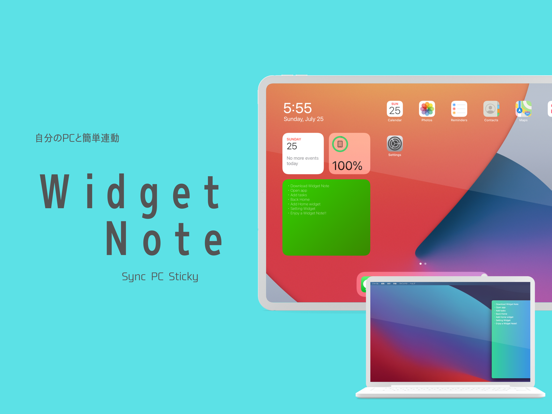
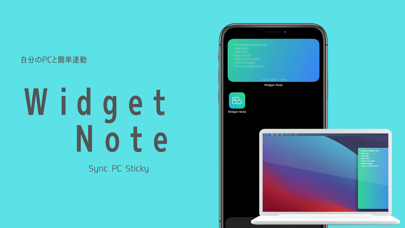
This app works best when you want to synchronize all the information on your PC/Mac, apps, and widgets.
Please give it a try.

Widget Note has the following features.

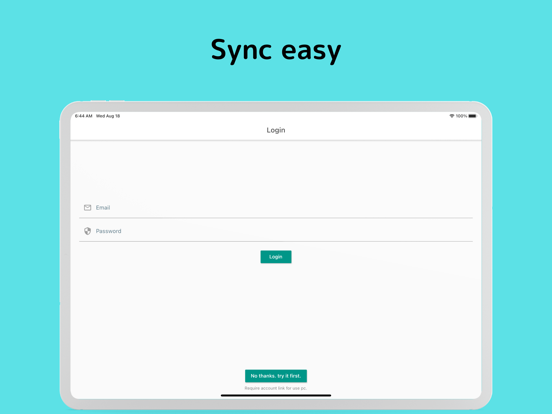
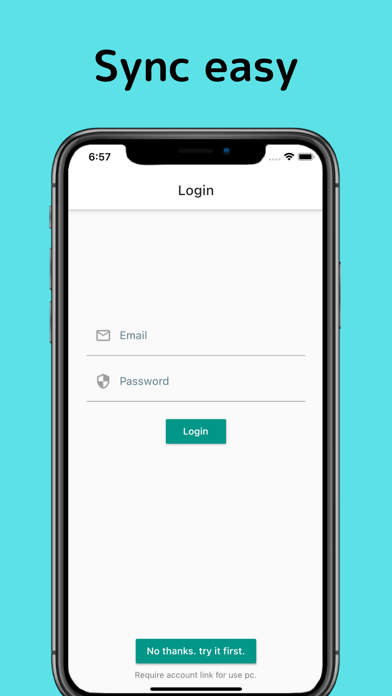
・Synchronization with PC client by email address and password
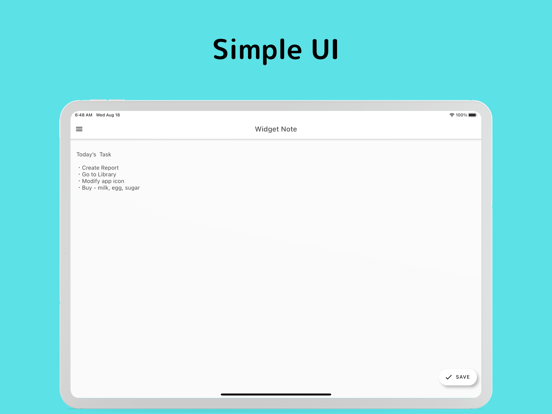
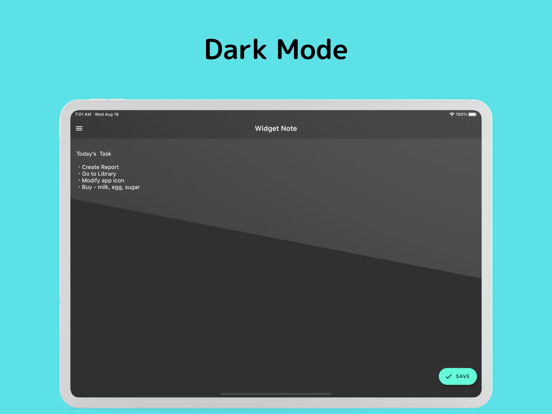
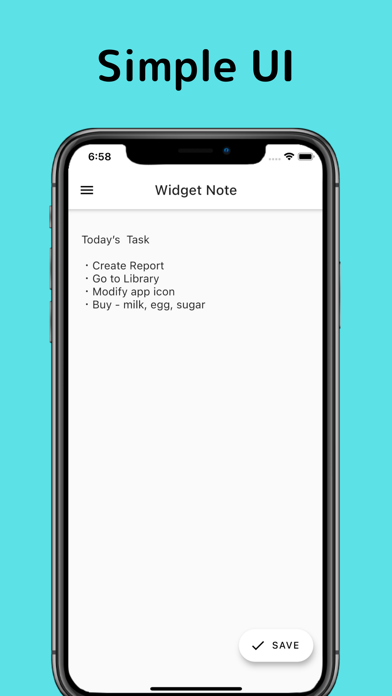
・Ability to add and update notes.
・Real-time update of notes
・Widgetization of notes


How to add a note to the widget is as follows

・Long tap the screen in the Home screen to display the Home edit screen.
・Add Widget Note widget from [ + ] on the upper right.
  Select the size you want from the three available sizes.
・When the widget is added to the Home screen, long-tap the widget
・Tap [ Edit Widget ] and select the note you want to display

Notes.
 The widget is designed to be updated every 15 minutes.
 If the widget does not update in real time, please wait for a while.

 The desktop app to be linked will either display the download site from within the app or
 You can also download the app from the site set as the app's support URL.

Show More

What's New in the Latest Version 1.1

Last updated on Feb 3, 2022
Old Versions
In order to provide you with an even more convenient experience, we have made Widget Note free of charge, which used to be offered on a monthly basis!
If you are already a monthly user, please stop your subscription from the iOS Settings screen.
Show More
Version History
1.1
Feb 3, 2022
In order to provide you with an even more convenient experience, we have made Widget Note free of charge, which used to be offered on a monthly basis!
If you are already a monthly user, please stop your subscription from the iOS Settings screen.

Widget Note - Sync PC Sticky - FAQ

Click here to learn how to download Widget Note - Sync PC Sticky - in restricted country or region.
Check the following list to see the minimum requirements of Widget Note - Sync PC Sticky -.
iPhone
Erfordert iOS 14.1 oder neuer.
iPad
Erfordert iPadOS 14.1 oder neuer.
iPod touch
Erfordert iOS 14.1 oder neuer.
Widget Note - Sync PC Sticky - supports Englisch

Widget Note - Sync PC Sticky - Alternative

You May Also Like

Get more from Tatsuya Kawasaki