WiFi Priority
$0.99
1.5for iPhone, iPad
Age Rating
WiFi Priority Screenshots
About WiFi Priority
With “WiFi Priority“ it is finally possible to prioritize to which available network to connect first!
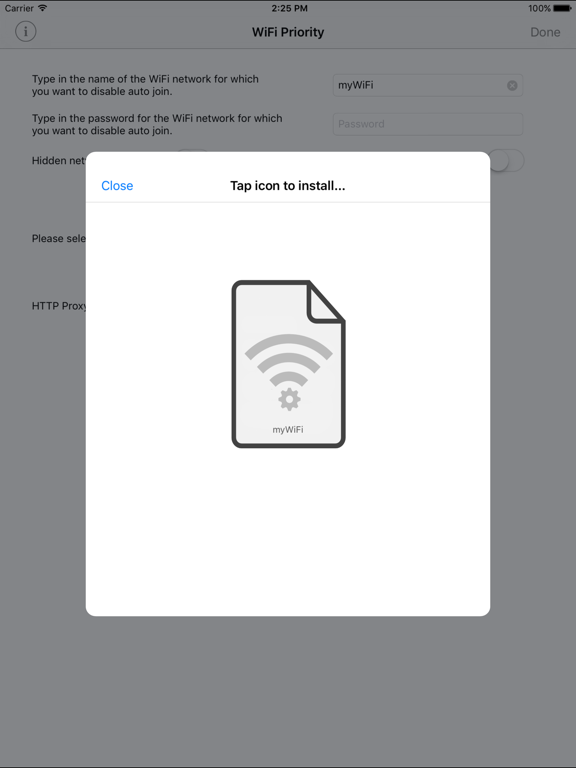
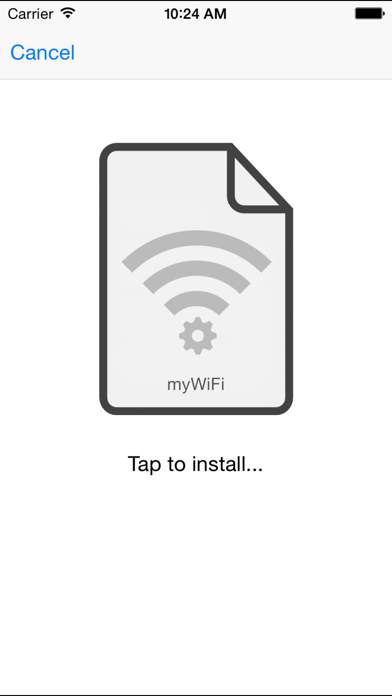
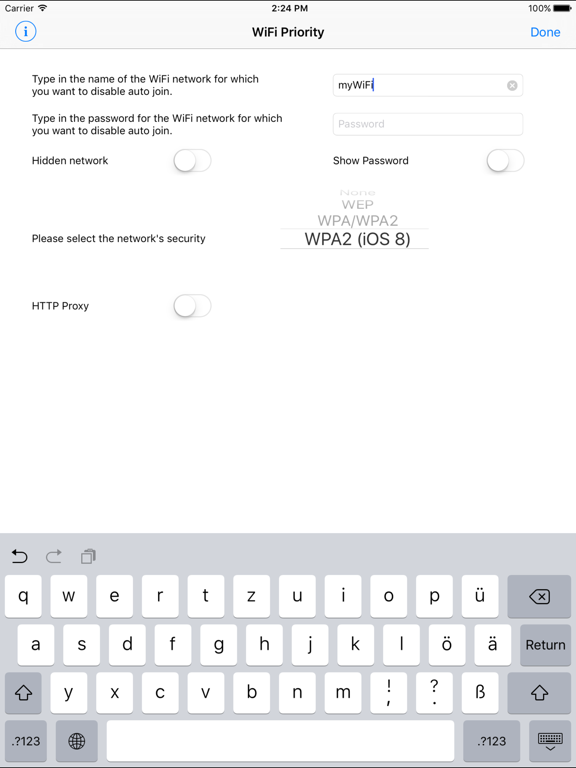
Generally all iOS devices rank available WiFi networks alphabetically and connect to the topmost known network in that list first. However, there are situations in which you may want to avoid that and prefer to connect to another known network instead. This is where “WiFi Priority“ comes to your aid. It simply lets you disable the auto-join function for selected networks and thus prioritize the one that you prefer by creating and installing a configuration profile on the device.
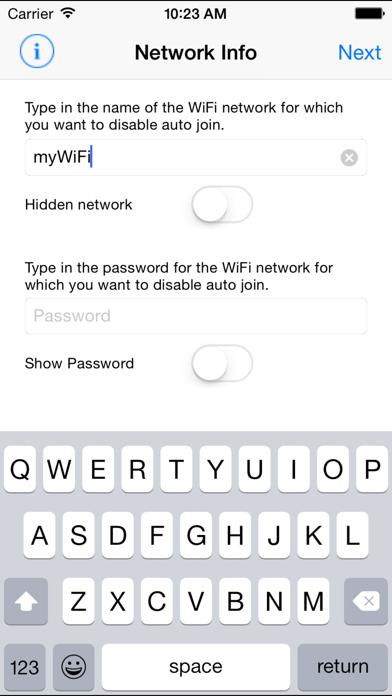
Instead of making your device forget the topmost networks you can now prevent them from automatically connecting first. Just enter the network information for the networks you don’t want to auto-connect and let “WiFi Priority“ do the rest. Afterwards your preferred available network will always connect first and you will still be able to use the other networks by just tapping on them in your network list.
You may also like my other apps:
- AnyFont
- Lightning Deals Reminder
- Long-2-Short
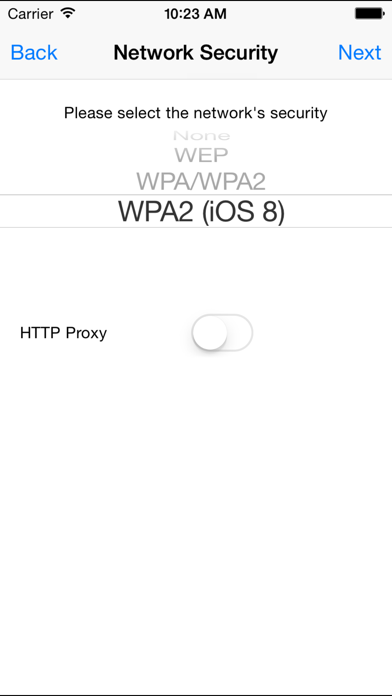
NOTE: WiFi Priority does currently not work with enterprise encryption. Supported encryptions are WEP, WPA-Personal and WPA2-Personal.
—————
If you like this app, please consider leaving a review on the app store. This can also be done by using the link on the info-screen within the app. Thank you!
—————

Generally all iOS devices rank available WiFi networks alphabetically and connect to the topmost known network in that list first. However, there are situations in which you may want to avoid that and prefer to connect to another known network instead. This is where “WiFi Priority“ comes to your aid. It simply lets you disable the auto-join function for selected networks and thus prioritize the one that you prefer by creating and installing a configuration profile on the device.
Instead of making your device forget the topmost networks you can now prevent them from automatically connecting first. Just enter the network information for the networks you don’t want to auto-connect and let “WiFi Priority“ do the rest. Afterwards your preferred available network will always connect first and you will still be able to use the other networks by just tapping on them in your network list.
You may also like my other apps:
- AnyFont
- Lightning Deals Reminder
- Long-2-Short
NOTE: WiFi Priority does currently not work with enterprise encryption. Supported encryptions are WEP, WPA-Personal and WPA2-Personal.
—————
If you like this app, please consider leaving a review on the app store. This can also be done by using the link on the info-screen within the app. Thank you!
—————
Show More
What's New in the Latest Version 1.5
Last updated on Aug 4, 2017
Old Versions
This update from Apple will improve the functionality of this app. No new features are included.
- Smaller bugfixes
Thanks for using WiFi Priority! If you like this update, please leave a positive rating or review on the App Store.
You may also like my other apps:
- AnyFont
- Lightning Deals Reminder
- Long-2-Short
- Smaller bugfixes
Thanks for using WiFi Priority! If you like this update, please leave a positive rating or review on the App Store.
You may also like my other apps:
- AnyFont
- Lightning Deals Reminder
- Long-2-Short
Show More
Version History
1.5
Aug 4, 2017
This update from Apple will improve the functionality of this app. No new features are included.
- Smaller bugfixes
Thanks for using WiFi Priority! If you like this update, please leave a positive rating or review on the App Store.
You may also like my other apps:
- AnyFont
- Lightning Deals Reminder
- Long-2-Short
- Smaller bugfixes
Thanks for using WiFi Priority! If you like this update, please leave a positive rating or review on the App Store.
You may also like my other apps:
- AnyFont
- Lightning Deals Reminder
- Long-2-Short
WiFi Priority FAQ
Click here to learn how to download WiFi Priority in restricted country or region.
Check the following list to see the minimum requirements of WiFi Priority.
iPhone
iPad