WireDrop
Free
1.0.0for iPhone, iPad
Age Rating
WireDrop Screenshots
About WireDrop
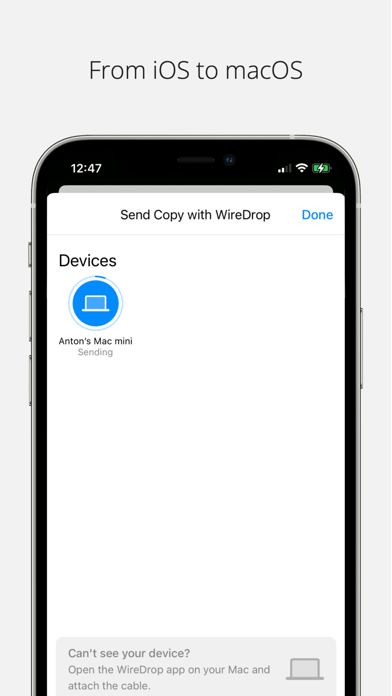
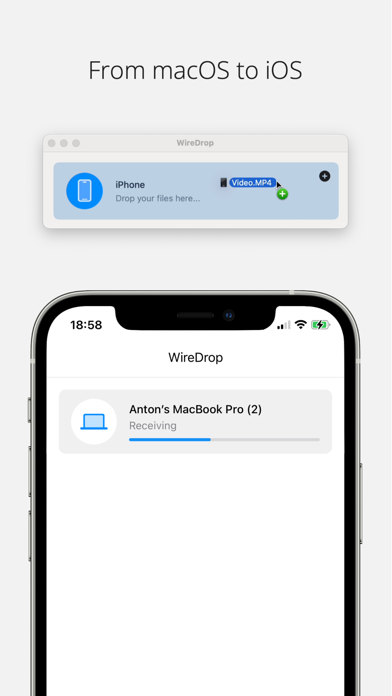
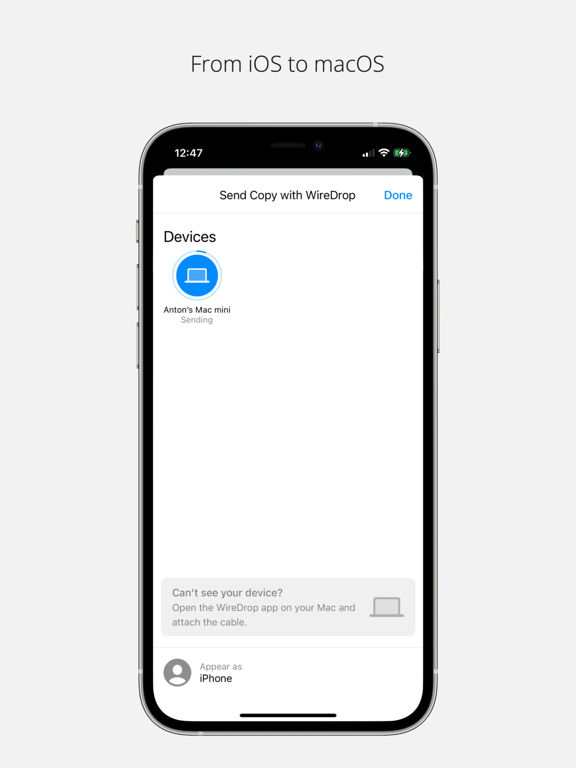
Transfer files between iOS and macOS devices via USB cable. This can be useful in situations where other means of transferring files is not possible, such as, if you have WiFi or Bluetooth disabled.
This app requires the installation of a Mac companion app, compatible with macOS 14.0 (Sonoma) and later.
WireDrop will appear as a standard sharing option for Photos, Videos, and other file types. As long as you have the companion app active on your Mac, and USB cable connected, you will be able to transfer the files. Files are automatically saved to your Mac's Downloads folder.
For more details and instructions, visit:
https://wiredrop.app

This app requires the installation of a Mac companion app, compatible with macOS 14.0 (Sonoma) and later.
WireDrop will appear as a standard sharing option for Photos, Videos, and other file types. As long as you have the companion app active on your Mac, and USB cable connected, you will be able to transfer the files. Files are automatically saved to your Mac's Downloads folder.
For more details and instructions, visit:
https://wiredrop.app
Show More
What's New in the Latest Version 1.0.0
Last updated on Apr 22, 2024
Version History
1.0.0
Apr 22, 2024
WireDrop FAQ
Click here to learn how to download WireDrop in restricted country or region.
Check the following list to see the minimum requirements of WireDrop.
iPhone
iPad