Work Alert
Free
2.3for iPhone, iPod touch
Age Rating
Work Alert Screenshots
About Work Alert
SLOGAN: GPS TRACKING & TIME MGT SYSTEMS
This application allows service-based businesses to track mileage and time, adjust work schedules and communicate with employees/contractors working in the field, while also showing their real-time location.
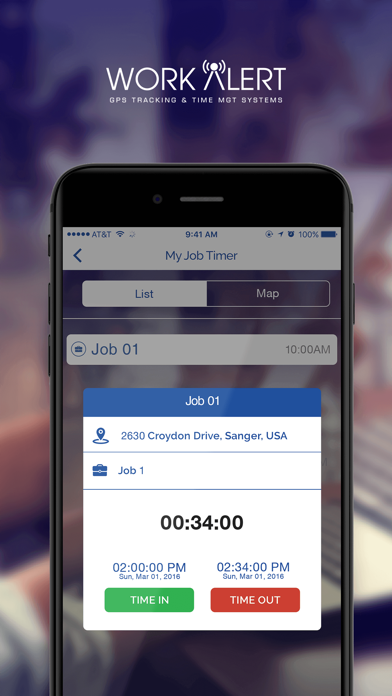
The employee application allows service providers to see their jobs in order for the day, the duration of each job and location of jobs on an at-a-glance map. Once an employee arrives at a job, they will use the application to Time In to the job. Once timed in, the clock will start and send reminder notifications to employees to keep them on time. After the job is complete and the employee Times Out, a photo is required (satisfaction form), notes can be written in the application, then the job is submitted for completion. Once submitted, the office and client (if they choose to be a part of the program) will get notifications of duration, photo and comment(s). In addition to the above features, a client and the office can communicate through the Message portion of the application with an employee.
The client application allows clients to see where the service provider is in reference to their home, along with what job they are for the day. Example: Job 1, Job 2, Job3, etc. The client will receive a push notification once the job in their home has started, and one again once the job is complete. They will also receive any photos or comments an employee wishes to share. In addition, the client can communicate via Message in the application with an employee. All conversations between employee and client are also sent to the office. Once a client receives a notification of completion, a rating system will pop up, giving them the option to rate the clean via a star rating system. The rating will be available for 24hours so a client can rate the work done once they’ve seen it.
PLEASE NOTE: The application will only work (employee and client side) if their service providing company has a subscription.

This application allows service-based businesses to track mileage and time, adjust work schedules and communicate with employees/contractors working in the field, while also showing their real-time location.
The employee application allows service providers to see their jobs in order for the day, the duration of each job and location of jobs on an at-a-glance map. Once an employee arrives at a job, they will use the application to Time In to the job. Once timed in, the clock will start and send reminder notifications to employees to keep them on time. After the job is complete and the employee Times Out, a photo is required (satisfaction form), notes can be written in the application, then the job is submitted for completion. Once submitted, the office and client (if they choose to be a part of the program) will get notifications of duration, photo and comment(s). In addition to the above features, a client and the office can communicate through the Message portion of the application with an employee.
The client application allows clients to see where the service provider is in reference to their home, along with what job they are for the day. Example: Job 1, Job 2, Job3, etc. The client will receive a push notification once the job in their home has started, and one again once the job is complete. They will also receive any photos or comments an employee wishes to share. In addition, the client can communicate via Message in the application with an employee. All conversations between employee and client are also sent to the office. Once a client receives a notification of completion, a rating system will pop up, giving them the option to rate the clean via a star rating system. The rating will be available for 24hours so a client can rate the work done once they’ve seen it.
PLEASE NOTE: The application will only work (employee and client side) if their service providing company has a subscription.
Show More
What's New in the Latest Version 2.3
Last updated on Feb 3, 2021
Old Versions
Bug Fixes and Performance Improvements.
Show More
Version History
2.3
Feb 3, 2021
Bug Fixes and Performance Improvements.
2.2
Jan 20, 2021
Bug Fixes and Performance Improvements.
2.1
Jan 13, 2021
Bug Fixes and Performance Improvements.
2.0
Jan 8, 2021
Bug Fixes and Performance Improvements.
1.8
Nov 21, 2018
Minor Bugs Fixed..!
1.7
Sep 26, 2018
Minor Bugs Fixed!
1.6
Jun 22, 2018
Minor Bugs Fixed..!
1.5
May 28, 2018
We have added New features for clients and employees.
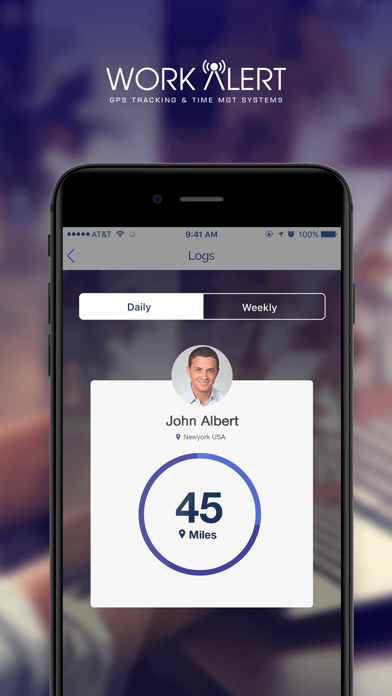
Logs Screen:
Maintaining logs of Employees job on daily and weekly basis.
My Job Time:
Maintaining job start and end time of the job executed by an employee.
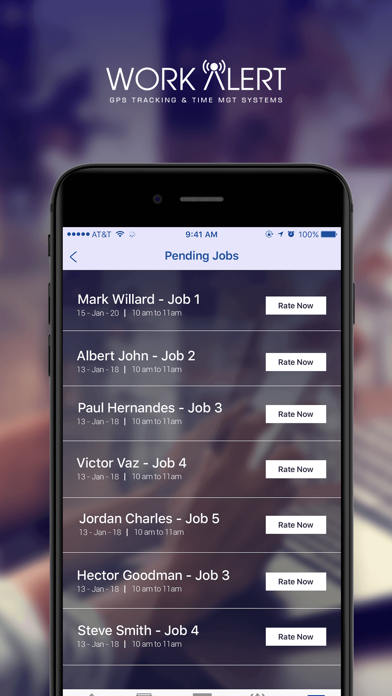
Pending Jobs:
This section is saving jobs which is not rated by client.
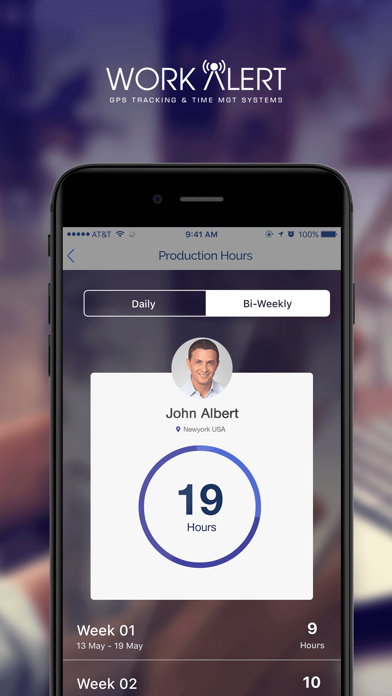
Production Hours:
Showing hours that an employee has worked in a week and bi weekly stages.
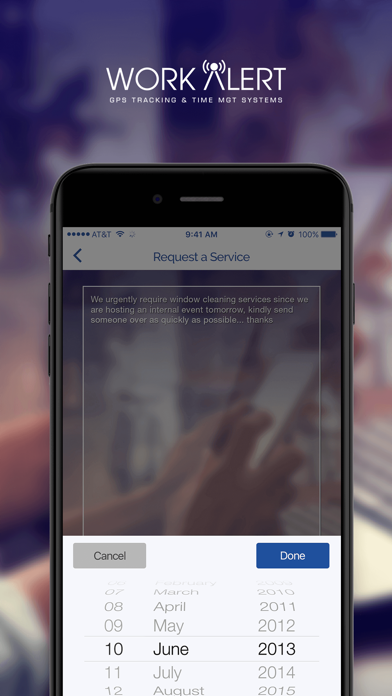
Request A Service:
This field is added in order to show date and time to request a service also a message could be dropped in case if client requires to share something.
Logs Screen:
Maintaining logs of Employees job on daily and weekly basis.
My Job Time:
Maintaining job start and end time of the job executed by an employee.
Pending Jobs:
This section is saving jobs which is not rated by client.
Production Hours:
Showing hours that an employee has worked in a week and bi weekly stages.
Request A Service:
This field is added in order to show date and time to request a service also a message could be dropped in case if client requires to share something.
1.4
Sep 30, 2017
Time format in request service is now 12 hour.
1.3
Sep 28, 2017
New font sizes on login screen and request for later service feature has been added now.
1.2
Sep 22, 2017
Add Images on Clients side history...!
1.1
Sep 20, 2017
Minor Bugs Fixed...!
1.0
Sep 7, 2017
Work Alert FAQ
Click here to learn how to download Work Alert in restricted country or region.
Check the following list to see the minimum requirements of Work Alert.
iPhone
Requires iOS 12.0 or later.
iPod touch
Requires iOS 12.0 or later.
Work Alert supports English