Workbox Invoicing
Free
5.5for iPhone, iPad
Age Rating
Workbox Invoicing Screenshots
About Workbox Invoicing
Save Time & Money with the Workbox iPad App.
Top 10 business app on the App Store since 2014.
Featured in: Bloomberg, Market Watch, Small Business Computing, Accounting Today and more.
Free 90-day premium trial.
Always available - no internet connection required. Note: Workbox does not sync between devices.
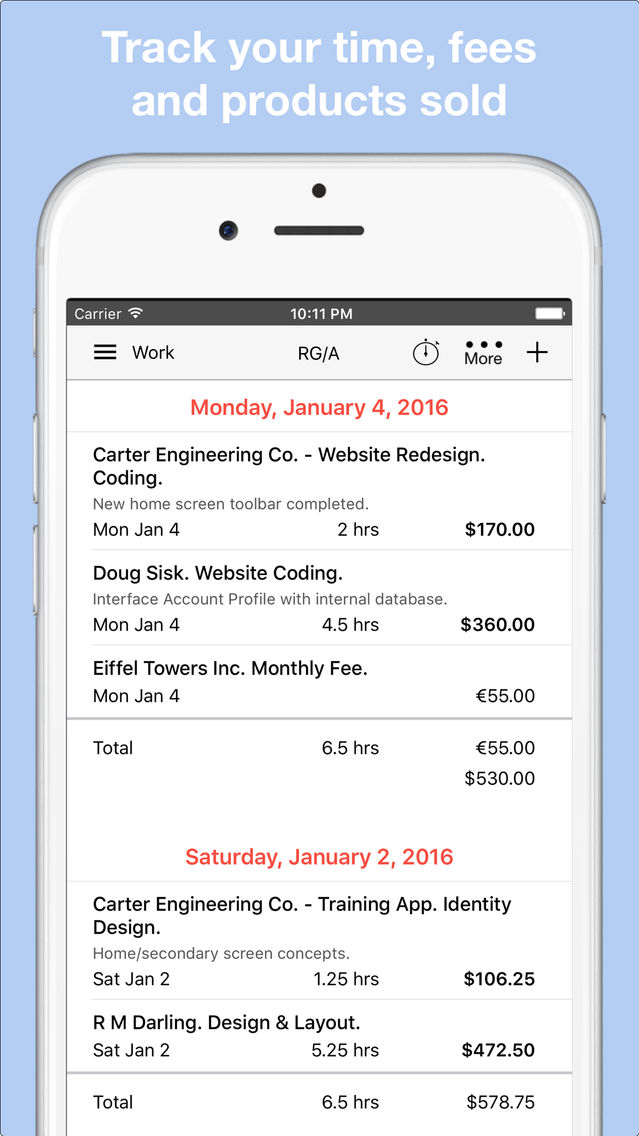
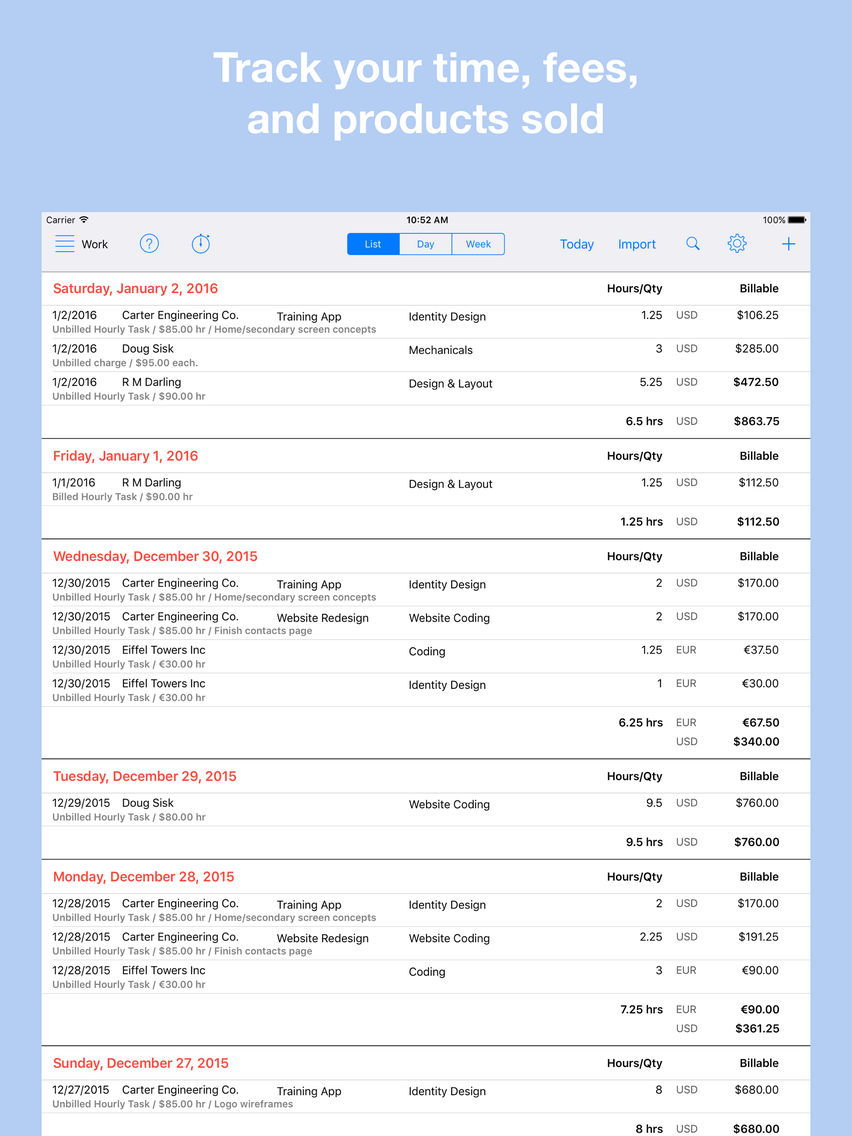
1. Enter and track your billable charges:
- Time worked (timer available).
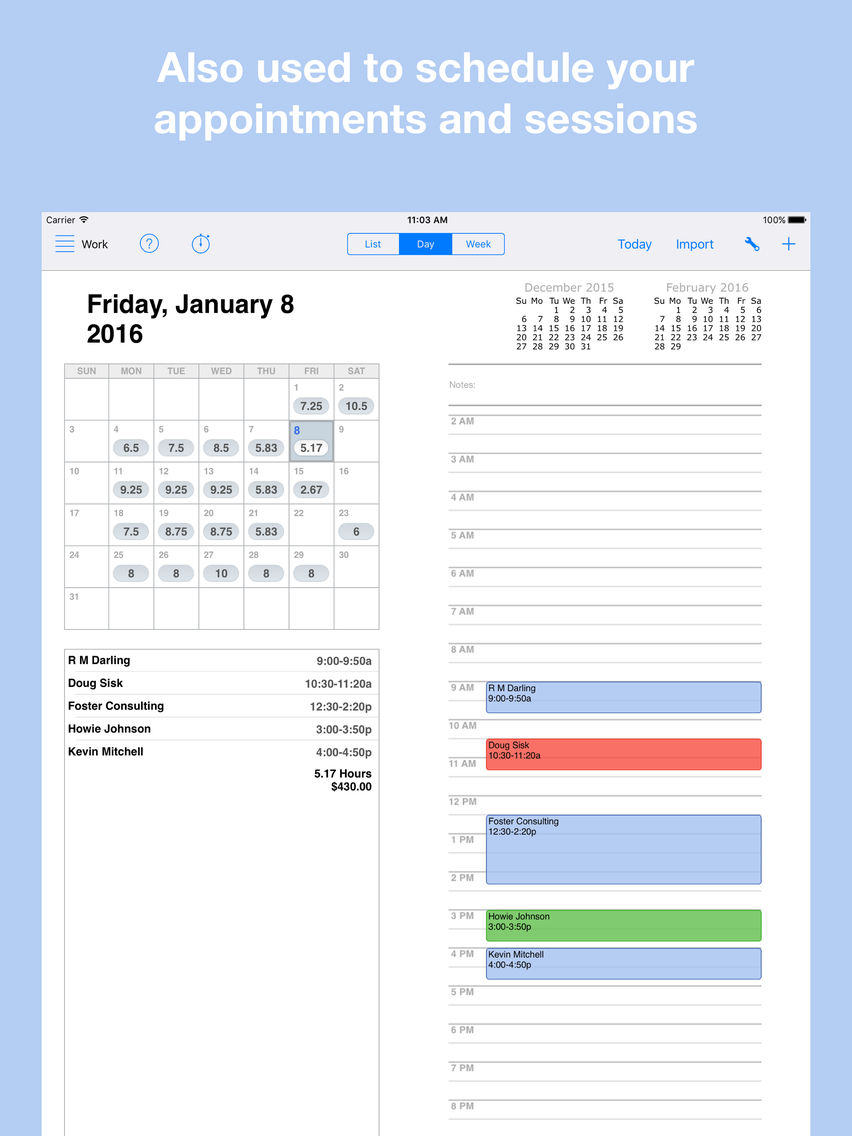
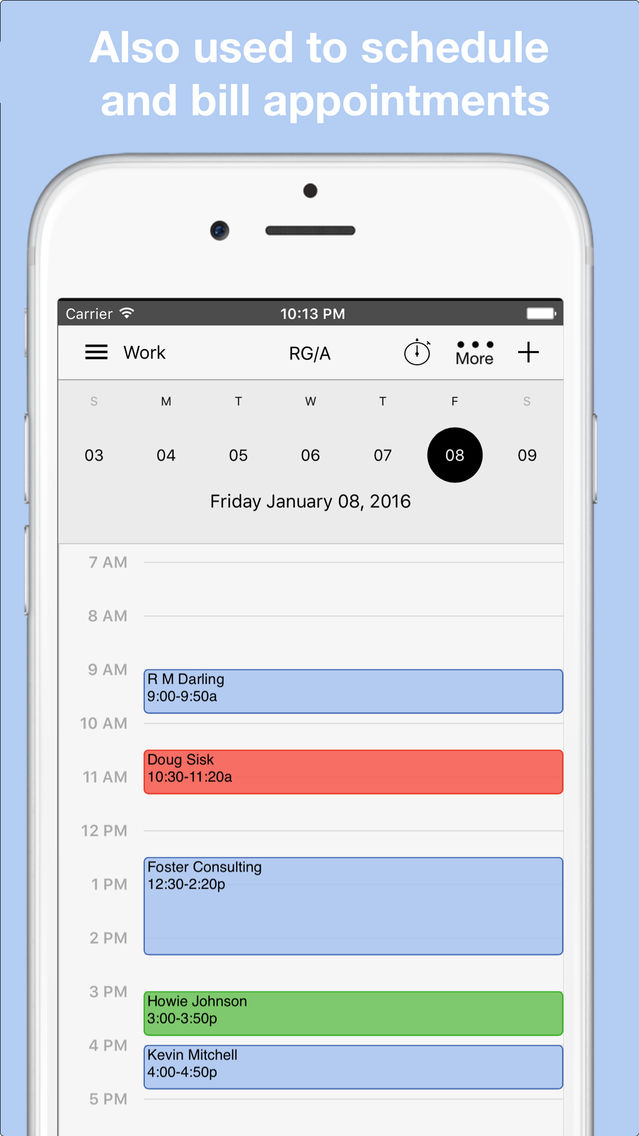
- One-time and recurring appointments. Use familiar calendar interface.
- One-time and recurring fees.
- Products sold.
- Services provided.
- Import time from your Google, Apple or Outlook Calendar
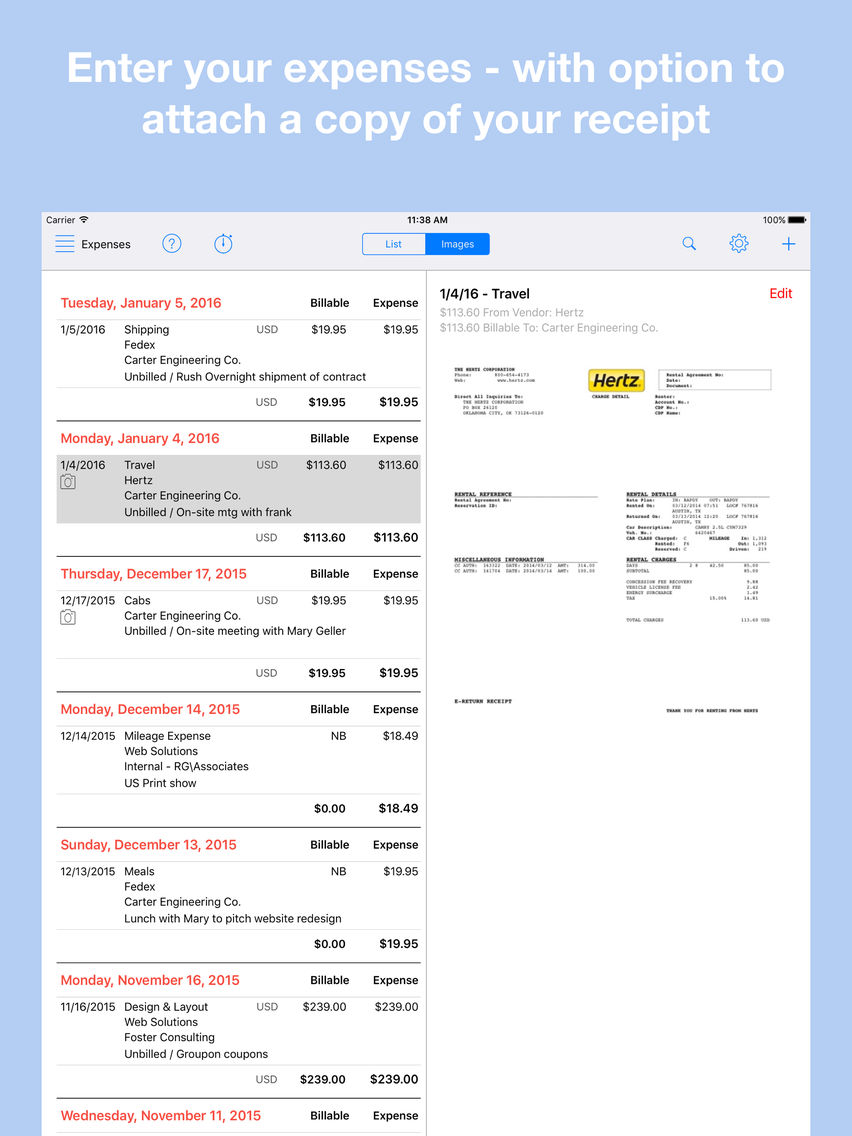
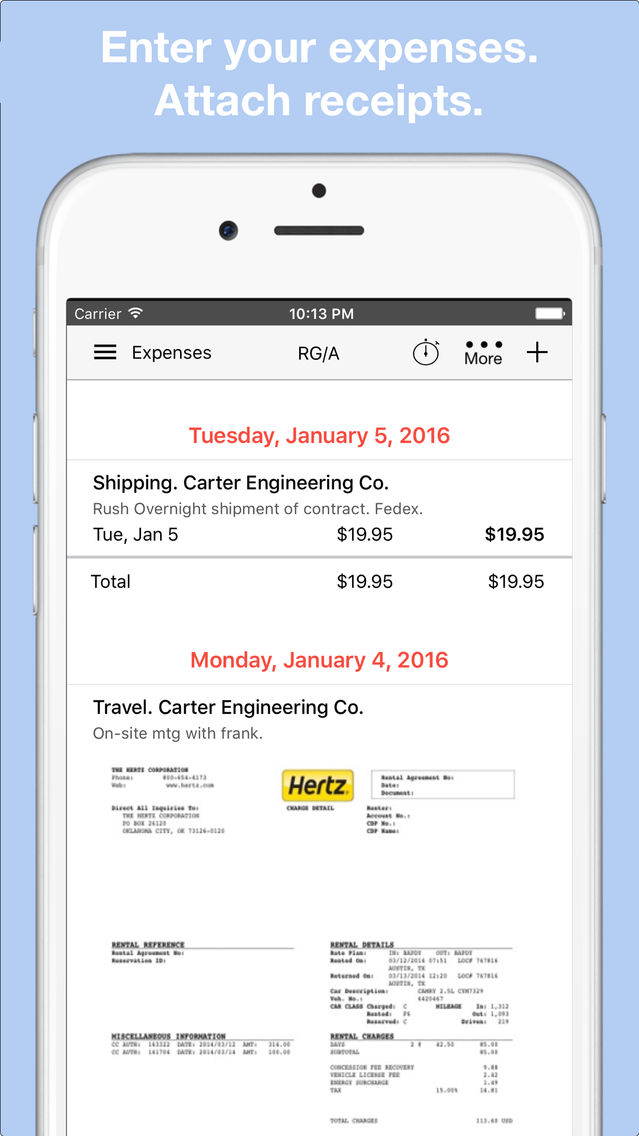
2. Billable and non-billable Expenses.
- Optionally attach Photo or PDF of receipt/invoice.
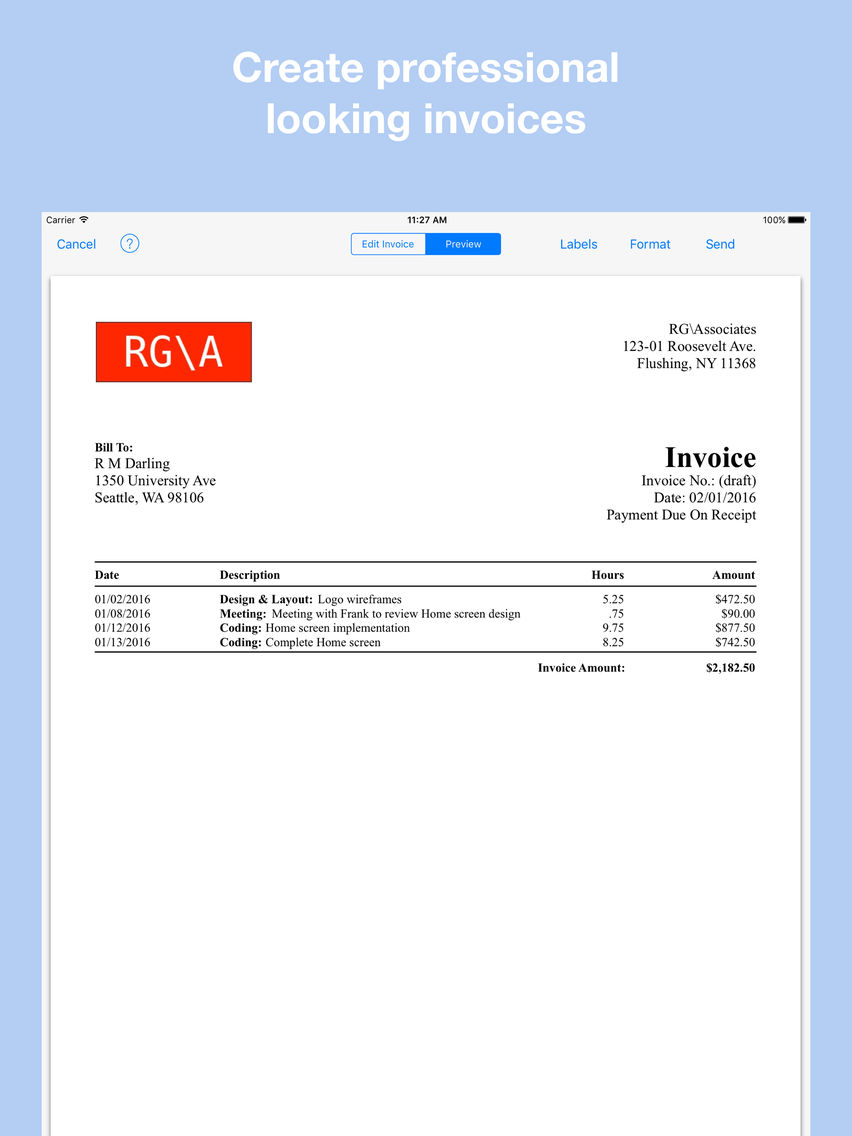
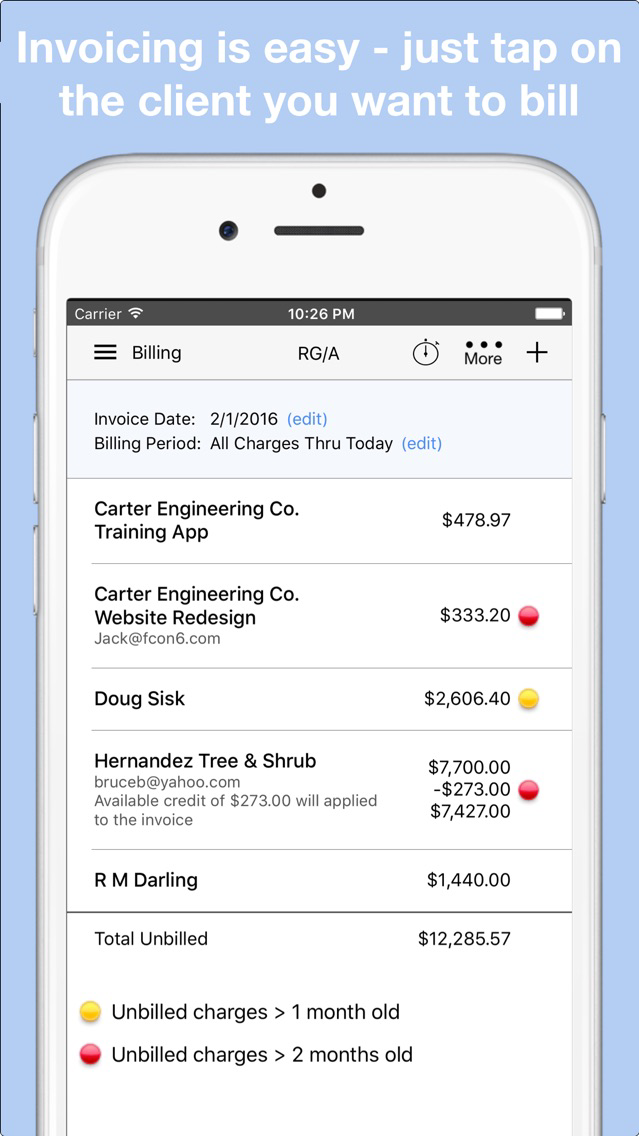
3. Print or email client invoices
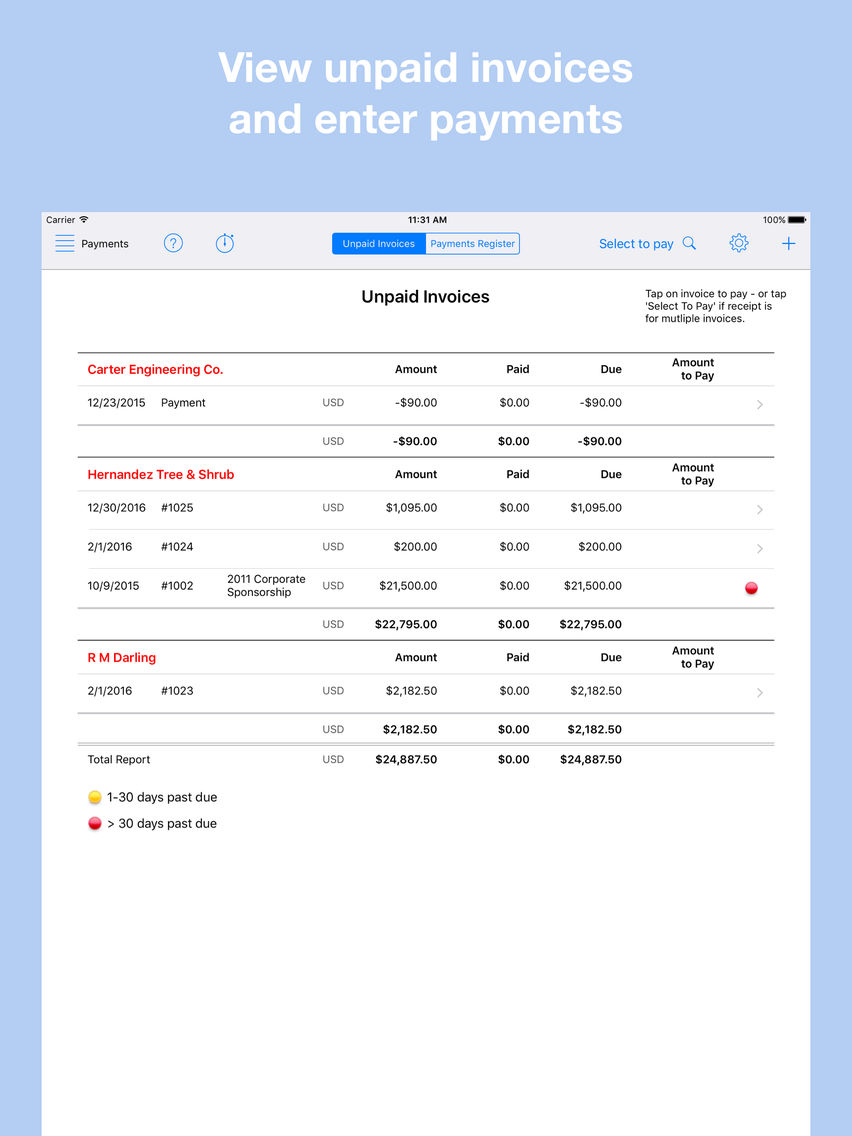
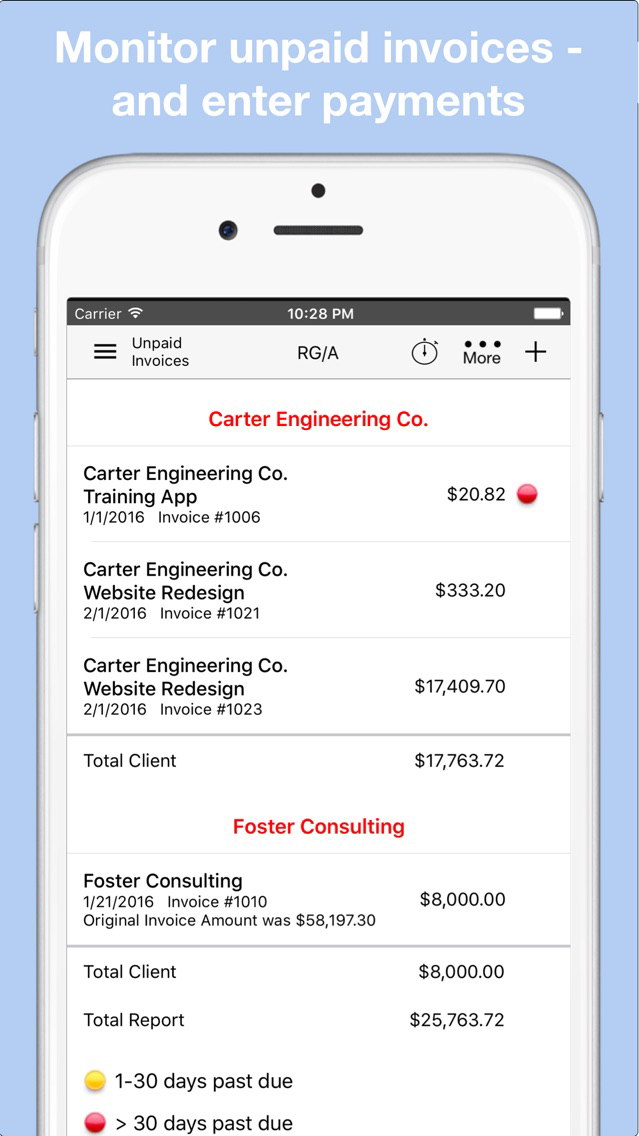
4. Track Accounts Receivable
5. Client Payments
- Optionally email a payment receipt.
6. Project tracking available with budgeted time and dollars.
7. Full suite of reports may be viewed on-screen, printed or emailed. Format as PDF or Spreadsheet.
- Time Analysis
- Expense Analysis
- Aged Accounts Receivable
- Billing Register
- Payments Register
- Sales Tax Reporting
- Project Overbudget Reporting
8. Rate Cards available for businesses that need fine-level control of billing rates.
Perfect For:
Tutors
Artists
Therapists
Landscapers
Accountants
Lawyers
Photographers
Handymen
Personal Trainers
Music Teachers
Designers
Software Developers

Top 10 business app on the App Store since 2014.
Featured in: Bloomberg, Market Watch, Small Business Computing, Accounting Today and more.
Free 90-day premium trial.
Always available - no internet connection required. Note: Workbox does not sync between devices.
1. Enter and track your billable charges:
- Time worked (timer available).
- One-time and recurring appointments. Use familiar calendar interface.
- One-time and recurring fees.
- Products sold.
- Services provided.
- Import time from your Google, Apple or Outlook Calendar
2. Billable and non-billable Expenses.
- Optionally attach Photo or PDF of receipt/invoice.
3. Print or email client invoices
4. Track Accounts Receivable
5. Client Payments
- Optionally email a payment receipt.
6. Project tracking available with budgeted time and dollars.
7. Full suite of reports may be viewed on-screen, printed or emailed. Format as PDF or Spreadsheet.
- Time Analysis
- Expense Analysis
- Aged Accounts Receivable
- Billing Register
- Payments Register
- Sales Tax Reporting
- Project Overbudget Reporting
8. Rate Cards available for businesses that need fine-level control of billing rates.
Perfect For:
Tutors
Artists
Therapists
Landscapers
Accountants
Lawyers
Photographers
Handymen
Personal Trainers
Music Teachers
Designers
Software Developers
Show More
What's New in the Latest Version 5.5
Last updated on Nov 4, 2018
Old Versions
Upgrade login authentication
Show More
Version History
5.5
Oct 17, 2013
Upgrade login authentication
Workbox Invoicing FAQ
Click here to learn how to download Workbox Invoicing in restricted country or region.
Check the following list to see the minimum requirements of Workbox Invoicing.
iPhone
iPad
Workbox Invoicing supports English