WorkDraft Business

WorkDraft Business


Don't waste time, in your work


$0.99

1.0.2for iPhone, iPad and more
WorkDraft Studio Limited
Developer
18.6 MB
Size
Jun 10, 2020
Update Date
Productivity
Category
4+
Age Rating
Age Rating
4+
Apps in this category do not contain restricted content.
9+
Apps in this category may contain mild or occasional cartoon, fantasy or real-life violence, as well as occasional or mild adult, sexually suggestive or horrifying content and may not be suitable for children under 9 years of age.
12+
Apps in this category may contain occasional mild indecent language, frequent or intense cartoon or real-life violence, minor or occasional adult or sexually suggestive material, and simulated gambling, and may be for children under 12 years of age.
17+
You must be at least 17 years old to access this App.
Apps in this category may contain frequent and intense offensive language; Frequent and intense cartoon, fantasy or realistic violence: frequent and intense adult, scary and sexually suggestive subjects: as well as sexual content, nudity, tobacco, alcohol and drugs, may not be suitable for children under 17 years of age.
WorkDraft Business Screenshots
WorkDraft Business posterWorkDraft Business posterWorkDraft Business posterWorkDraft Business posterWorkDraft Business posterWorkDraft Business poster

About WorkDraft Business

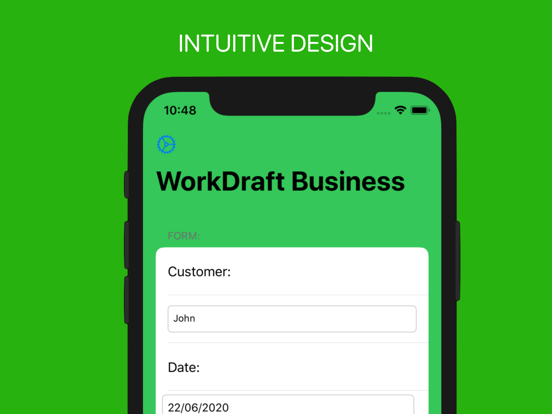
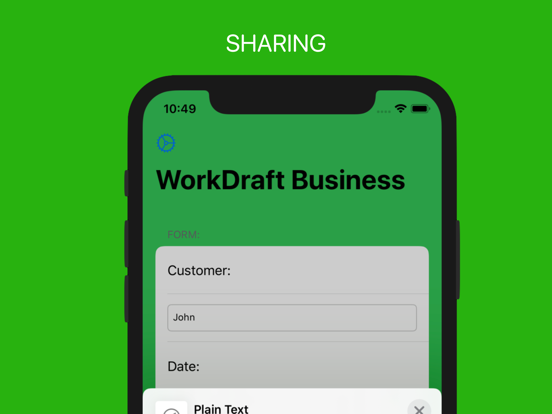
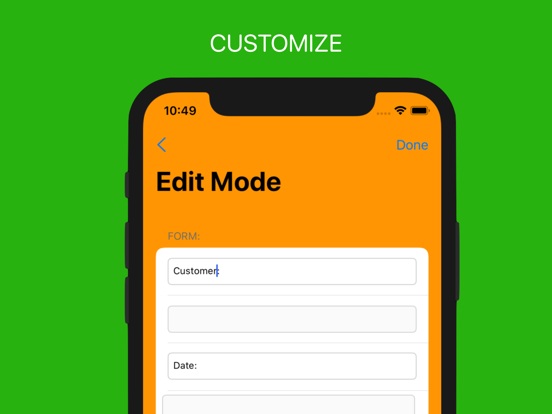
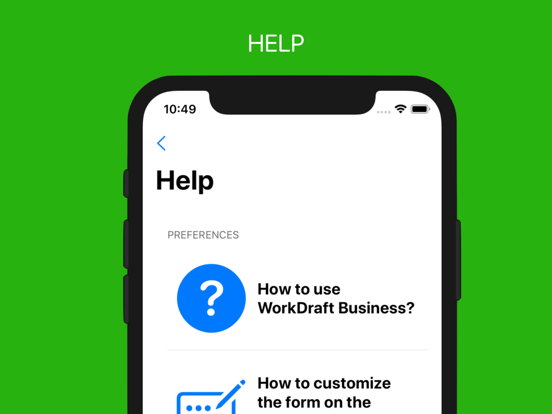
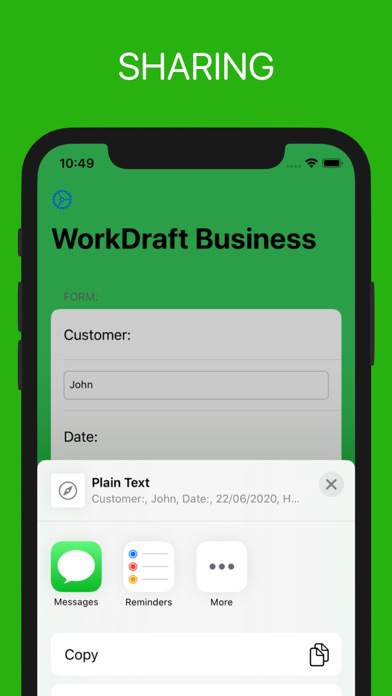
WorkDraft Business permits you to create a report of your work and share it in one touch. WorkDraft Business is customizable in any aspect, from the main form to a mail. With it, you can save time in your work and do your normal activity in one second.
How is structured?
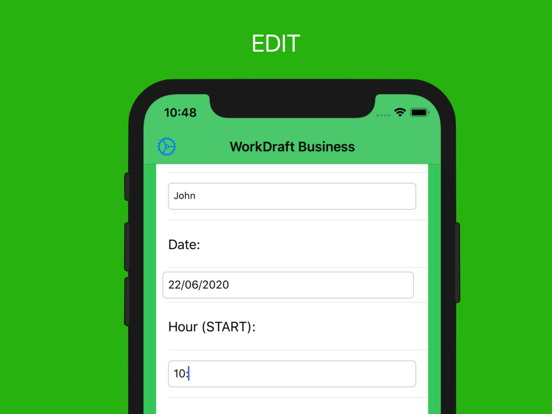
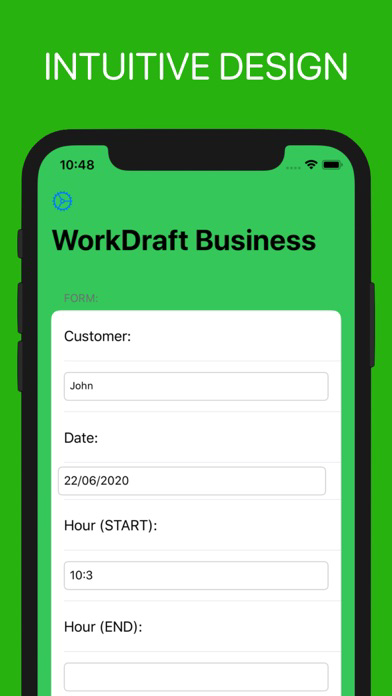
You have a series of field, where you can write:
- Customer name
- Date of the event
- Hour start and end of the event
- Time of travel, in public transport, car, taxi...
- Km or miles of travel
- Notes: In this text field you can write your annotations
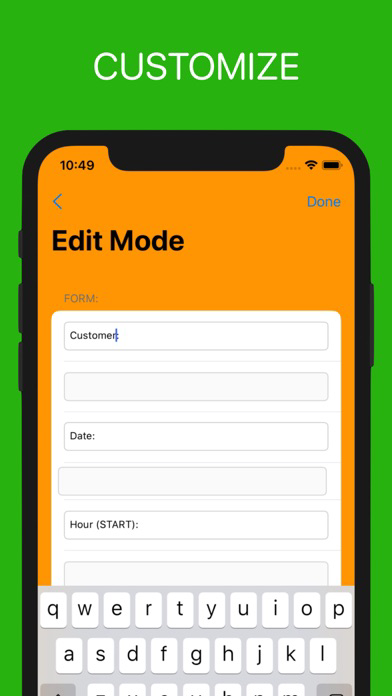
All of those fields are customizable how do you want, according to your preferences.
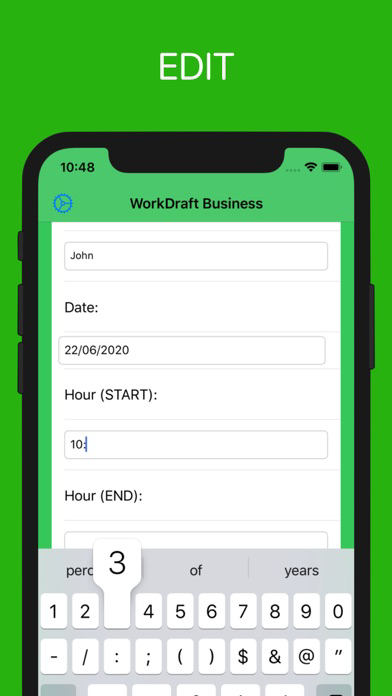
Oh! Another point, when you are writing the text, the app autosaves the data permitting you to change them in any moment.

Don't waste time in your work, use WorkDraft Business

Show More

What's New in the Latest Version 1.0.2

Last updated on Jun 10, 2020
Old Versions
iPhone and iPad:

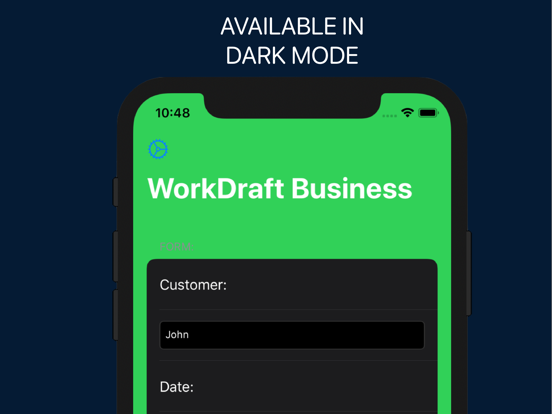
- New UI
- Improved support for iOS 13 and IOS 12
- Fixed some error
- Possibility to work in Nigh/Day mode on IOS 12 with the manual mode
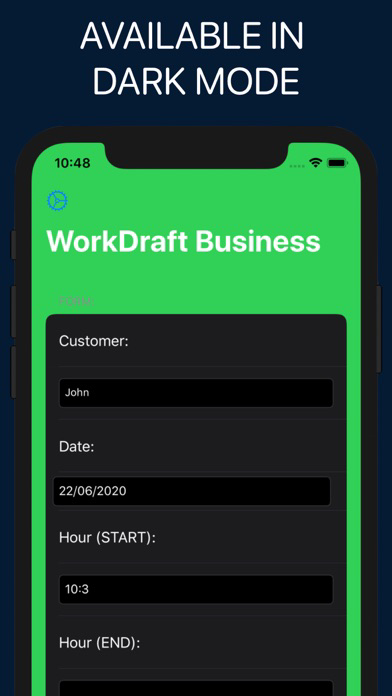
- Dark Mode improved on IOS 13
- Auto-Adapt to new devices
- Auto-Restore of last data
- Erase button fixed
- Sharing Button fixed
- iPad interface fixed
- iPhone 11, Pro and Pro Max -> Bug fixed
Show More
Version History
1.0.2
Jun 10, 2020
iPhone and iPad:

- New UI
- Improved support for iOS 13 and IOS 12
- Fixed some error
- Possibility to work in Nigh/Day mode on IOS 12 with the manual mode
- Dark Mode improved on IOS 13
- Auto-Adapt to new devices
- Auto-Restore of last data
- Erase button fixed
- Sharing Button fixed
- iPad interface fixed
- iPhone 11, Pro and Pro Max -> Bug fixed
1.0.1
Oct 13, 2019
Compatibility for IOS 13
1.0.0
Aug 4, 2019

WorkDraft Business FAQ

Click here to learn how to download WorkDraft Business in restricted country or region.
Check the following list to see the minimum requirements of WorkDraft Business.
iPhone
Requires iOS 9.0 or later.
iPad
Requires iPadOS 9.0 or later.
Apple TV
Requires tvOS 13.4 or later.
iPod touch
Requires iOS 9.0 or later.
WorkDraft Business supports English, French, Italian, Simplified Chinese, Spanish, Traditional Chinese

WorkDraft Business Alternative

You May Also Like

Get more from WorkDraft Studio Limited