Working Timer - Timesheet
Free
3.3.4for iPhone, iPad
Age Rating
Working Timer - Timesheet Screenshots
About Working Timer - Timesheet
Track work hours, attendance, overtime, breaks, and project time in one simple app.
Working Timer is a powerful and easy-to-use time tracker, timesheet, and attendance app for employees,
freelancers, and companies. Keep a clear overview of worked hours, earned money, shifts, leave, and
reports — whether you are tracking your own time or managing multiple work profiles.
Track daily work time with just a few taps, organize records by projects and activities, calculate earnings,
and export professional attendance reports or work reports in PDF or Excel. With support for reminders,
GPS features, Apple Watch, cloud sync, and location-based records, Working Timer helps you stay
accurate, organized, and in control.
Why users choose Working Timer
- Easy and clear timesheet for daily work hours
- Attendance tracking for employees and teams
- Overtime overview and earned money calculation
- Helpful reminders for work start, work end, breaks, overtime, and missing punches
- Shift and schedule support
- Attendance reports and report export in PDF or Excel
- Cloud sync and secure backup across devices
- GPS geofencing, optional GPS location on records, and map view
- Apple Watch support for faster time tracking
- Simple manual editing and bulk insert of records
-----------------
Main features
-----------------
Time tracking & attendance
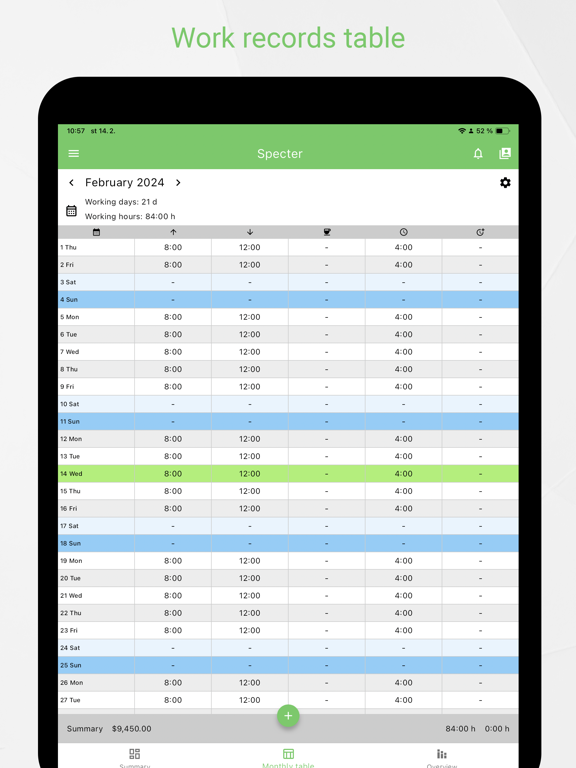
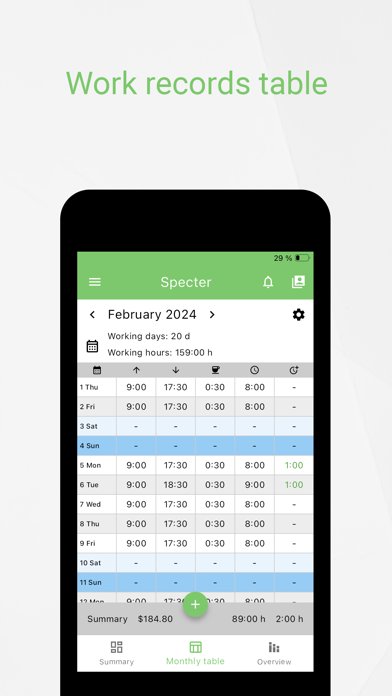
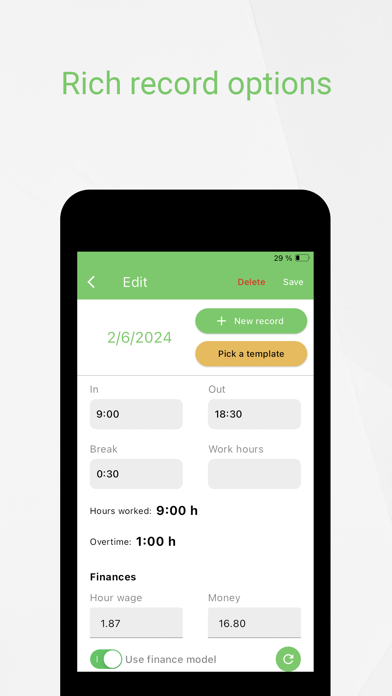
- Simple table of worked hours
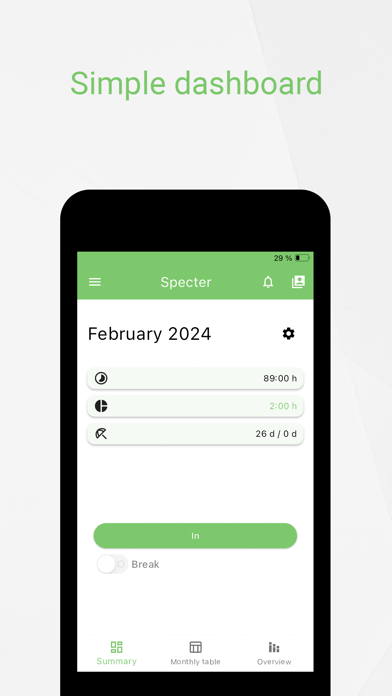
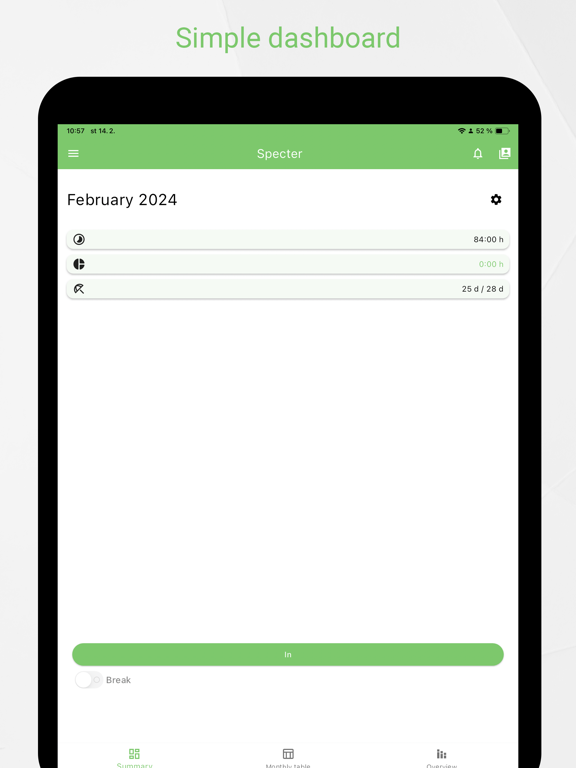
- Daily, weekly, monthly, and 14-day work hour overview
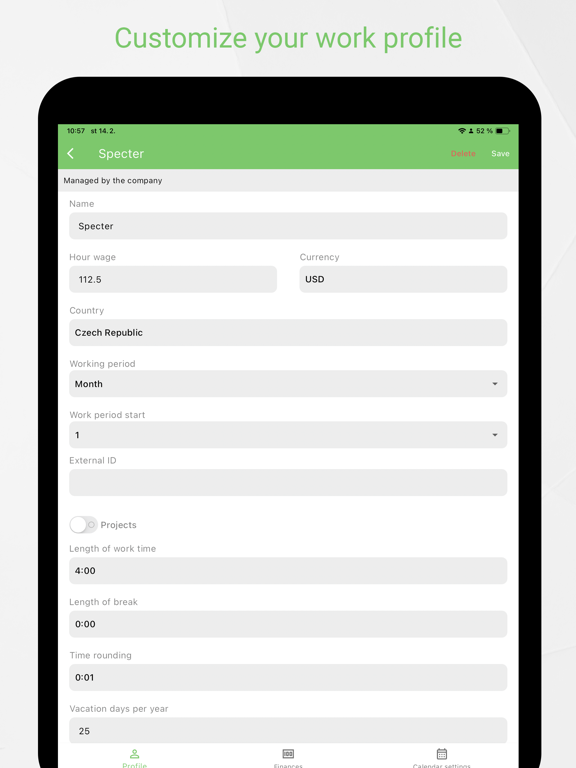
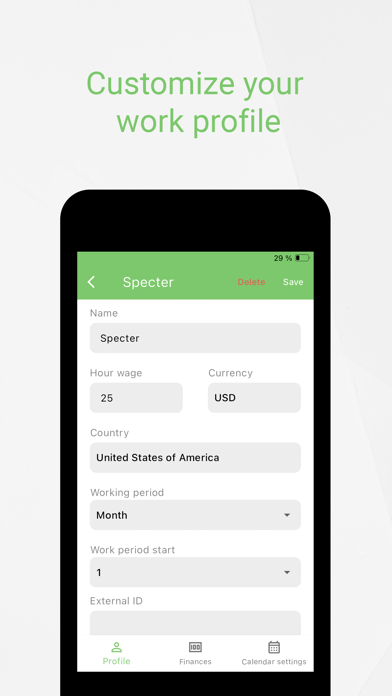
- Up to 5 profiles (more with premium version)
- Attendance tracking
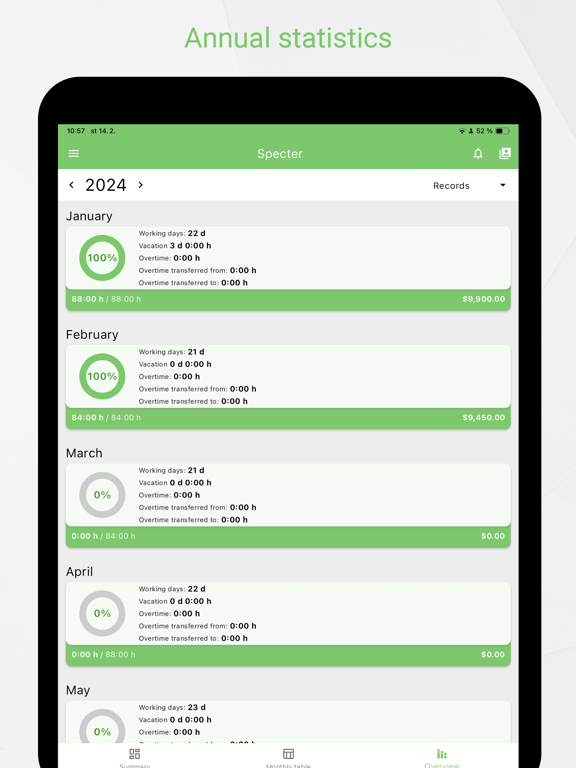
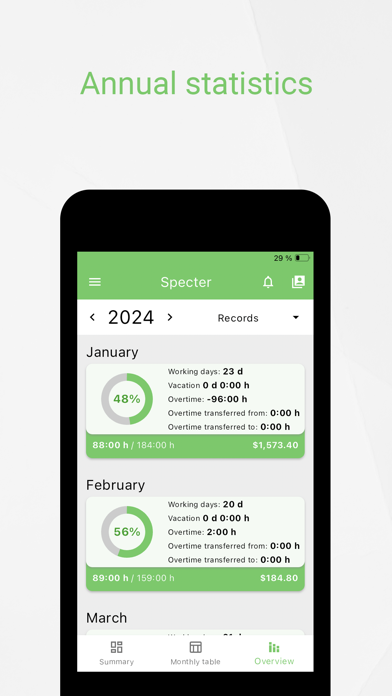
- Overtime overview
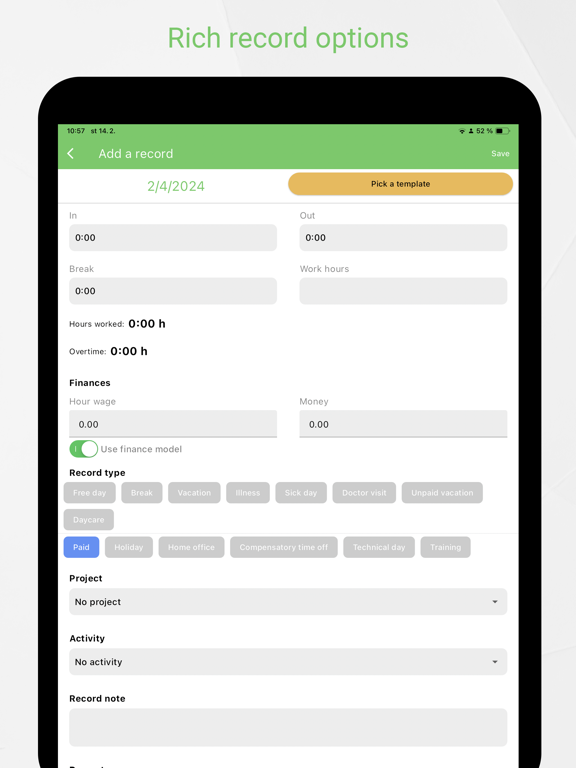
- Easy manual edits
- Notes for any day
- Bulk insert of records
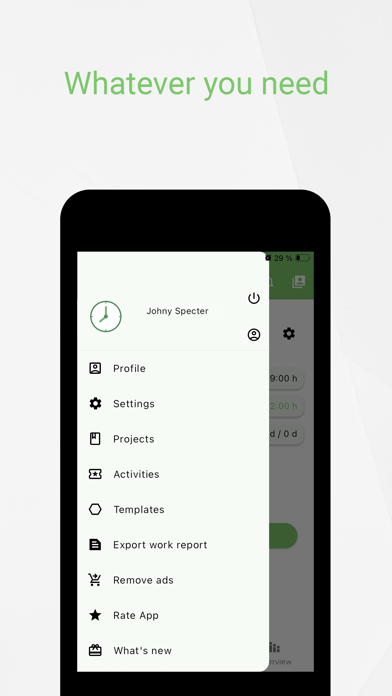
- Record templates
- Attachments for a record, profile, project
- Soft kiosk mode
Reminders & smart notifications
- Start work reminder
- End work reminder
- Break start and break end reminders
- Overtime alerts
- Missing punch reminders
- Daily summary
- Work report submit reminder
Shifts, leave & absences
- Shift and schedule support
- Vacation
- Unpaid leave
- Illness
- Holidays
- Number of work days per month
- Number of worked hours per month
Projects, activities & earnings
- Projects
- Activities
- Earned money calculation
- Better overview of time spent on work and projects
Reports, export & sync
- Attendance reports
- Work report export in PDF or Excel
- Send reports by email
- Cloud sync across multiple devices
- Secure backup of data
GPS, map & watch features
- Automatic check-in and check-out using GPS geofencing
- Optional GPS location saved with a record
- Location display on map
- Apple Watch app for quick time tracking
Working Timer is suitable for:
- employees who want a reliable attendance and overtime tracker
- freelancers who need a simple timesheet and earnings overview
- companies that want better work hour records and reporting
Stay organized, avoid missing punches, and keep your work time under control with Working Timer.
------------------------------------------------------------------------------
Web app:
https://workingtimer.com
Follow us:
https://twitter.com/SpecterInteract
https://facebook.com/SpecterInteractive
Privacy Policy:
https://www.specterint.com/wt_privacy_policy.html
Terms of Use:
https://www.apple.com/legal/internet-services/itunes/dev/stdeul

Working Timer is a powerful and easy-to-use time tracker, timesheet, and attendance app for employees,
freelancers, and companies. Keep a clear overview of worked hours, earned money, shifts, leave, and
reports — whether you are tracking your own time or managing multiple work profiles.
Track daily work time with just a few taps, organize records by projects and activities, calculate earnings,
and export professional attendance reports or work reports in PDF or Excel. With support for reminders,
GPS features, Apple Watch, cloud sync, and location-based records, Working Timer helps you stay
accurate, organized, and in control.
Why users choose Working Timer
- Easy and clear timesheet for daily work hours
- Attendance tracking for employees and teams
- Overtime overview and earned money calculation
- Helpful reminders for work start, work end, breaks, overtime, and missing punches
- Shift and schedule support
- Attendance reports and report export in PDF or Excel
- Cloud sync and secure backup across devices
- GPS geofencing, optional GPS location on records, and map view
- Apple Watch support for faster time tracking
- Simple manual editing and bulk insert of records
-----------------
Main features
-----------------
Time tracking & attendance
- Simple table of worked hours
- Daily, weekly, monthly, and 14-day work hour overview
- Up to 5 profiles (more with premium version)
- Attendance tracking
- Overtime overview
- Easy manual edits
- Notes for any day
- Bulk insert of records
- Record templates
- Attachments for a record, profile, project
- Soft kiosk mode
Reminders & smart notifications
- Start work reminder
- End work reminder
- Break start and break end reminders
- Overtime alerts
- Missing punch reminders
- Daily summary
- Work report submit reminder
Shifts, leave & absences
- Shift and schedule support
- Vacation
- Unpaid leave
- Illness
- Holidays
- Number of work days per month
- Number of worked hours per month
Projects, activities & earnings
- Projects
- Activities
- Earned money calculation
- Better overview of time spent on work and projects
Reports, export & sync
- Attendance reports
- Work report export in PDF or Excel
- Send reports by email
- Cloud sync across multiple devices
- Secure backup of data
GPS, map & watch features
- Automatic check-in and check-out using GPS geofencing
- Optional GPS location saved with a record
- Location display on map
- Apple Watch app for quick time tracking
Working Timer is suitable for:
- employees who want a reliable attendance and overtime tracker
- freelancers who need a simple timesheet and earnings overview
- companies that want better work hour records and reporting
Stay organized, avoid missing punches, and keep your work time under control with Working Timer.
------------------------------------------------------------------------------
Web app:
https://workingtimer.com
Follow us:
https://twitter.com/SpecterInteract
https://facebook.com/SpecterInteractive
Privacy Policy:
https://www.specterint.com/wt_privacy_policy.html
Terms of Use:
https://www.apple.com/legal/internet-services/itunes/dev/stdeul
Show More
What's New in the Latest Version 3.3.4
Last updated on May 28, 2026
Old Versions
- Records color customization
- Total overtime overview
- Bug fixes
- Total overtime overview
- Bug fixes
Show More
Version History
3.3.4
May 28, 2026
- Records color customization
- Total overtime overview
- Bug fixes
- Total overtime overview
- Bug fixes
Working Timer - Timesheet FAQ
Click here to learn how to download Working Timer - Timesheet in restricted country or region.
Check the following list to see the minimum requirements of Working Timer - Timesheet.
iPhone
iPad