Worktile
Free
7.24.0for iPhone, iPad
Age Rating
Worktile Screenshots
About Worktile
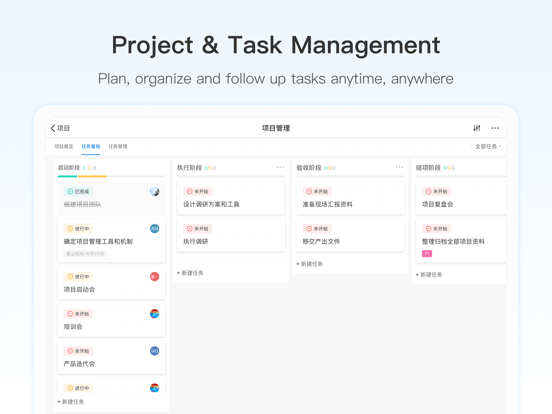
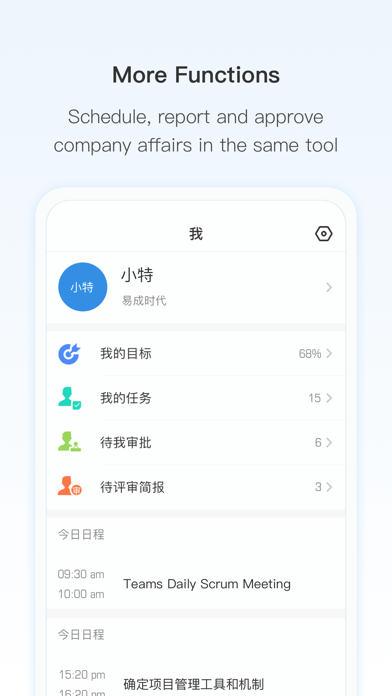
Worktile is an online solution for teamwork and organization management. More than task and project management, Worktile offers OKR, IM, calendar and other functions to connect all the people and work within the whole company. From start-up to large group, users can fully customize their workflow and collaboration style to keep clear and efficient.
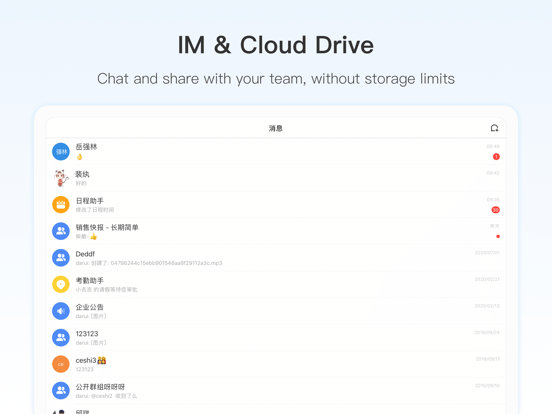
-Real time messaging, file sharing, suppprting one-to-one and group conversation
-Make chats actionable, create tasks directly from chat immediately, without getting away from what you’re doing.
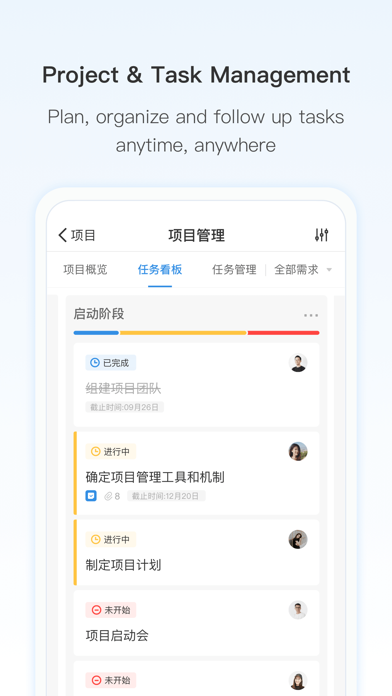
-Create tasks, to-dos, reminders add due dates, assignees, followers, details, and files to your tasks.Comment on tasks from anywhere
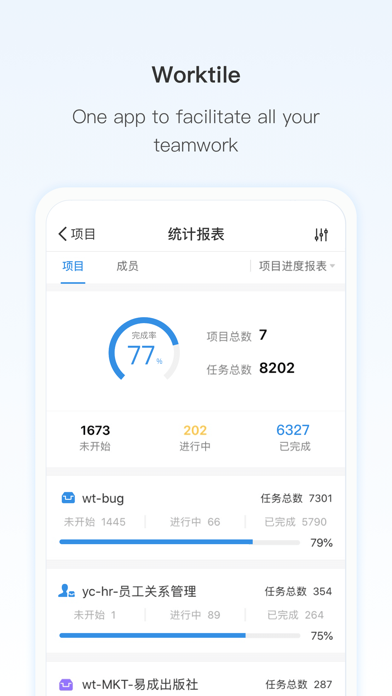
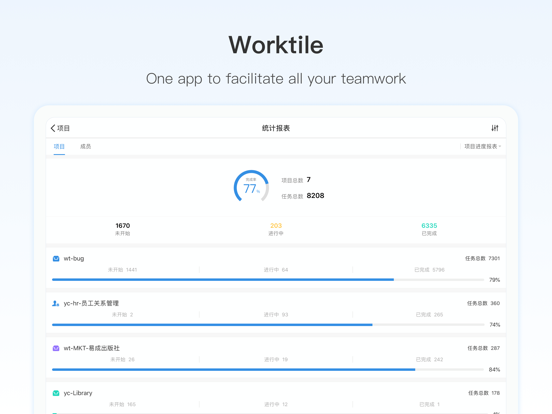
-Gives you plenty of ways to get a quick high-level view of the entire project.Take everything in, and easily assess the status of a job.
-Monitor and manage workloads, visualize entire projects with Kanban boards, plan ahead with calendars on web,Mac,Windows app
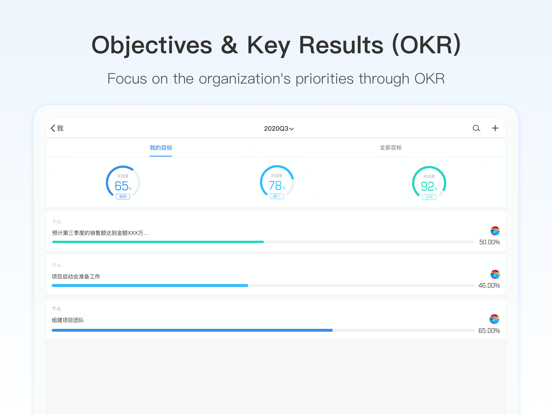
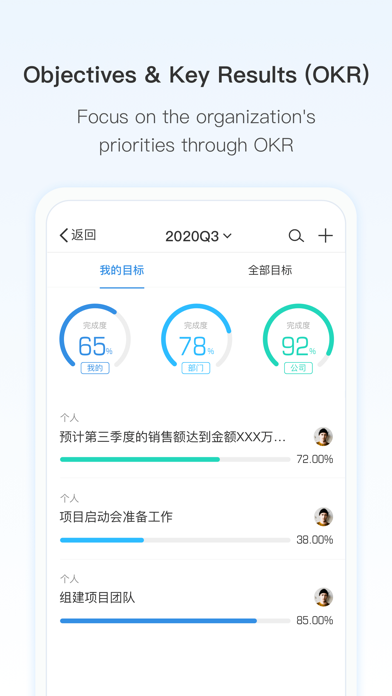
-Objectives and Key Results,help enterprises, departments and individuals set their core goals, help each member focus on important areas, find and achieve goals, and better promote key results.
-Powerful integrations with all the services you already know, including: Github, Zendesk, Evernote, Asana, Trello, Email, WeChat, Room, and many more…
-View and attach files, pictures, documents or just about anything to yours and never lose the context for those files again
-Invite employees for easy collaboration.They’ll only see what you want them to see.
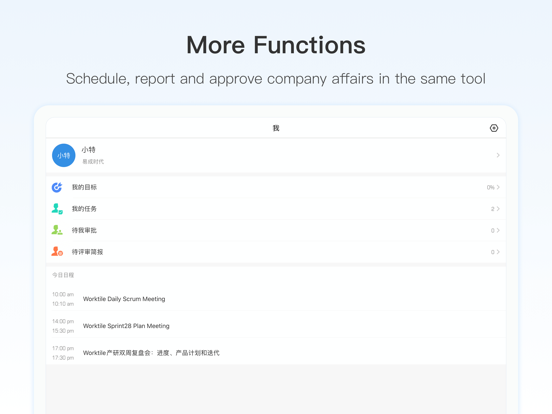
Worktile keeps you connected and up-to-date on everything that’s happening with your team and your most important projects.Worktile organizes all your communications, tasks, files and calendars, so you can quickly and easily find what you’re looking for.There’s a better way to work.Work has been this productive, easy or fun!

-Real time messaging, file sharing, suppprting one-to-one and group conversation
-Make chats actionable, create tasks directly from chat immediately, without getting away from what you’re doing.
-Create tasks, to-dos, reminders add due dates, assignees, followers, details, and files to your tasks.Comment on tasks from anywhere
-Gives you plenty of ways to get a quick high-level view of the entire project.Take everything in, and easily assess the status of a job.
-Monitor and manage workloads, visualize entire projects with Kanban boards, plan ahead with calendars on web,Mac,Windows app
-Objectives and Key Results,help enterprises, departments and individuals set their core goals, help each member focus on important areas, find and achieve goals, and better promote key results.
-Powerful integrations with all the services you already know, including: Github, Zendesk, Evernote, Asana, Trello, Email, WeChat, Room, and many more…
-View and attach files, pictures, documents or just about anything to yours and never lose the context for those files again
-Invite employees for easy collaboration.They’ll only see what you want them to see.
Worktile keeps you connected and up-to-date on everything that’s happening with your team and your most important projects.Worktile organizes all your communications, tasks, files and calendars, so you can quickly and easily find what you’re looking for.There’s a better way to work.Work has been this productive, easy or fun!
Show More
What's New in the Latest Version 7.24.0
Last updated on Apr 24, 2026
Old Versions
- Supports project approval manipulation
- Optimized the notification center (notifications are now displayed in ascending order)
- Fixed the issue of task data source attribute visibility
- Fixed the issue of modifying/deleting task attachment permissions
- Fixed the issue of task type selection when creating a new task in the task dashboard
- Fixed the issue of adding work hours permissions
- Fixed the issue of data display in the dashboard component
- Fixed the issue of task order in the table component
- Optimized the notification center (notifications are now displayed in ascending order)
- Fixed the issue of task data source attribute visibility
- Fixed the issue of modifying/deleting task attachment permissions
- Fixed the issue of task type selection when creating a new task in the task dashboard
- Fixed the issue of adding work hours permissions
- Fixed the issue of data display in the dashboard component
- Fixed the issue of task order in the table component
Show More
Version History
7.24.0
Apr 24, 2026
- Supports project approval manipulation
- Optimized the notification center (notifications are now displayed in ascending order)
- Fixed the issue of task data source attribute visibility
- Fixed the issue of modifying/deleting task attachment permissions
- Fixed the issue of task type selection when creating a new task in the task dashboard
- Fixed the issue of adding work hours permissions
- Fixed the issue of data display in the dashboard component
- Fixed the issue of task order in the table component
- Optimized the notification center (notifications are now displayed in ascending order)
- Fixed the issue of task data source attribute visibility
- Fixed the issue of modifying/deleting task attachment permissions
- Fixed the issue of task type selection when creating a new task in the task dashboard
- Fixed the issue of adding work hours permissions
- Fixed the issue of data display in the dashboard component
- Fixed the issue of task order in the table component
Worktile FAQ
Click here to learn how to download Worktile in restricted country or region.
Check the following list to see the minimum requirements of Worktile.
iPhone
iPad