WorkWave

WorkWave


Press to Progress


Free

0.2for iPhone, iPad and more
Vladimir Iglovikov
Developer
18.3 MB
Size
Oct 26, 2023
Update Date
Productivity
Category
4+
Age Rating
Age Rating
4+
Apps in this category do not contain restricted content.
9+
Apps in this category may contain mild or occasional cartoon, fantasy or real-life violence, as well as occasional or mild adult, sexually suggestive or horrifying content and may not be suitable for children under 9 years of age.
12+
Apps in this category may contain occasional mild indecent language, frequent or intense cartoon or real-life violence, minor or occasional adult or sexually suggestive material, and simulated gambling, and may be for children under 12 years of age.
17+
You must be at least 17 years old to access this App.
Apps in this category may contain frequent and intense offensive language; Frequent and intense cartoon, fantasy or realistic violence: frequent and intense adult, scary and sexually suggestive subjects: as well as sexual content, nudity, tobacco, alcohol and drugs, may not be suitable for children under 17 years of age.
WorkWave Screenshots
WorkWave posterWorkWave posterWorkWave posterWorkWave posterWorkWave poster

About WorkWave

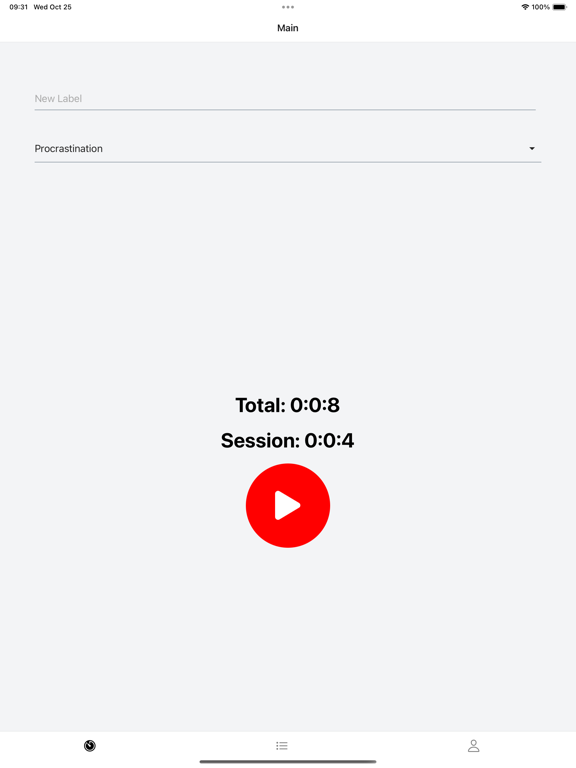
WorkWave is designed for anyone who wants to gain a deeper understanding of how their time is spent and build better habits around it. Unlike other time-tracking apps that run in the background, WorkWave requires your active participation, making you more conscious of your activities.

Features:
- Simple Labeling System: Create labels for different activities you engage in throughout the day. Whether it's 'work,' 'exercise,' 'family time,' or even 'procrastination,' label it.

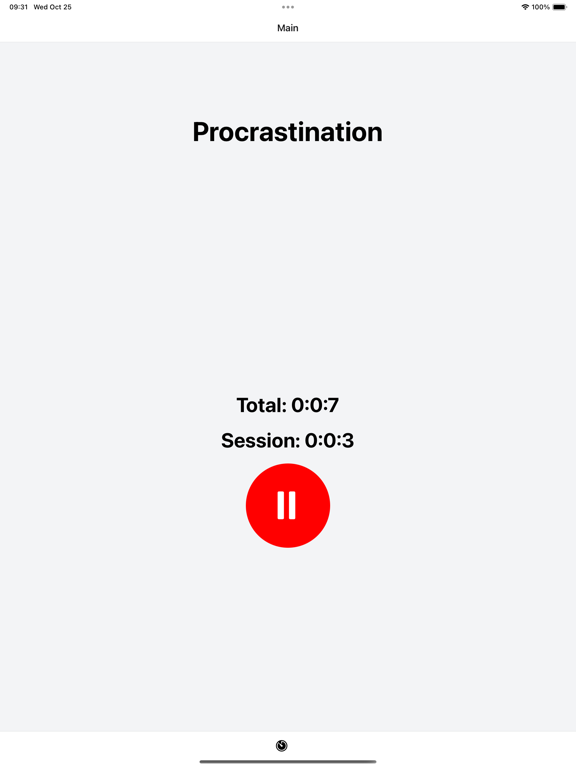
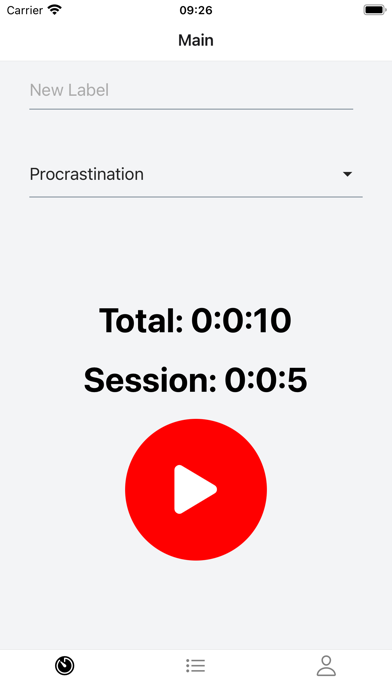
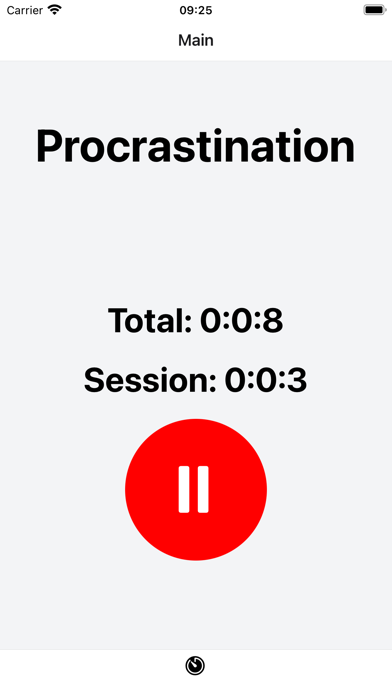
- One-Tap Tracking: Start and stop the timer with a single tap. The big red button is not just cool; it's a psychological cue for your brain to switch modes.

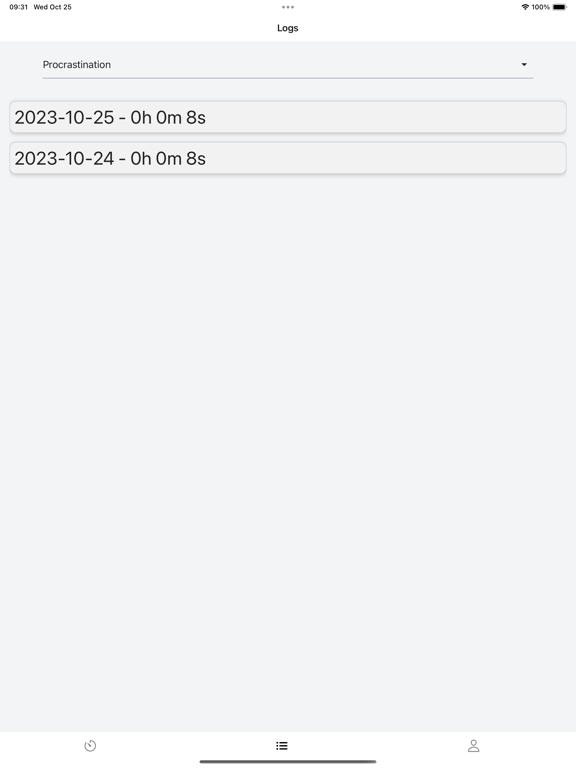
- Cumulative Time Tracking: The app keeps a running total of the time spent on each activity. This helps you understand your daily and even weekly time allocation.

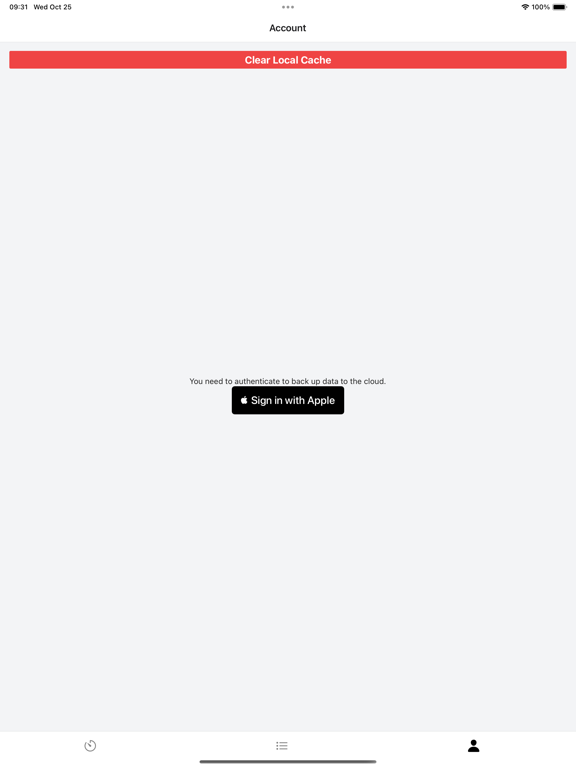
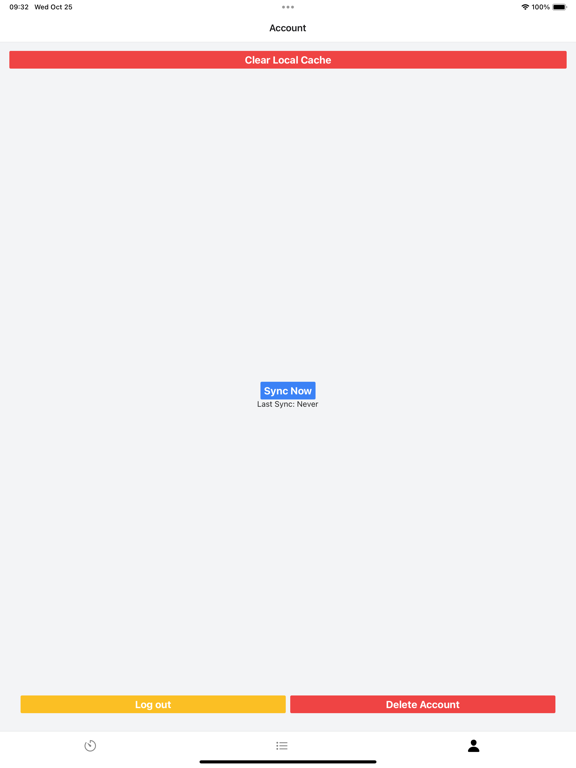
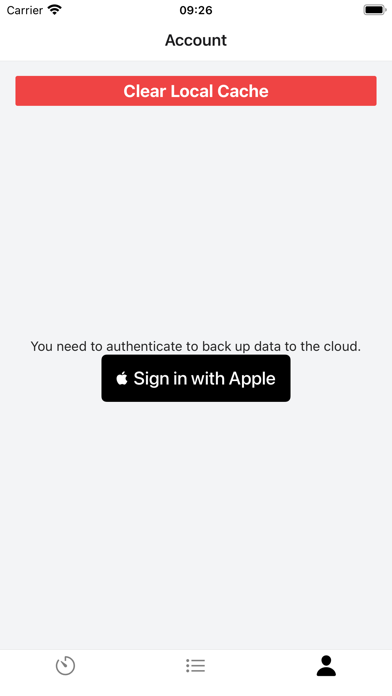
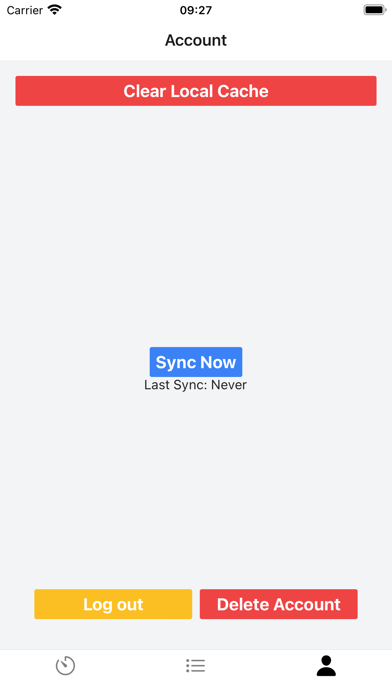
- Backup and Sync: Authenticate and enable backup to keep your data safe. You can also sync across devices.

- User-Friendly Interface: The app is designed to be intuitive and easy to navigate, making it accessible for users of all ages and tech-savviness levels.

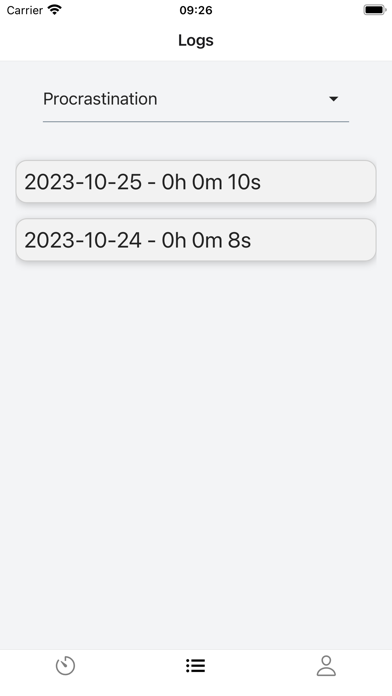
- Data at a Glance: Quick summaries and detailed logs give you both the bird's eye view and the granular details of your time usage.

Why WorkWave?

1. Conscious Engagement: The act of manually starting and stopping the timer makes you more aware of the time spent.

2. Habit Building: Consistent tracking can help you build new habits or change existing ones.

3. Data-Driven Decisions: The insights provided can help you make informed decisions about how to better allocate your time.

4. Flexibility: WorkWave is versatile enough for personal projects, professional tasks, or any activity you wish to track.

5. Privacy-Focused: Your data is yours. Use the backup feature if you want, or keep it all local.

Whether you're looking to improve productivity, build better habits, or gain insight into your daily routine, WorkWave provides the tools you need in a straightforward, user-friendly format."

Show More

What's New in the Latest Version 0.2

Last updated on Oct 26, 2023
Old Versions
Bugfix: When a new day starts, the timer is reset.

Added feature: In addition to the timer that tracks their total time on the activity, I added a timer that tracks time for the current session (Helps to incorporate Pomodoro technique)
Show More
Version History
0.2
Oct 26, 2023
Bugfix: When a new day starts, the timer is reset.

Added feature: In addition to the timer that tracks their total time on the activity, I added a timer that tracks time for the current session (Helps to incorporate Pomodoro technique)
0.1
Oct 6, 2023

WorkWave FAQ

Click here to learn how to download WorkWave in restricted country or region.
Check the following list to see the minimum requirements of WorkWave.
iPhone
Requires iOS 13.0 or later.
iPad
Requires iPadOS 13.0 or later.
iPod touch
Requires iOS 13.0 or later.
WorkWave supports English

WorkWave Alternative

You May Also Like