• Events
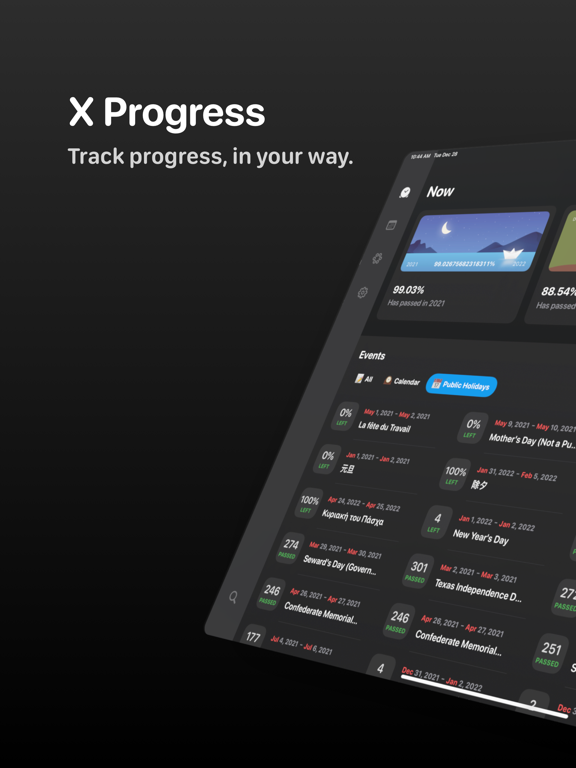
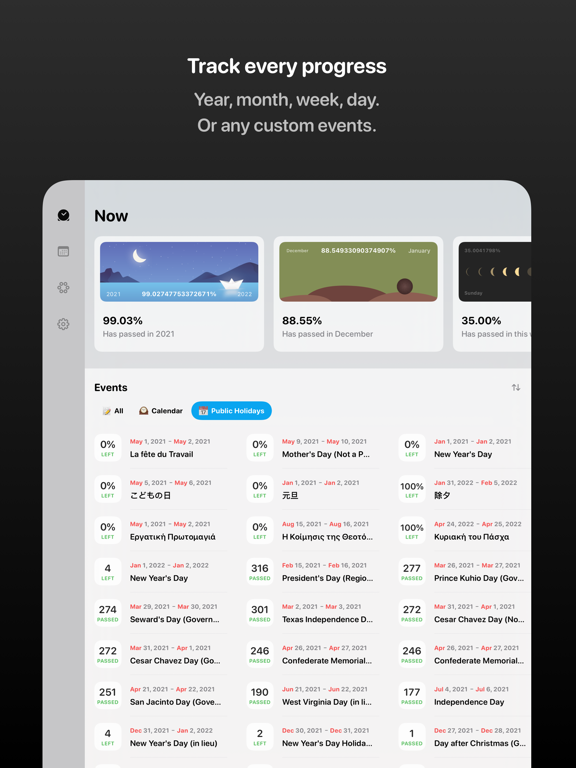
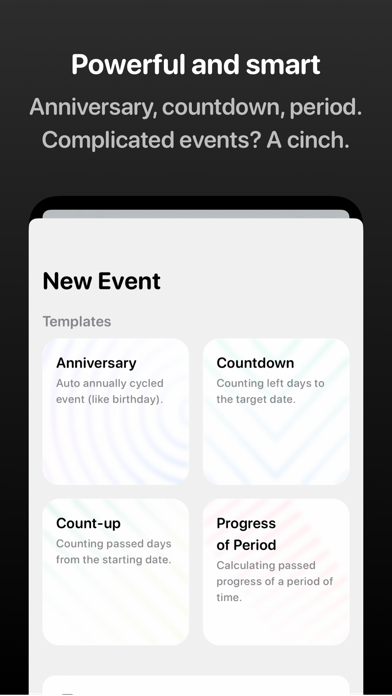
X Progress supports progress tracking from the year, month, week and day, to all kinds of custom events. And you can set notification alerts, write event related memo notes and use auto-repeat feature, to help you track events even better.
• Lock Screen Widgets
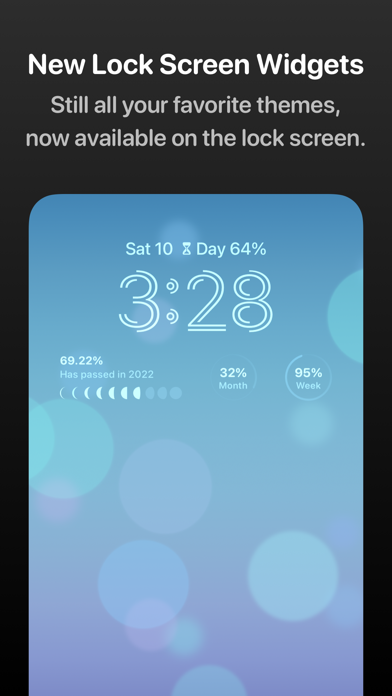
X Progress now supports the new iOS 16 new Lock Screen Widgets. So you can track your favorite event’s progress at a glance even from the Lock Screen.
You can even add multiple X Progress widgets and configure these widgets to show different events in different themes at the same time.
• Watch App
X Progress now provides app for your Apple Watch.
You can use X Progress alone, or with your iOS app together. And you may even add X Progress provided complications to your watch faces, to check the progress of your favorite event right on your wrist.
(Requires watchOS 9)
• Home Screen Widgets
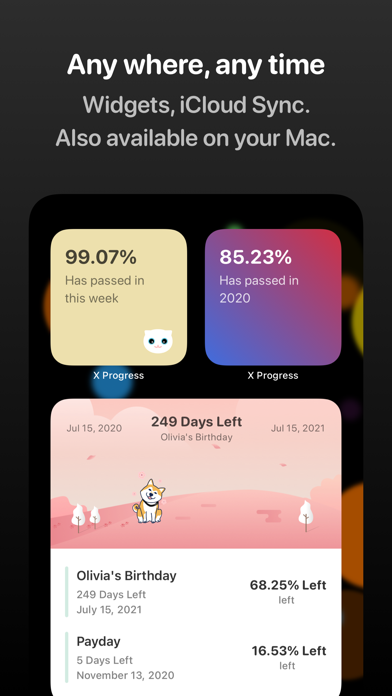
X Progress supports iOS home screen Widgets. You can set individual events and themes for each Widget to check your most cared event at any time.
• ZEN Mode
X Progress includes a carefully designed ZEN mode, and supports iOS “SharePlay” feature, so you can share events or countdown progress with your friends, to stay focused together.
• Themes
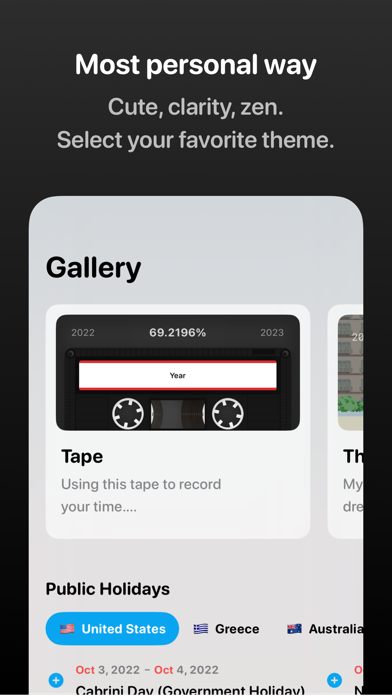
X Progress includes several delicate designed themes by different designers. Cute, clarity, or ZEN style, you can always find a theme that best expresses your feelings to show the progress.
• Sync
X Progress supports iCloud syncing. All of your events, notes will be synced across all of your devices via iCloud. And you can also try the X Progress Mac app, so you can check your progress even on your Mac.
• iPad Supports
X Progress has been optimized for the iPadOS 15, supports Split View and Split Over.
• Dark Mode
X Progress has been optimized for iOS dark mode.
• Accessibility
X Progress has fully supported the VoiceOver feature, and other accessibility features like dynamic font size.
If you have any questions, please contact us.
Terms & Conditions: https://www.roczhang.com/x-progress/terms_and_conditions.html
Privacy Policy: https://www.roczhang.com/x-progress/privacy_policy.html