YZPlayer

YZPlayer


全格式,倍速,视频播放器,文件管理,图片浏览


Free

1.0.13for iPhone, iPad and more
建兰 朱
Developer
85.3 MB
Size
Dec 28, 2022
Update Date
Productivity
Category
4+
Age Rating
Age Rating
4+
Apps in this category do not contain restricted content.
9+
Apps in this category may contain mild or occasional cartoon, fantasy or real-life violence, as well as occasional or mild adult, sexually suggestive or horrifying content and may not be suitable for children under 9 years of age.
12+
Apps in this category may contain occasional mild indecent language, frequent or intense cartoon or real-life violence, minor or occasional adult or sexually suggestive material, and simulated gambling, and may be for children under 12 years of age.
17+
You must be at least 17 years old to access this App.
Apps in this category may contain frequent and intense offensive language; Frequent and intense cartoon, fantasy or realistic violence: frequent and intense adult, scary and sexually suggestive subjects: as well as sexual content, nudity, tobacco, alcohol and drugs, may not be suitable for children under 17 years of age.
YZPlayer Screenshots
YZPlayer posterYZPlayer posterYZPlayer poster

About YZPlayer

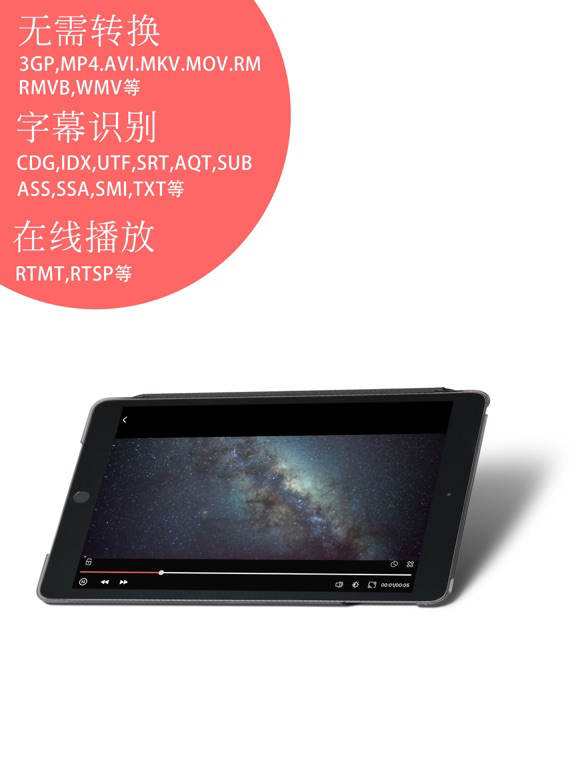
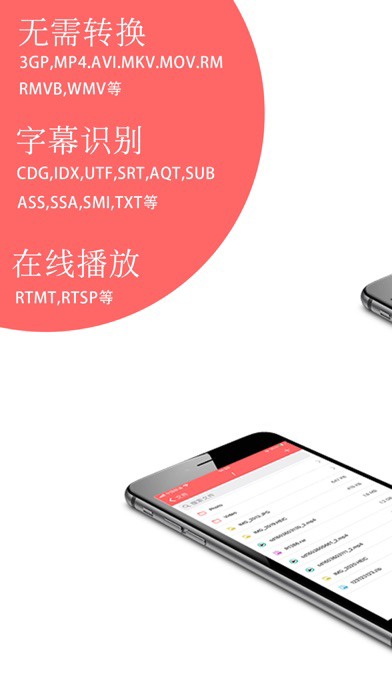
• Video format support
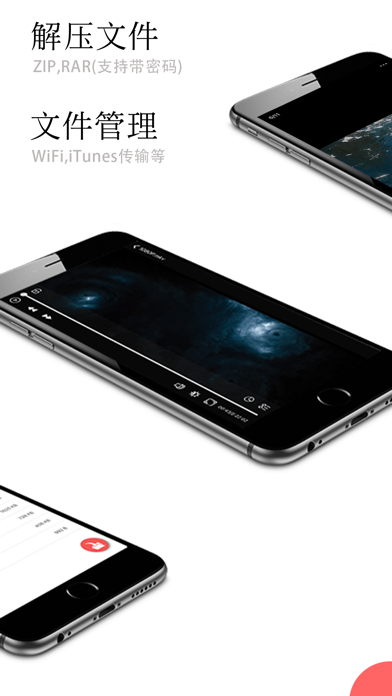
- AVI, MKV, MOV, RM, RMVB, WMV, MOV, etc.
- Support HD viewing

• Audio format support
- AAC,AIFF,MP123,MPC,OGA,OMA,MOD,MKA,RMI, etc.

• online Play
- RTMP, RTSP, etc.

• subtitle format support
-CDG, IDX, SRT, SUB, ASS, SSA, SMI, etc.

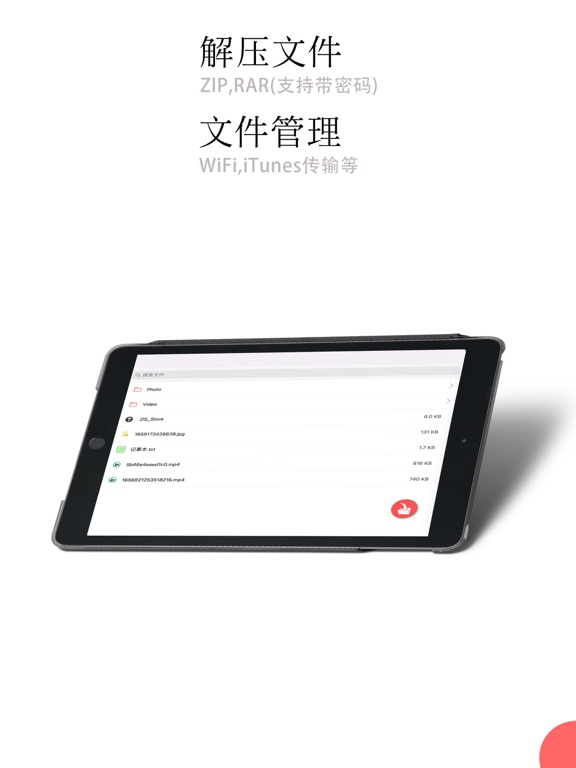
• Decompression file support
- ZIP, RAR

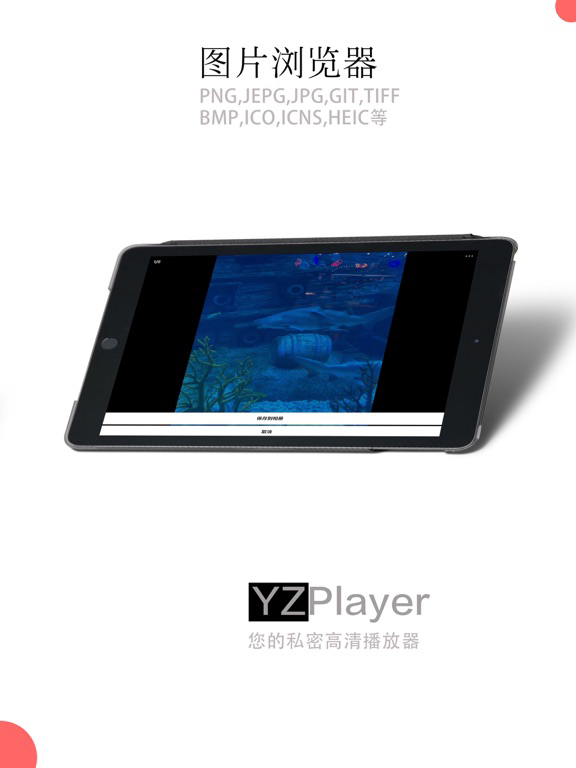
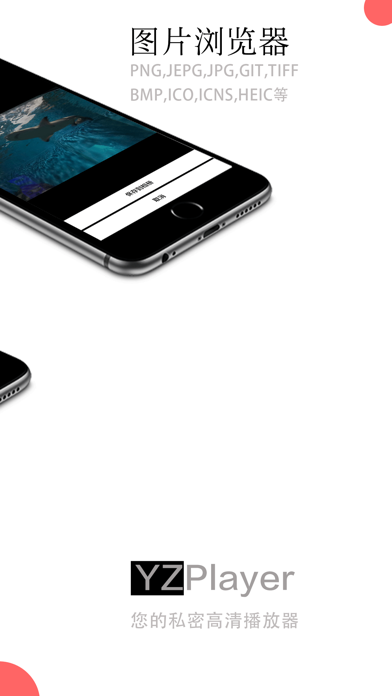
• Picture format support
- PNG, JPEG, JPG, GIF, TIFF, BMP, ICO, ICNS, HEIC, etc.

• Play settings
- go ahead
- Back
- Movie Play Rate
- Video Snapshot
- Brightness
- sound
- The video scale has been automatically set

• other
- FileManage
- Since iOS 11,You can use Apple's File app to manage files.manage files
- Share
- Touch/Face ID unlock program
- Manually set a password to unlock the program

• File transfer (there is a help guide in the program)
- WIFI Transfer
- iTunes Transfer (using USB)

Show More

What's New in the Latest Version 1.0.13

Last updated on Dec 28, 2022
Old Versions
- 【New】
1. Long press the screen to play at double speed
2. Automatic and manual play previous and next
3. Files support browsing more formats
Show More
Version History
1.0.13
Dec 28, 2022
- 【New】
1. Long press the screen to play at double speed
2. Automatic and manual play previous and next
3. Files support browsing more formats
1.0.12
Dec 14, 2022
- Fix some known issues
1.0.9
Sep 27, 2022
- Fix some known issues
- Fixed the issue of iOS16 horizontal screen failure
1.0.8
Sep 11, 2022
- Fix bugs
1.0.7
Aug 21, 2022
- Fix bug;
1.0.6
Oct 17, 2021
1. Fix bug.
2. Optimize the experience.
1.0.5
Oct 8, 2021
1. Fix bug.
2. Optimize the experience.
1.0.3
Sep 27, 2021
1. Fix the error.
2. Fix the problem of wrong file path in multi-level directory.
3. Fix the problem of interface display error.
1.0.2
Sep 23, 2021
1. Fix bug.
2. Improve the Audioplayer.
1.0.1
Sep 16, 2021
1. Fix Bug
2. AudioPlayer
3. File formats supported by the Audio: aac,aiff,mp123,mpc,oga,oma,mod,mka,rmi,etc.
1.0
Sep 4, 2021

YZPlayer FAQ

Click here to learn how to download YZPlayer in restricted country or region.
Check the following list to see the minimum requirements of YZPlayer.
iPhone
Requires iOS 13.0 or later.
iPad
Requires iPadOS 13.0 or later.
iPod touch
Requires iOS 13.0 or later.
YZPlayer supports English, Catalan, Danish, French, German, Hebrew, Hindi, Hungarian, Italian, Japanese, Korean, Russian, Simplified Chinese, Traditional Chinese, Turkish, Ukrainian

YZPlayer Alternative

You May Also Like