Age Rating
4+
Apps in this category do not contain restricted content.
9+
Apps in this category may contain mild or occasional cartoon, fantasy or real-life violence, as well as occasional or mild adult, sexually suggestive or horrifying content and may not be suitable for children under 9 years of age.
12+
Apps in this category may contain occasional mild indecent language, frequent or intense cartoon or real-life violence, minor or occasional adult or sexually suggestive material, and simulated gambling, and may be for children under 12 years of age.
17+
You must be at least 17 years old to access this App.
Apps in this category may contain frequent and intense offensive language; Frequent and intense cartoon, fantasy or realistic violence: frequent and intense adult, scary and sexually suggestive subjects: as well as sexual content, nudity, tobacco, alcohol and drugs, may not be suitable for children under 17 years of age.
ZoomNotes Desktop Screenshots
ZoomNotes Desktop posterZoomNotes Desktop posterZoomNotes Desktop posterZoomNotes Desktop posterZoomNotes Desktop posterZoomNotes Desktop poster

About ZoomNotes Desktop

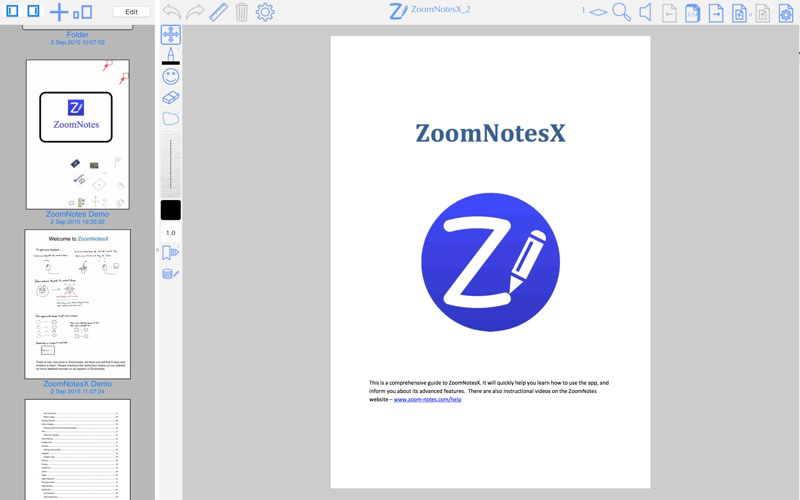
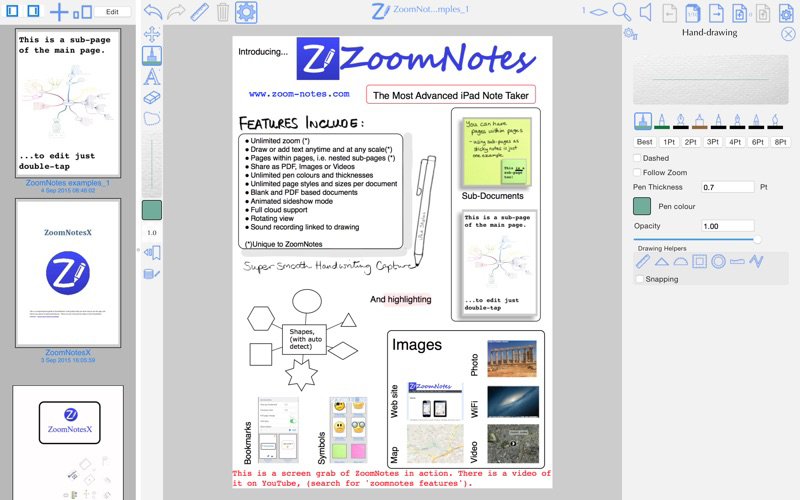
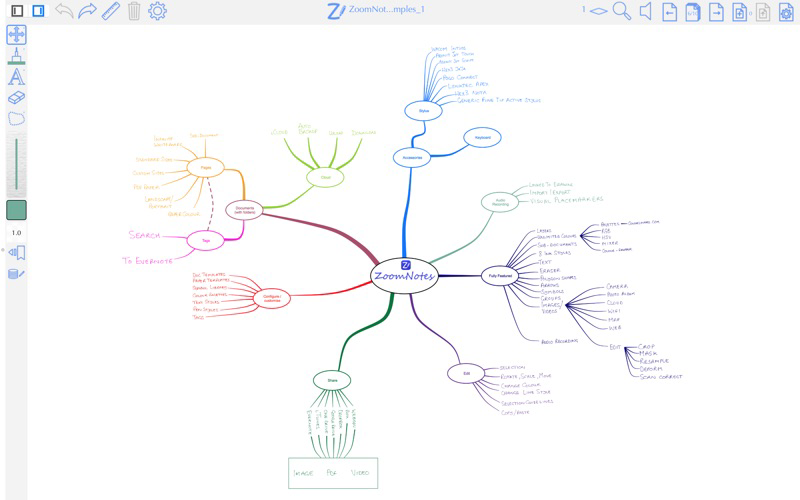
ZoomNotes Desktop is a note taking and sketching app for Mac OS. It is fully compatible with the iOS version
(ZoomNotes, and ZoomNotes Lite) and shares a similar user interface for easy learning. It has many unique
features including

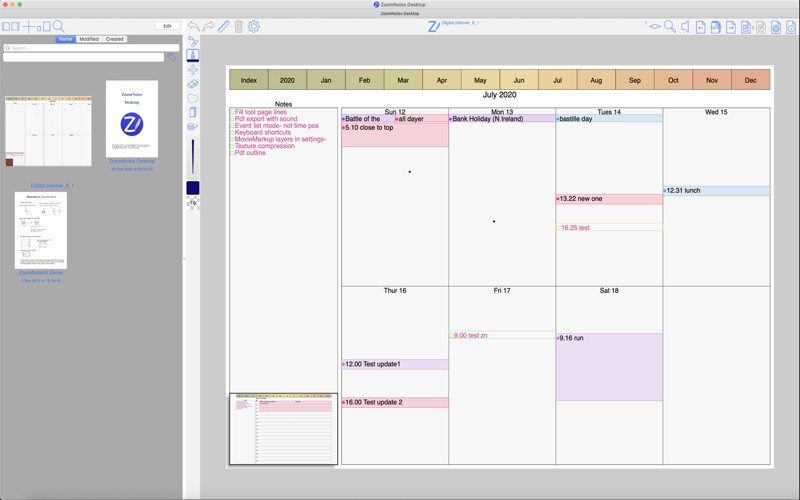
- Import PDF planner documents and display and manage events and reminders from the Calendar app.
- Use the digital planner template to create your own digital planner which will show events and reminders from the Calendar app.
- Write over PDF files or blank paper.
- Infinite whiteboard mode (aka Infinite Canvas).
- Handwriting recognition (14 different languages).
- Sub-documents.
- Typed Rich Text
- Layers let you control what is visible on a page, also options for 'master layers' which show on all pages.
- Near-Infinite zoom range.
- Record and playback sound.
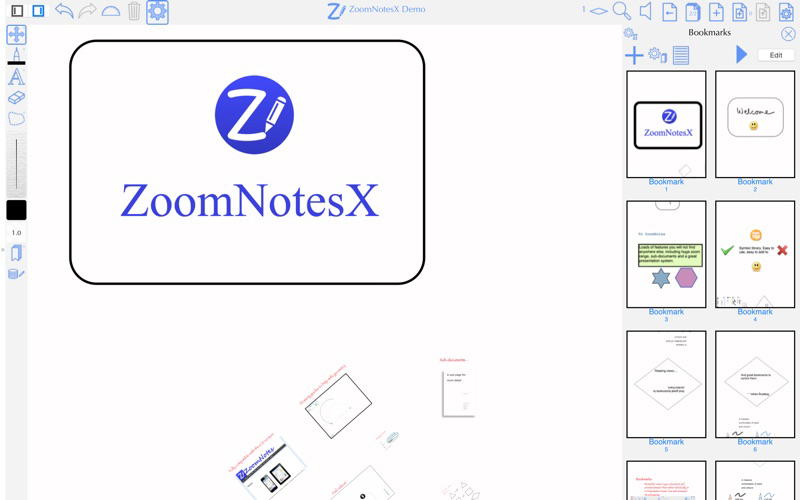
- Bookmarks to record view points within documents.
- Drawing guides for lines and arcs.
- Symbol library.
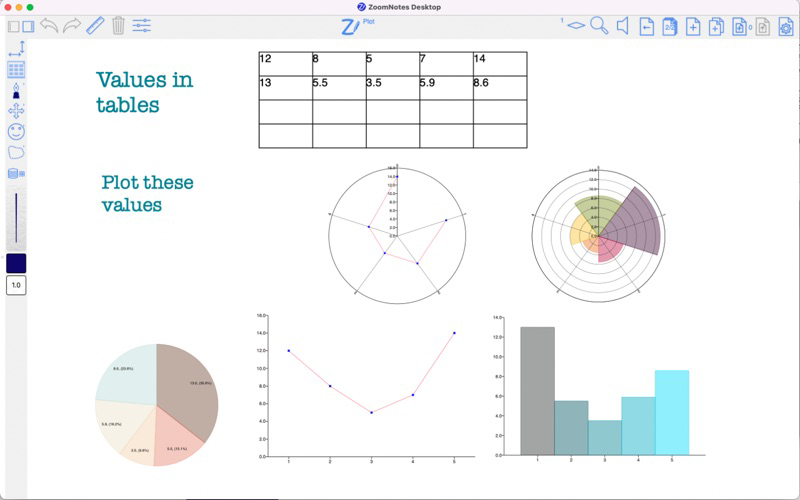
- Polygons, free-hand shapes, tables, arrowed lines, colour fill tool.
- Documents Management - Documents, Folders and Sub-folders. Tags for documents and pages within
documents.
- Export as Images, PDF, Video or SVG.
- Integration with Finder to allow 'Quick preview' and drag-drop of ZND, PDF, ZIP, JPEG, PNG and MOV files.
- ICloud enabled for easy synchronization between iOS and Mac OS.

Show More

What's New in the Latest Version 9.1.23

Last updated on May 21, 2026
Old Versions
NEW: If you select something and choose Add event or Add reminder, a link to the event/reminder will be added too
NEW: Create links to reminders and events
Image edit fixes - images could lose their transparency
Various other improvements and optimisations

If you are enjoying using ZoomNotes please leave a review - thanks.
Show More
Version History
9.1.23
May 21, 2026
NEW: If you select something and choose Add event or Add reminder, a link to the event/reminder will be added too
NEW: Create links to reminders and events
Image edit fixes - images could lose their transparency
Various other improvements and optimisations

If you are enjoying using ZoomNotes please leave a review - thanks.

ZoomNotes Desktop FAQ

Click here to learn how to download ZoomNotes Desktop in restricted country or region.
Check the following list to see the minimum requirements of ZoomNotes Desktop.
iPhone

ZoomNotes Desktop Alternative

You May Also Like

Get more from Deliverance Software Ltd