Cam Scanner - DocScanner
Document Scanner - PDF Scan
Free
2.0.5for iPhone, iPad and more
9.3
80 Ratings
Devkrushna Infotech Private Limited
Developer
51 MB
Size
30/08/2020
Update Date
Productivity
Category
4+
Age Rating
Age Rating
لقطات الشاشة لـ Cam Scanner - DocScanner
About Cam Scanner - DocScanner
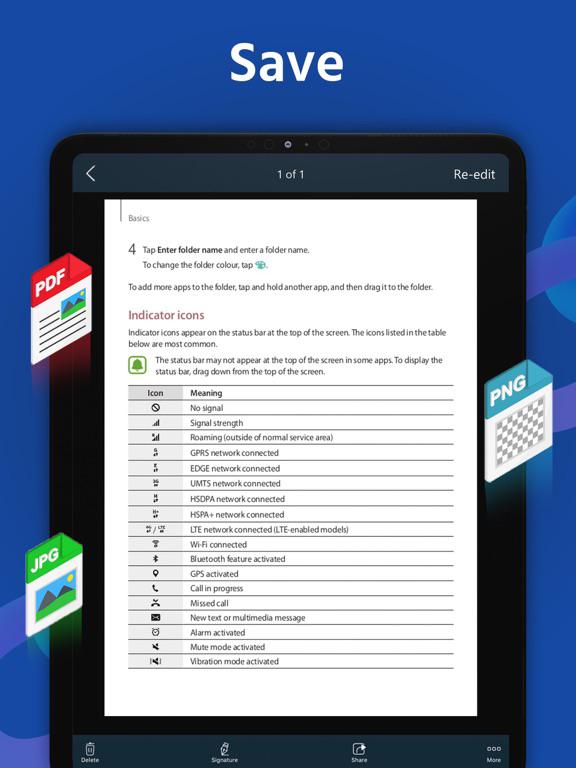
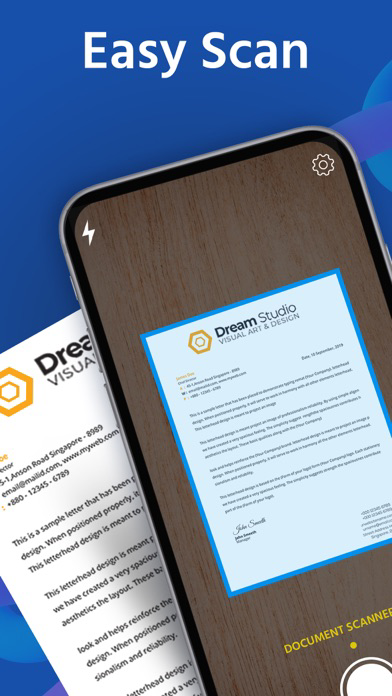
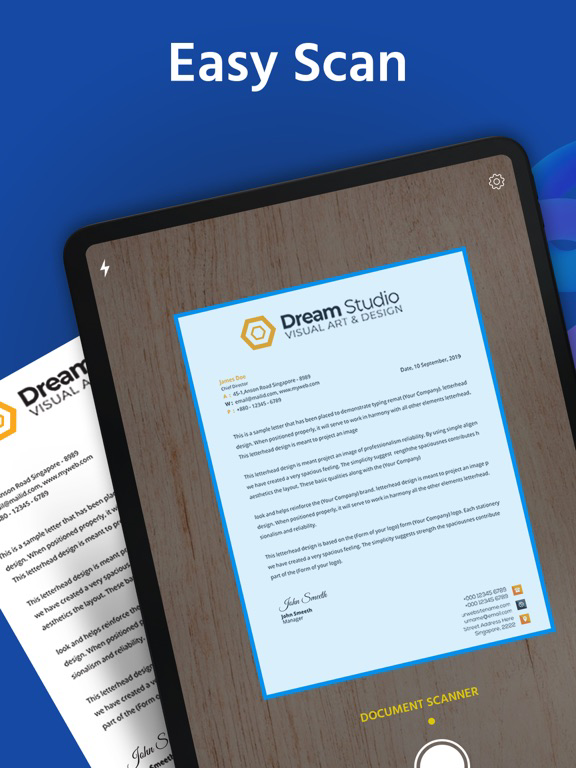
DocScanner is a handy scanner app that will turn your iPhone or iPad into a powerful mobile scanner. Easily scan, save, and share any document in PDF or JPEG format.
Scan document into clear & sharp image/PDF, to email, print, or save to cloud.
Take this portable document scanner anywhere you go for your daily business needs. It doesn't require an Internet connection as all scans are stored locally on your device.
Features:
- Fast & Powerful Mobile Scanner
Use your phone camera to scan receipts, notes, invoices, articles, business cards, certificates, etc.
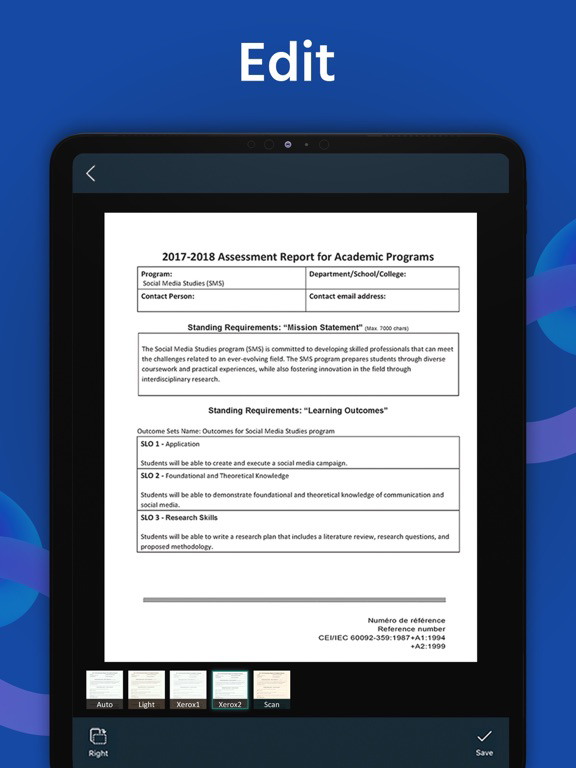
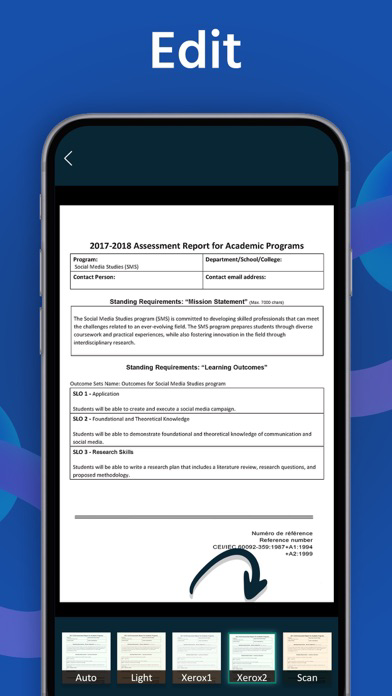
- Optimize Scan Quality
Smart cropping and auto enhancing make the texts and graphics look clear and sharp.
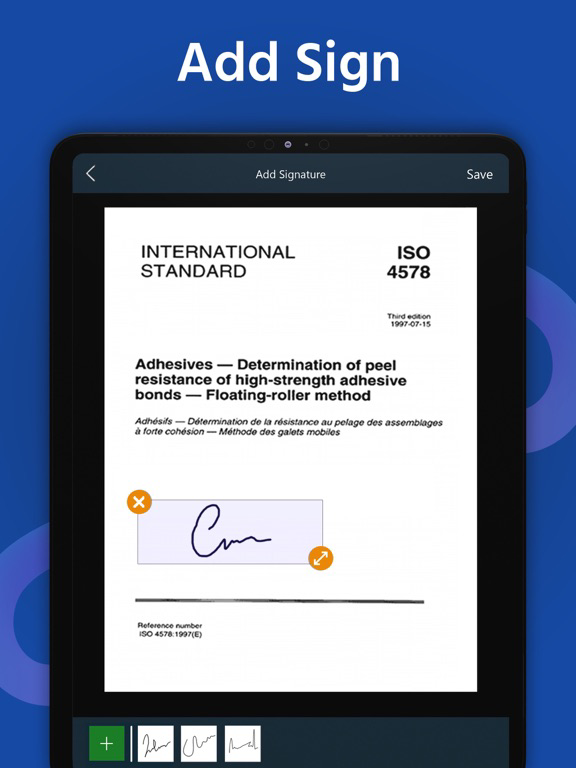
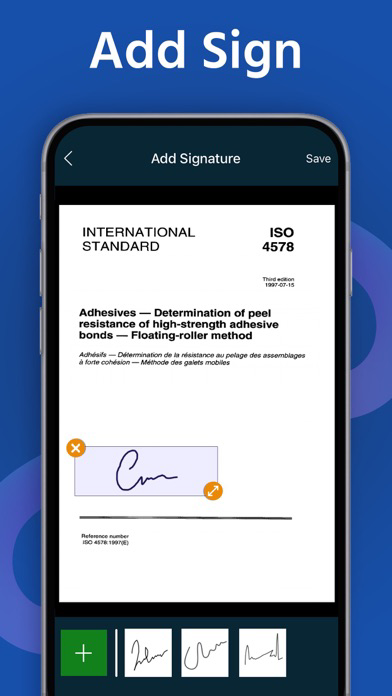
- E-signature
Sign contracts and share them with your counterparty. It is widely used among real estate agents and in government form filling.
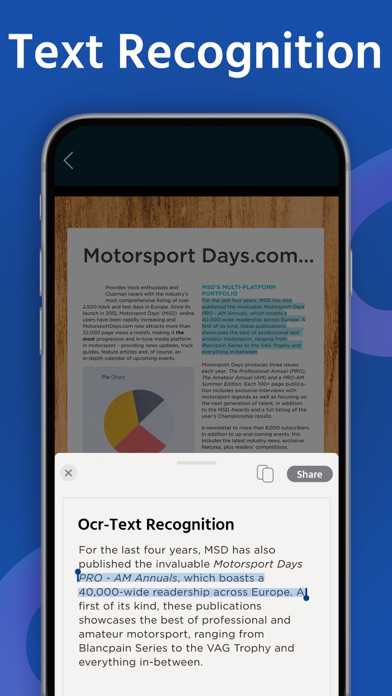
- OCR Text Recognition
The OCR Text Recognition lets you recognize text from images then edit texts or share text to other apps.
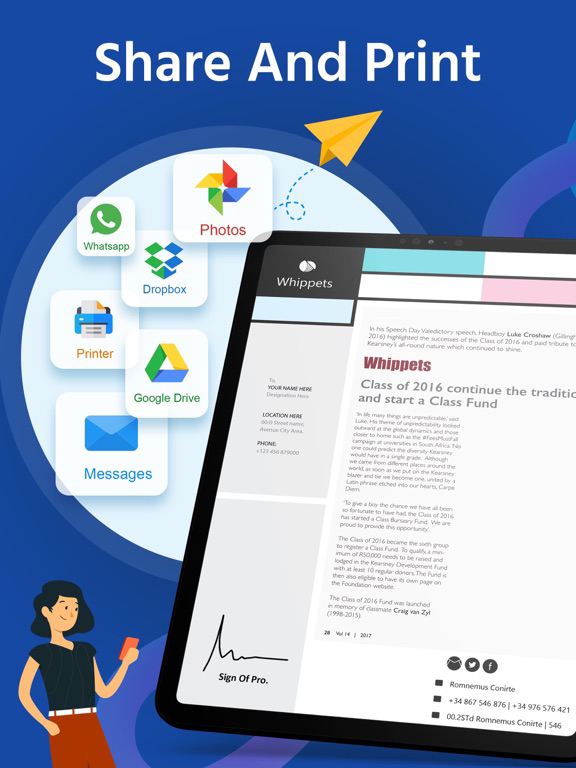
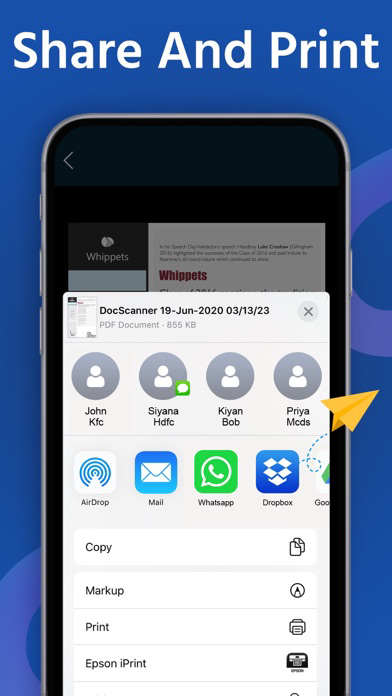
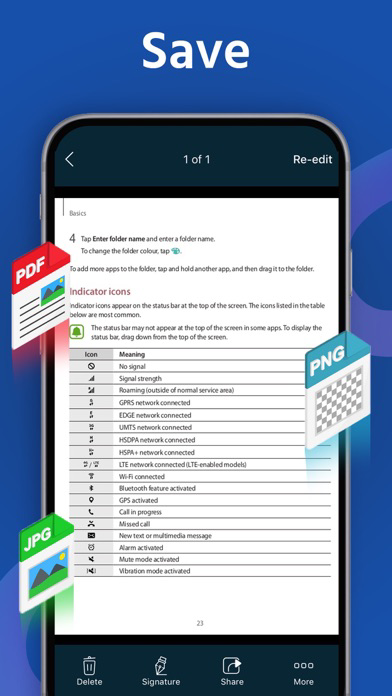
- Share PDF/JPEG Files
Easily share documents in PDF or JPEG format with others via email attachment and social media.
Save scans to Camera Roll
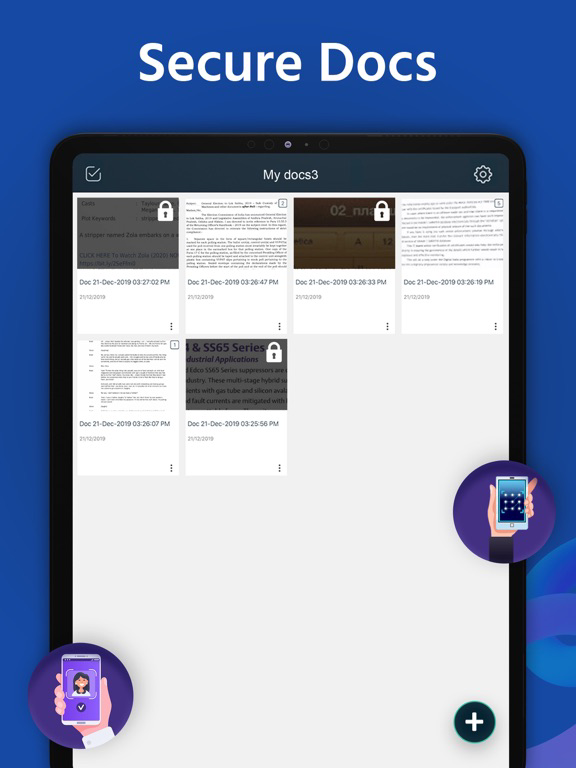
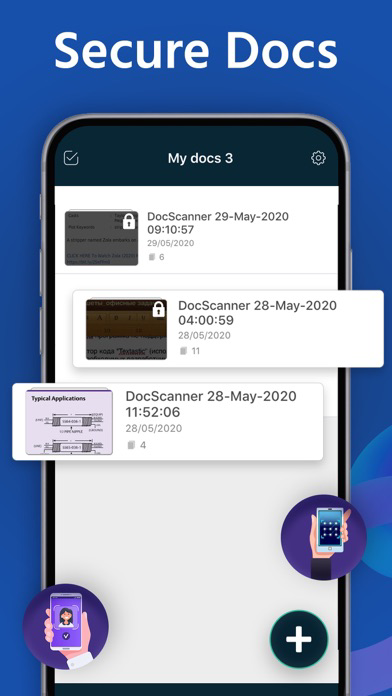
- Secure Important Documents
If you need to protect your valuable scans, you can set up a password for the whole app or lock particular folders or documents.
- AirPrint Documents
Instantly print out documents in Document Scanner with nearby printer via AirPrint.
- Cloud Storage
Share and upload scanned documents to Google Drive & Dropbox.
Doc Scanner users scan and manage
• Bill, Invoice, Contract, Tax Roll, Business Card…
• Article, Note, Book…
• Paper notes, Memo, Script, Letter…
• Identity Document, Certificate, Credential, Painting…
We’d love to hear your feedback: info@devkrushna.com

Scan document into clear & sharp image/PDF, to email, print, or save to cloud.
Take this portable document scanner anywhere you go for your daily business needs. It doesn't require an Internet connection as all scans are stored locally on your device.
Features:
- Fast & Powerful Mobile Scanner
Use your phone camera to scan receipts, notes, invoices, articles, business cards, certificates, etc.
- Optimize Scan Quality
Smart cropping and auto enhancing make the texts and graphics look clear and sharp.
- E-signature
Sign contracts and share them with your counterparty. It is widely used among real estate agents and in government form filling.
- OCR Text Recognition
The OCR Text Recognition lets you recognize text from images then edit texts or share text to other apps.
- Share PDF/JPEG Files
Easily share documents in PDF or JPEG format with others via email attachment and social media.
Save scans to Camera Roll
- Secure Important Documents
If you need to protect your valuable scans, you can set up a password for the whole app or lock particular folders or documents.
- AirPrint Documents
Instantly print out documents in Document Scanner with nearby printer via AirPrint.
- Cloud Storage
Share and upload scanned documents to Google Drive & Dropbox.
Doc Scanner users scan and manage
• Bill, Invoice, Contract, Tax Roll, Business Card…
• Article, Note, Book…
• Paper notes, Memo, Script, Letter…
• Identity Document, Certificate, Credential, Painting…
We’d love to hear your feedback: info@devkrushna.com
Show More
تحديث لأحدث إصدار 2.0.5
Last updated on 30/08/2020
الإصدارات القديمة
- Edit to PDF file name
- Compress(70%) PDF File size
- Solved Applock issue
- Performance improvement
- Compress(70%) PDF File size
- Solved Applock issue
- Performance improvement
Show More
Version History
2.0.5
30/08/2020
- Edit to PDF file name
- Compress(70%) PDF File size
- Solved Applock issue
- Performance improvement
- Compress(70%) PDF File size
- Solved Applock issue
- Performance improvement
2.0.4
21/08/2020
- Performance improvement
- Bug fixed
- Bug fixed
2.0.3
08/08/2020
- Qr code scan
- Performance improvement
- Bug fixed
- Performance improvement
- Bug fixed
2.0.2
04/08/2020
- Performance improvement
- Bug fixed
- Bug fixed
2.0.1
29/07/2020
- Performance improvement
- Bug fixed
- Bug fixed
2.0.0
22/07/2020
- Performance improvement
- Bug fixed
- Bug fixed
1.0.9
17/07/2020
- The OCR Text Recognition lets you recognize text from images then edit texts or share text.
- Bug fixed
- Performance improvement.
- Bug fixed
- Performance improvement.
1.0.8
16/07/2020
- The OCR Text Recognition lets you recognize text from images then edit texts or share text.
- Performance improvement
- Bug fixed
- Performance improvement
- Bug fixed
1.0.7
13/07/2020
- Now easy to rename the folder name
- Performance improvement
- Minor bug fixed
- Performance improvement
- Minor bug fixed
1.0.6
08/07/2020
- UI Improvement
- Minor bug fixed
- Minor bug fixed
1.0.5
19/06/2020
- Share PDF file with Password Protected
- Add own watermark on PDF file
- Share Document with collage
- Performance improvement
- Bug fixed
- Add own watermark on PDF file
- Share Document with collage
- Performance improvement
- Bug fixed
1.0.4
30/05/2020
- Performance Improvement
- Bug fixed
- Bug fixed
1.0.3
25/05/2020
- Performance Improvement
- Bug fixed
- Bug fixed
1.0.2
19/05/2020
- Performance Improvement
- Bug fixed
- Bug fixed
1.0.1
25/01/2020
- Performance improvement
- Document scan result enhanced
- Signature module improvement
- Bug fixed
- Document scan result enhanced
- Signature module improvement
- Bug fixed
1.0.0
02/01/2020
Cam Scanner - DocScanner FAQ
انقر هنا لمعرفة كيفية تنزيل Cam Scanner - DocScanner في بلد أو منطقة محظورة.
تحقق من القائمة التالية لمعرفة الحد الأدنى من المتطلبات Cam Scanner - DocScanner.
iPhone
Requires iOS 12.0 or later.
iPad
Requires iPadOS 12.0 or later.
iPod touch
Requires iOS 12.0 or later.
Cam Scanner - DocScanner هي مدعومة على اللغات English