Cam Scanner - DocScanner
Document Scanner - PDF Scan
Free
2.0.5for iPhone, iPad and more
9.3
80 Ratings
Devkrushna Infotech Private Limited
Developer
51 MB
Size
Aug 30, 2020
Update Date
Productivity
Category
4+
Age Rating
Age Rating
Cam Scanner - DocScanner 스크린 샷
About Cam Scanner - DocScanner
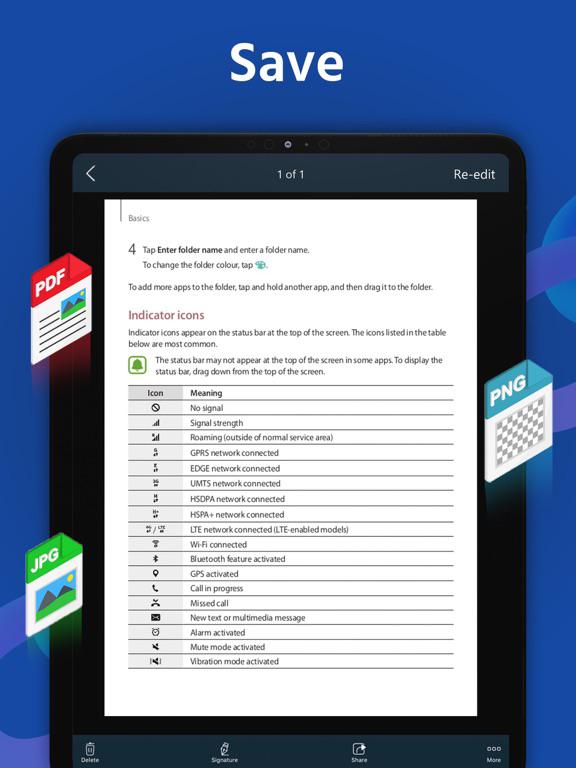
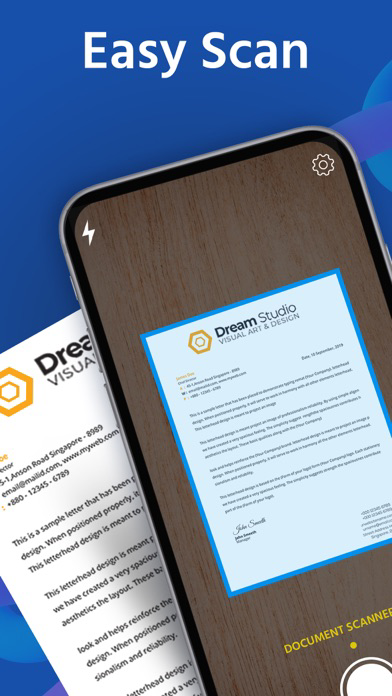
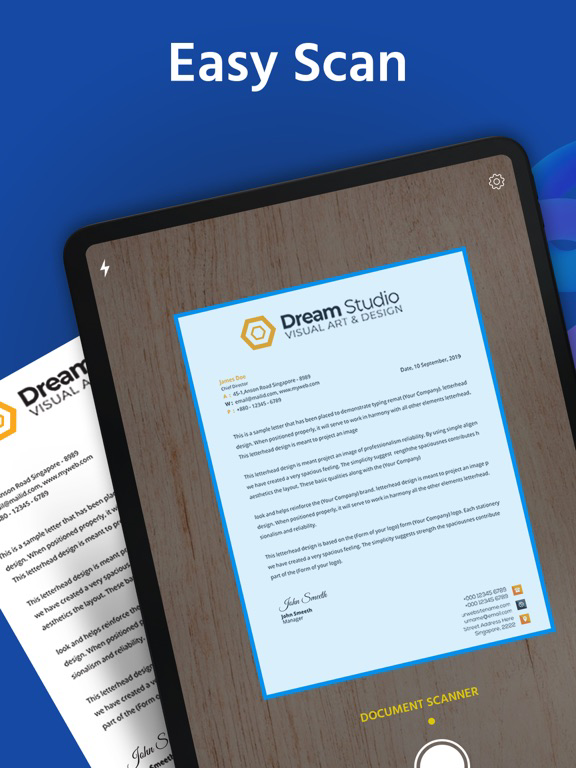
DocScanner is a handy scanner app that will turn your iPhone or iPad into a powerful mobile scanner. Easily scan, save, and share any document in PDF or JPEG format.
Scan document into clear & sharp image/PDF, to email, print, or save to cloud.
Take this portable document scanner anywhere you go for your daily business needs. It doesn't require an Internet connection as all scans are stored locally on your device.
Features:
- Fast & Powerful Mobile Scanner
Use your phone camera to scan receipts, notes, invoices, articles, business cards, certificates, etc.
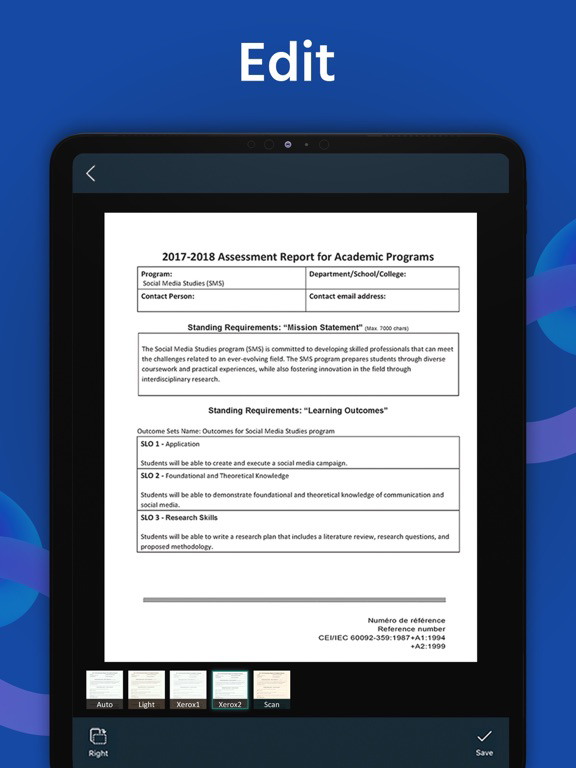
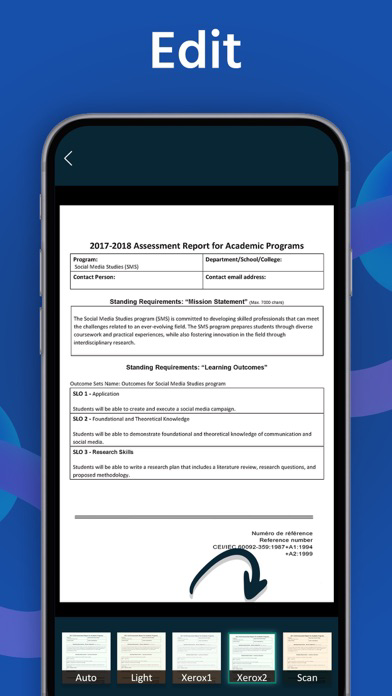
- Optimize Scan Quality
Smart cropping and auto enhancing make the texts and graphics look clear and sharp.
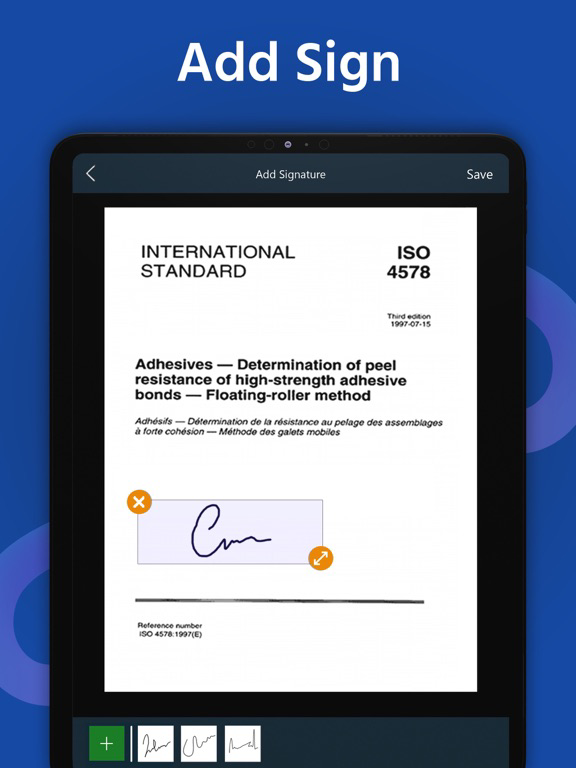
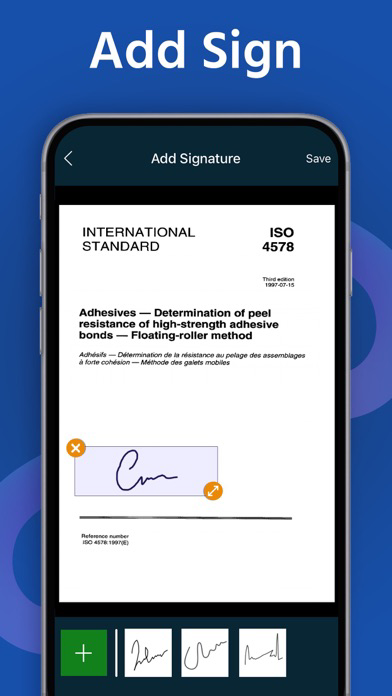
- E-signature
Sign contracts and share them with your counterparty. It is widely used among real estate agents and in government form filling.
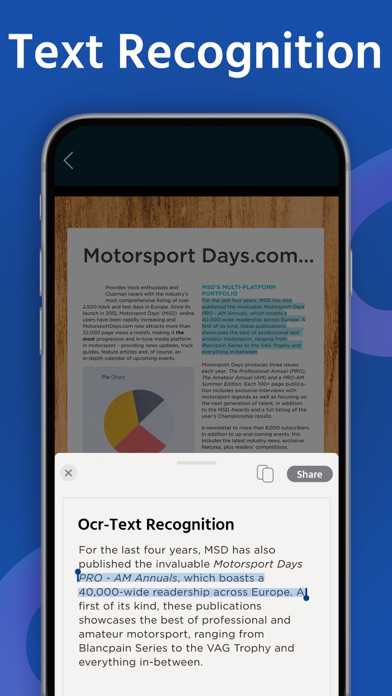
- OCR Text Recognition
The OCR Text Recognition lets you recognize text from images then edit texts or share text to other apps.
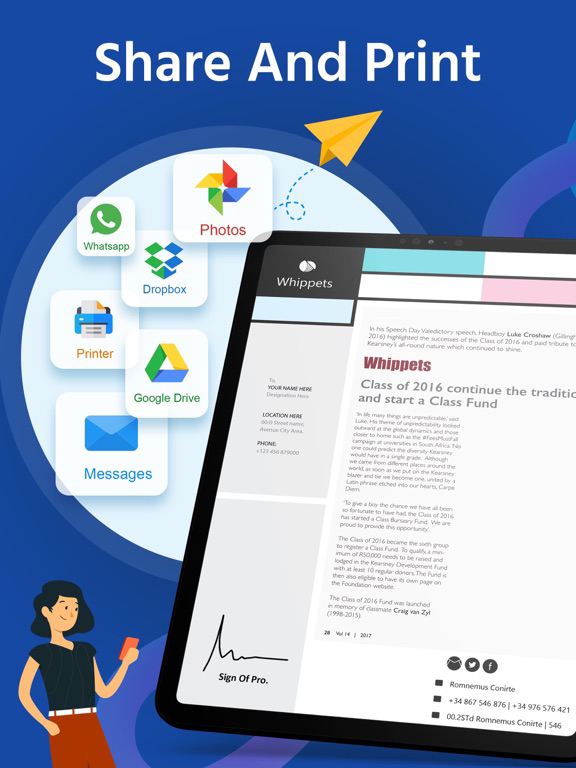
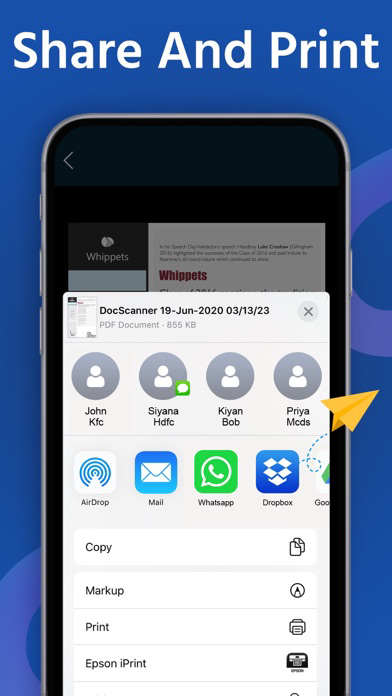
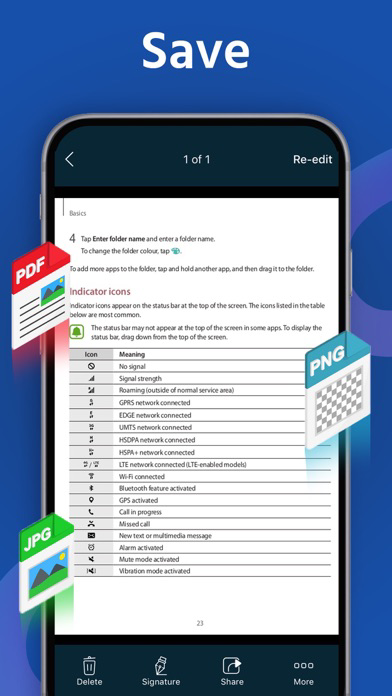
- Share PDF/JPEG Files
Easily share documents in PDF or JPEG format with others via email attachment and social media.
Save scans to Camera Roll
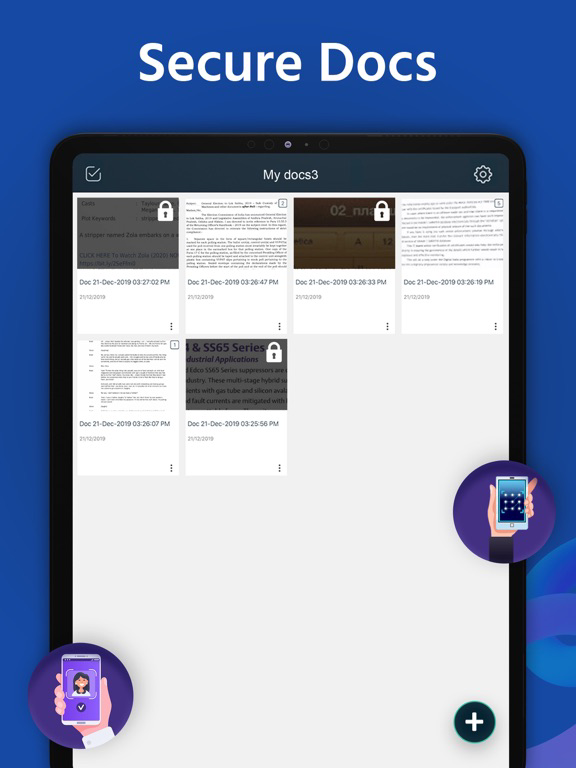
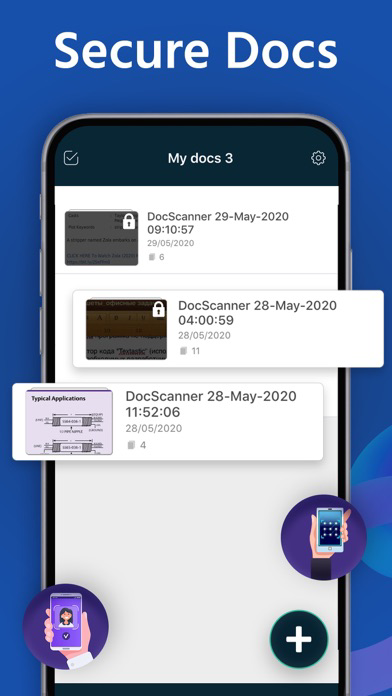
- Secure Important Documents
If you need to protect your valuable scans, you can set up a password for the whole app or lock particular folders or documents.
- AirPrint Documents
Instantly print out documents in Document Scanner with nearby printer via AirPrint.
- Cloud Storage
Share and upload scanned documents to Google Drive & Dropbox.
Doc Scanner users scan and manage
• Bill, Invoice, Contract, Tax Roll, Business Card…
• Article, Note, Book…
• Paper notes, Memo, Script, Letter…
• Identity Document, Certificate, Credential, Painting…
We’d love to hear your feedback: info@devkrushna.com

Scan document into clear & sharp image/PDF, to email, print, or save to cloud.
Take this portable document scanner anywhere you go for your daily business needs. It doesn't require an Internet connection as all scans are stored locally on your device.
Features:
- Fast & Powerful Mobile Scanner
Use your phone camera to scan receipts, notes, invoices, articles, business cards, certificates, etc.
- Optimize Scan Quality
Smart cropping and auto enhancing make the texts and graphics look clear and sharp.
- E-signature
Sign contracts and share them with your counterparty. It is widely used among real estate agents and in government form filling.
- OCR Text Recognition
The OCR Text Recognition lets you recognize text from images then edit texts or share text to other apps.
- Share PDF/JPEG Files
Easily share documents in PDF or JPEG format with others via email attachment and social media.
Save scans to Camera Roll
- Secure Important Documents
If you need to protect your valuable scans, you can set up a password for the whole app or lock particular folders or documents.
- AirPrint Documents
Instantly print out documents in Document Scanner with nearby printer via AirPrint.
- Cloud Storage
Share and upload scanned documents to Google Drive & Dropbox.
Doc Scanner users scan and manage
• Bill, Invoice, Contract, Tax Roll, Business Card…
• Article, Note, Book…
• Paper notes, Memo, Script, Letter…
• Identity Document, Certificate, Credential, Painting…
We’d love to hear your feedback: info@devkrushna.com
Show More
최신 버전 2.0.5의 새로운 기능
Last updated on Aug 30, 2020
오래된 버전
- Edit to PDF file name
- Compress(70%) PDF File size
- Solved Applock issue
- Performance improvement
- Compress(70%) PDF File size
- Solved Applock issue
- Performance improvement
Show More
Version History
2.0.5
Aug 30, 2020
- Edit to PDF file name
- Compress(70%) PDF File size
- Solved Applock issue
- Performance improvement
- Compress(70%) PDF File size
- Solved Applock issue
- Performance improvement
2.0.4
Aug 21, 2020
- Performance improvement
- Bug fixed
- Bug fixed
2.0.3
Aug 8, 2020
- Qr code scan
- Performance improvement
- Bug fixed
- Performance improvement
- Bug fixed
2.0.2
Aug 4, 2020
- Performance improvement
- Bug fixed
- Bug fixed
2.0.1
Jul 29, 2020
- Performance improvement
- Bug fixed
- Bug fixed
2.0.0
Jul 22, 2020
- Performance improvement
- Bug fixed
- Bug fixed
1.0.9
Jul 17, 2020
- The OCR Text Recognition lets you recognize text from images then edit texts or share text.
- Bug fixed
- Performance improvement.
- Bug fixed
- Performance improvement.
1.0.8
Jul 16, 2020
- The OCR Text Recognition lets you recognize text from images then edit texts or share text.
- Performance improvement
- Bug fixed
- Performance improvement
- Bug fixed
1.0.7
Jul 13, 2020
- Now easy to rename the folder name
- Performance improvement
- Minor bug fixed
- Performance improvement
- Minor bug fixed
1.0.6
Jul 8, 2020
- UI Improvement
- Minor bug fixed
- Minor bug fixed
1.0.5
Jun 19, 2020
- Share PDF file with Password Protected
- Add own watermark on PDF file
- Share Document with collage
- Performance improvement
- Bug fixed
- Add own watermark on PDF file
- Share Document with collage
- Performance improvement
- Bug fixed
1.0.4
May 30, 2020
- Performance Improvement
- Bug fixed
- Bug fixed
1.0.3
May 25, 2020
- Performance Improvement
- Bug fixed
- Bug fixed
1.0.2
May 19, 2020
- Performance Improvement
- Bug fixed
- Bug fixed
1.0.1
Jan 25, 2020
- Performance improvement
- Document scan result enhanced
- Signature module improvement
- Bug fixed
- Document scan result enhanced
- Signature module improvement
- Bug fixed
1.0.0
Jan 2, 2020
Cam Scanner - DocScanner FAQ
제한된 국가 또는 지역에서 Cam Scanner - DocScanner를 다운로드하는 방법을 알아보려면 여기를 클릭하십시오.
Cam Scanner - DocScanner의 최소 요구 사항을 보려면 다음 목록을 확인하십시오.
iPhone
Requires iOS 12.0 or later.
iPad
Requires iPadOS 12.0 or later.
iPod touch
Requires iOS 12.0 or later.
Cam Scanner - DocScanner은 다음 언어를 지원합니다. English