Drones-Controller Remote
Free
1.1for iPhone, iPad
Age Rating
لقطات الشاشة لـ Drones-Controller Remote
About Drones-Controller Remote
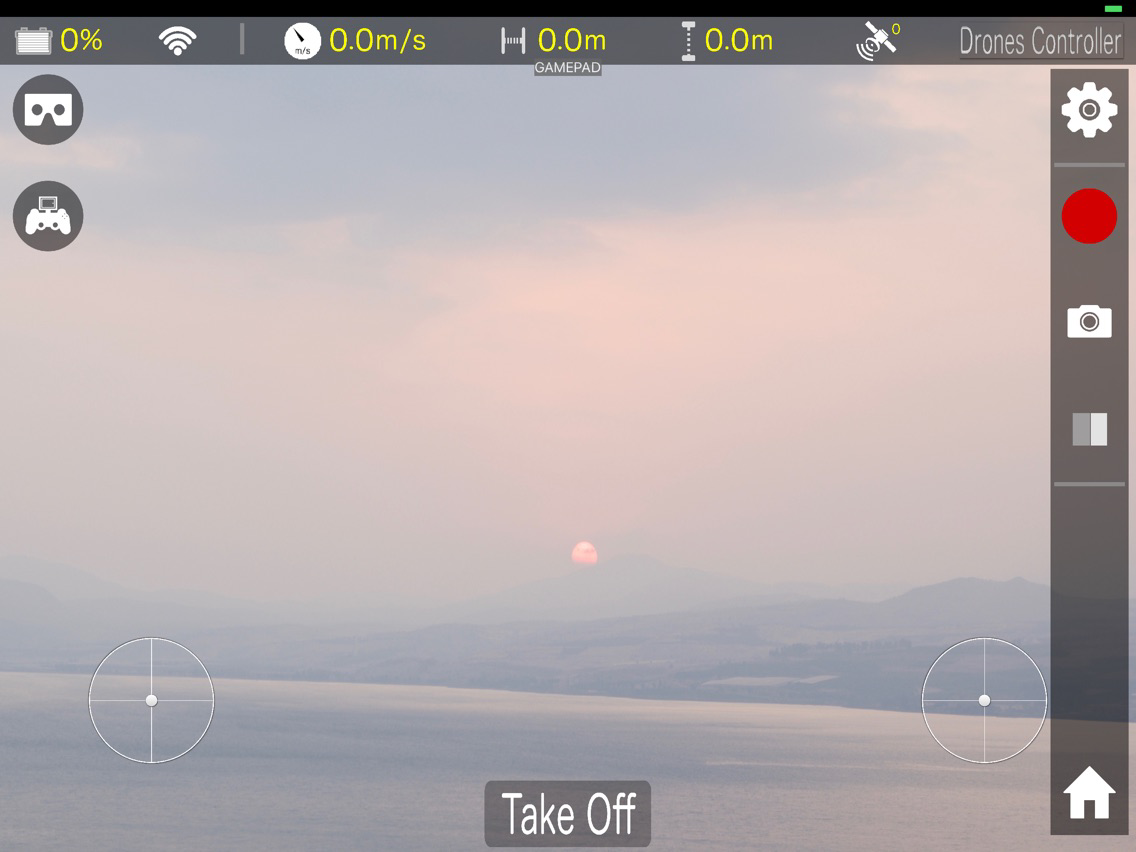
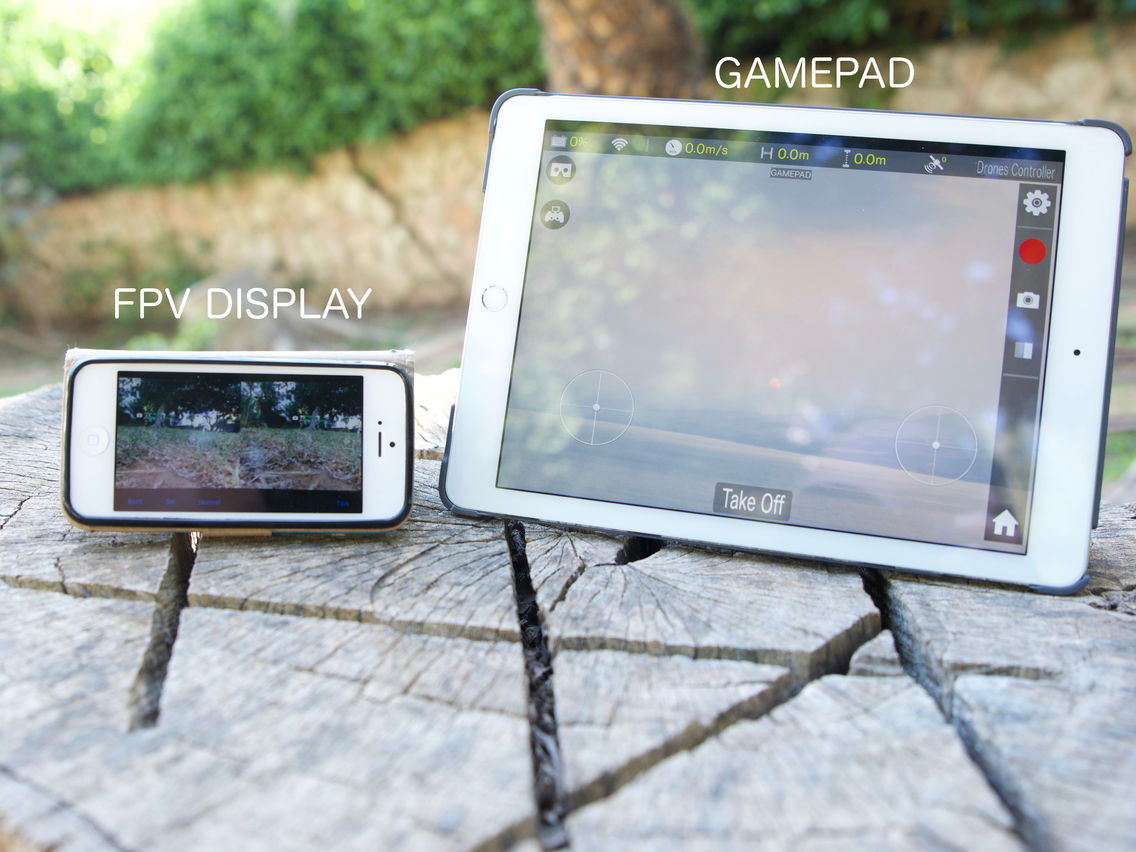
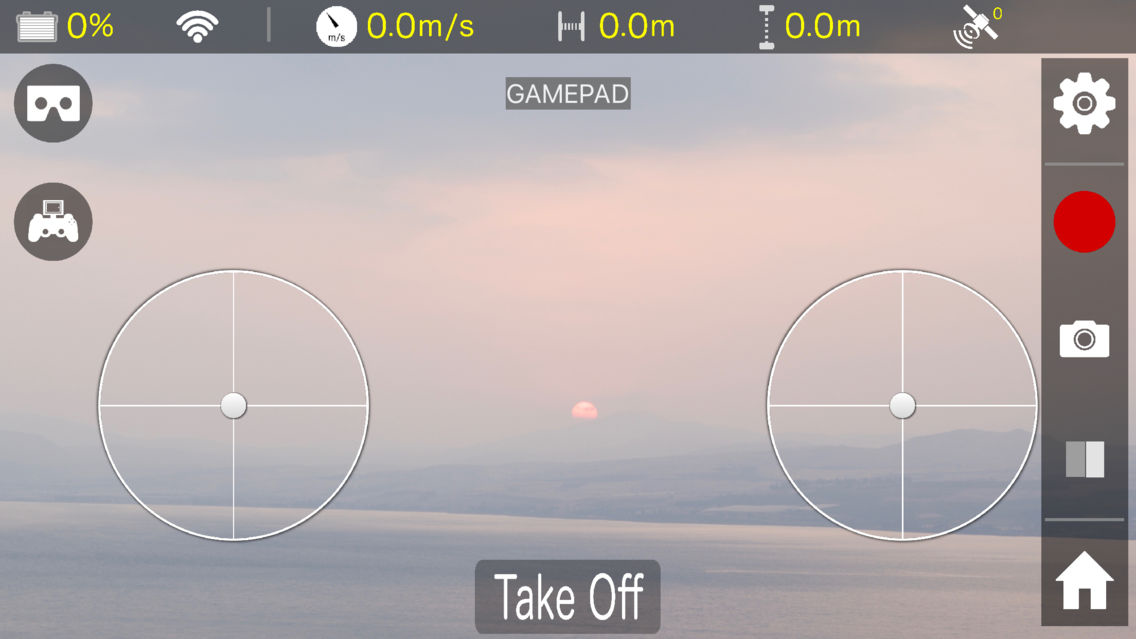
Drones-Controller RC (Gamepad) turns your iPhone or iPad into a gamepad supported by the Drones-Controller apps series. See 'developer website' for more information about the Drones-Controllers apps.
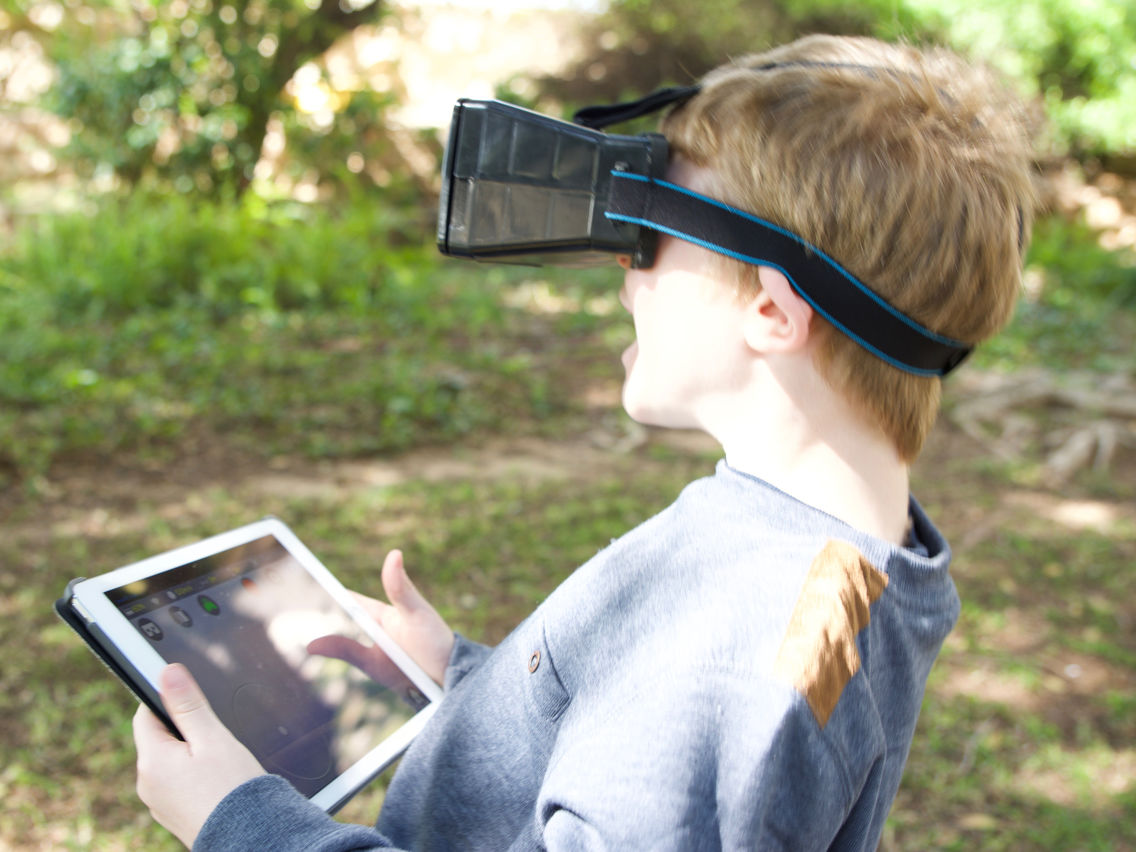
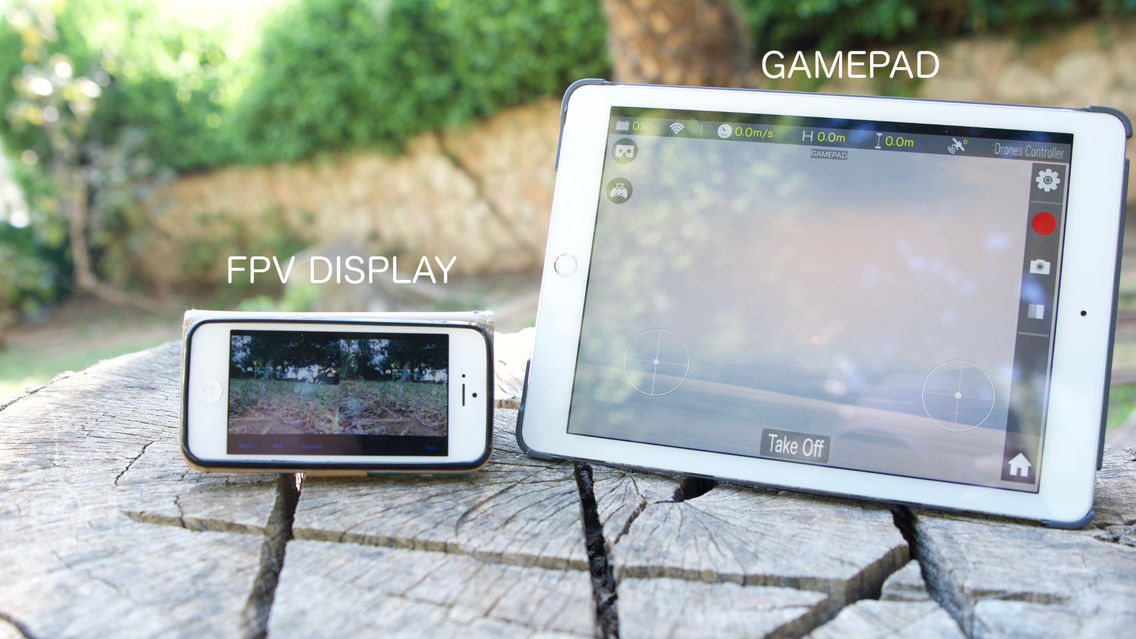
The purpose of this app is to be used as a gamepad with Drones-Controller apps, specifically when flying FPV!
* How to use this app.
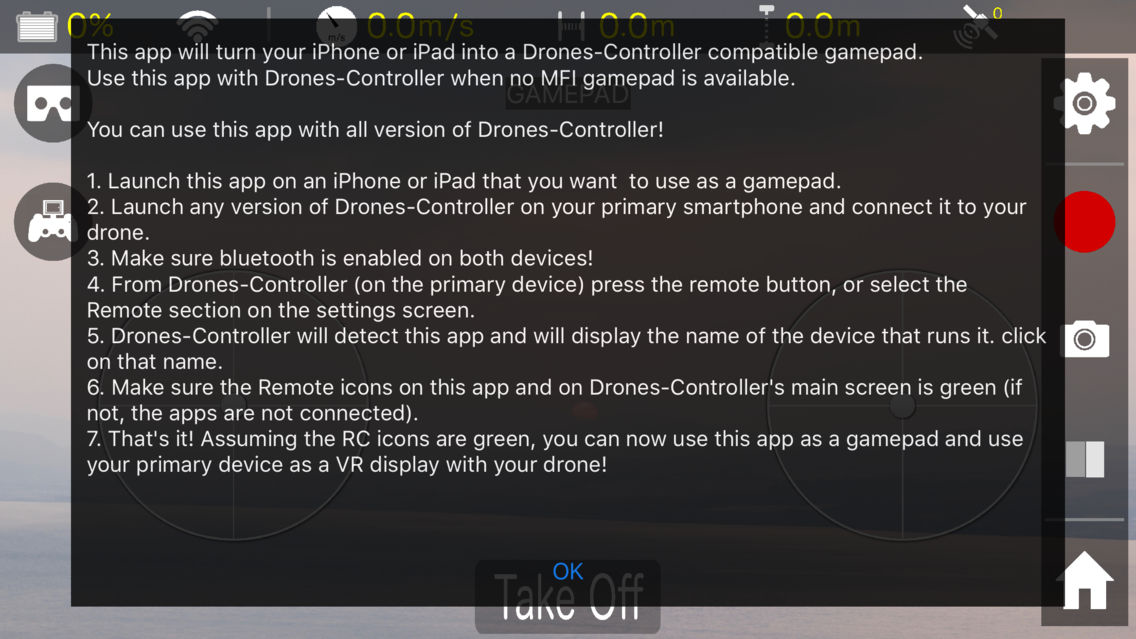
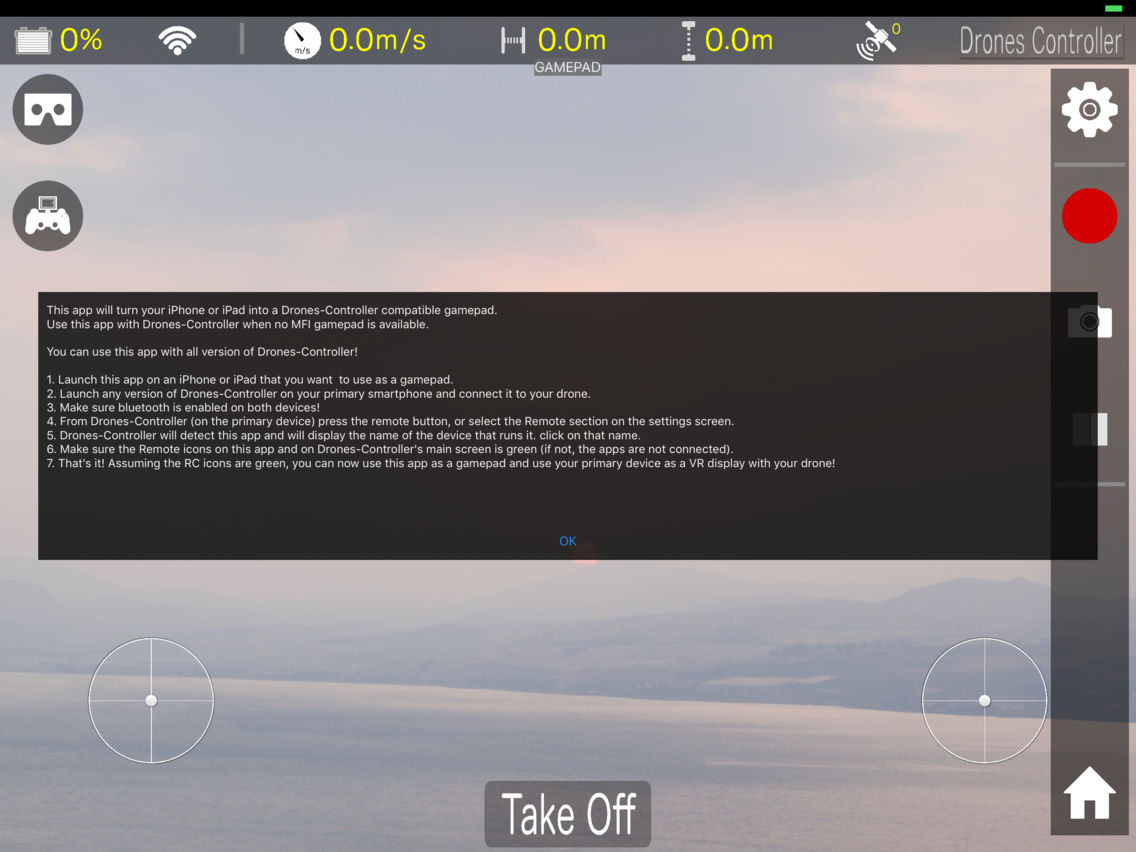
1. Launch this app on an iPhone or iPad that you want to use as a gamepad.
2. Launch any version of Drones-Controller on your primary smartphone and connect it to your drone.
3. Make sure bluetooth is enabled on both devices!
4. From Drones-Controller (on the primary device) press the remote button, or select the Remote section on the settings screen.
5. Drones-Controller will detect this app and will display the name of the device that runs it. click on that name.
6. Make sure the Remote icons on this app and on Drones-Controller's main screen is green (if not, the apps are not connected).
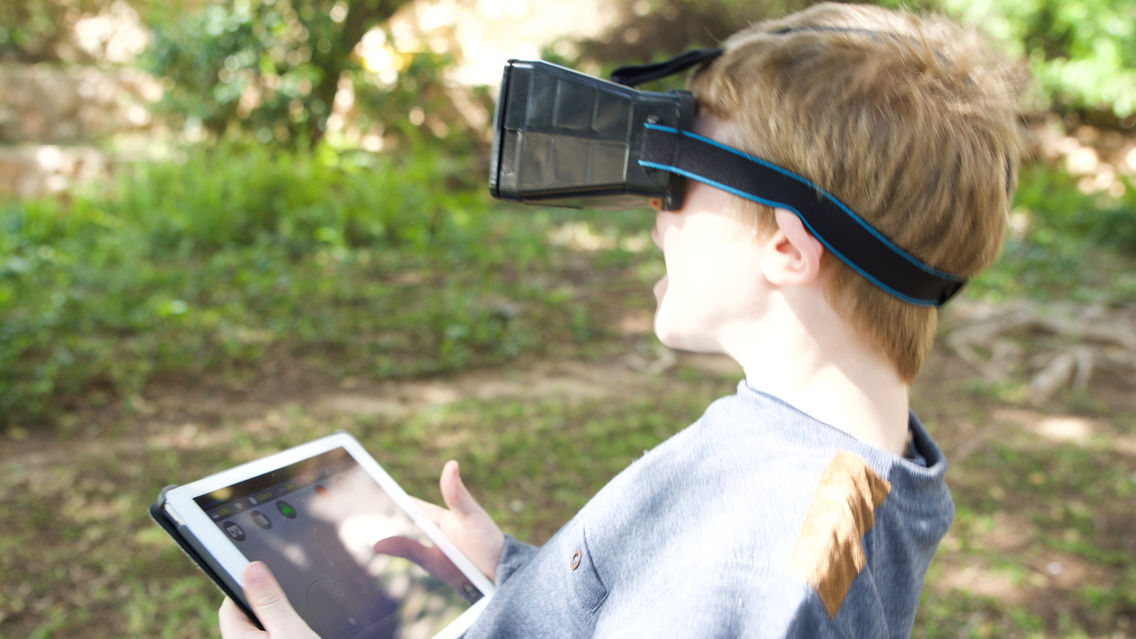
7. That's it! Assuming the RC icons are green, you can now use this app as a gamepad and use your primary device as a VR display with your drone!
ENJOY !
Visit our web site for more details:
https://www.dronescontroller.com/
** WE ARE HERE FOR YOU ! **
If you encounter any problem, or have any question regarding this app, PLEASE email us to ContactUs@CodeWithContent.com

The purpose of this app is to be used as a gamepad with Drones-Controller apps, specifically when flying FPV!
* How to use this app.
1. Launch this app on an iPhone or iPad that you want to use as a gamepad.
2. Launch any version of Drones-Controller on your primary smartphone and connect it to your drone.
3. Make sure bluetooth is enabled on both devices!
4. From Drones-Controller (on the primary device) press the remote button, or select the Remote section on the settings screen.
5. Drones-Controller will detect this app and will display the name of the device that runs it. click on that name.
6. Make sure the Remote icons on this app and on Drones-Controller's main screen is green (if not, the apps are not connected).
7. That's it! Assuming the RC icons are green, you can now use this app as a gamepad and use your primary device as a VR display with your drone!
ENJOY !
Visit our web site for more details:
https://www.dronescontroller.com/
** WE ARE HERE FOR YOU ! **
If you encounter any problem, or have any question regarding this app, PLEASE email us to ContactUs@CodeWithContent.com
Show More
تحديث لأحدث إصدار 1.1
Last updated on 01/04/2017
الإصدارات القديمة
Instructions screen.
Show More
Version History
1.1
01/04/2017
Instructions screen.
1.0
28/03/2017
Drones-Controller Remote FAQ
انقر هنا لمعرفة كيفية تنزيل Drones-Controller Remote في بلد أو منطقة محظورة.
تحقق من القائمة التالية لمعرفة الحد الأدنى من المتطلبات Drones-Controller Remote.
iPhone
iPad
Drones-Controller Remote هي مدعومة على اللغات English