Drones-Controller Remote

Drones-Controller Remote


Free

1.1for iPhone, iPad
Age Rating
4+
Apps in this category do not contain restricted content.
9+
Apps in this category may contain mild or occasional cartoon, fantasy or real-life violence, as well as occasional or mild adult, sexually suggestive or horrifying content and may not be suitable for children under 9 years of age.
12+
Apps in this category may contain occasional mild indecent language, frequent or intense cartoon or real-life violence, minor or occasional adult or sexually suggestive material, and simulated gambling, and may be for children under 12 years of age.
17+
You must be at least 17 years old to access this App.
Apps in this category may contain frequent and intense offensive language; Frequent and intense cartoon, fantasy or realistic violence: frequent and intense adult, scary and sexually suggestive subjects: as well as sexual content, nudity, tobacco, alcohol and drugs, may not be suitable for children under 17 years of age.
Drones-Controller Remote Captures d'écran
Drones-Controller Remote AfficheDrones-Controller Remote AfficheDrones-Controller Remote AfficheDrones-Controller Remote Affiche

About Drones-Controller Remote

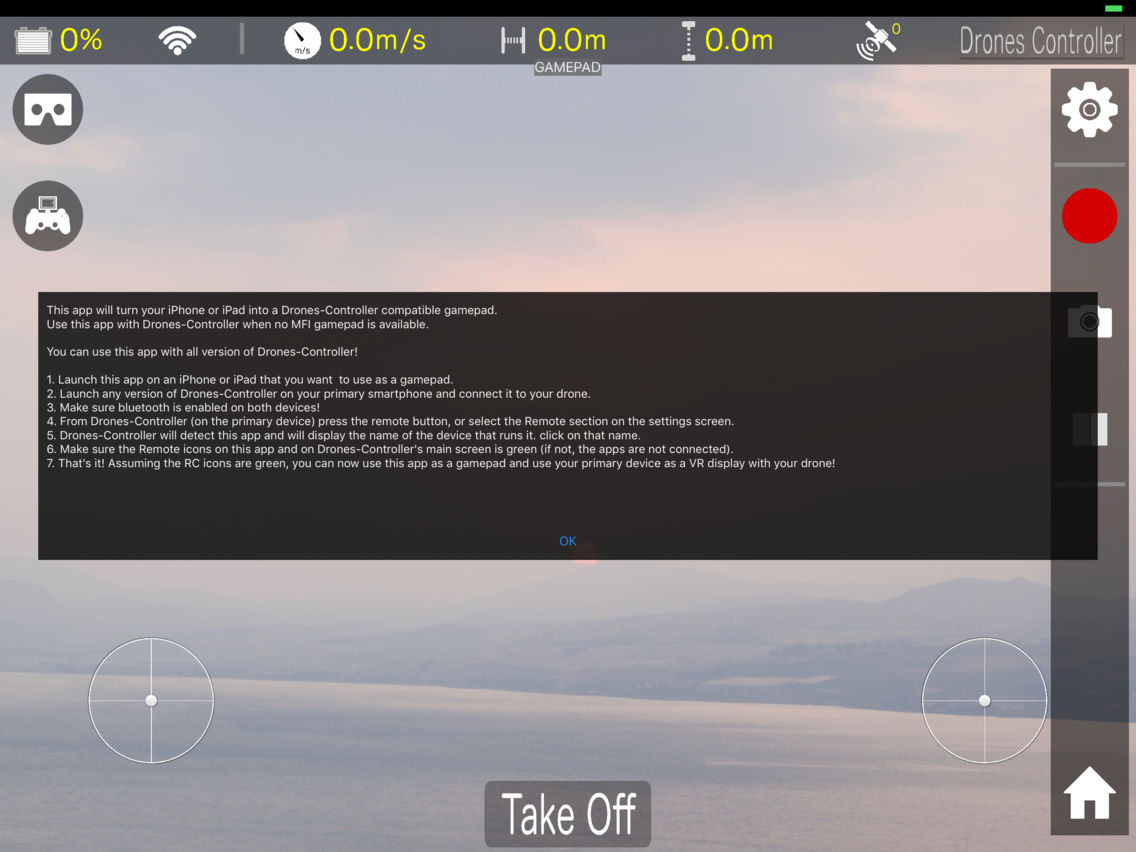
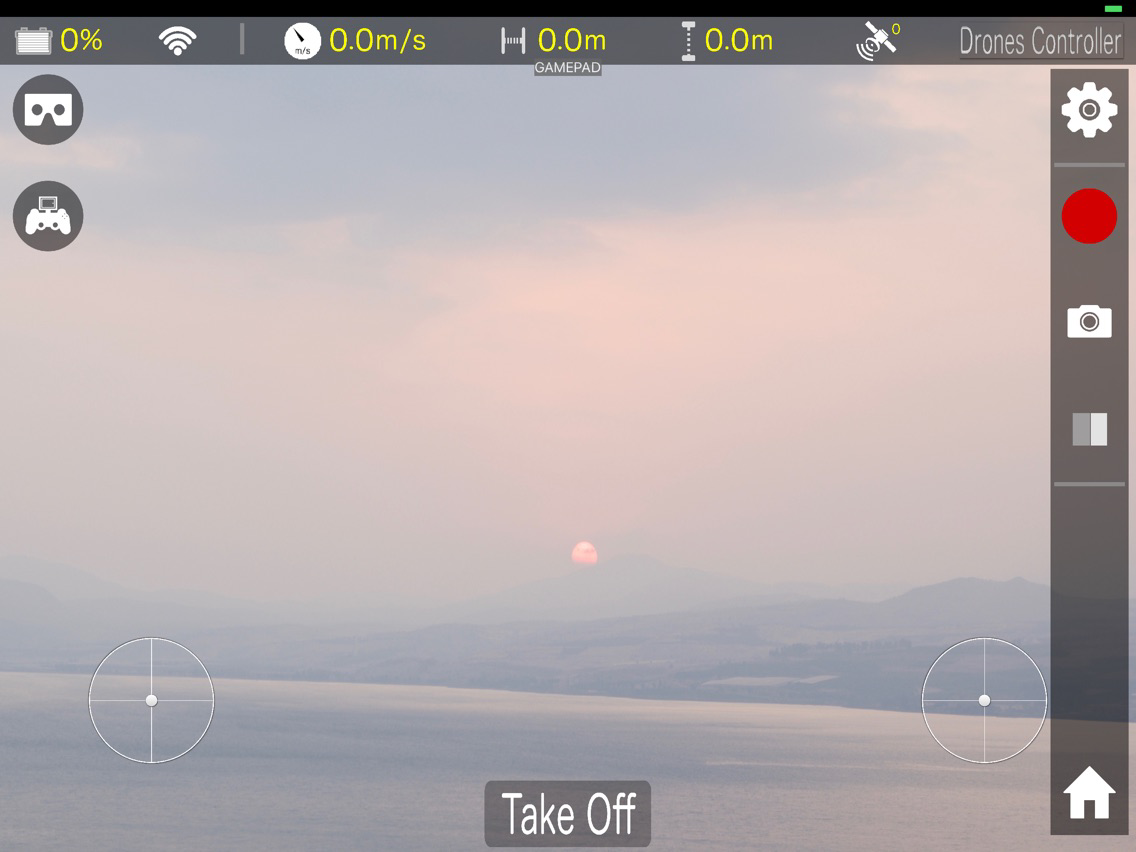
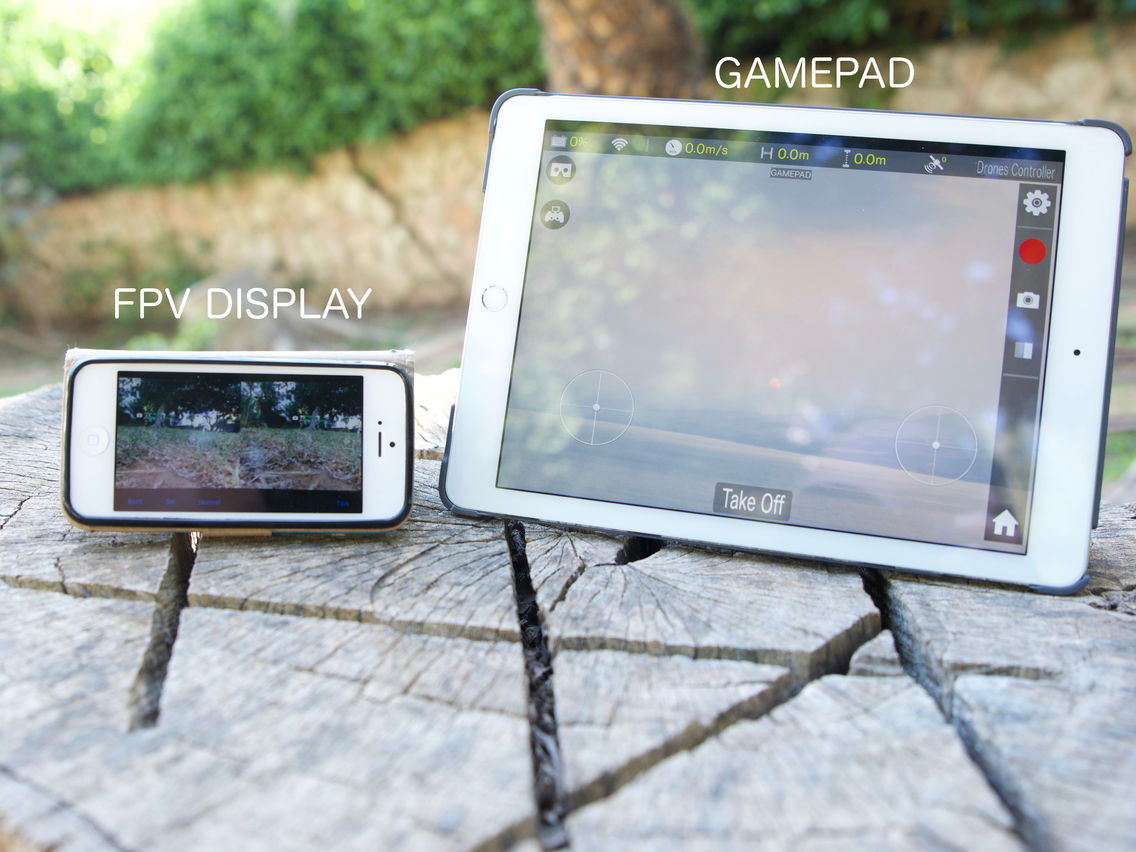
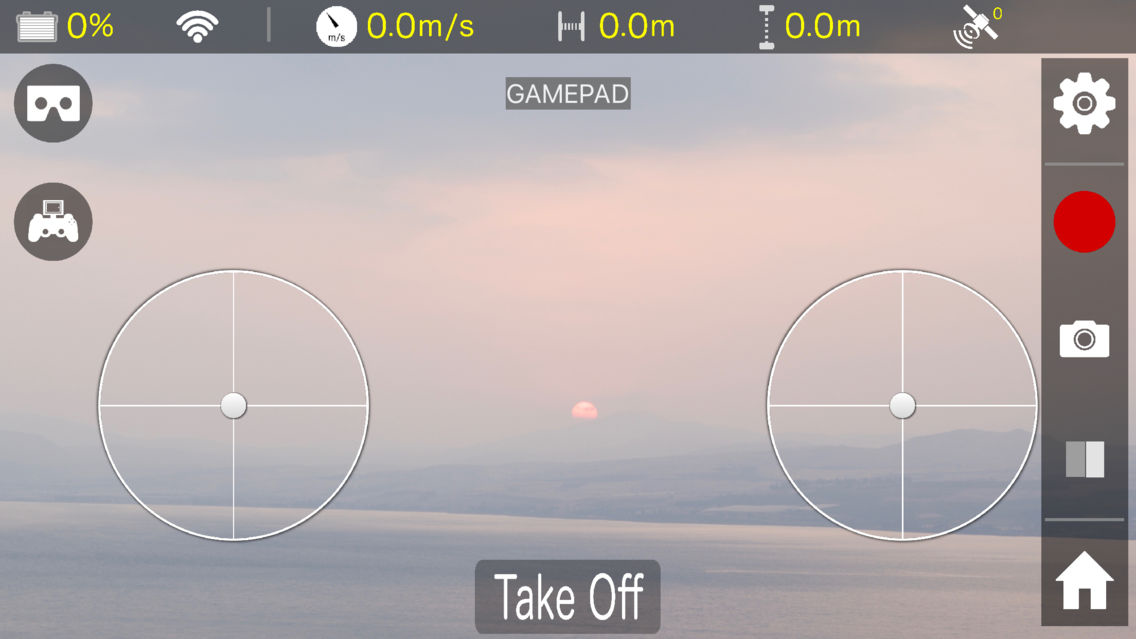
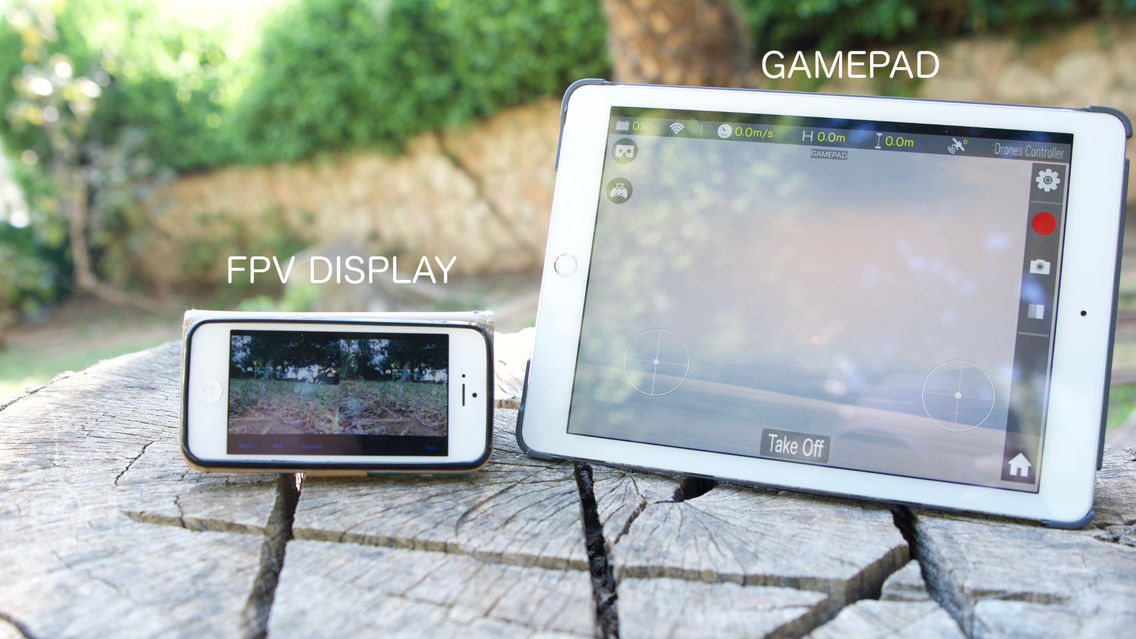
Drones-Controller RC (Gamepad) turns your iPhone or iPad into a gamepad supported by the Drones-Controller apps series. See 'developer website' for more information about the Drones-Controllers apps.

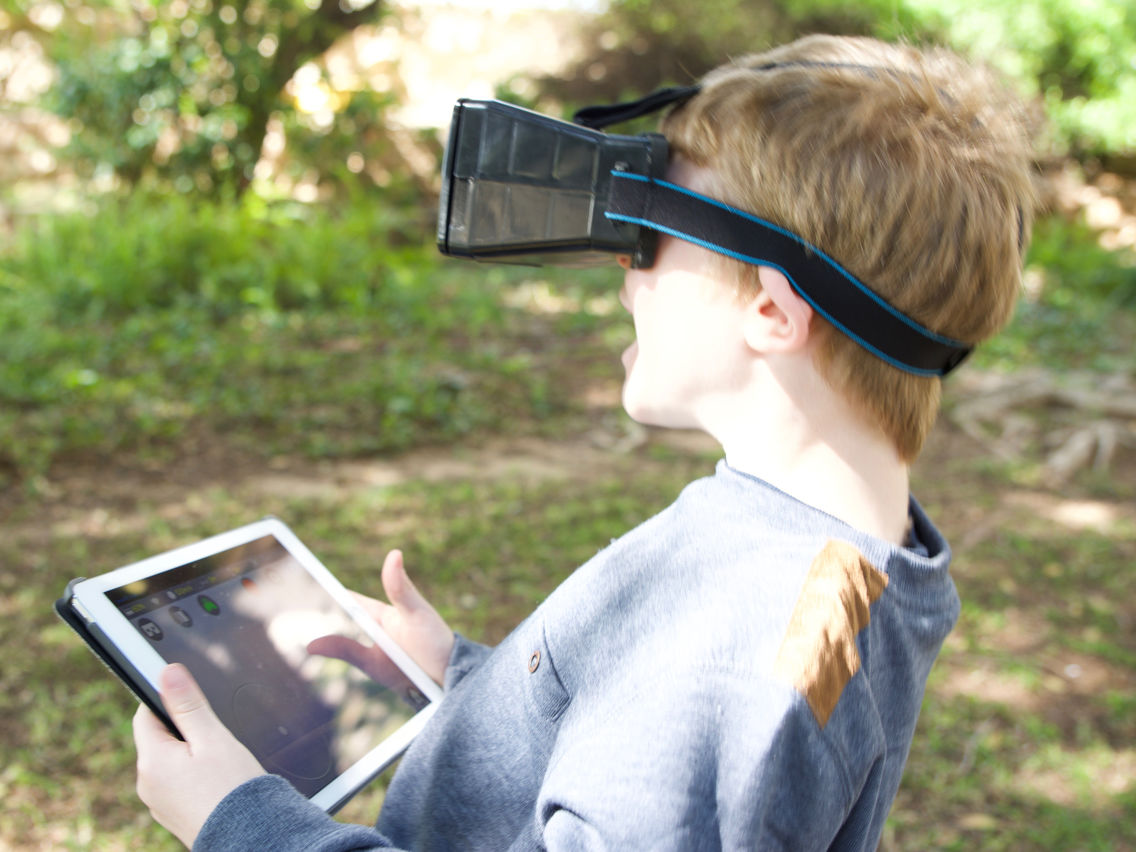
The purpose of this app is to be used as a gamepad with Drones-Controller apps, specifically when flying FPV!


* How to use this app.

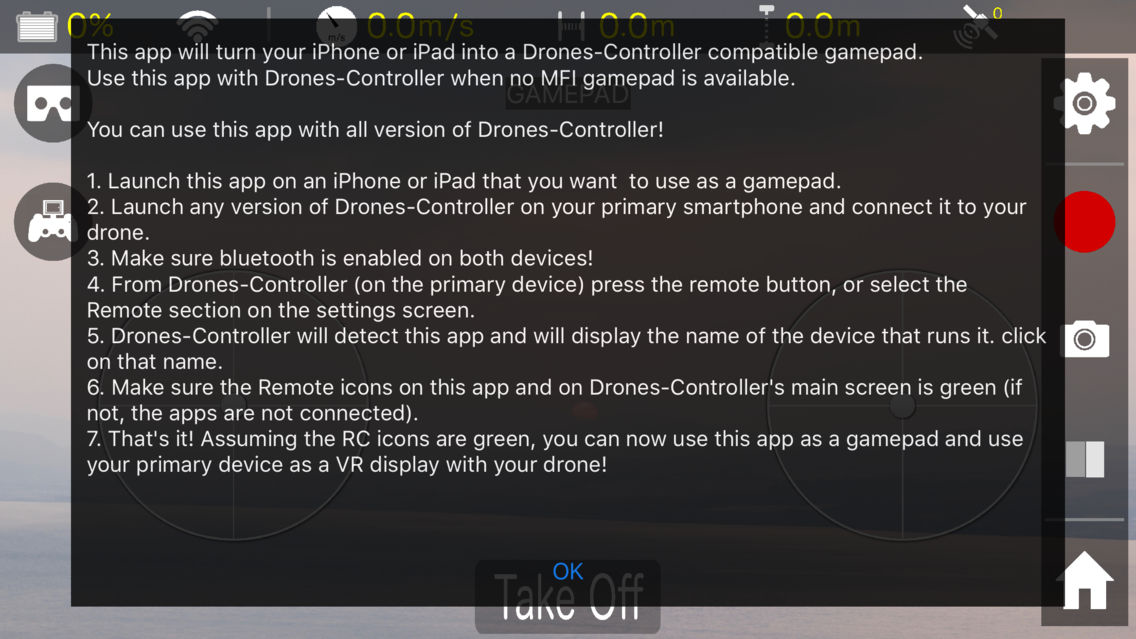
1. Launch this app on an iPhone or iPad that you want to use as a gamepad.
2. Launch any version of Drones-Controller on your primary smartphone and connect it to your drone.
3. Make sure bluetooth is enabled on both devices!
4. From Drones-Controller (on the primary device) press the remote button, or select the Remote section on the settings screen.
5. Drones-Controller will detect this app and will display the name of the device that runs it. click on that name.
6. Make sure the Remote icons on this app and on Drones-Controller's main screen is green (if not, the apps are not connected).
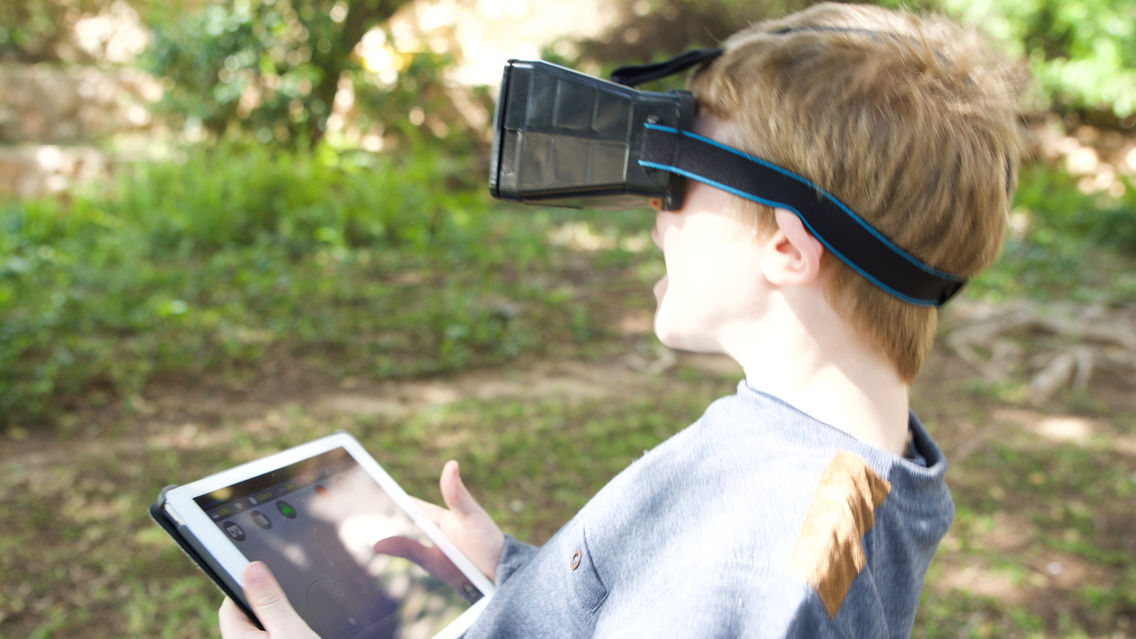
7. That's it! Assuming the RC icons are green, you can now use this app as a gamepad and use your primary device as a VR display with your drone!

ENJOY !

Visit our web site for more details:
https://www.dronescontroller.com/

** WE ARE HERE FOR YOU ! **
If you encounter any problem, or have any question regarding this app, PLEASE email us to ContactUs@CodeWithContent.com

Show More

Quoi de neuf dans la dernière version 1.1

Last updated on Apr 1, 2017
Vieilles Versions
Instructions screen.
Show More
Version History
1.1
Apr 1, 2017
Instructions screen.
1.0
Mar 28, 2017

Drones-Controller Remote FAQ

Cliquez ici pour savoir comment télécharger Drones-Controller Remote dans un pays ou une région restreints.
Consultez la liste suivante pour voir les exigences minimales de Drones-Controller Remote.
iPhone
iPad
Drones-Controller Remote prend en charge English

Alternative à Drones-Controller Remote

Tu pourrais aussi aimer

Obtenir plus de Shai Kurianski (CodeWithContent.com)