Age Rating
4+
Apps in this category do not contain restricted content.
9+
Apps in this category may contain mild or occasional cartoon, fantasy or real-life violence, as well as occasional or mild adult, sexually suggestive or horrifying content and may not be suitable for children under 9 years of age.
12+
Apps in this category may contain occasional mild indecent language, frequent or intense cartoon or real-life violence, minor or occasional adult or sexually suggestive material, and simulated gambling, and may be for children under 12 years of age.
17+
You must be at least 17 years old to access this App.
Apps in this category may contain frequent and intense offensive language; Frequent and intense cartoon, fantasy or realistic violence: frequent and intense adult, scary and sexually suggestive subjects: as well as sexual content, nudity, tobacco, alcohol and drugs, may not be suitable for children under 17 years of age.
لقطات الشاشة لـ eFieldNotes
eFieldNotes الملصقeFieldNotes الملصقeFieldNotes الملصقeFieldNotes الملصقeFieldNotes الملصقeFieldNotes الملصقeFieldNotes الملصق

About eFieldNotes

Nearly every law enforcement function, whether investigating a serious crime or handling routine calls for service, requires police officers to record information. The eFieldNotes app allows quick and easy note-taking with only one hand and eliminates the need for a flashlight in low light conditions.

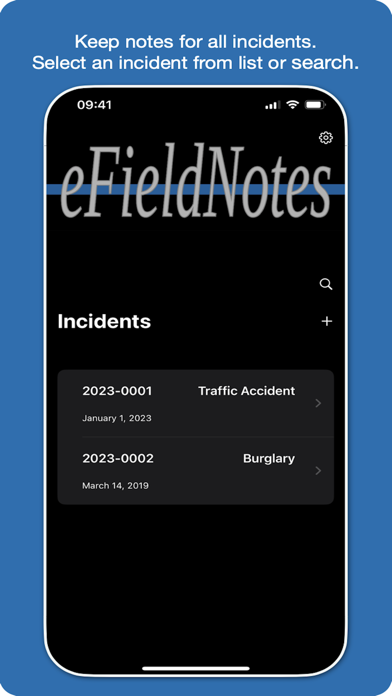
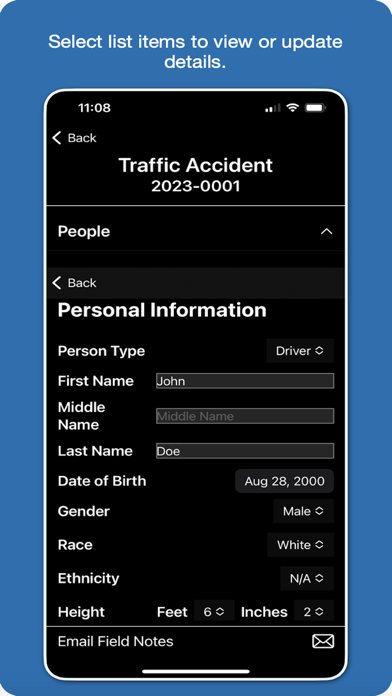
The eFieldNotes app allows users to maintain a list of cases and calls for service (incidents). Incident notes are stored on the device for future reference. Scroll through your list of incidents or tap on a list item to view and update incident details.

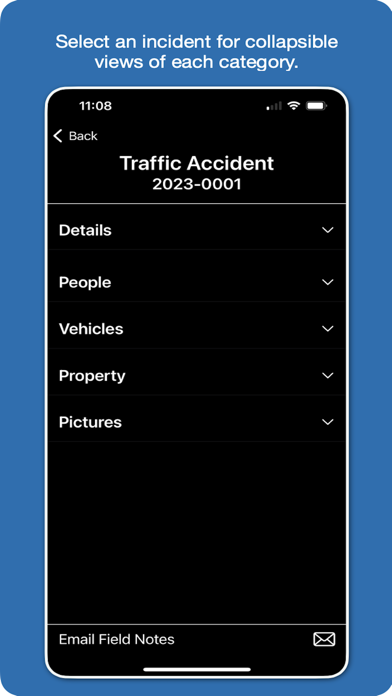
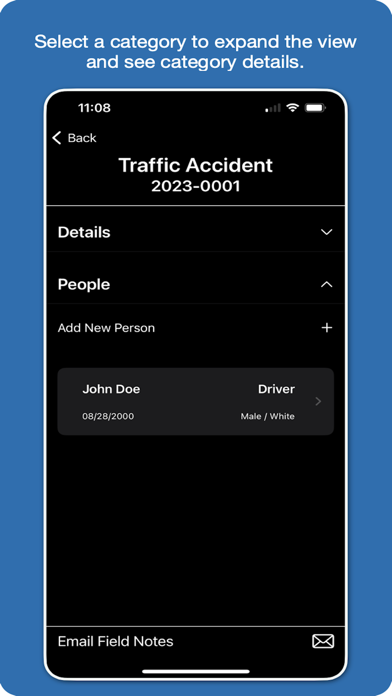
Incident details are organized into collapsible views to categorize your data. Tap on category headers to expand or hide content to easily add, update, or delete information.

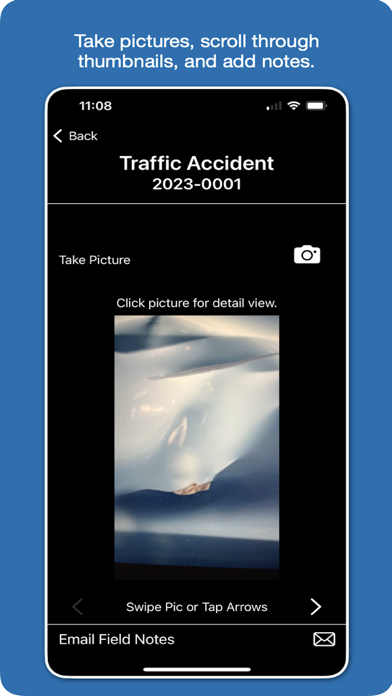
Take pictures from within the eFieldNotes app and store up to 15 MB of pictures in the app on your device separate from your personal pictures.

Scroll through thumbnails of your incident pictures and tap on a picture to view a fullscreen image and add associated notes.

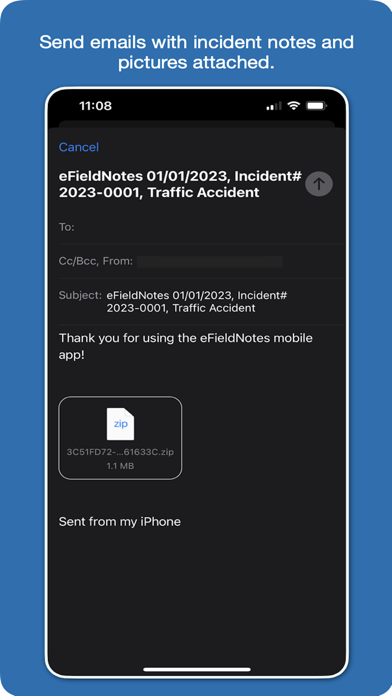
Tap the email icon to share your incidents. Incident details are included in a single email attachment along with all of your incident’s pictures. You can copy and paste notes to streamline report writing, or share the notes you record while assisting the reporting officer.

Privacy Policy: https://www.efieldnotes.com/privacy
Terms of Use: https://www.apple.com/legal/internet-services/itunes/dev/stdeula/

Show More

تحديث لأحدث إصدار 1.3

Last updated on 21/03/2024
الإصدارات القديمة
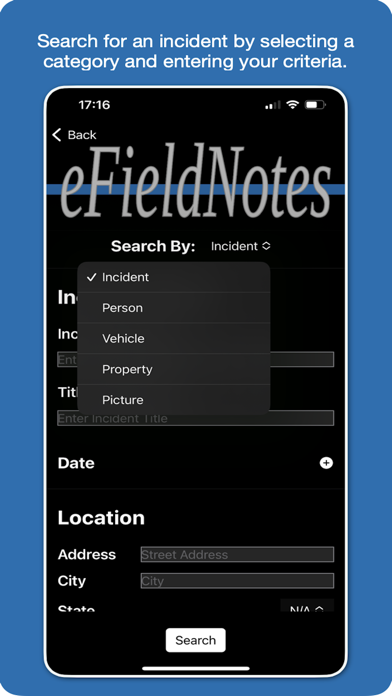
Version 1.3 of eFieldNotes includes a search feature allowing users to search for incidents by search criteria for a selected category.
Show More
Version History
1.3
21/03/2024
Version 1.3 of eFieldNotes includes a search feature allowing users to search for incidents by search criteria for a selected category.

سعر eFieldNotes

اليوم:
Gratis
أقل سعر:
Gratis
أعلى سعر:
USD 14.99

eFieldNotes FAQ

انقر هنا لمعرفة كيفية تنزيل eFieldNotes في بلد أو منطقة محظورة.
تحقق من القائمة التالية لمعرفة الحد الأدنى من المتطلبات eFieldNotes.
iPhone

بدائل لـ eFieldNotes

ربما يعجبك أيضا