Age Rating
eFieldNotes 螢幕截圖
About eFieldNotes
Nearly every law enforcement function, whether investigating a serious crime or handling routine calls for service, requires police officers to record information. The eFieldNotes app allows quick and easy note-taking with only one hand and eliminates the need for a flashlight in low light conditions.
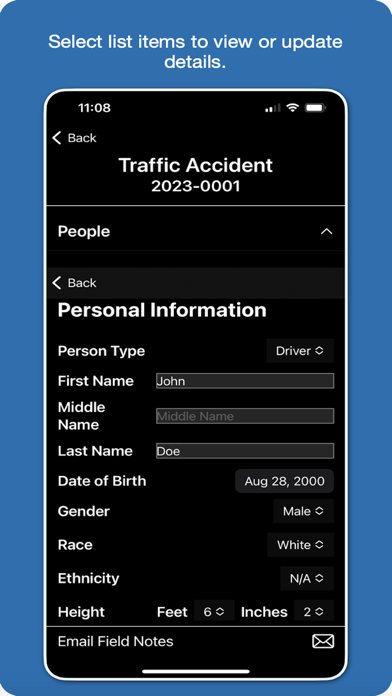
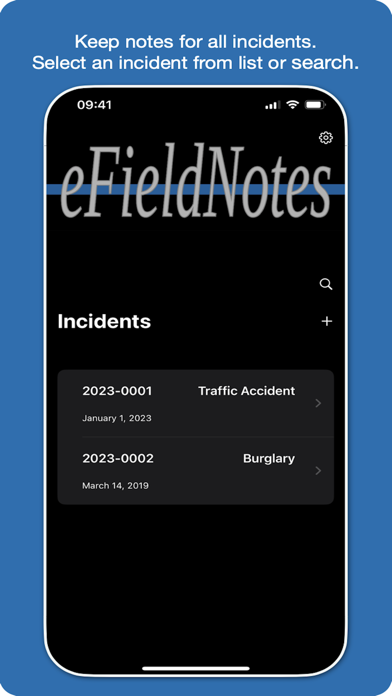
The eFieldNotes app allows users to maintain a list of cases and calls for service (incidents). Incident notes are stored on the device for future reference. Scroll through your list of incidents or tap on a list item to view and update incident details.
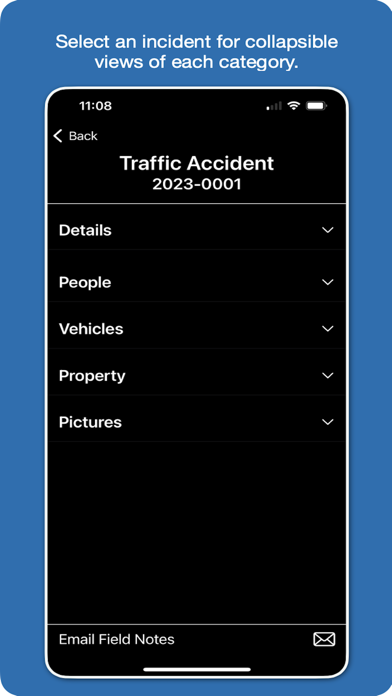
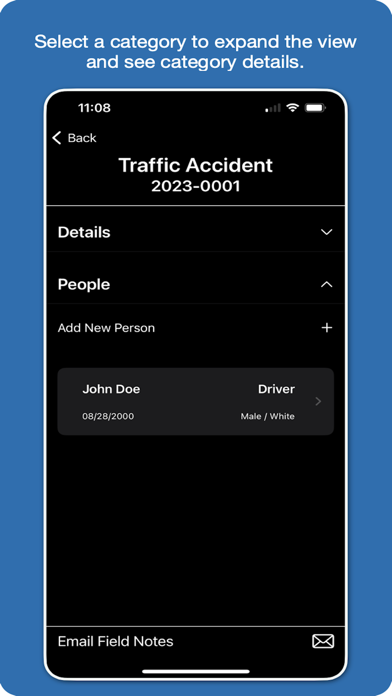
Incident details are organized into collapsible views to categorize your data. Tap on category headers to expand or hide content to easily add, update, or delete information.
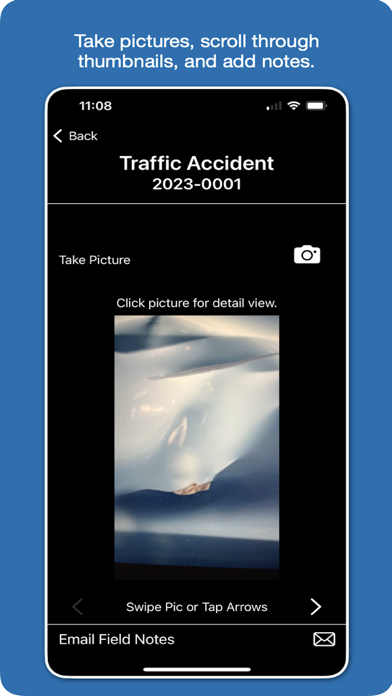
Take pictures from within the eFieldNotes app and store up to 15 MB of pictures in the app on your device separate from your personal pictures.
Scroll through thumbnails of your incident pictures and tap on a picture to view a fullscreen image and add associated notes.
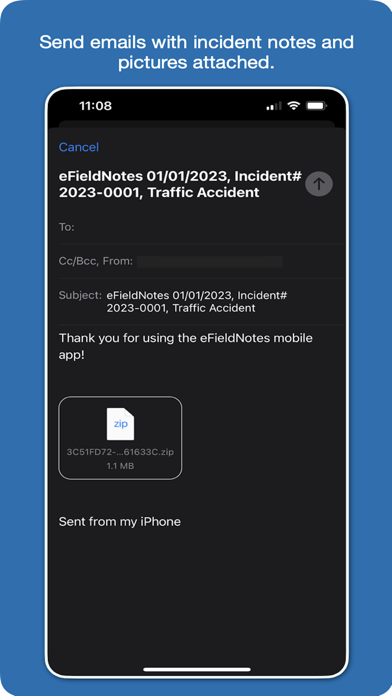
Tap the email icon to share your incidents. Incident details are included in a single email attachment along with all of your incident’s pictures. You can copy and paste notes to streamline report writing, or share the notes you record while assisting the reporting officer.
Privacy Policy: https://www.efieldnotes.com/privacy
Terms of Use: https://www.apple.com/legal/internet-services/itunes/dev/stdeula/

The eFieldNotes app allows users to maintain a list of cases and calls for service (incidents). Incident notes are stored on the device for future reference. Scroll through your list of incidents or tap on a list item to view and update incident details.
Incident details are organized into collapsible views to categorize your data. Tap on category headers to expand or hide content to easily add, update, or delete information.
Take pictures from within the eFieldNotes app and store up to 15 MB of pictures in the app on your device separate from your personal pictures.
Scroll through thumbnails of your incident pictures and tap on a picture to view a fullscreen image and add associated notes.
Tap the email icon to share your incidents. Incident details are included in a single email attachment along with all of your incident’s pictures. You can copy and paste notes to streamline report writing, or share the notes you record while assisting the reporting officer.
Privacy Policy: https://www.efieldnotes.com/privacy
Terms of Use: https://www.apple.com/legal/internet-services/itunes/dev/stdeula/
Show More
最新版本1.3更新日誌
Last updated on 2024年03月21日
歷史版本
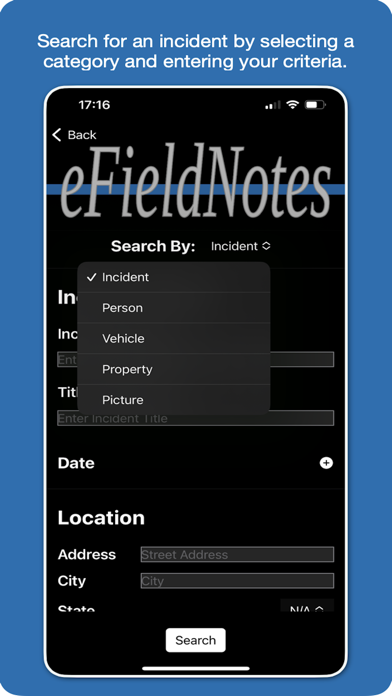
Version 1.3 of eFieldNotes includes a search feature allowing users to search for incidents by search criteria for a selected category.
Show More
Version History
1.3
2024年03月21日
Version 1.3 of eFieldNotes includes a search feature allowing users to search for incidents by search criteria for a selected category.
eFieldNotes 價格
今日:
免費
最低價格:
免費
最高價格:
HK$ 118.00
eFieldNotes FAQ
點擊此處瞭解如何在受限國家或地區下載eFieldNotes。
以下為eFieldNotes的最低配置要求。
iPhone