Java Compiler(Pro)
Run Java Programs without ads
USD 2.99
3.0.13for iPhone, iPad and more
Age Rating
لقطات الشاشة لـ Java Compiler(Pro)
About Java Compiler(Pro)
Welcome to the ultimate Java Compiler app, designed to provide an intuitive and powerful coding experience. The app is equipped with features that cater to both beginners and seasoned developers, ensuring a seamless coding journey.
Key Features:
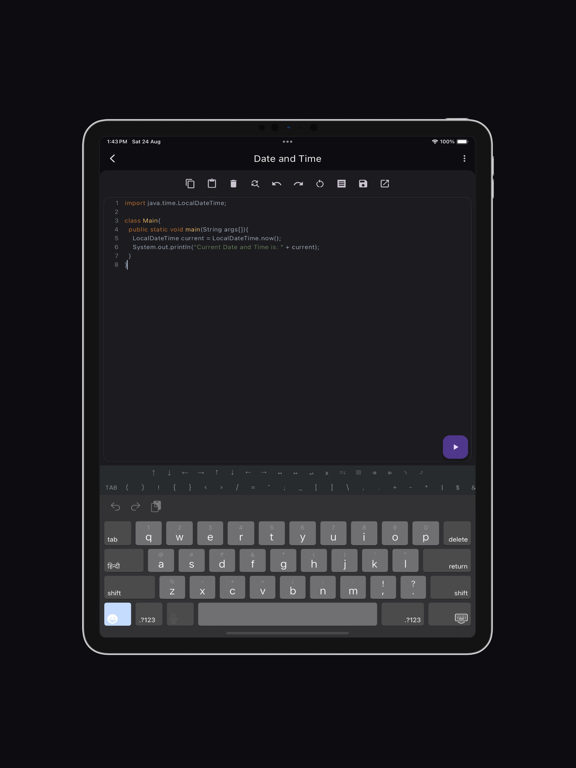
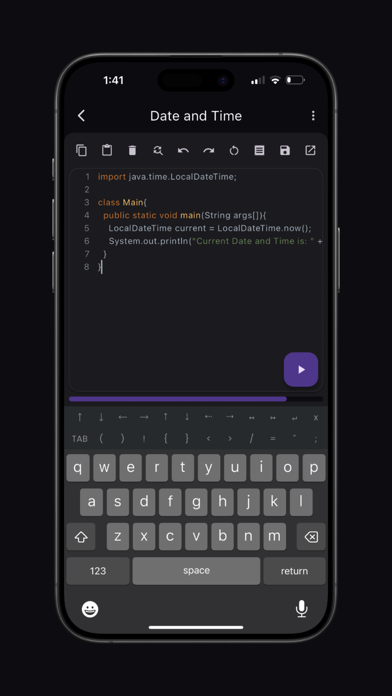
Syntax Highlighting: Enjoy a vibrant and readable code editor with color-coded syntax highlighting, making it easy to distinguish between different parts of your code.
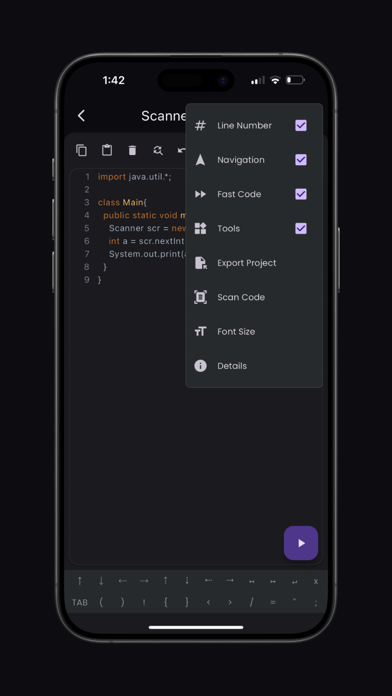
Fast Code Layout: Our fast code layout includes frequently used symbols, allowing you to code more efficiently and with fewer keystrokes.
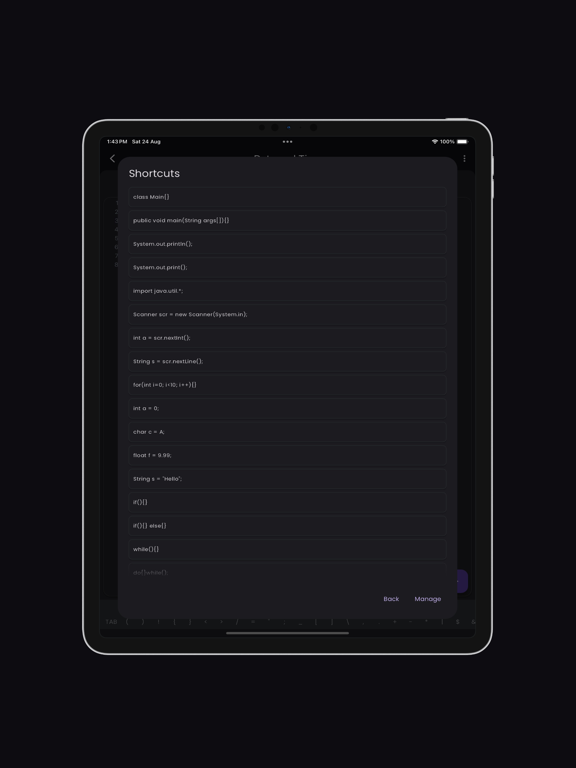
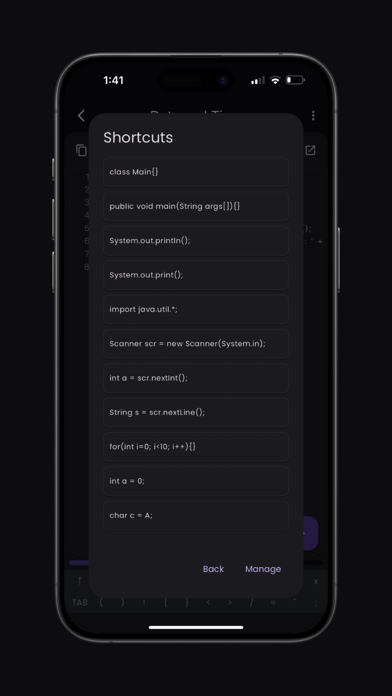
Tools Layout: Access essential shortcuts such as copy, paste, undo, redo, share, and more, all from a convenient tools layout. Customize your own shortcuts to match your workflow and enhance productivity.
Navigation Layout: Move your cursor effortlessly with our navigation layout, designed to make code navigation smooth and intuitive.
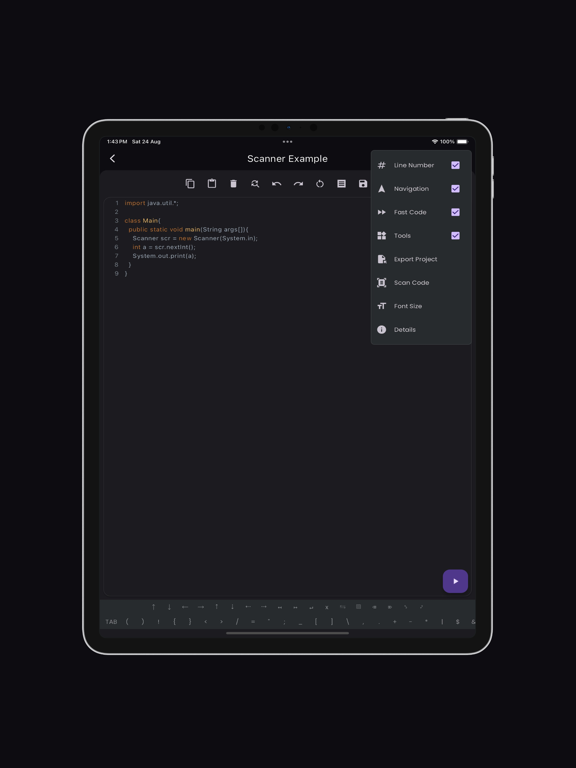
Scan Code Feature: Quickly scan and import code snippets using your device's camera. Perfect for grabbing code from textbooks, whiteboards, or printed documents.
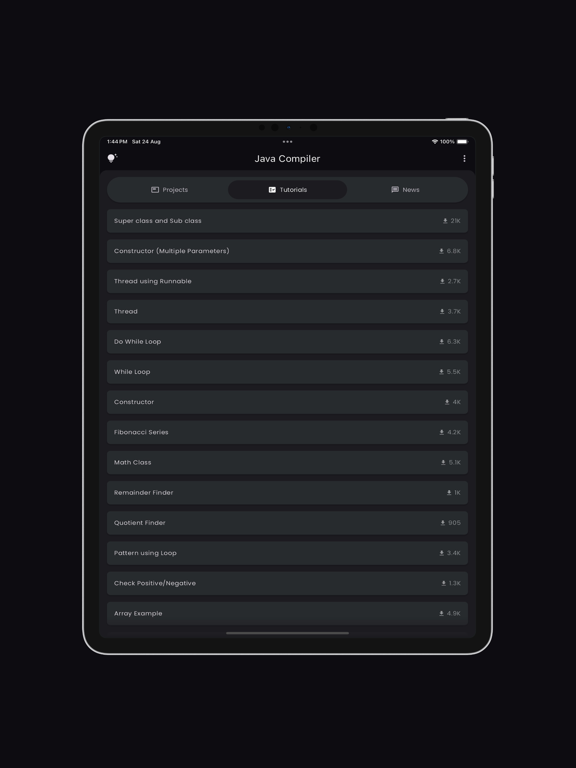
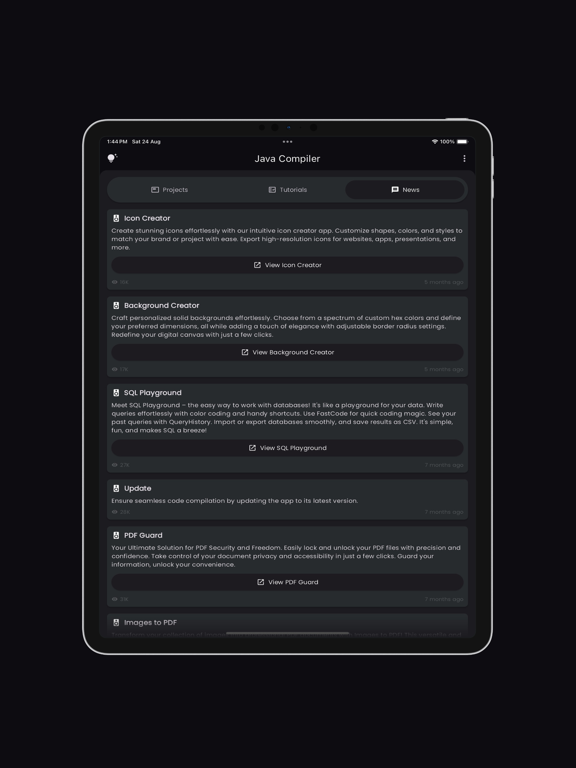
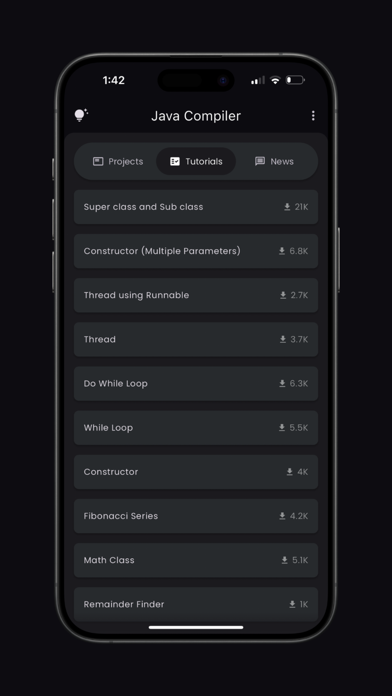
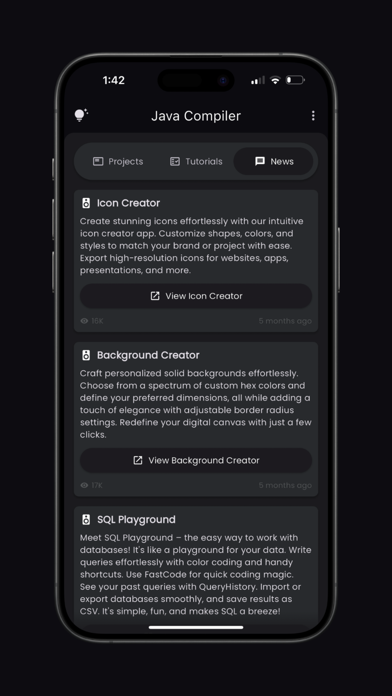
Tutorials and News Section: Stay updated with the latest in Java development through our integrated tutorials and news section. Learn new techniques, best practices, and keep up with industry trends.
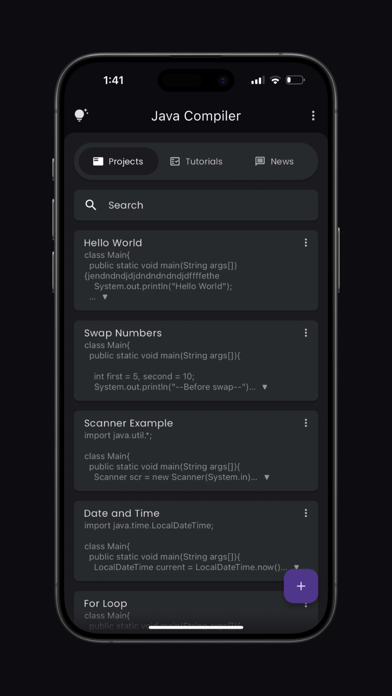
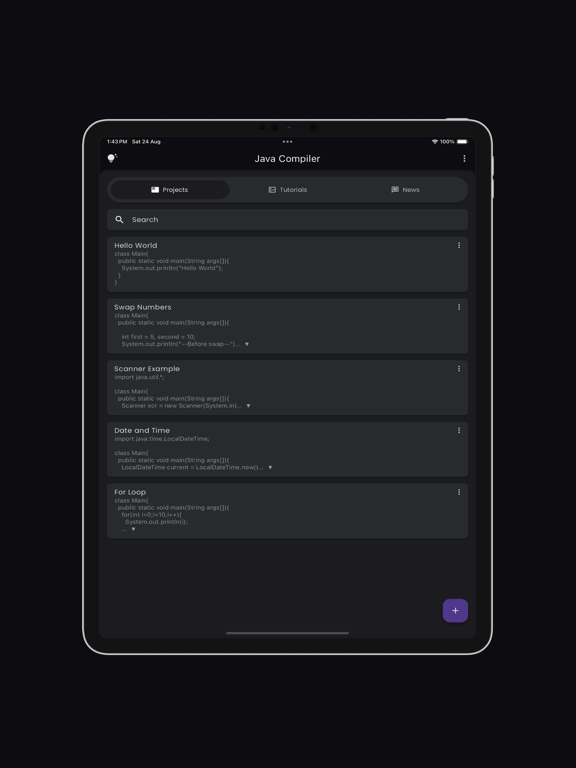
Bookmarks and Project Management: Easily bookmark important code snippets and projects for quick access. Manage your projects efficiently with our built-in project organization tools.
Elevate your coding experience with the Java Compiler app, where every feature is crafted to support your development needs. Whether you're writing your first line of code or debugging complex projects, the app is your perfect coding companion.
Developed by Anvaysoft
Programmer- Hrishi Suthar
Made with love in India
Java is a registered trademark of Oracle Corporation, and Anvaysoft uses the term 'Java Compiler' to indicate that the app compiles Java code. Anvaysoft does not claim ownership of the Java trademark.

Key Features:
Syntax Highlighting: Enjoy a vibrant and readable code editor with color-coded syntax highlighting, making it easy to distinguish between different parts of your code.
Fast Code Layout: Our fast code layout includes frequently used symbols, allowing you to code more efficiently and with fewer keystrokes.
Tools Layout: Access essential shortcuts such as copy, paste, undo, redo, share, and more, all from a convenient tools layout. Customize your own shortcuts to match your workflow and enhance productivity.
Navigation Layout: Move your cursor effortlessly with our navigation layout, designed to make code navigation smooth and intuitive.
Scan Code Feature: Quickly scan and import code snippets using your device's camera. Perfect for grabbing code from textbooks, whiteboards, or printed documents.
Tutorials and News Section: Stay updated with the latest in Java development through our integrated tutorials and news section. Learn new techniques, best practices, and keep up with industry trends.
Bookmarks and Project Management: Easily bookmark important code snippets and projects for quick access. Manage your projects efficiently with our built-in project organization tools.
Elevate your coding experience with the Java Compiler app, where every feature is crafted to support your development needs. Whether you're writing your first line of code or debugging complex projects, the app is your perfect coding companion.
Developed by Anvaysoft
Programmer- Hrishi Suthar
Made with love in India
Java is a registered trademark of Oracle Corporation, and Anvaysoft uses the term 'Java Compiler' to indicate that the app compiles Java code. Anvaysoft does not claim ownership of the Java trademark.
Show More
تحديث لأحدث إصدار 3.0.13
Last updated on 23/01/2025
الإصدارات القديمة
Performance improvements for a faster and smoother app experience.
Show More
Version History
3.0.13
23/01/2025
Performance improvements for a faster and smoother app experience.
3.0.11
18/11/2024
Performance improvements for a faster and smoother app experience.
3.0.10
26/08/2024
This version includes a completely new UI experience and the option to bookmark projects.
3.0.9
13/08/2024
This version includes a completely new UI experience and the option to bookmark projects.
3.0.8
28/07/2024
This version includes a completely new UI experience and the option to bookmark projects.
3.0.7
21/07/2024
This version includes a completely new UI experience and the option to bookmark projects.
3.0.6
21/07/2024
This version includes a completely new UI experience and the option to bookmark projects.
3.0.5
16/07/2024
This version includes a completely new UI experience and the option to bookmark projects.
3.0.4
06/07/2024
This version includes a completely new UI experience and the option to bookmark projects.
3.0.2
05/07/2024
This version includes a completely new UI experience and the option to bookmark projects.
3.0.1
02/07/2024
This version includes a completely new UI experience and the option to bookmark projects.
3.0.0
01/07/2024
This version includes a completely new UI experience and the option to bookmark projects.
2.2.4
28/01/2024
Bug fixes and improvement
2.2.1
16/04/2023
Scan Code
-> Get code from images.
Multiline Shortcuts
-> Multiline input can be given to a shortcut.
-> Get code from images.
Multiline Shortcuts
-> Multiline input can be given to a shortcut.
2.2
06/04/2023
Scan Code
-> Get code from images.
Multiline Shortcuts
-> Multiline input can be given to a shortcut.
-> Get code from images.
Multiline Shortcuts
-> Multiline input can be given to a shortcut.
2.1.8
27/02/2023
Export File option has been added
2.1.7
15/02/2023
Export File option has been added
2.1.6
14/02/2023
Export File option has been added
2.1.5
27/01/2023
Option to change Font size
2.1.2
25/01/2023
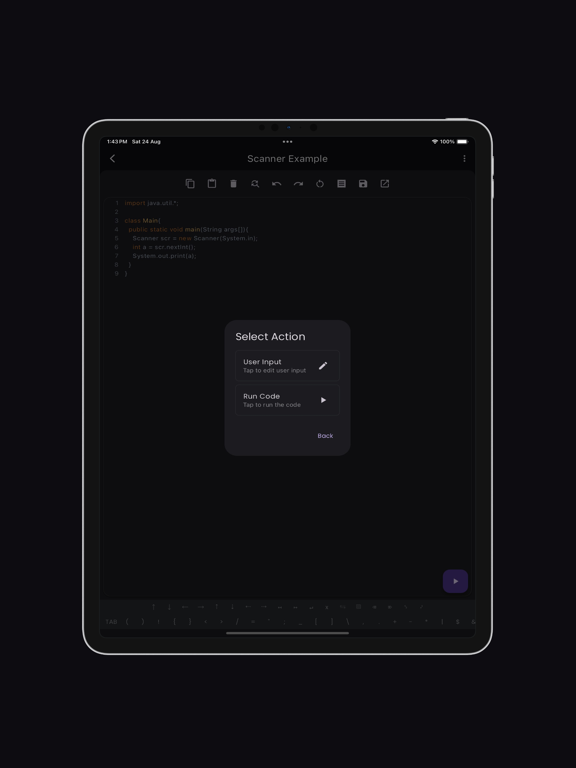
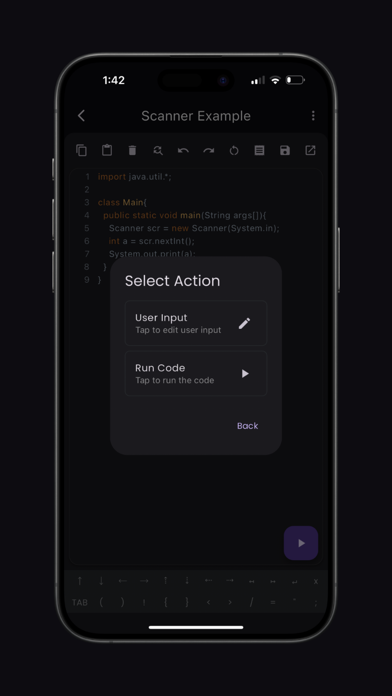
User Input is now available
2.1
22/01/2023
Java Compiler(Pro) FAQ
انقر هنا لمعرفة كيفية تنزيل Java Compiler(Pro) في بلد أو منطقة محظورة.
تحقق من القائمة التالية لمعرفة الحد الأدنى من المتطلبات Java Compiler(Pro).
iPhone
Requiere iOS 12.0 o posterior.
iPad
Requiere iPadOS 12.0 o posterior.
iPod touch
Requiere iOS 12.0 o posterior.
Java Compiler(Pro) هي مدعومة على اللغات Inglés