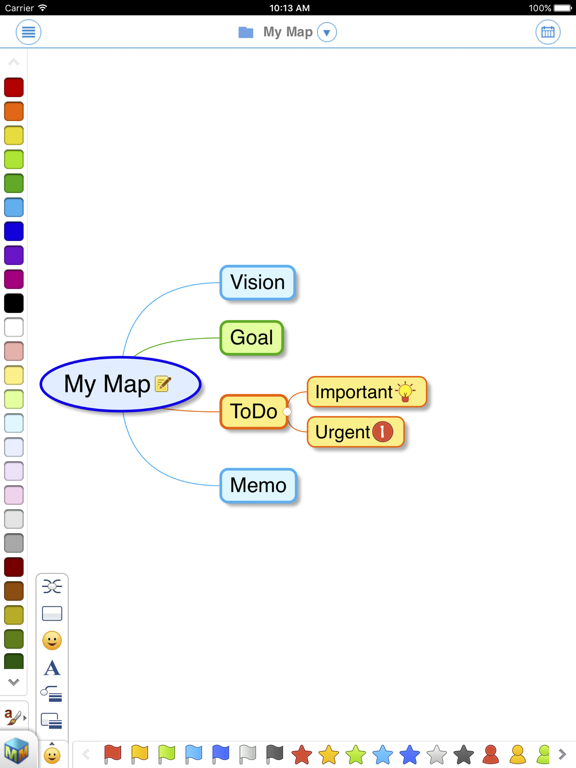
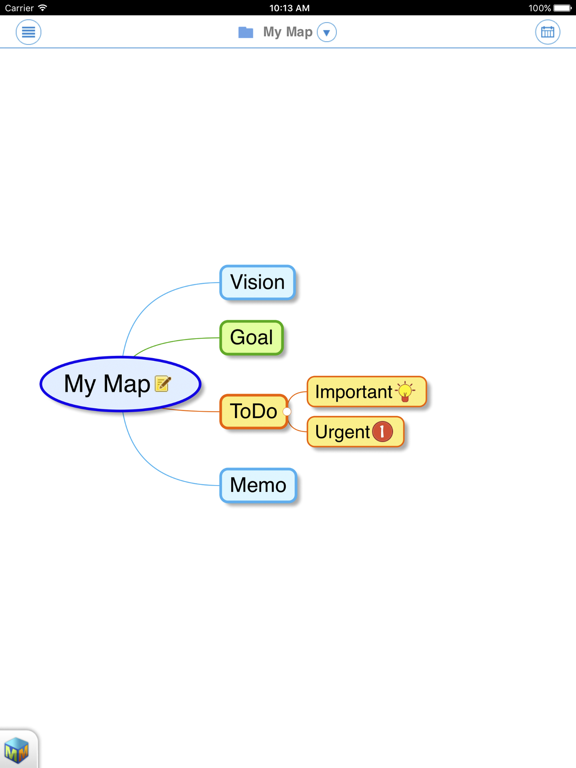
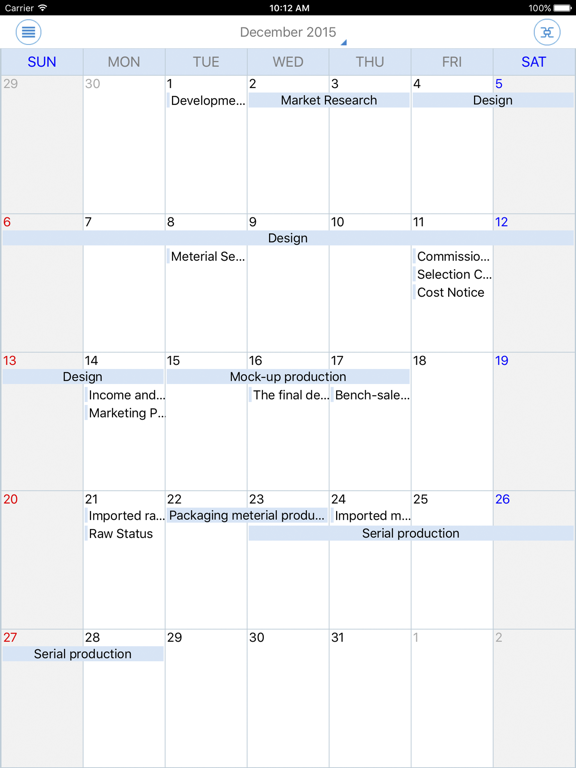
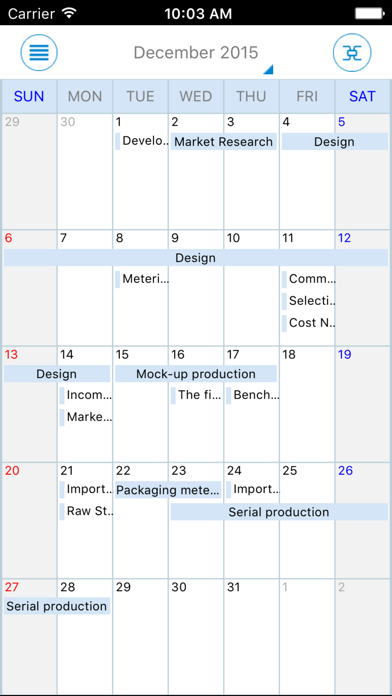
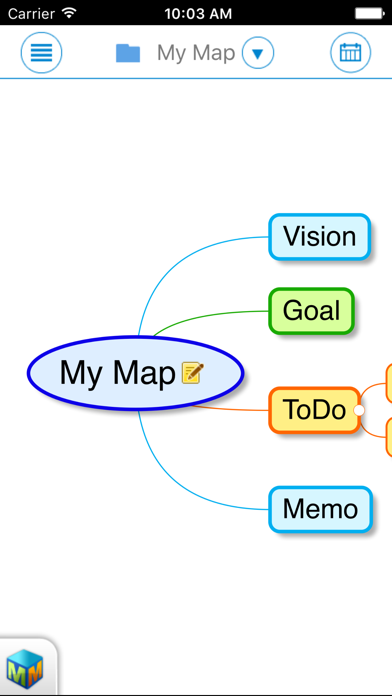
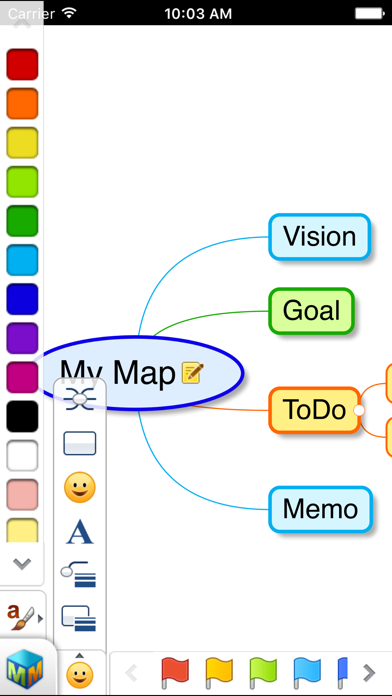
Mind Mapper is a mind mapping tool that helps users to capture and organize information visually. It is the only iPhone/iPad app available that supports multiple mapping directions with a planner that links to the map.
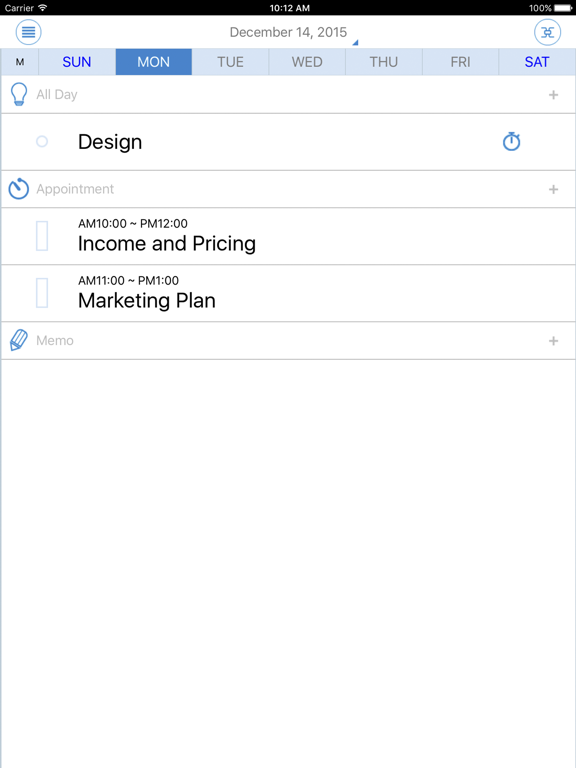
Capture and draw your thoughts on the canvas of MindMapper. Visually organize them and see your ideas become a clear picture of your mind. Implement your thought to actions using the planner.
◇In-app purchase is for creating project maps that link to the planner without using the PC version. Up to 2 project maps are free. All other features are free.
-If you have MindMapper 16 PC version and do not want to create new project maps from the iOS device, then you do not have purchase the in-app feature.
-Google Drive is used for project map storage.
◇Quick and Easy Memo
With a touch of a finger, users can quickly add, delete, edit and move topics.
◇Map Note
Quickly write in the linear note format and organize it visually in the map format.
◇Multiple Mapping Directions
MindMapper mobile app is the only smartphone app in the world that supports multiple mapping directions. And it supports freestyle mode for unique mapping contents.
◇Project Map and Planner
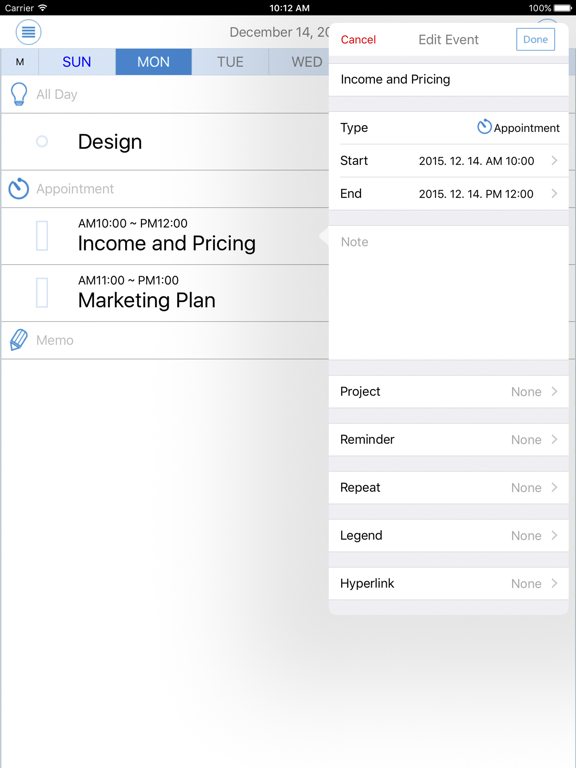
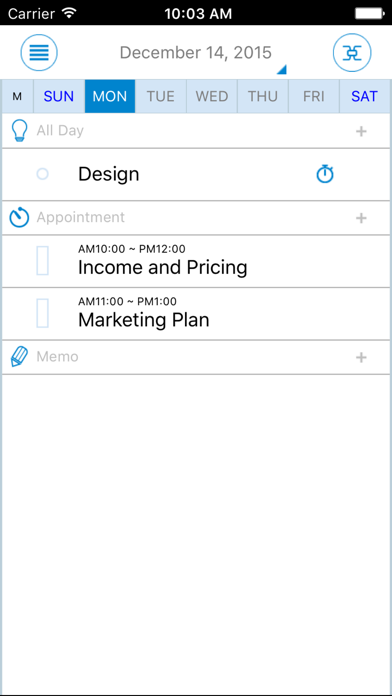
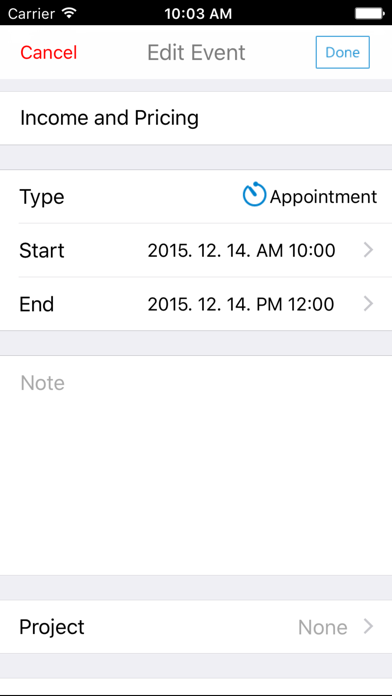
Link daily activities from the planner to a map. A project map is any map that is uploaded to be linked with the planner. Schedules from the project map will display on the planner as well. Project maps are stored in the Google Drive and planner data are stored in the Google Calendar.
◇Simple and Pleasant Mapping Styles
There are six different types of map styles to choose from. (Freestyle mapping direction not supported.)
◇Standard in Mobile Mind Mapping
Developed by officially licensed mind mapping instructor, this agile yet robust mobile app incorporates all the advantages and essence of mind mapping technique with smart mind processing technology for use at work, at home, at school, and on the go.
◇Many applications:
By storing files to free online storage services such as Google Drive, both mobile and PC version can share, edit and sync files at home, at work, and on the go. Mind Mapper mobile app are used in a variety of ways such as memo pad for your ideas, thought organization, brainstorming, and task management. In addition to many uses, Mind Mapper Mobile gives you the freedom to conduct business outside the office and gets your ideas working for you right away.
-Ideation
-Thought Organization
-Studying (Previewing, Reviewing, Reports)
-Meeting Preparation
-To-Do List
-Proposals and Reports
-Lecture Notes and Summary
-Presentation and lecture Preparation
◇Caution
-When opening a file made with Mind Mapper 16 PC version and if data that are not supported by the mobile app are present such as mapping direction, relationship line, border, schedule, resources, hyperlink, etc., then the user must be warned that the unsupported data may be deleted.
-For optimal compatibility, please update your PC Mind Mapper to latest version
-iPhone/iPad app is not compatible with Mind Mapper 2009 and 12 PC versions.