Scanner · ·
PDF Scanner App
GratisOffers In-App Purchases
1.1.1for iPhone, iPad and more
7.9
4 Ratings
VPN PROXY UNLIMITED LTD.
Developer
95 MB
Size
17/04/2020
Update Date
Business
Category
4+
Age Rating
Age Rating
لقطات الشاشة لـ Scanner · ·
About Scanner · ·
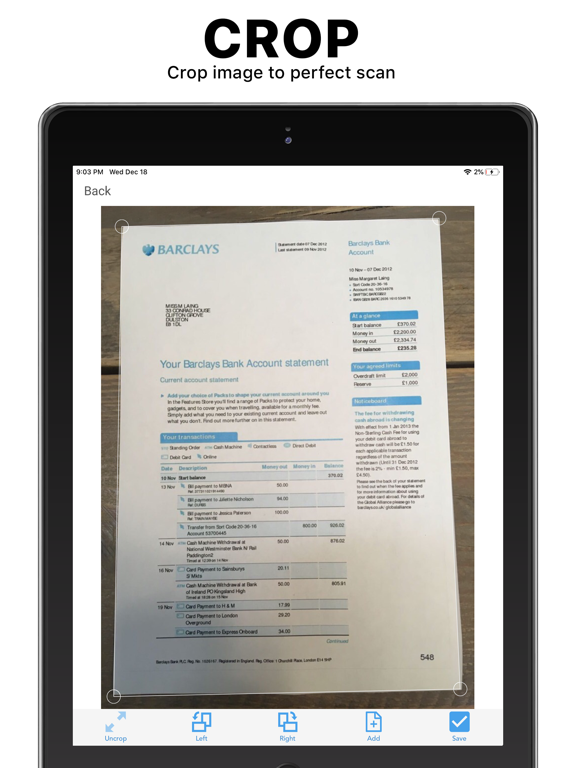
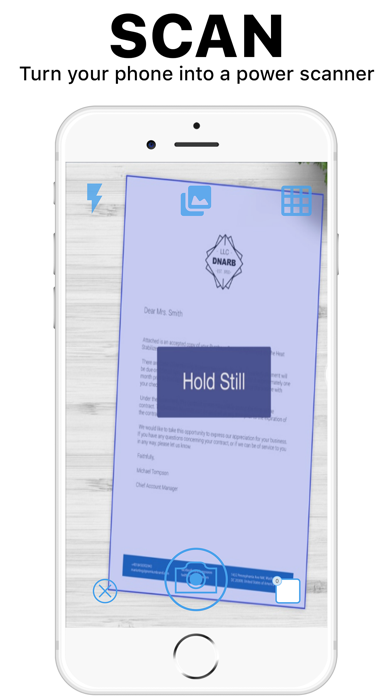
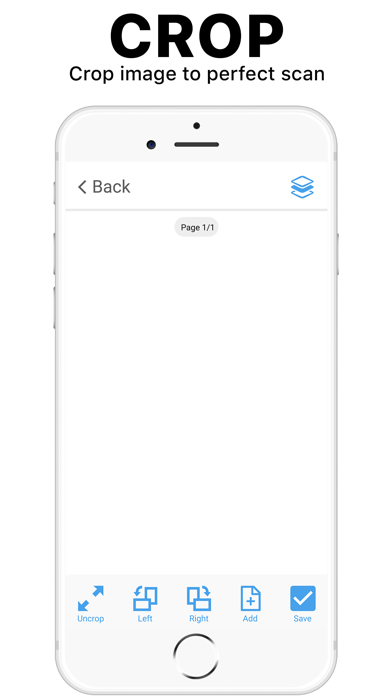
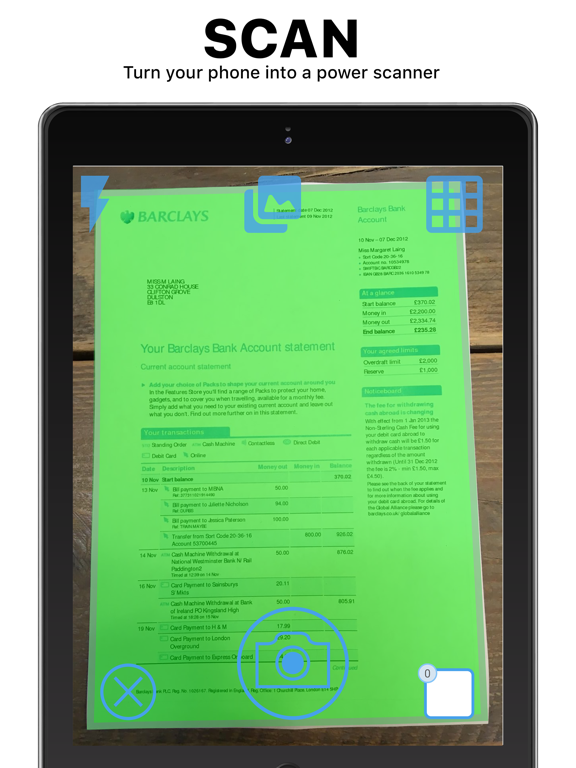
This app turns everyday documents into scans, enabling you to efficiently manage your files. Using the camera on your phone, this app scans documents and converts them to multipage PDF files with one tap. Advanced artificial intelligence works behind the scenes, doing all the hard work. It automatically detects documents, deleting the background in less than 1 second. No large scanner, photocopier, or extra hardware required.
The resulting PDF can be shared via email, Dropbox, Google Drive, iCloud, Evernote, Slack, Box, Onedrive, SHAREit, and over 100 other file-sharing platforms. Alternatively, your coworkers can download the PDF file directly from your device using your phone’s local IP address. To enable this feature, turn on WiFi sharing in your phone’s settings.
The scanner will turn your iPhone into a powerful scanner with one tap. Scan and send important documents with your iOS device!
App Features:
• Improved high-resolution scans that are better than industrial office scanners
• Scan multiple pages into one file, including books with over 1000 pages
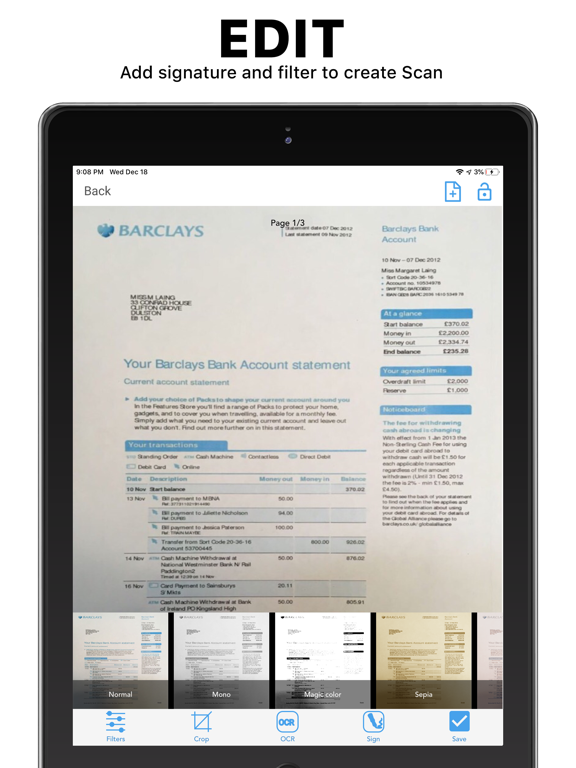
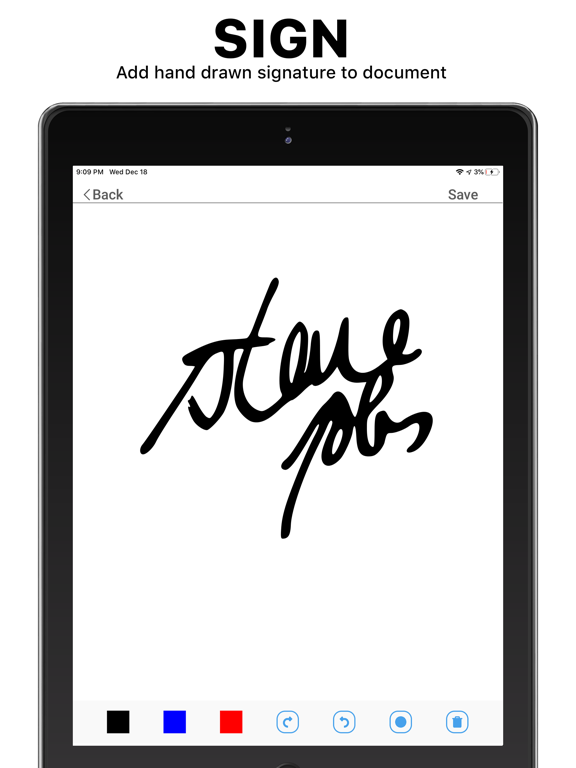
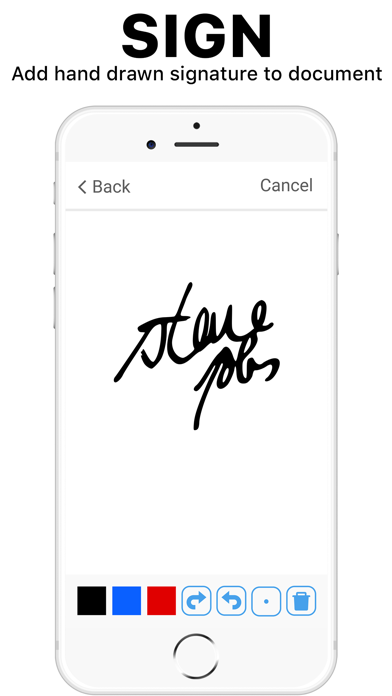
• Sign documents anywhere
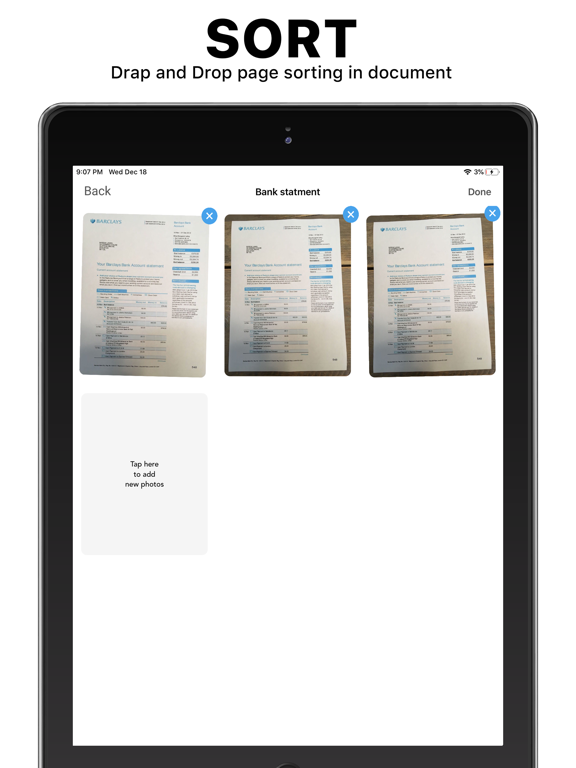
• Reorder pages by dragging and dropping page with the flick of a finger
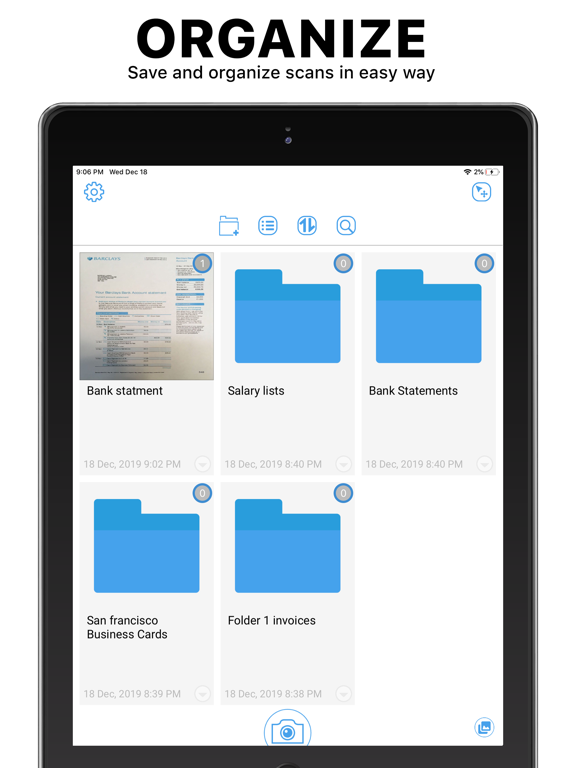
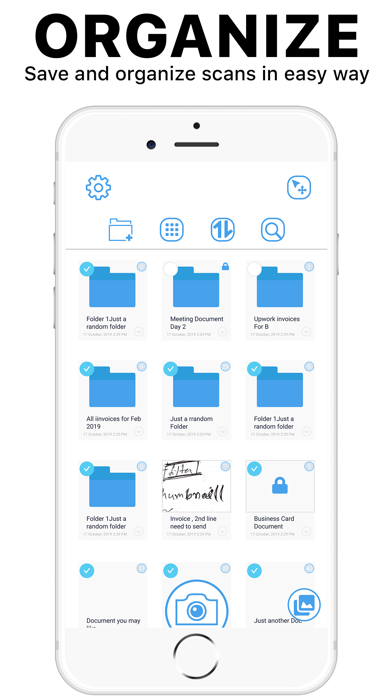
• Managed scanned documents easily with the advanced file manager
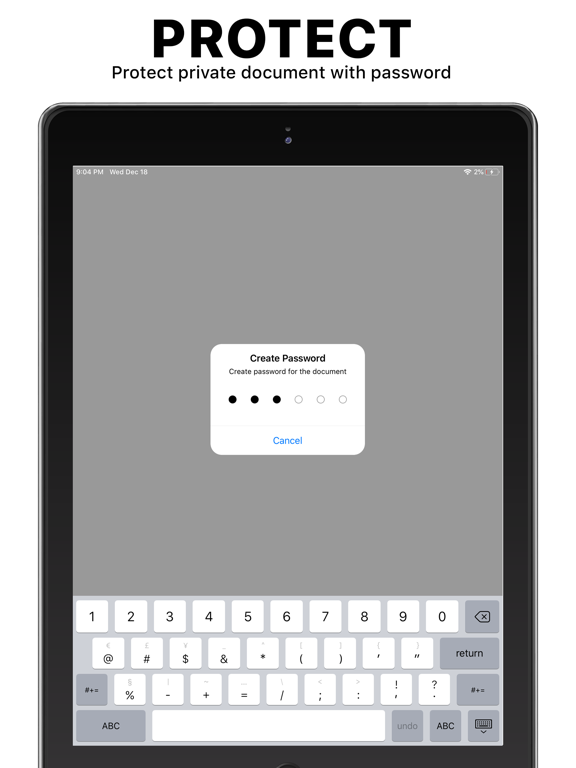
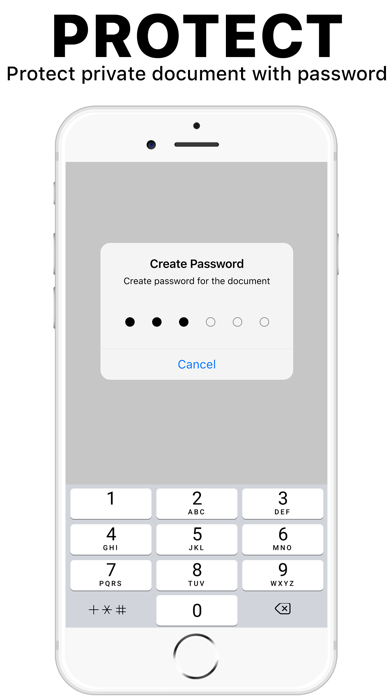
• Lock private documents with the security feature, restricting unauthorized access
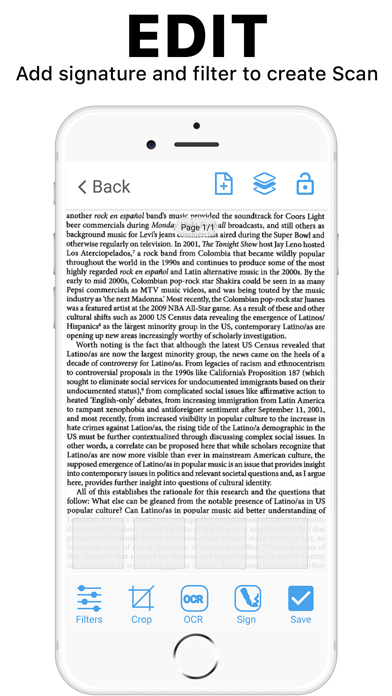
• Sharpens text with fast and accurate optical character recognition
• Integrates with 100+ file-sharing programs
• Share your files locally over WiFi, no internet required
• Whiten your documents with the magic color features
• 100+ other features, ensuring you always have what you need
Our app is free, so why not try it? We promise it will make your job easier, whether in the office or working from home. If you like it, please share our app with your colleagues and make your company more productive.
Privacy Policy: https://minoti.tech/privacy.html
Terms of Use: https://minoti.tech/tos.html

The resulting PDF can be shared via email, Dropbox, Google Drive, iCloud, Evernote, Slack, Box, Onedrive, SHAREit, and over 100 other file-sharing platforms. Alternatively, your coworkers can download the PDF file directly from your device using your phone’s local IP address. To enable this feature, turn on WiFi sharing in your phone’s settings.
The scanner will turn your iPhone into a powerful scanner with one tap. Scan and send important documents with your iOS device!
App Features:
• Improved high-resolution scans that are better than industrial office scanners
• Scan multiple pages into one file, including books with over 1000 pages
• Sign documents anywhere
• Reorder pages by dragging and dropping page with the flick of a finger
• Managed scanned documents easily with the advanced file manager
• Lock private documents with the security feature, restricting unauthorized access
• Sharpens text with fast and accurate optical character recognition
• Integrates with 100+ file-sharing programs
• Share your files locally over WiFi, no internet required
• Whiten your documents with the magic color features
• 100+ other features, ensuring you always have what you need
Our app is free, so why not try it? We promise it will make your job easier, whether in the office or working from home. If you like it, please share our app with your colleagues and make your company more productive.
Privacy Policy: https://minoti.tech/privacy.html
Terms of Use: https://minoti.tech/tos.html
Show More
تحديث لأحدث إصدار 1.1.1
Last updated on 17/04/2020
الإصدارات القديمة
- Performance improvement
Show More
Version History
1.1.1
17/04/2020
- Performance improvement
1.1.0
02/04/2020
- Performance improvement
1.0.9
17/02/2020
- Bug Fix
- Performance improvement
1.0.8
13/02/2020
- performance improvement
1..0.7
13/02/2020
- performance improvement
1.0.6
01/02/2020
we worked hard to update technologies in the app and fixed some bugs in this version
1.0.5
24/01/2020
Thank you so much for being our user. In this new version, we have done following
- Improved scanner accuracy
- Improved Artificial intelligence
- Better result
- Improved scanner accuracy
- Improved Artificial intelligence
- Better result
1.0.4
21/01/2020
Thank you so much for being our user. In this new version, we have done following
- Improved scanner accuracy
- Improved Artificial intelligence
- Better result
We'd love to hear from you! Please take some time to write a review.
- Improved scanner accuracy
- Improved Artificial intelligence
- Better result
We'd love to hear from you! Please take some time to write a review.
1.0.3
08/01/2020
- layout fixes
- quality improvements
1.0
29/12/2019
Scanner · · FAQ
انقر هنا لمعرفة كيفية تنزيل Scanner · · في بلد أو منطقة محظورة.
تحقق من القائمة التالية لمعرفة الحد الأدنى من المتطلبات Scanner · ·.
iPhone
Requiere iOS 10.0 o posterior.
iPad
Requiere iPadOS 10.0 o posterior.
iPod touch
Requiere iOS 10.0 o posterior.
Scanner · · هي مدعومة على اللغات Inglés
في Scanner · · عمليات شراء داخل التطبيق. يرجى التحقق من خطة الأسعار على النحو التالي:
Premium
USD 69.99
Premium
USD 9.99