WordPress - Constructor web
Gratis
26.8for iPhone, iPad
Age Rating
لقطات الشاشة لـ WordPress - Constructor web
About WordPress - Constructor web
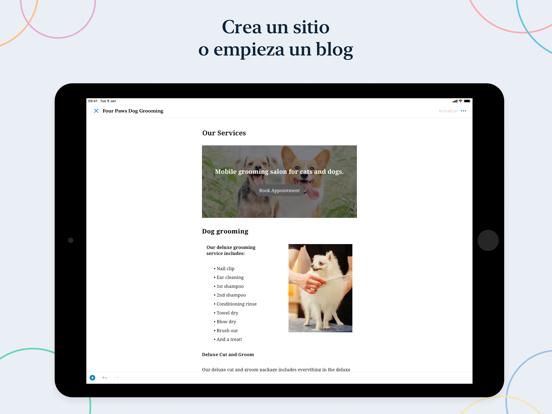
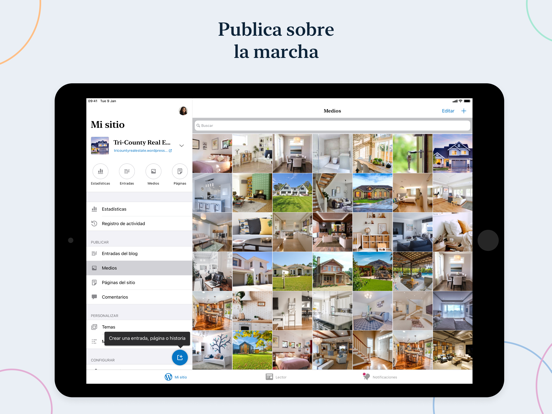
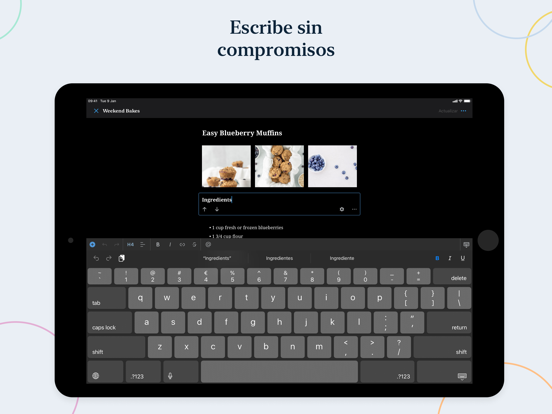
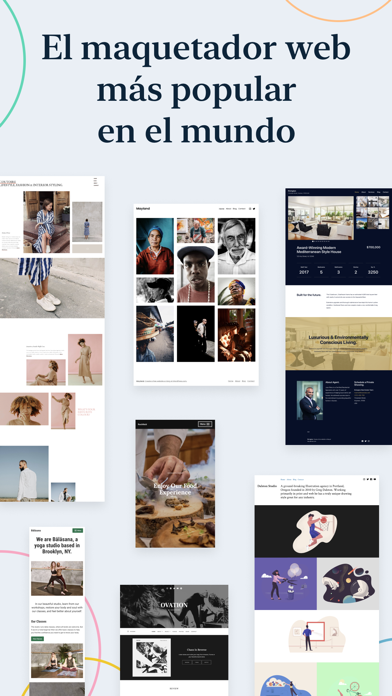
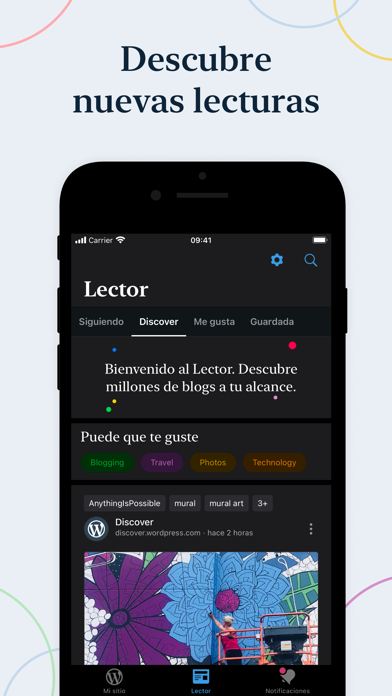
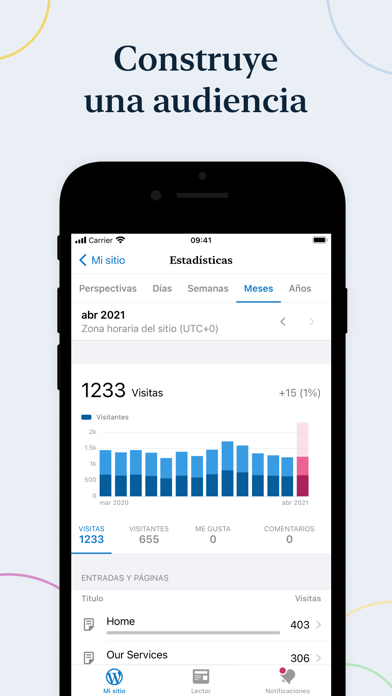
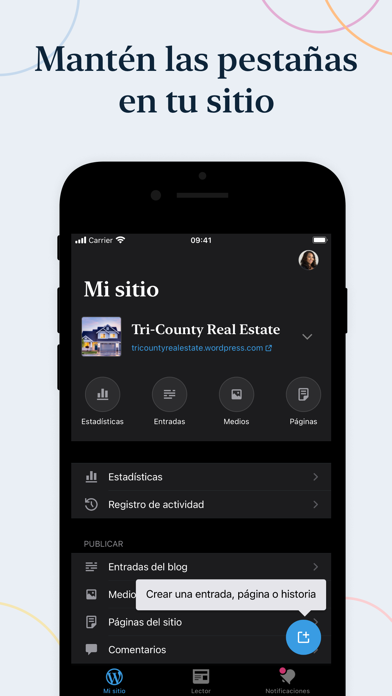
Manage or create your WordPress blog or website right from your iOS device: create and edit posts and pages, upload your favorite photos and videos, view stats and reply to comments.
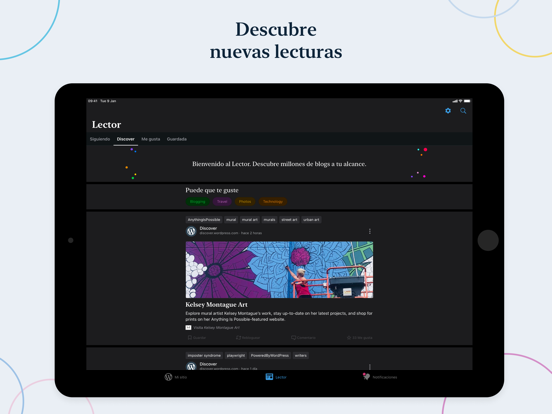
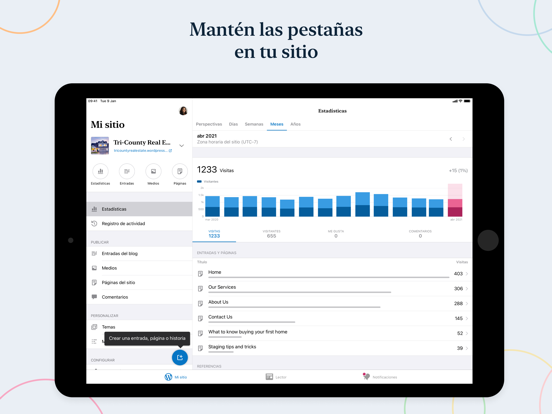
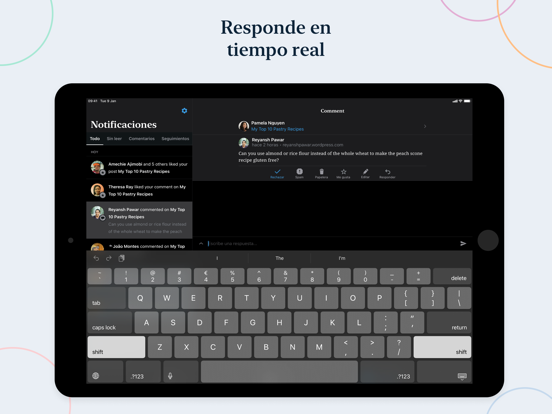
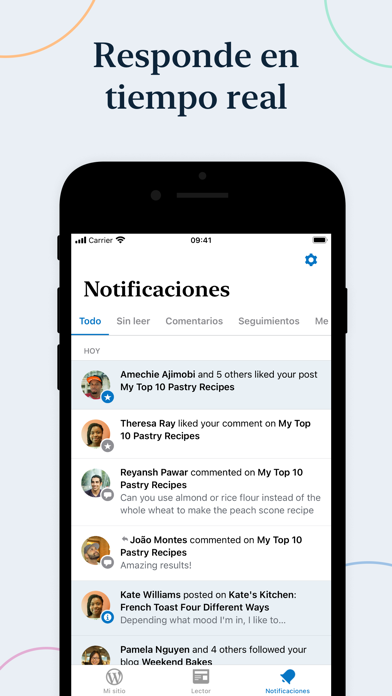
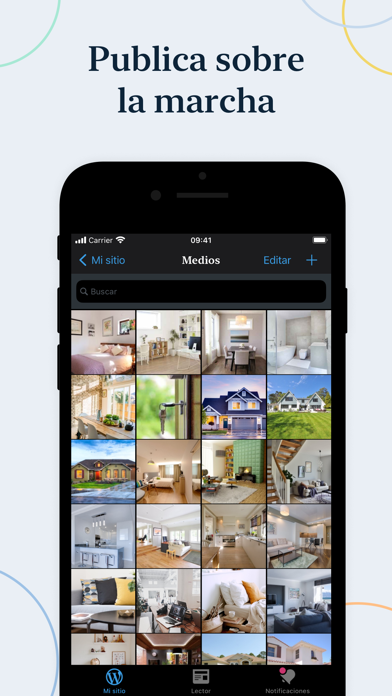
With WordPress for iOS, you have the power to publish in the palm of your hand. Draft a spontaneous haiku from the couch. Snap and post a photo on your lunch break. Respond to your latest comments, or check your stats to see what new countries today’s visitors are coming from.
WordPress for iOS is an Open Source project, which means you too can contribute to its development. Learn more at https://apps.wordpress.com/contribute/.
WordPress for iOS supports WordPress.com and self-hosted WordPress.org sites running WordPress 4.0 or higher.
Need help with the app? Visit the forums at https://wordpress.org/support/forum/mobile/ or tweet us @WordPressiOS.
View the Privacy Notice for California Users at https://automattic.com/privacy/#california-consumer-privacy-act-ccpa.

With WordPress for iOS, you have the power to publish in the palm of your hand. Draft a spontaneous haiku from the couch. Snap and post a photo on your lunch break. Respond to your latest comments, or check your stats to see what new countries today’s visitors are coming from.
WordPress for iOS is an Open Source project, which means you too can contribute to its development. Learn more at https://apps.wordpress.com/contribute/.
WordPress for iOS supports WordPress.com and self-hosted WordPress.org sites running WordPress 4.0 or higher.
Need help with the app? Visit the forums at https://wordpress.org/support/forum/mobile/ or tweet us @WordPressiOS.
View the Privacy Notice for California Users at https://automattic.com/privacy/#california-consumer-privacy-act-ccpa.
Show More
تحديث لأحدث إصدار 26.8
Last updated on 08/04/2026
الإصدارات القديمة
- The Activity Log now shows when your site was updated using AI agents.
- In Post Settings, the Social Sharing card only shows platforms that the app supports.
- New posts use the default post format instead of the standard version. You can update this format in your site settings.
- If your site is self-hosted with XML-RPC disabled, you can see Posts and Pages in the app. That’s pretty important, if we do say so ourselves.
- In Post Settings, the Social Sharing card only shows platforms that the app supports.
- New posts use the default post format instead of the standard version. You can update this format in your site settings.
- If your site is self-hosted with XML-RPC disabled, you can see Posts and Pages in the app. That’s pretty important, if we do say so ourselves.
Show More
Version History
26.8
08/04/2026
- The Activity Log now shows when your site was updated using AI agents.
- In Post Settings, the Social Sharing card only shows platforms that the app supports.
- New posts use the default post format instead of the standard version. You can update this format in your site settings.
- If your site is self-hosted with XML-RPC disabled, you can see Posts and Pages in the app. That’s pretty important, if we do say so ourselves.
- In Post Settings, the Social Sharing card only shows platforms that the app supports.
- New posts use the default post format instead of the standard version. You can update this format in your site settings.
- If your site is self-hosted with XML-RPC disabled, you can see Posts and Pages in the app. That’s pretty important, if we do say so ourselves.
WordPress - Constructor web FAQ
انقر هنا لمعرفة كيفية تنزيل WordPress - Constructor web في بلد أو منطقة محظورة.
تحقق من القائمة التالية لمعرفة الحد الأدنى من المتطلبات WordPress - Constructor web.
iPhone
iPad