Remote Access Plus

Remote Access Plus


Grátis

26.06.01for iPhone, iPad
Age Rating
4+
Apps in this category do not contain restricted content.
9+
Apps in this category may contain mild or occasional cartoon, fantasy or real-life violence, as well as occasional or mild adult, sexually suggestive or horrifying content and may not be suitable for children under 9 years of age.
12+
Apps in this category may contain occasional mild indecent language, frequent or intense cartoon or real-life violence, minor or occasional adult or sexually suggestive material, and simulated gambling, and may be for children under 12 years of age.
17+
You must be at least 17 years old to access this App.
Apps in this category may contain frequent and intense offensive language; Frequent and intense cartoon, fantasy or realistic violence: frequent and intense adult, scary and sexually suggestive subjects: as well as sexual content, nudity, tobacco, alcohol and drugs, may not be suitable for children under 17 years of age.
Remote Access Plus Capturas de tela
Remote Access Plus CartazRemote Access Plus CartazRemote Access Plus CartazRemote Access Plus CartazRemote Access Plus CartazRemote Access Plus CartazRemote Access Plus CartazRemote Access Plus Cartaz

About Remote Access Plus

Access and troubleshoot Windows, Mac and Linux endpoints anywhere, anytime!

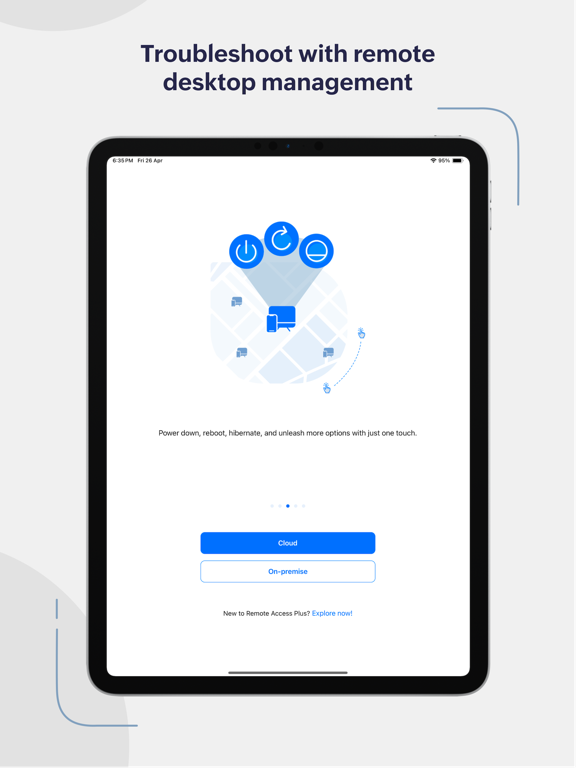
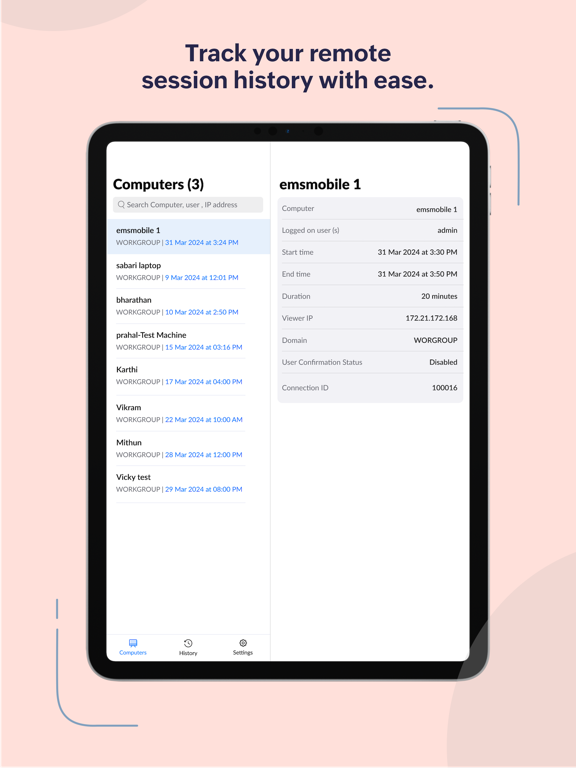
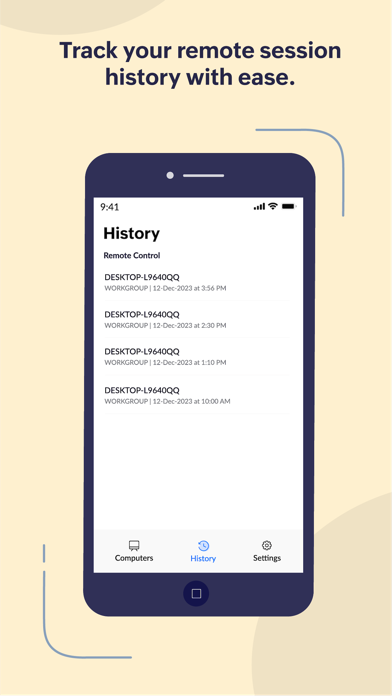
Remote Access Plus is all you need to redefine your troubleshooting routine. Remote Access Plus helps you access remote computers irrespective of their location and lets you resolve troubleshooting requests at a lightning speed.

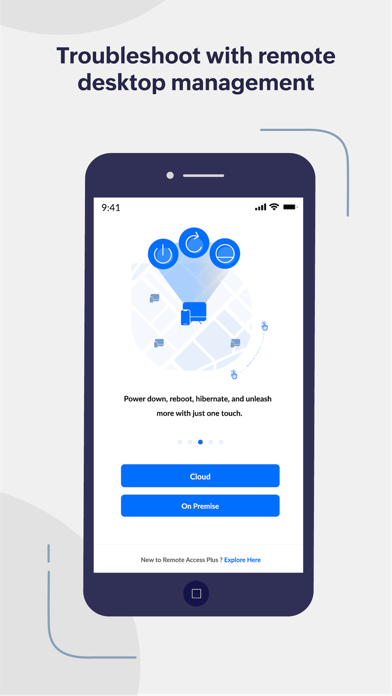
Remote Access Plus is available on cloud and on-premises. You can access both the instances from the mobile app.

What can I do using the Remote Access Plus application?

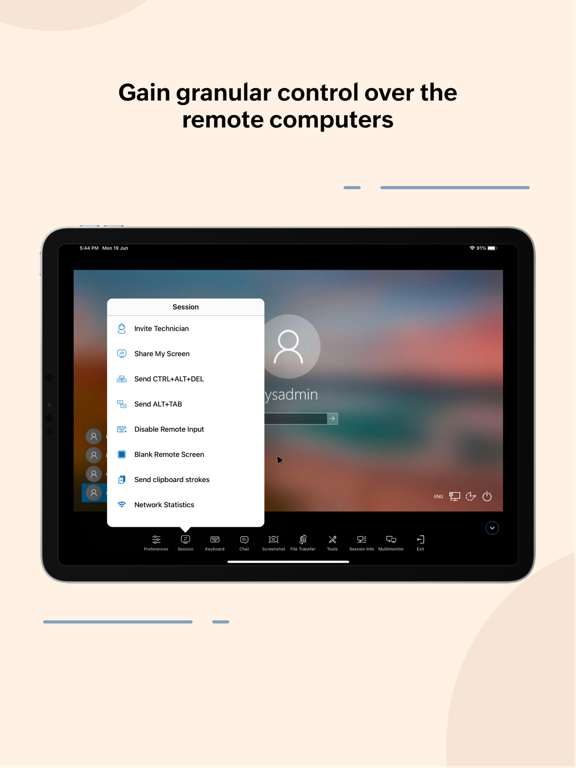
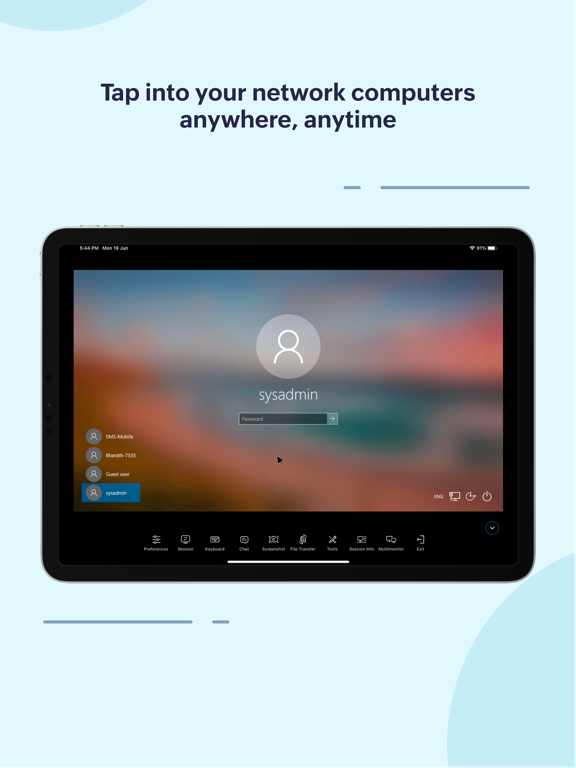
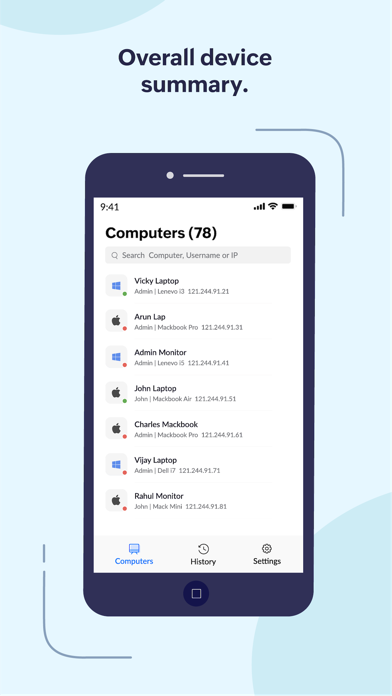
Access endpoints right from your mobile device
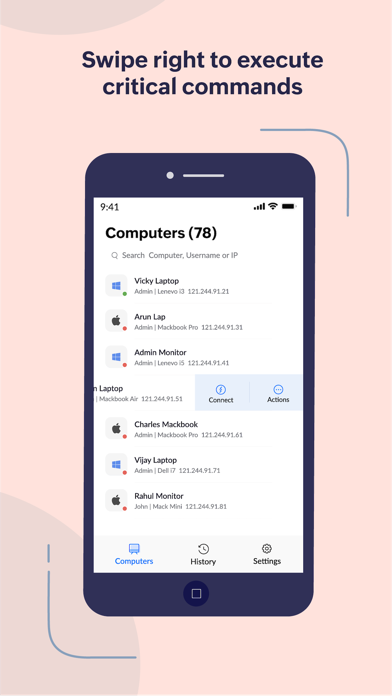
1. Connect to remote computers on the go with unattended remote access
2. Seamlessly switch between multiple monitors connected to client computers
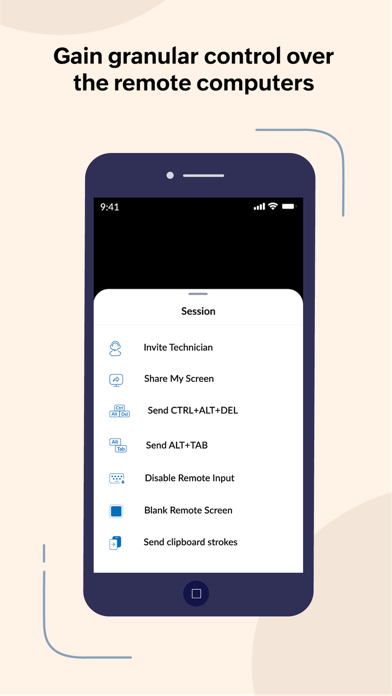
3. Perform administrative operations using "Quick Launch"

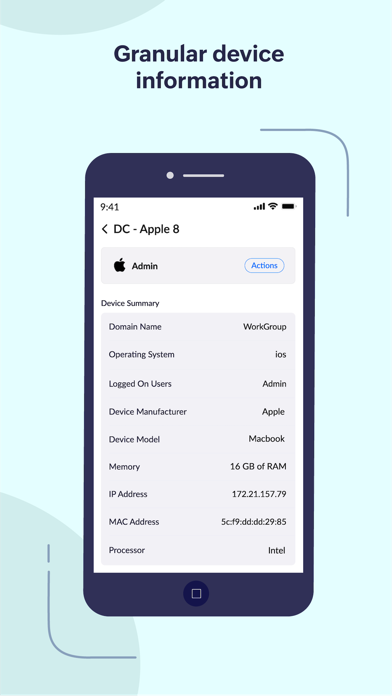
Diagnose computers without hindering productivity
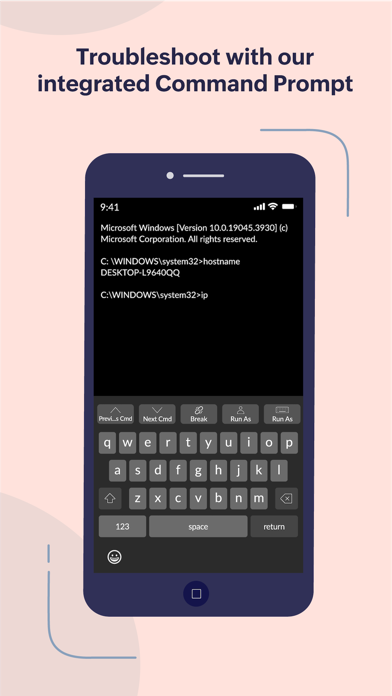
1. Access command prompt and execute commands using systems account
2. Cut-down production costs by turning off the computers with no active users
3. Wake computers on LAN and kick-start your troubleshooting without hick-ups


How do I activate?

1. Install the Remote Access Plus mobile app on your mobile device.
2. If you are using the Remote Access Plus on-premises solution, provide the server name, the port being used, followed by the credentials.
3. If you are using the cloud edition, log-in to your Remote Access Plus account
4. You can now access your Remote Access Plus console from your mobile device

Show More

Novidades da Última Versão 26.06.01

Last updated on Jun 4, 2026
Versões Antigas
- You can now Chat, make Voice and Video calls with agents that support them — applicable for On Premise servers only.
- Performance improvements for a faster, smoother experience.
Show More
Version History
26.06.01
Jun 4, 2026
- You can now Chat, make Voice and Video calls with agents that support them — applicable for On Premise servers only.
- Performance improvements for a faster, smoother experience.

Remote Access Plus FAQ

Clique aqui para saber como baixar Remote Access Plus em um país ou região restrita.
Confira a lista a seguir para ver os requisitos mínimos de Remote Access Plus.
iPhone
iPad

Alternativa de Remote Access Plus

Você pode gostar

Obtenha mais de Zoho Corporation