Visit the web site to see a video of this app in action.
https://www.youtube.com/watch?v=QKM8PU2tonM
https://www.youtube.com/watch?v=LV0UYB_5tOk
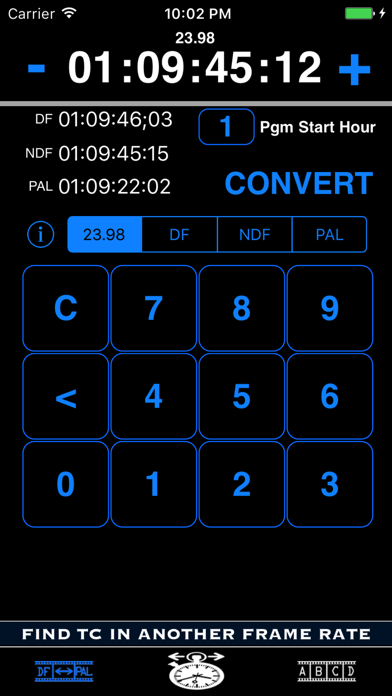
The primary feature of Timecode Tool gives the user the ability to convert between 23.98, DF, NDF and PAL timecodes. PAL video runs at a faster speed than NTSC and consequently causes issues when trying to find the same spot in a feature film between those standards. Perhaps you are performing a QC pass on a PAL version of a feature film and find an issue at 2:14:30:23. How do you find the same spot in the NTSC version? Timecode Tool will easily allow you to enter the PAL timecode of 2:14:30:23 and will return to you the equivalent 23.98, DF, and NDF timecodes. It has a default value of 1 Hour as the starting time of your program material but the other 23 even hours can be selected if necessary. (A future version may allow the user to select a specific "non-even hour" timecode if there are enough requests)
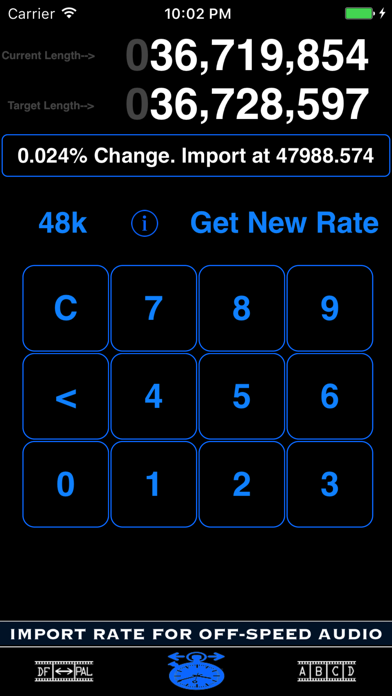
The second feature of Timecode Tool helps the user vari-speed audio that is currently running at the wrong speed. The hope is that you are using a software program that allows you to convert your audio by entering a specific sample rate ("Import Audio"). Both the difference in percentage and the correct sample rate necessary to vari-speed (VSO) when importing/exporting are provided. Example: you may have an audio file that is 20 frames shorter than it is supposed to be. After entering that file's current length, target length, and current sample rate, a simple math calculation is performed and the user is provided with the numbers necessary to import that file at a custom rate where it should stay in proper sync.
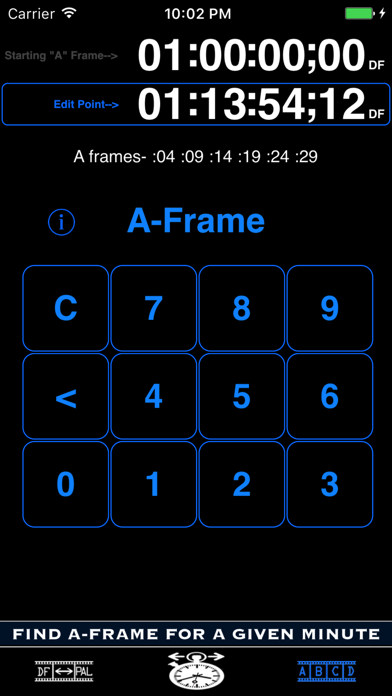
The third feature is A-Frame Verification. A-Frames occur on the same frames from second to second within a given minute. If you need to locate an A-Frame to keep the proper cadence when editing, tap the upper timecode to change the starting A-Frame for your program material/feature (if other than 01:00:00:00) and then tap the lower timecode to enter your edit point. Touch the A-Frame button to display the frames on which your A-Frame will occur within that given minute of time.