3DPrinterOS
Gratis
1.3for iPhone, iPad and more
Age Rating
3DPrinterOS Screenshots
About 3DPrinterOS
3DPrinterOS is the #1 operating system for 3D Printers.
As the Cloud Solution, it provides you access to your 3D Printer from any point in the world. Manage all the 3D Printing activities you are involved in with 3DPrinterOS in a few clicks.
The mobile application is now available:
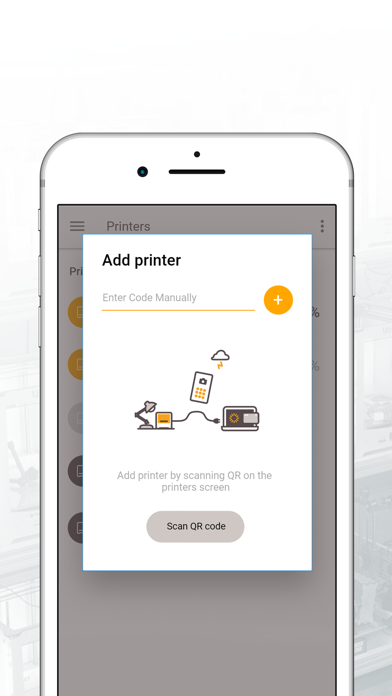
- Add a new 3D Printer to your account by entering the code or scanning QR code from the screen of your Kodak Portrait, Dremel 3D40, Dremel 3D45, Robo3D R2, Robo3D C2.
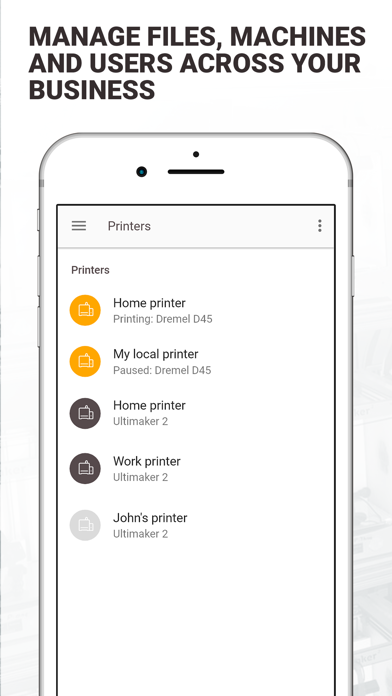
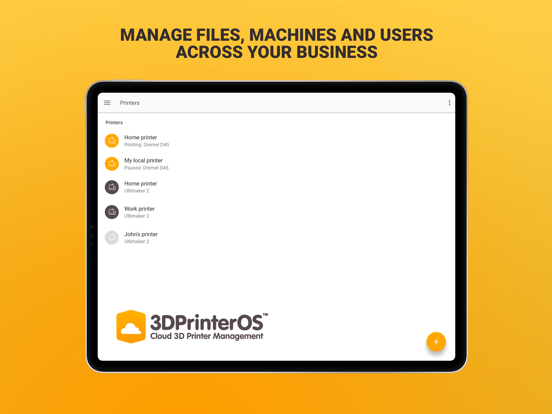
- Monitor your 3D Printer statuses remotely.
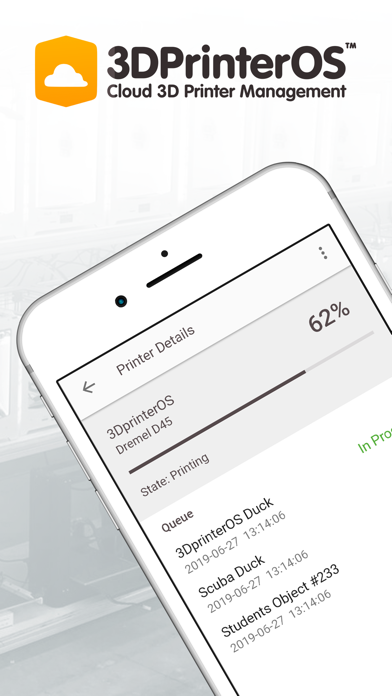
- Get access to files in the queues
- Manage the queues
- Monitor the camera
List of supported 3D Printers: https://www.3dprinteros.com/supported-3d-printers/
Create a free account now: https://cloud.3dprinteros.com.

As the Cloud Solution, it provides you access to your 3D Printer from any point in the world. Manage all the 3D Printing activities you are involved in with 3DPrinterOS in a few clicks.
The mobile application is now available:
- Add a new 3D Printer to your account by entering the code or scanning QR code from the screen of your Kodak Portrait, Dremel 3D40, Dremel 3D45, Robo3D R2, Robo3D C2.
- Monitor your 3D Printer statuses remotely.
- Get access to files in the queues
- Manage the queues
- Monitor the camera
List of supported 3D Printers: https://www.3dprinteros.com/supported-3d-printers/
Create a free account now: https://cloud.3dprinteros.com.
Show More
Was ist neu in der neuesten Version 1.3
Last updated on Apr 14, 2020
Alte Versionen
- Camera monitoring is added
Show More
Version History
1.3
Apr 14, 2020
- Camera monitoring is added
1.2
Nov 27, 2019
UI improvements
1.1
Aug 26, 2019
From this version you can:
– Manage jobs and queues: start, pause, resume, cancel jobs.
– Printers with can queue access are not displayed in mobile app
– File description is structured
– Manage jobs and queues: start, pause, resume, cancel jobs.
– Printers with can queue access are not displayed in mobile app
– File description is structured
1.0.
Jul 19, 2019
3DPrinterOS FAQ
Klicken Sie hier, um zu erfahren, wie Sie 3DPrinterOS in eingeschränkten Ländern oder Regionen herunterladen können.
Überprüfen Sie die folgende Liste, um die Mindestanforderungen von 3DPrinterOS zu sehen.
iPhone
Erfordert iOS 9.0 oder neuer.
iPad
Erfordert iPadOS 9.0 oder neuer.
iPod touch
Erfordert iOS 9.0 oder neuer.