Base64 Encoder Decoder

Base64 Encoder Decoder


Gratis

1.0.5for iPhone, iPad
Age Rating
4+
Apps in this category do not contain restricted content.
9+
Apps in this category may contain mild or occasional cartoon, fantasy or real-life violence, as well as occasional or mild adult, sexually suggestive or horrifying content and may not be suitable for children under 9 years of age.
12+
Apps in this category may contain occasional mild indecent language, frequent or intense cartoon or real-life violence, minor or occasional adult or sexually suggestive material, and simulated gambling, and may be for children under 12 years of age.
17+
You must be at least 17 years old to access this App.
Apps in this category may contain frequent and intense offensive language; Frequent and intense cartoon, fantasy or realistic violence: frequent and intense adult, scary and sexually suggestive subjects: as well as sexual content, nudity, tobacco, alcohol and drugs, may not be suitable for children under 17 years of age.
Base64 Encoder Decoder Screenshots
Base64 Encoder Decoder PlakatBase64 Encoder Decoder PlakatBase64 Encoder Decoder PlakatBase64 Encoder Decoder PlakatBase64 Encoder Decoder PlakatBase64 Encoder Decoder PlakatBase64 Encoder Decoder Plakat

About Base64 Encoder Decoder

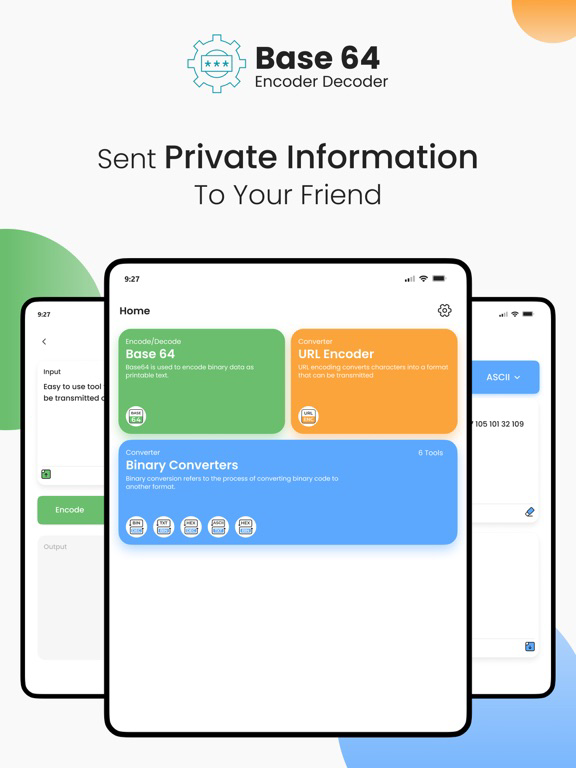
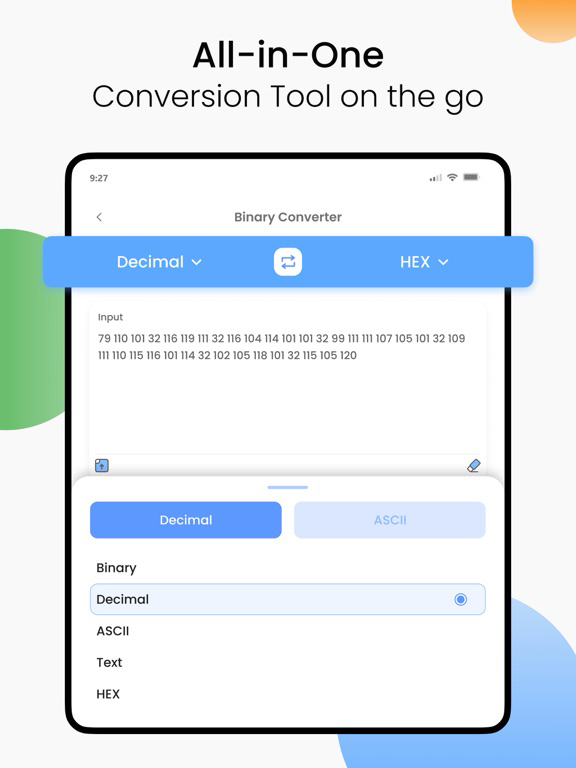
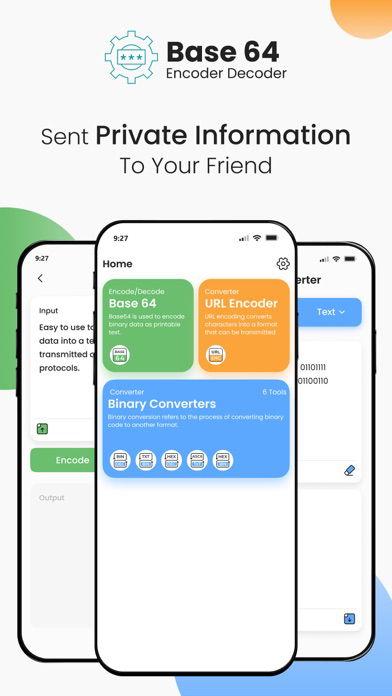
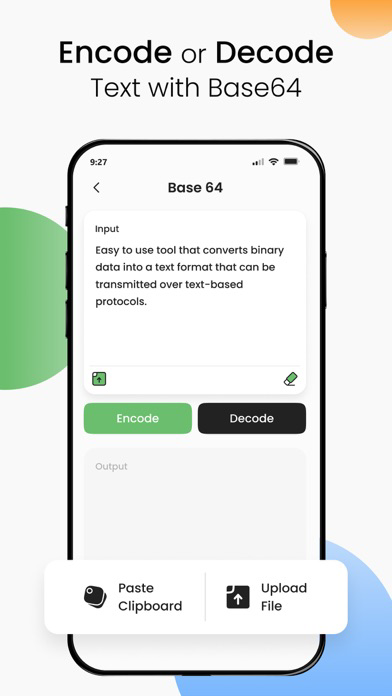
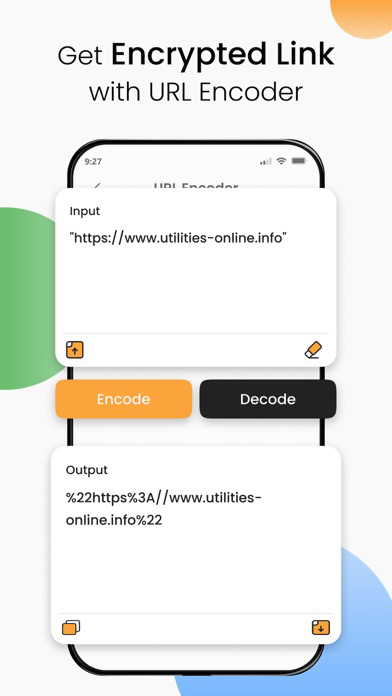
You can convert any text in the Base 64 number system using our free and easy-to-use Base 64 encoder/decoder.
A user can easily encode or decode a text in the 64 unique digits set, and this number system is represented by 6 bits.
This Base 64 encoder/decoder is very simple to use and provides you with the results in a couple of seconds.
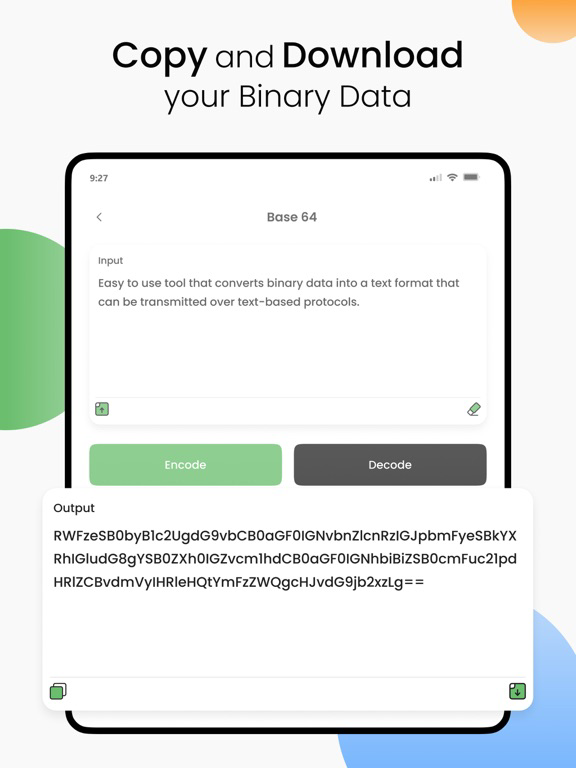
After getting the results, you can download the file or copy the results.
How to use this Base64 online app?
To encode or decode the text, follow these steps.
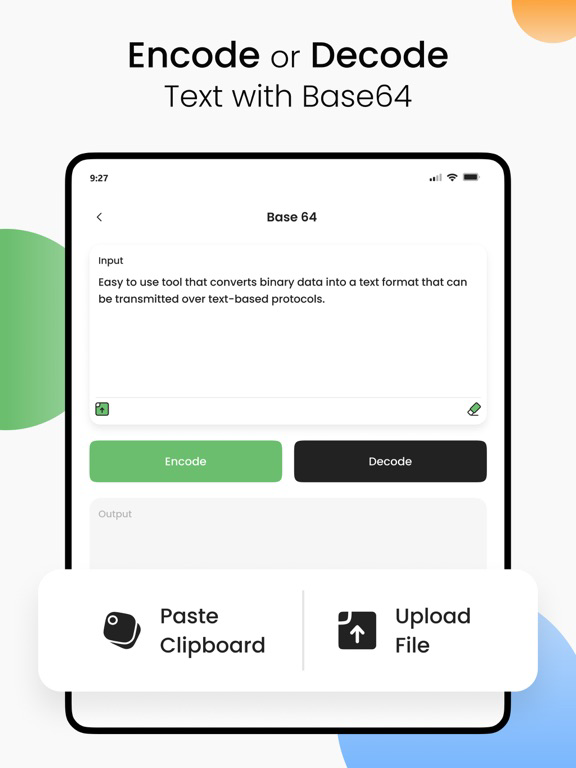
1. Write something or upload a file.
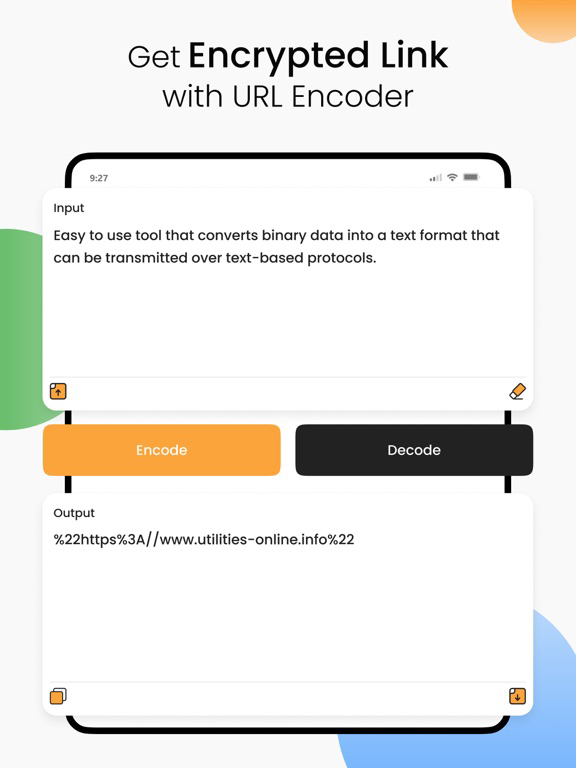
2. Click on the “Encode or Decode” button.
Note: For encoding the data, click on the Encode button, and to decode the data, press the Decode button.
What’s new?
Here are some additional features of our app.
1. Upload a file directly from your device and save your time.
2. You can start a new session just by clicking on the “Clear text” button.
3. After getting the results, there are two options; download or copy the text.

Show More

Was ist neu in der neuesten Version 1.0.5

Last updated on Dec 18, 2023
Alte Versionen
Bug fixes and stability improvements
Show More
Version History
1.0.5
Dec 18, 2023
Bug fixes and stability improvements

Base64 Encoder Decoder FAQ

Klicken Sie hier, um zu erfahren, wie Sie Base64 Encoder Decoder in eingeschränkten Ländern oder Regionen herunterladen können.
Überprüfen Sie die folgende Liste, um die Mindestanforderungen von Base64 Encoder Decoder zu sehen.
iPhone
iPad

Base64 Encoder Decoder Alternative

Das könnte Ihnen auch gefallen

Erhalte mehr von Ahmad Sattar