Edwards
Gratis
4.1for iPhone, iPad
Age Rating
Edwards Screenshots
About Edwards
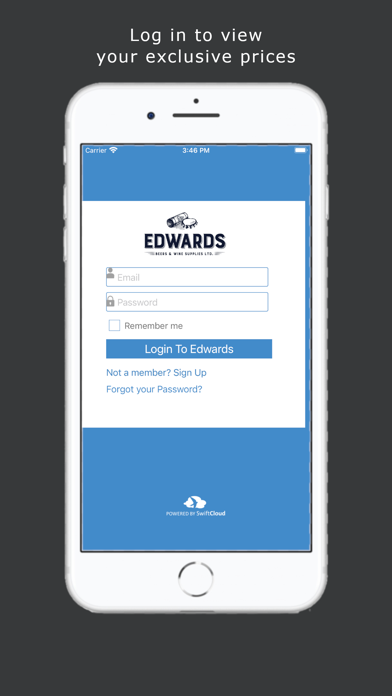
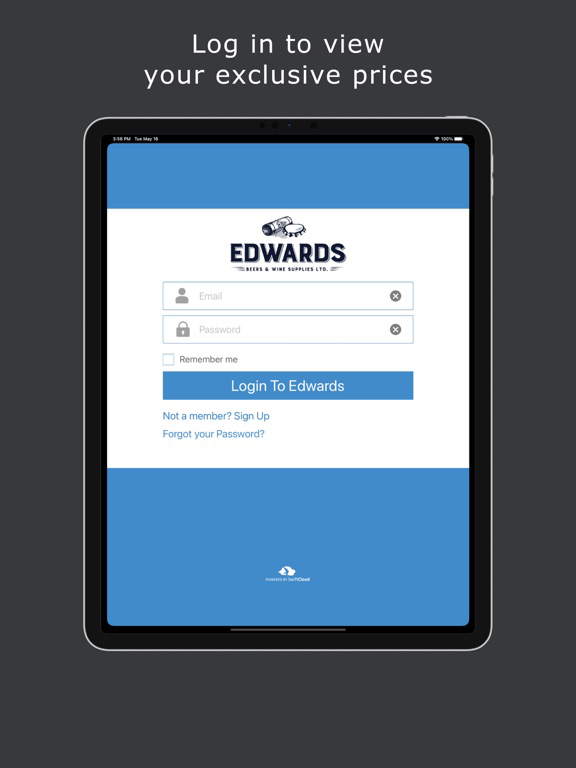
The Edwards App is the brand new way of quickly and securely placing your orders with Edwards.
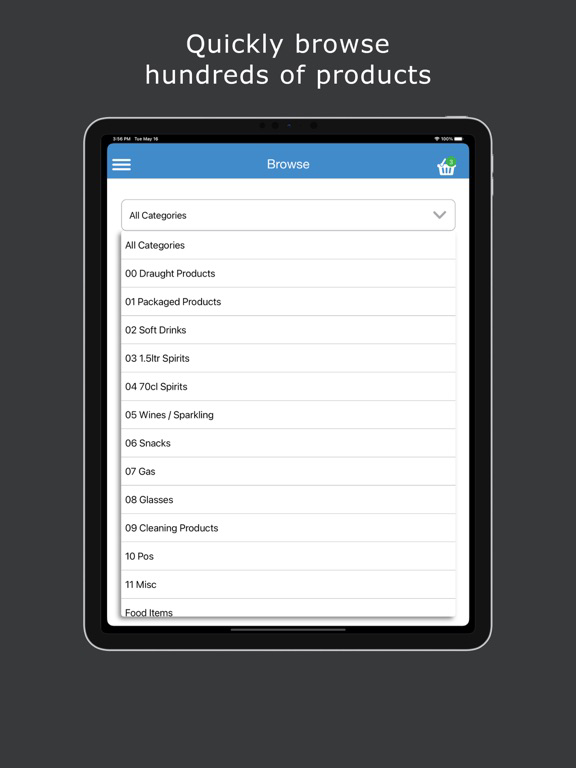
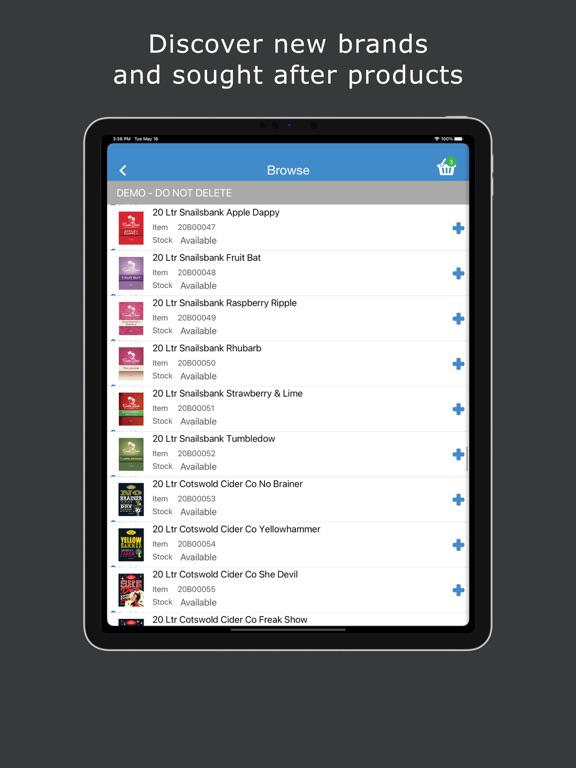
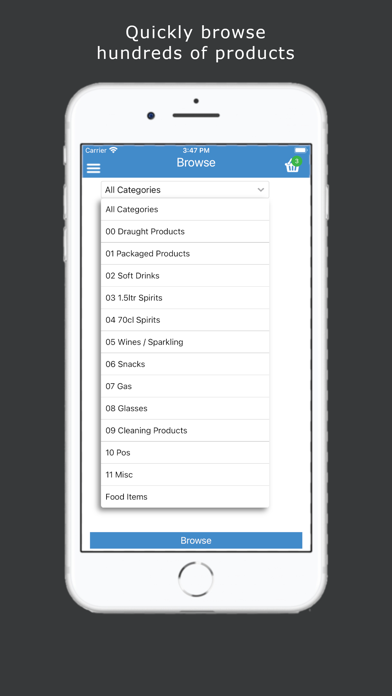
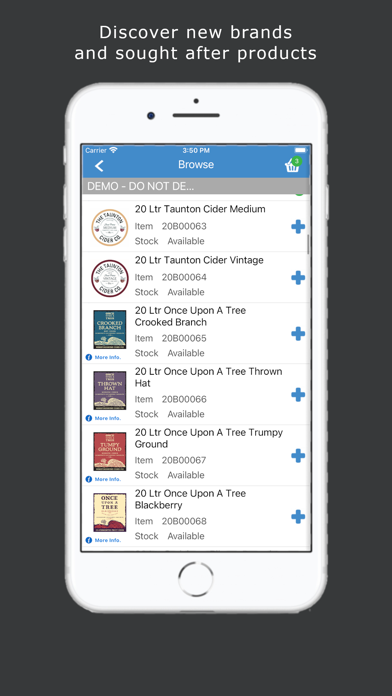
Once registered, you can browse our product listings or search for products by product code, by description or by scanning a barcode with your device’s camera. Quickly and easily check stock availability, place orders and receive special promotions and discounts, all from your smartphone or tablet.
How can the Edwards App benefit you?
• Completely free to install and use.
• Current stock availability and fast order entry saving time and money
• Promotions and discounts are highlighted
How does the Edwards App work?
Register and process orders in 5 Easy Steps using the Edwards App:
1. Open the App on your smartphone
2. Browse our product range or search by product code, name or barcode image
3. Check stock availability and pricing
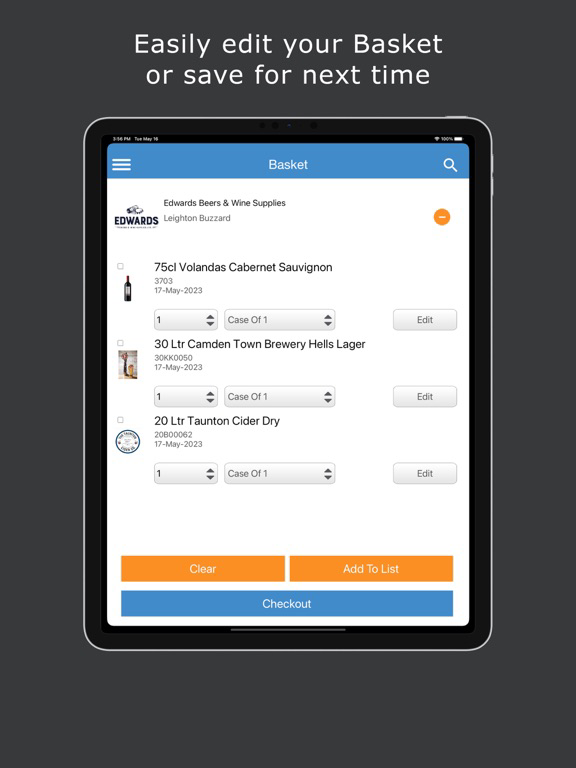
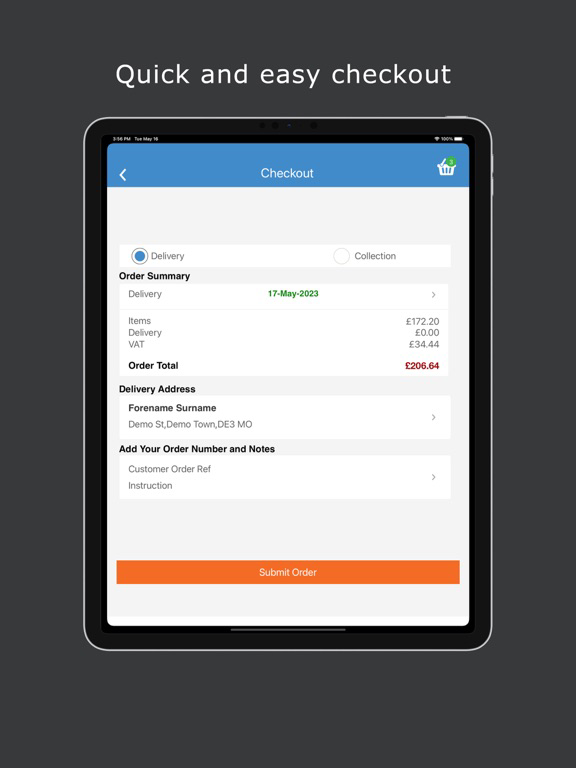
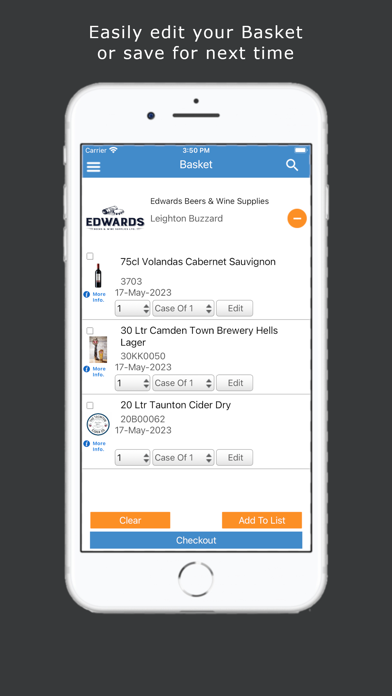
4. Place your order, then click and submit (partial orders can also be saved in the cloud to finish at a later date, on any compatible device)
5. Your order will be quickly processed and goods dispatched in line with our usual delivery terms.
Click Install - to start downloading the free App from the App Store and start saving time and money when ordering from Edwards.

Once registered, you can browse our product listings or search for products by product code, by description or by scanning a barcode with your device’s camera. Quickly and easily check stock availability, place orders and receive special promotions and discounts, all from your smartphone or tablet.
How can the Edwards App benefit you?
• Completely free to install and use.
• Current stock availability and fast order entry saving time and money
• Promotions and discounts are highlighted
How does the Edwards App work?
Register and process orders in 5 Easy Steps using the Edwards App:
1. Open the App on your smartphone
2. Browse our product range or search by product code, name or barcode image
3. Check stock availability and pricing
4. Place your order, then click and submit (partial orders can also be saved in the cloud to finish at a later date, on any compatible device)
5. Your order will be quickly processed and goods dispatched in line with our usual delivery terms.
Click Install - to start downloading the free App from the App Store and start saving time and money when ordering from Edwards.
Show More
Was ist neu in der neuesten Version 4.1
Last updated on Oct 2, 2024
Alte Versionen
- minor bug fixes
Show More
Version History
4.1
Oct 2, 2024
- minor bug fixes
Edwards FAQ
Klicken Sie hier, um zu erfahren, wie Sie Edwards in eingeschränkten Ländern oder Regionen herunterladen können.
Überprüfen Sie die folgende Liste, um die Mindestanforderungen von Edwards zu sehen.
iPhone
iPad