FindText
Gratis
1.0for iPhone, iPad
Age Rating
FindText Screenshots
About FindText
Find and replace text:
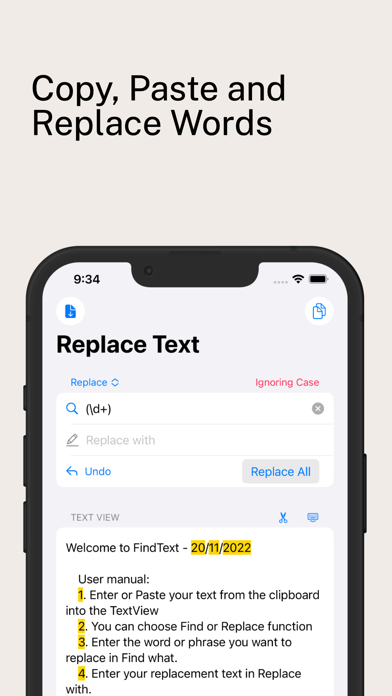
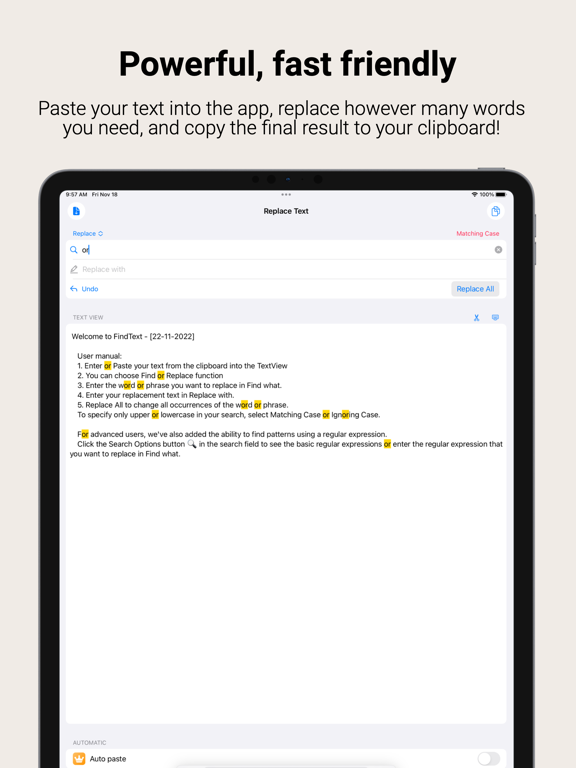
1. Enter or Paste your text from the clipboard into the TextView
2. You can choose Find or Replace function
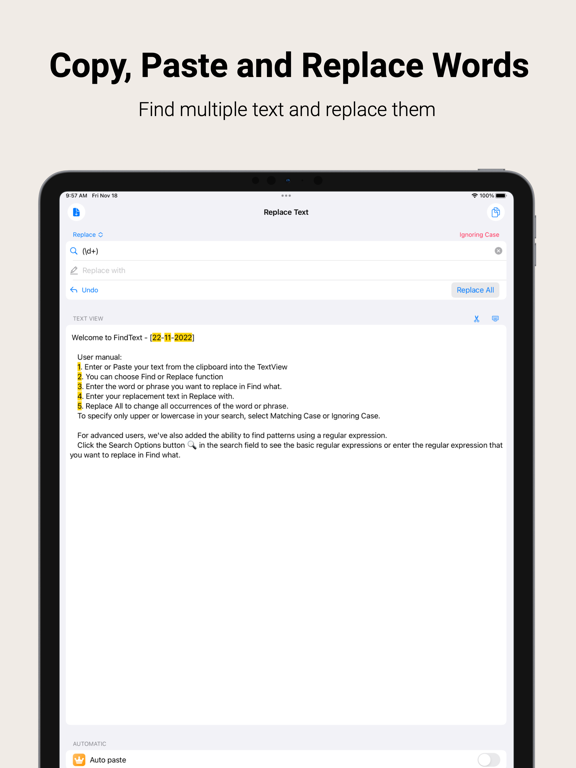
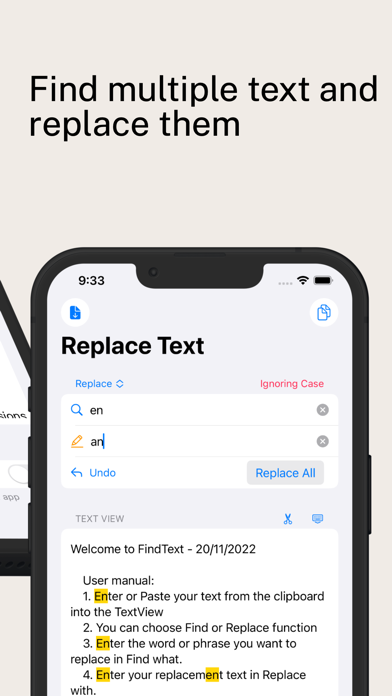
3. Enter the word or phrase you want to replace in Find what.
4. Enter your new text in Replace with.
5. Replace All to change all occurrences of the word or phrase.
To specify only upper or lowercase in your search, select Matching Case or Ignoring Case.
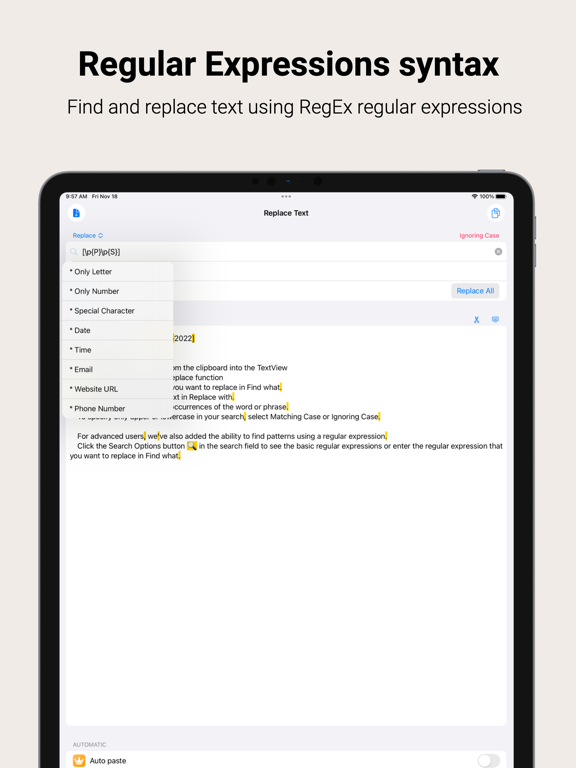
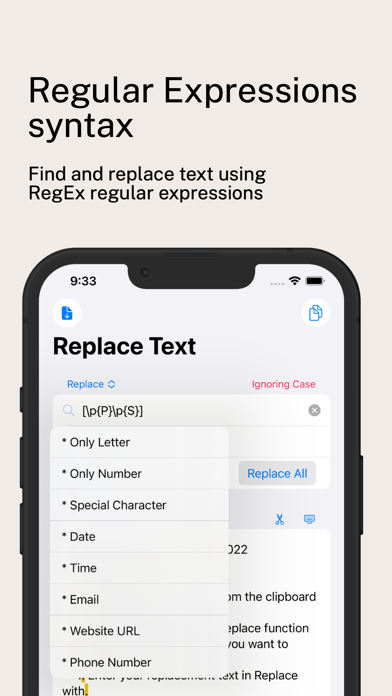
For advanced users, we've also added the ability to find patterns using a regular expression.
Click the Search button in the search field to see the basic regular expressions or enter the regular expression that you want to replace in Find what.

1. Enter or Paste your text from the clipboard into the TextView
2. You can choose Find or Replace function
3. Enter the word or phrase you want to replace in Find what.
4. Enter your new text in Replace with.
5. Replace All to change all occurrences of the word or phrase.
To specify only upper or lowercase in your search, select Matching Case or Ignoring Case.
For advanced users, we've also added the ability to find patterns using a regular expression.
Click the Search button in the search field to see the basic regular expressions or enter the regular expression that you want to replace in Find what.
Show More
Was ist neu in der neuesten Version 1.0
Last updated on Nov 19, 2022
Version History
1.0
Nov 19, 2022
FindText FAQ
Klicken Sie hier, um zu erfahren, wie Sie FindText in eingeschränkten Ländern oder Regionen herunterladen können.
Überprüfen Sie die folgende Liste, um die Mindestanforderungen von FindText zu sehen.
iPhone
iPad