Problem 1: Too Many Thoughts
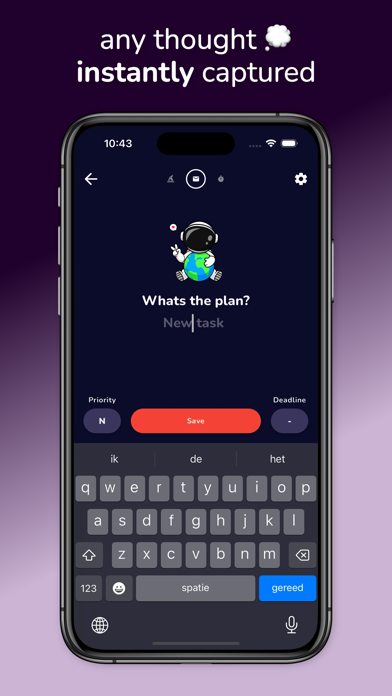
Our ADHD minds are constantly flooded with new thoughts and ideas. Float Note has a unique task capture mechanism built in that appears every time you open the app, allowing you to capture your thoughts right away without having to worry about organizing them immediately. You can do your task management later, at your own convenience.
Problem 2: Trouble Organizing
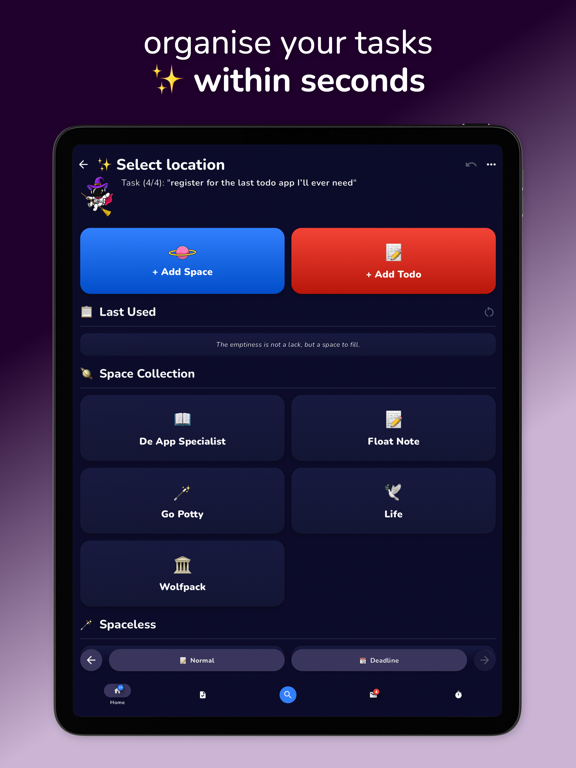
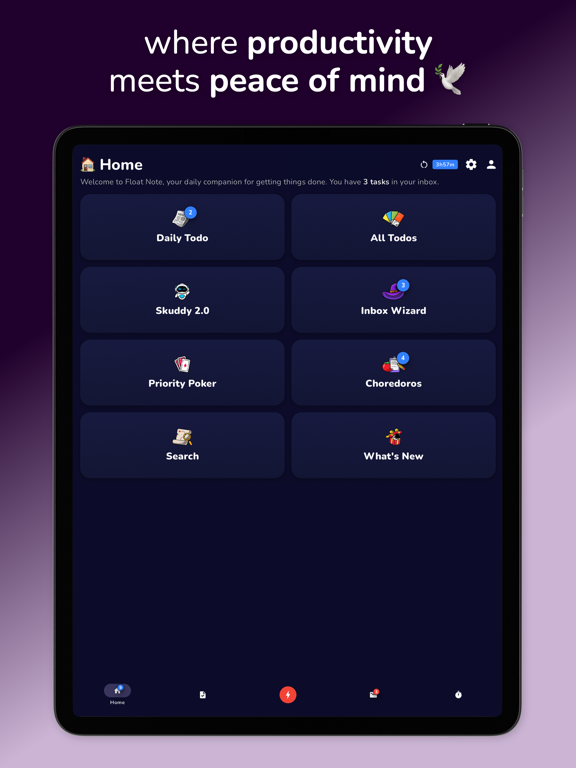
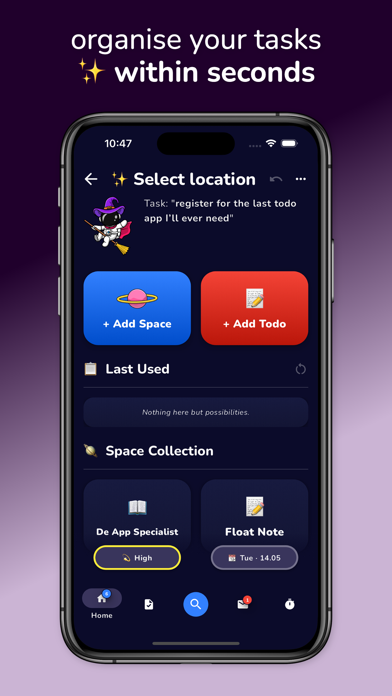
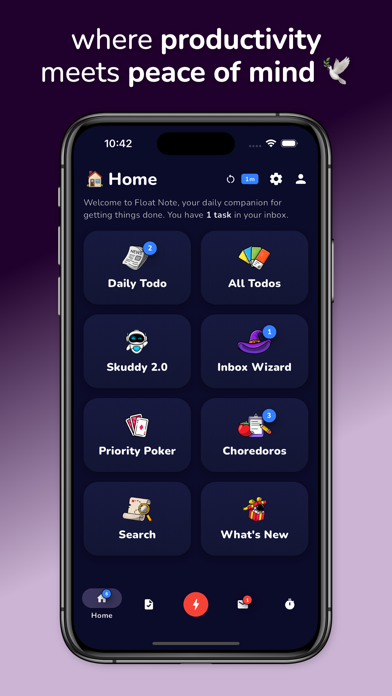
Once we're able to capture our many thoughts and ideas throughout the day, problem 2 arises. How do we organize that big pile of potential greatness we just recorded? Inbox Wizard to the rescue. We created a unique wizard tool that allows you to quickly and efficiently sort and organize all your new tasks into spaces, projects and todo lists. Organizing your life, tasks, and ideas has never been faster.
Problem 3: Feeling Overwhelmed
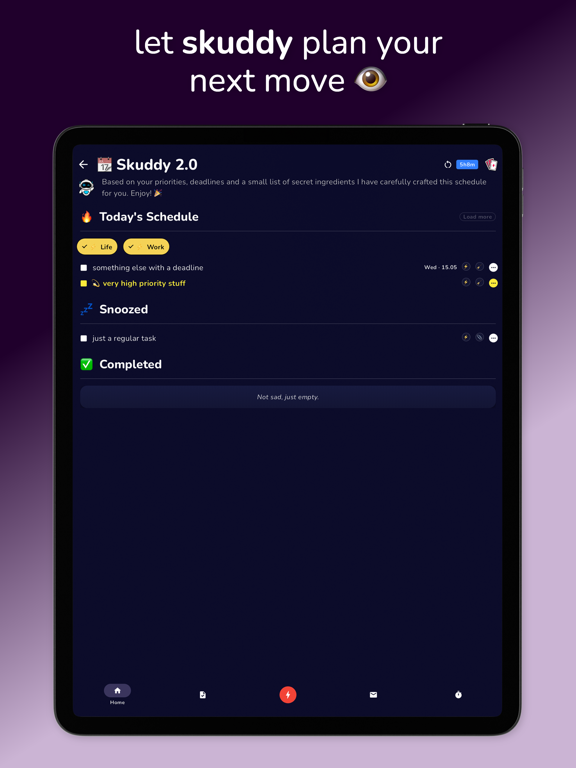
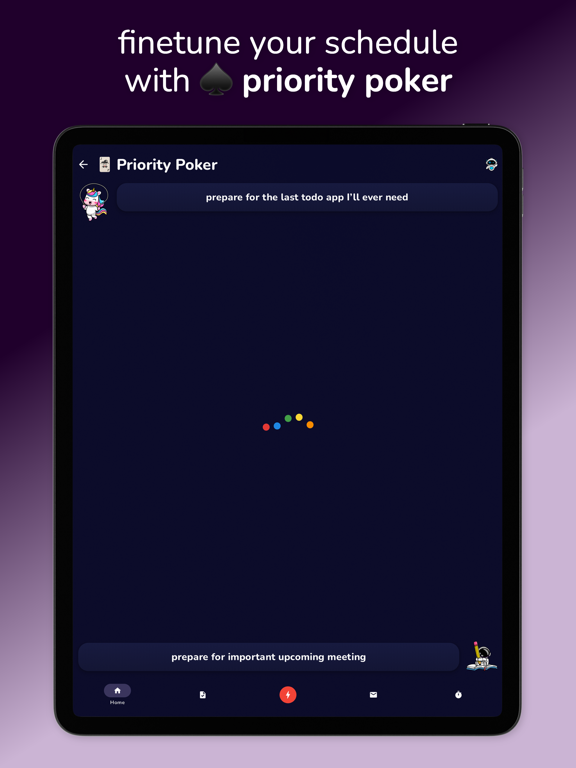
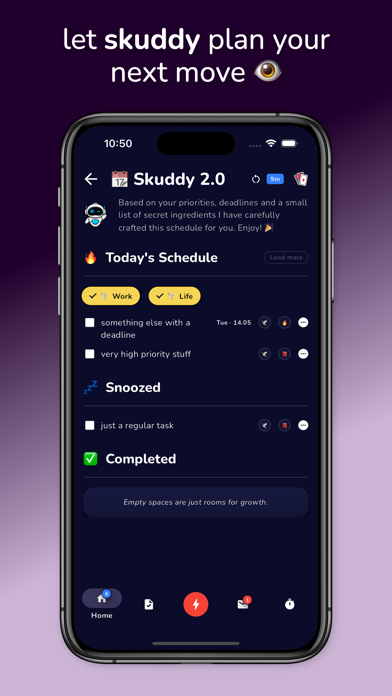
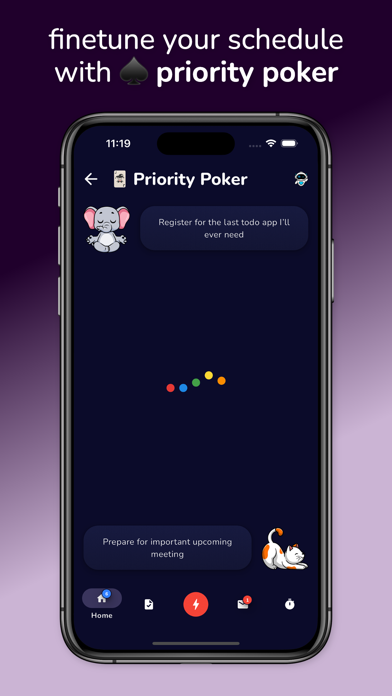
Once we have everything structured and organized, we realize how much work it is going to take. We become paralyzed; so much to do, so little time. We spend what little time we have doing nothing, and with a little luck we get caught up in one of our weekly episodes of task paralysis. But no more! Skuddy 2.0, our most advanced AI planning tool, has you covered. Our planning tool determines your most important tasks based on the selection of spaces and todos you tell it to work on. Once we have your schedule structured, organized and ready to go, you can add your human touch by playing a game of Priority Poker. A simple but innovative game that pits tasks against each other for that highly desired first spot of importance. We call it automated scheduling with a human touch.
Problem 4:
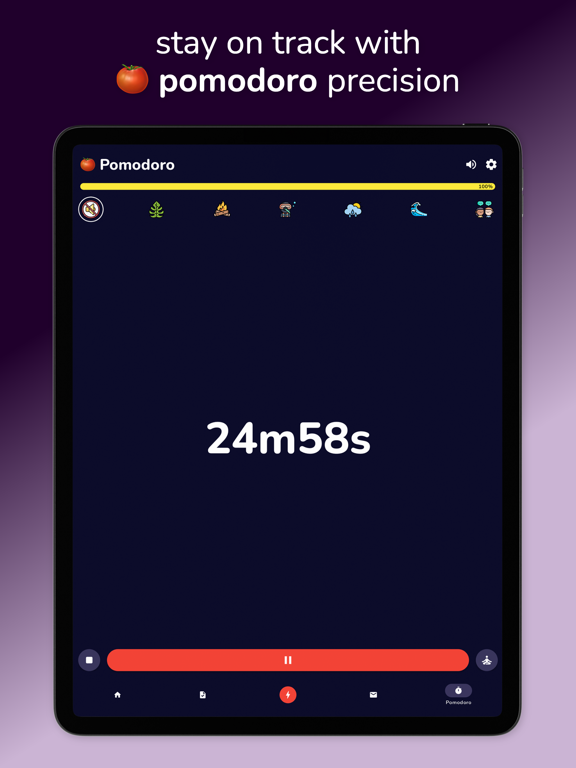
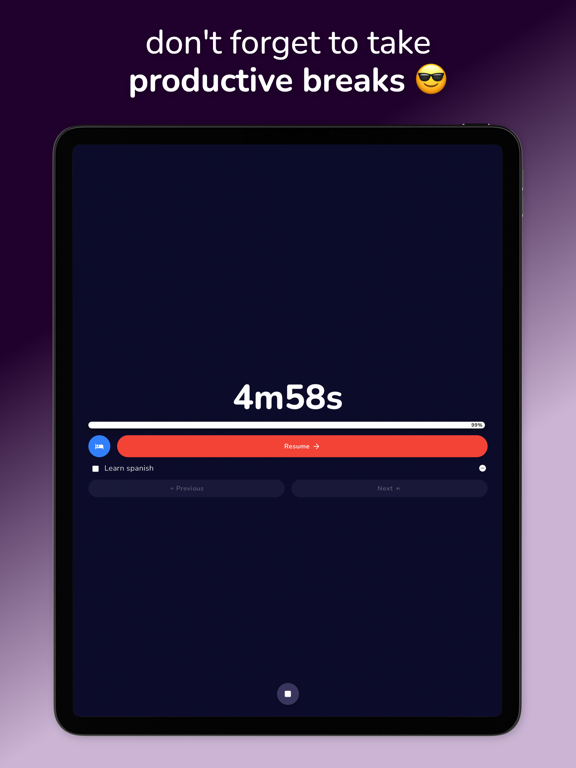
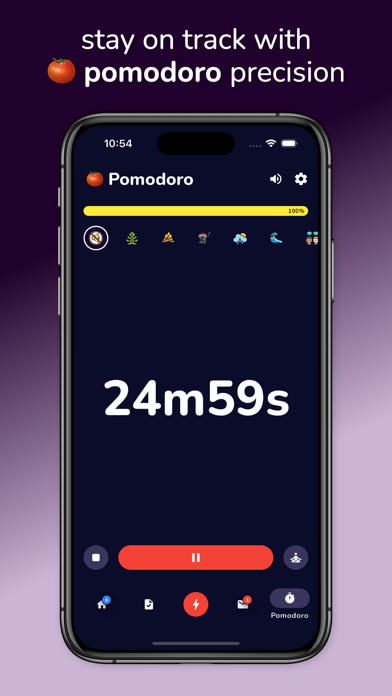
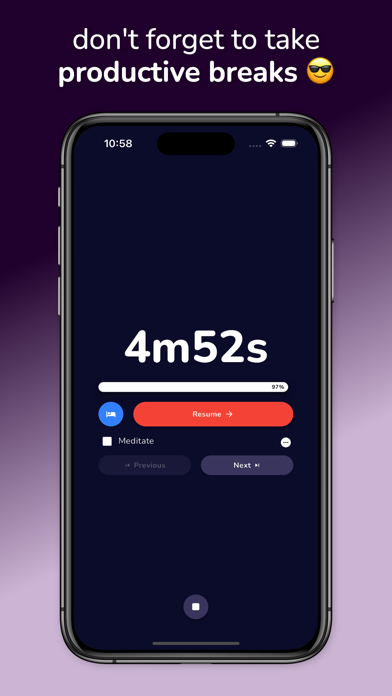
And last but not least. Once we get going, it's hard to stay focused unless we're able to put ourselves in a state of hyperfocus. Fear no more restless child, our Pomodoro Timer with Productive Breaks (Choredoros) makes staying focused fun and easy! Including background sounds, shiny indicators and the innovative concept of "Choredoros". Choredoros are small tasks that you write down to do during your Pomodoro breaks. Perfect for people with ADHD who find anything that does not give them the slightest dopamine hit extremely difficult to start. But when we have a 5 minute deadline, any task becomes a (5 minute) walk in the park for us.
To complement these ADHD task management tools, we have a few more innovative productivity tools up our sleeves that you might like.
Labels:
You can use these labels to categorize spaces and todo lists together. Useful for searching and quick input when using our AI scheduling tools.
Time Tracking:
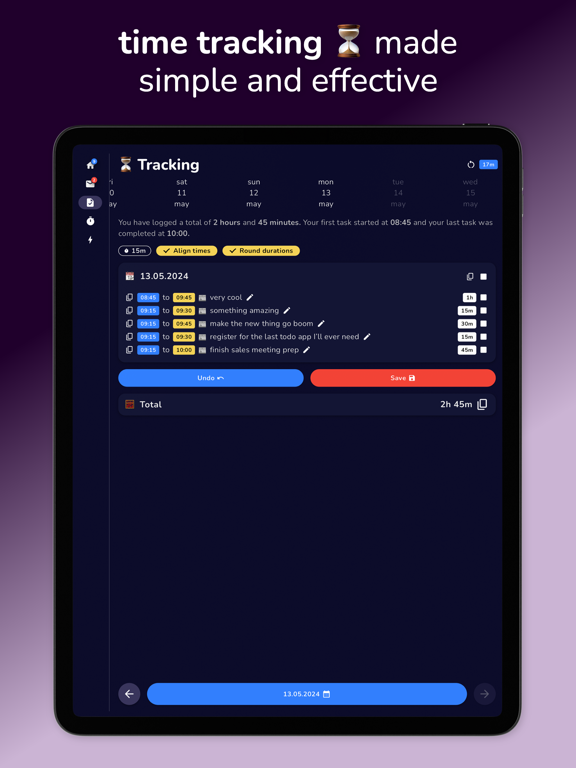
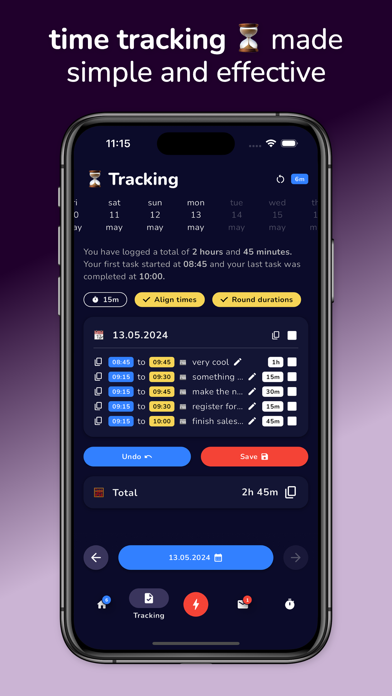
If you are someone that needs to track their time spent on tasks, enable our time tracking. We then start a daily timer when you start working on your tasks. When you complete a task, the time spent on that task will automatically be time tracked. At the end of the day, you can visit the Time Tracking page to see all the tasks you completed that day as well as their durations. Our time tracking editing tools allow you to quickly align them to a preferred time block, round their durations, and copy them to your clipboard to use as you wish.
Global Search:
If you ever get confused about where you put a task or todo list, use our global search feature. It deeply scans your tasks, spaces and to-do lists, letter by letter, and presents them to you in a structured and organized way. This ensures that you can find and retrieve any task, at any time, with the tap of a button.
Float Note is being developed by people with ADHD on a mission to eliminate all the problems people with ADHD commonly face when trying to live an efficient and productive life. We believe that ADHD is a superpower if you know how to channel it correctly. We help you do that. Download Float Note today and get ready to take control of your thoughts, organize your life, and stay focused like never before.