HT Drop
Gratis
2023.10.15for iPhone, iPad and more
Age Rating
HT Drop Screenshots
About HT Drop
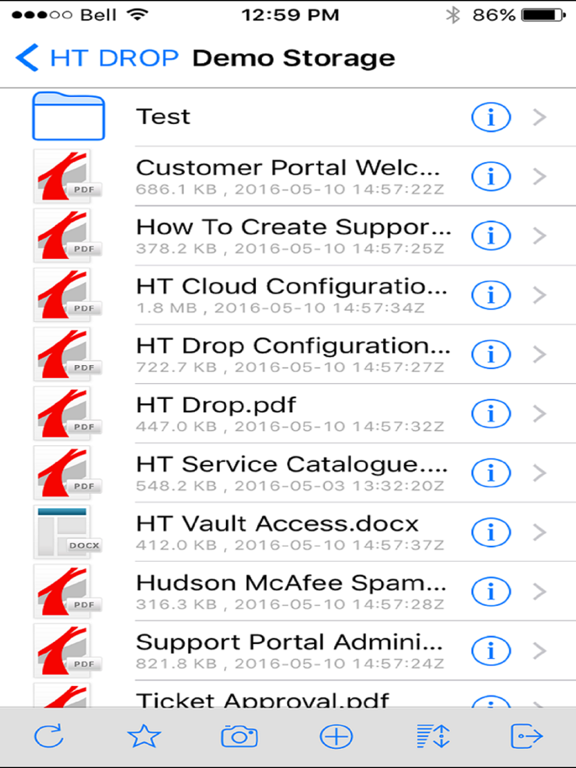
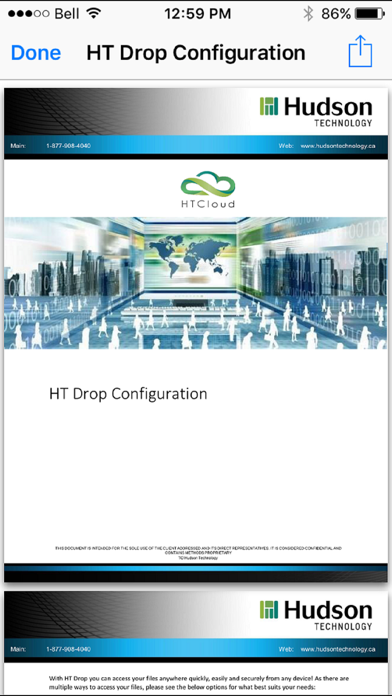
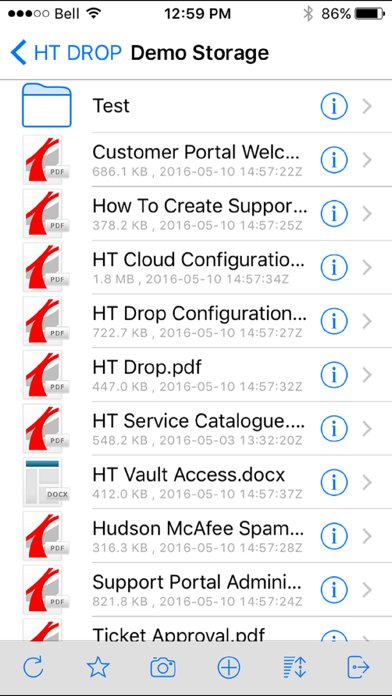
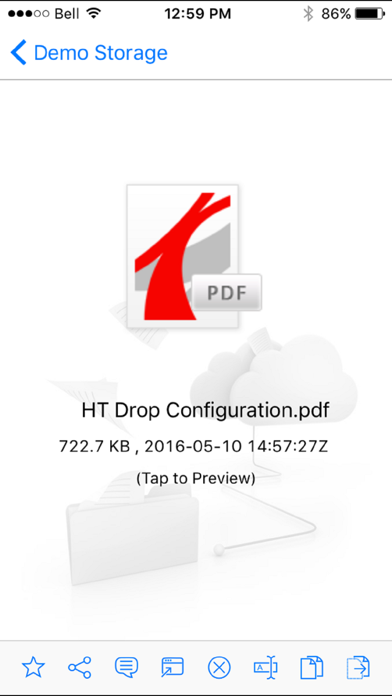
HT Drop is Hudson Technology’s cloud-based storage solution, enabling anywhere-access to files and folders from browsers, desktops, and any mobile device with this App! Get full sync like functionality directly from your mobile device.
Please note that an HT Drop account is required.
HT Drop Features:
• Mapped Drives: Remotely access file shares from a drive letter, without the need for a VPN
• Security & Control: Preserve NTFS permissions and Active Directory identities when connecting file servers to the cloud
• File Servers: Solve file server sync and share problems, while facilitating mobile access and business continuity
• On-Demand Sync: Minimize storage and bandwidth consumption by automatically syncing and caching only the files you need
• File Locking: HT Drop provides full support for file locking from the cloud, with a familiar file server locking experience
• End Point Security: Encrypt remote agent caches or revoke privileges from a central management console
• Group Policies: Centrally manage group policy settings to satisfy different requirements from different clients
• Web File Manager: Replace cumbersome VPNs and access files remotely using any web browser. Limit access to just the needed files
• Mobile Access: Connect to your file server with a mobile device and edit directly using Microsoft Office Mobile Apps
• File Versioning: Automatic file versioning allows users to audit & access previous
For more information, please contact us at info@hudsontechnology.ca

Please note that an HT Drop account is required.
HT Drop Features:
• Mapped Drives: Remotely access file shares from a drive letter, without the need for a VPN
• Security & Control: Preserve NTFS permissions and Active Directory identities when connecting file servers to the cloud
• File Servers: Solve file server sync and share problems, while facilitating mobile access and business continuity
• On-Demand Sync: Minimize storage and bandwidth consumption by automatically syncing and caching only the files you need
• File Locking: HT Drop provides full support for file locking from the cloud, with a familiar file server locking experience
• End Point Security: Encrypt remote agent caches or revoke privileges from a central management console
• Group Policies: Centrally manage group policy settings to satisfy different requirements from different clients
• Web File Manager: Replace cumbersome VPNs and access files remotely using any web browser. Limit access to just the needed files
• Mobile Access: Connect to your file server with a mobile device and edit directly using Microsoft Office Mobile Apps
• File Versioning: Automatic file versioning allows users to audit & access previous
For more information, please contact us at info@hudsontechnology.ca
Show More
Was ist neu in der neuesten Version 2023.10.15
Last updated on Dec 12, 2023
Alte Versionen
Suggested Emails for Effortless Sharing
Enhanced Sharing Process
Document Scanning, Right from the App
Improved Functionality with Files App
Enhanced Sharing Process
Document Scanning, Right from the App
Improved Functionality with Files App
Show More
Version History
2023.10.15
Dec 12, 2023
Suggested Emails for Effortless Sharing
Enhanced Sharing Process
Document Scanning, Right from the App
Improved Functionality with Files App
Enhanced Sharing Process
Document Scanning, Right from the App
Improved Functionality with Files App
2022.4.12
Jan 20, 2023
Bug fixes
Additional storage management features
2021.4.2
Jan 7, 2022
Enhance PDF preview.
Save copied text as a text file.
Manage files and folders within Files App.
Improve Share to the App and Bug fixes.
Save copied text as a text file.
Manage files and folders within Files App.
Improve Share to the App and Bug fixes.
9.12
Jan 28, 2019
Support for XS Max
Bug fixes
Bug fixes
8.7
May 22, 2018
Bug fixes
Support for newer Devices
8.4
May 3, 2017
Upgrades to file associations
Bug Fixes
Modern View
More features with Camera and Upload
*Note* if any issues please delete APP and download again from App Store
Bug Fixes
Modern View
More features with Camera and Upload
*Note* if any issues please delete APP and download again from App Store
6.356.45
Jun 23, 2016
HT Drop FAQ
Klicken Sie hier, um zu erfahren, wie Sie HT Drop in eingeschränkten Ländern oder Regionen herunterladen können.
Überprüfen Sie die folgende Liste, um die Mindestanforderungen von HT Drop zu sehen.
iPhone
Erfordert iOS 14.0 oder neuer.
iPad
Erfordert iPadOS 14.0 oder neuer.
iPod touch
Erfordert iOS 14.0 oder neuer.
HT Drop unterstützt Deutsch, Englisch, Französisch, Italienisch, Portugiesisch, Spanisch, Vereinf. Chinesisch