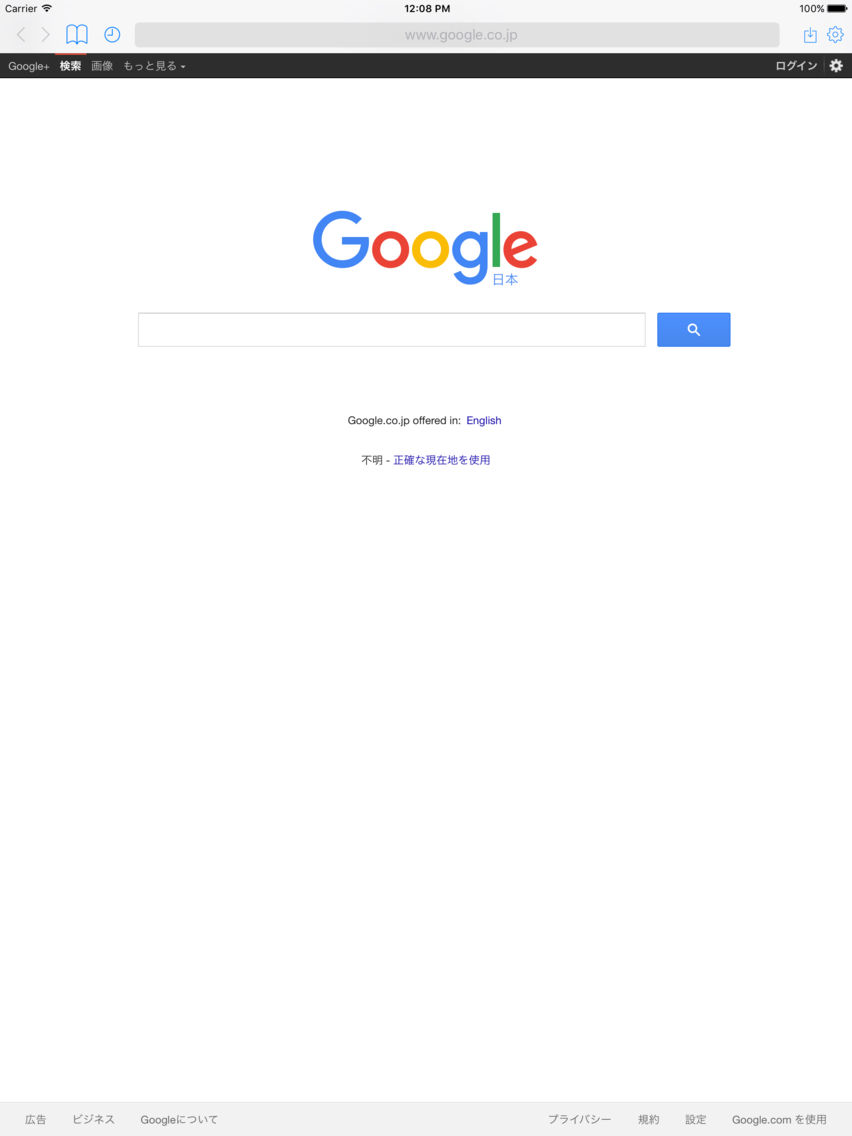
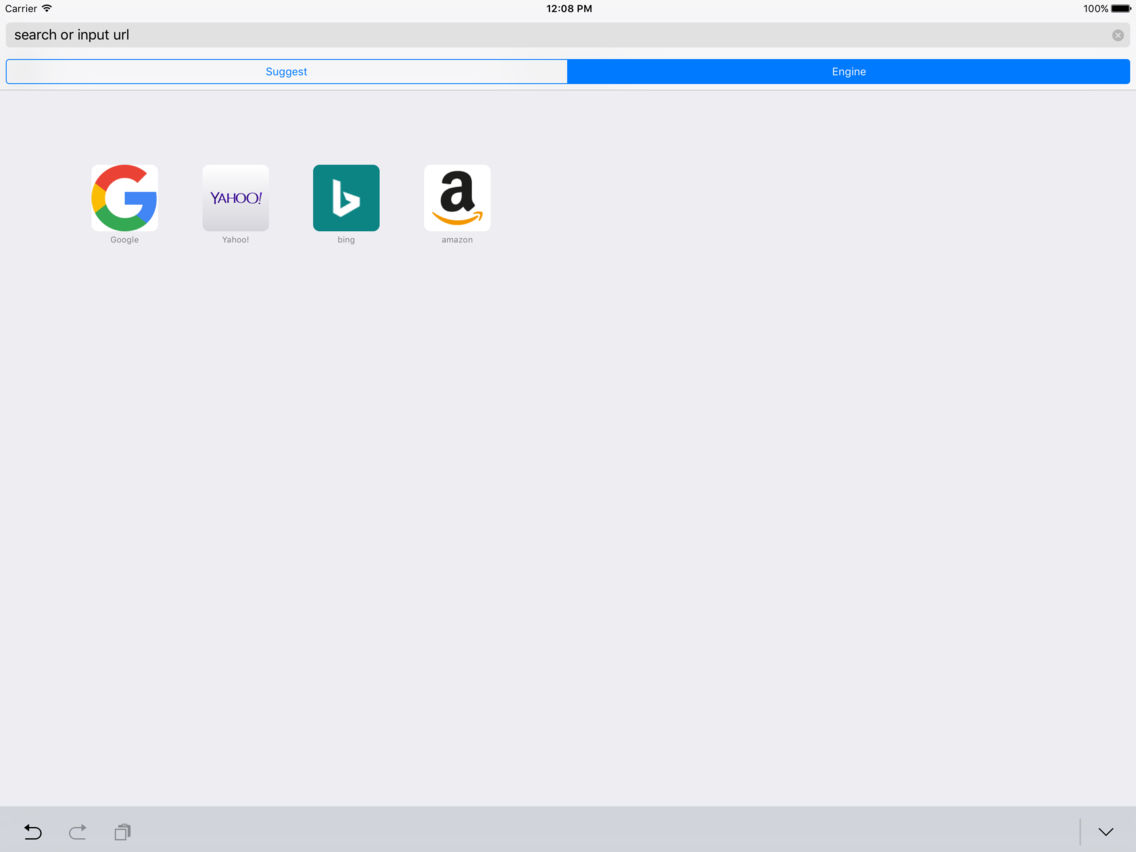
Do you need any button to browse the web?
"Libing" provides a comfortable web browsing without buttons.
- A unique operation without buttons
You can call the browser's capabilities by swiping the edge of the screen, instead of pressing the button,
If you swipe from left to center, "Back"
If you swipe from right to center, and "Forward"
If you triple tap, such as a bookmark to display the menu.
You can change the accept a range of these gestures, by setting screen.
- A very good operation tab.
If you exceed the limit of the scrolling region, for example, if you scroll further from the left and right edge, and then open the front or back tab.
- Gesture function overfree
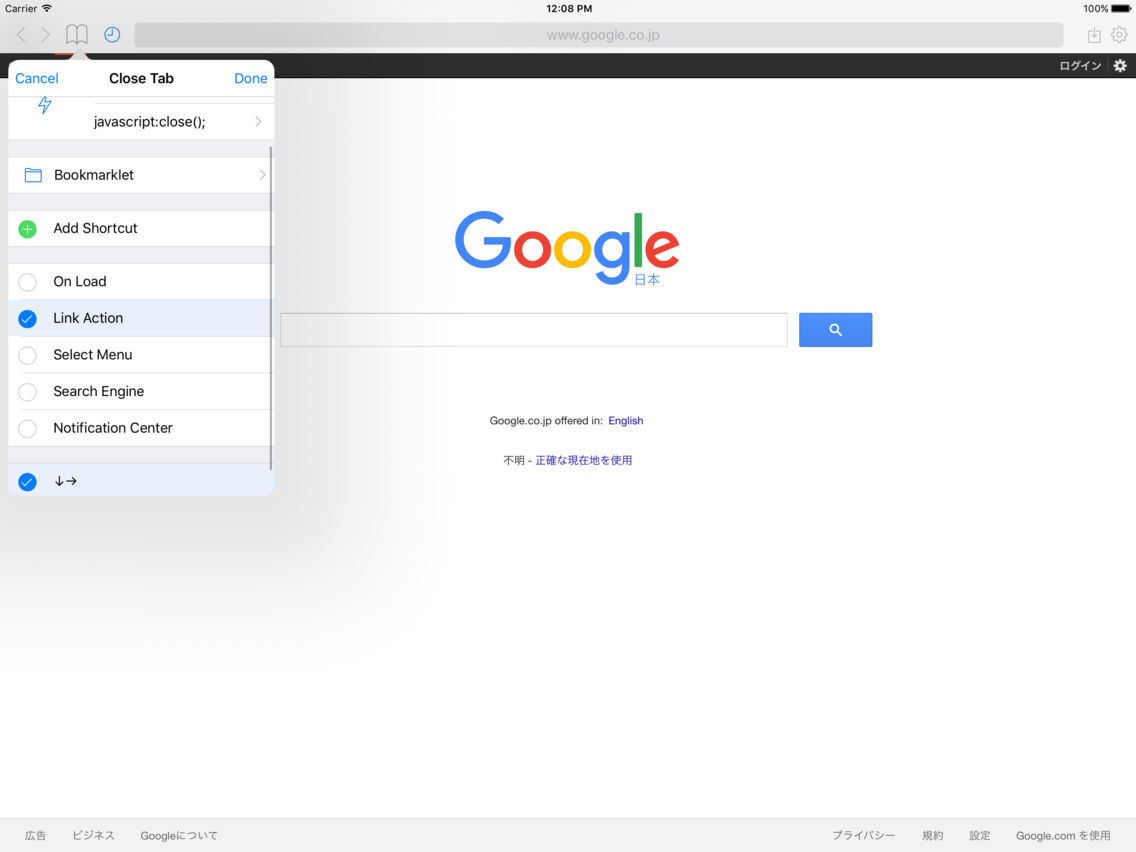
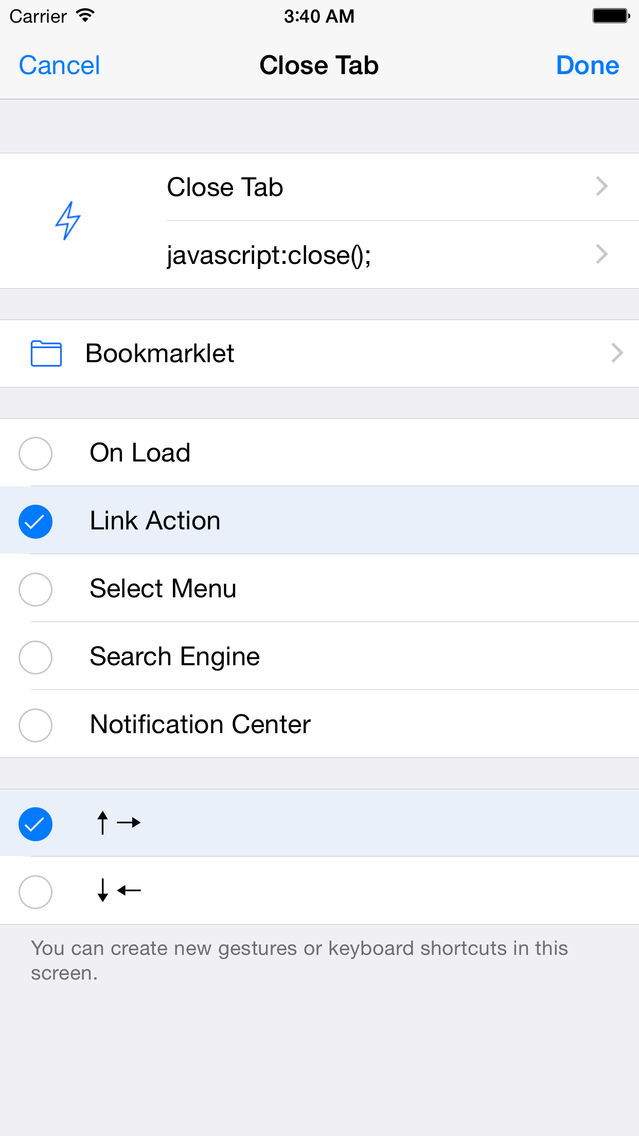
You can set freely gestures for bookmarklets.
You can close the tab, or to update a page, and the other various functions, assign a gesture to them.
Also, when you view the page, it is also possible to call the bookmarklet automatically.
- Other operations
Other than those introduced above, the operation is relatively infrequently used, you can call all by shaking your iPhone.
Add to bookmarks, set home page, search in page, and tweet link, and open in Safari.
Of course, these behaviors can be assigned to the gesture.
- Connecting to iTunes
You can easily override your bookmarks from your PC or Mac by using iTunes.
You can retrieve downloaded files.
- And more
This application can load page when it's in background task, by monitoring clipboard.
If you hope, show notification when finish loading web page.
You can change user agent and text encoding.
Save password function.
Synchronized bookmark and history using iCloud.
You can block advertisement in page.(Add-on)
More powerful bookmarklet.