Log My Hours
Gratis
1.06for iPhone, iPad and more
Age Rating
Log My Hours Screenshots
About Log My Hours
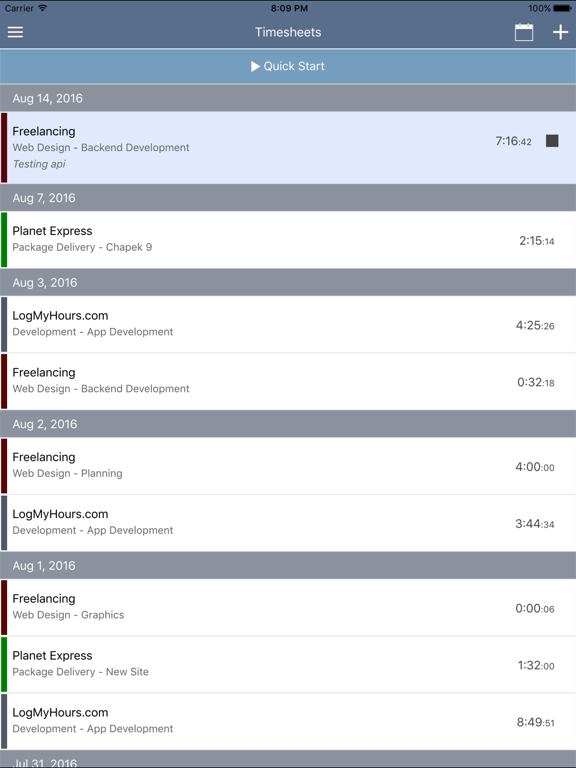
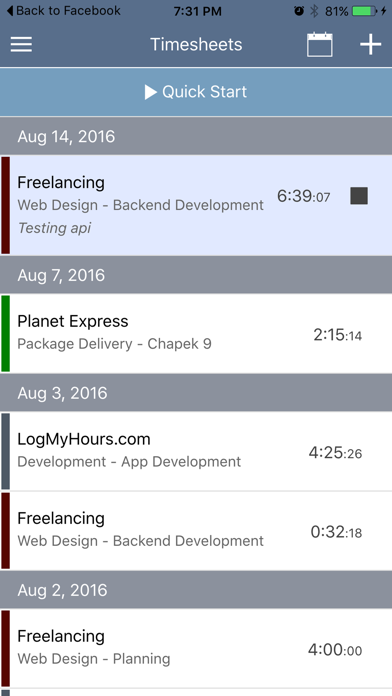
The official time tracking app for LogMyHours.com. Enter in your worked hours or use our timers to track your time. Create new companies, clients and projects all from within the app.
TIME TRACKING FEATURES
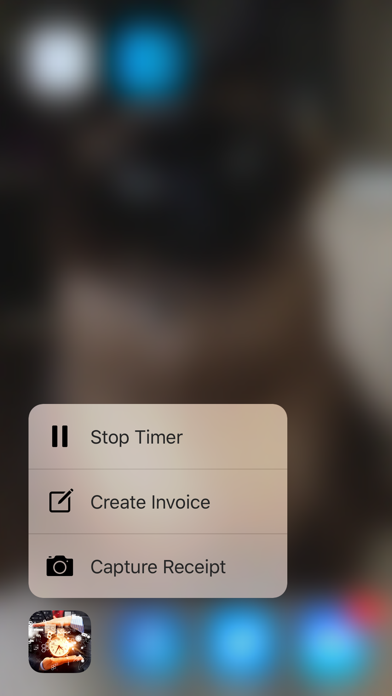
• Start & Stop project timers with 3D touch support.
• Record your location on your timesheet.
• Timers work even when this app is closed.
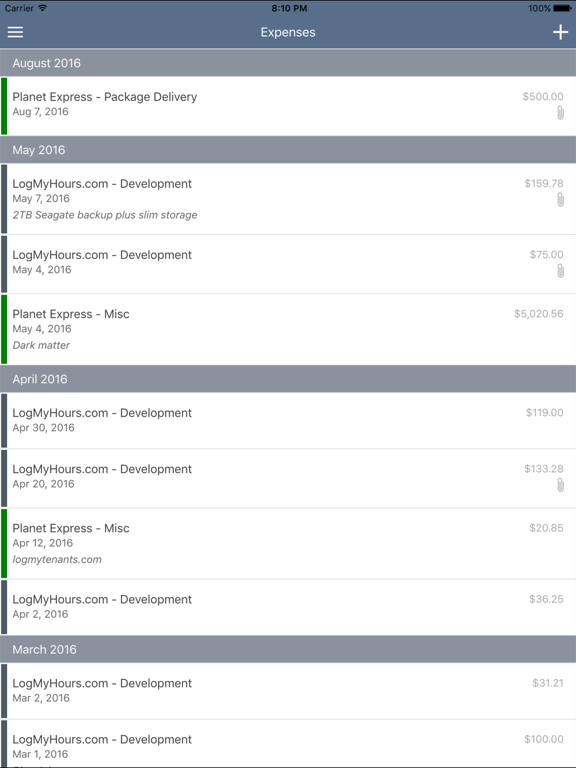
• Use your camera to record expense receipts.
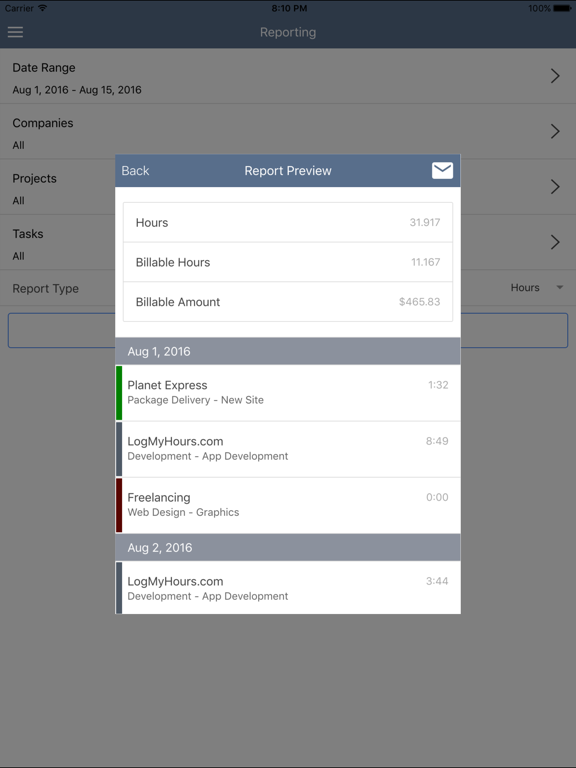
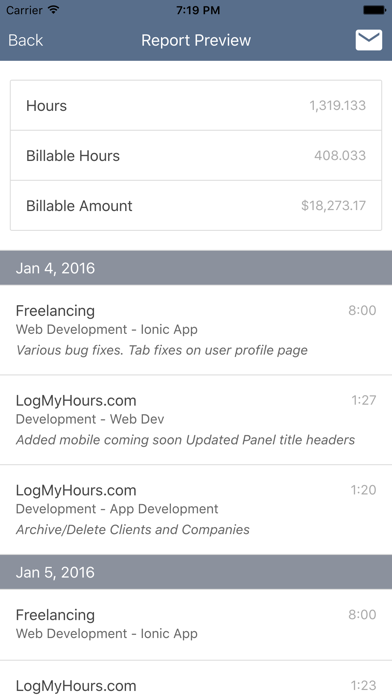
• Create customized reports and email a PDF version right from the app.
• Customize your project budgets and billables along with unlimited.
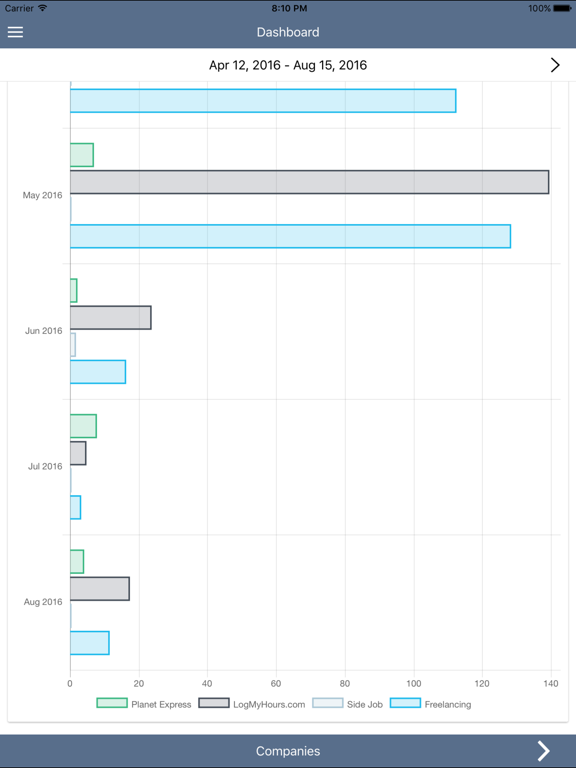
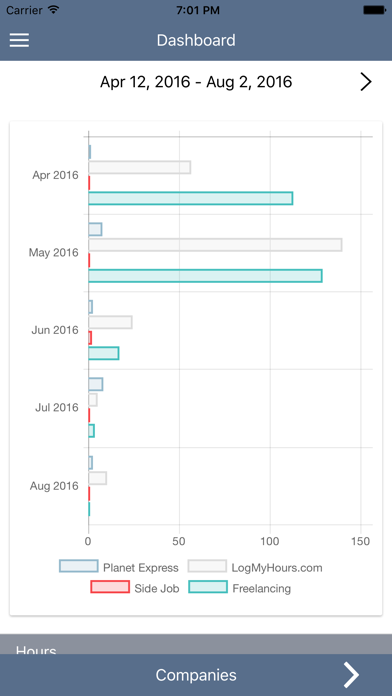
• Beautiful Dashboard with awesome charts and detailed breakdown of your week (Fully customizable date range).
• Feedback tool. Reach out to us, give us your opinions, help us become the best!
• English, Japanese and Mandarin support.
All your entries are synced up with LogMyHours.com which you can sign in from your web browser for access to even more features.
Invoice and Employee features coming in version 1.1
Questions, feel free to reach out to us at support@logmyhours.com.

TIME TRACKING FEATURES
• Start & Stop project timers with 3D touch support.
• Record your location on your timesheet.
• Timers work even when this app is closed.
• Use your camera to record expense receipts.
• Create customized reports and email a PDF version right from the app.
• Customize your project budgets and billables along with unlimited.
• Beautiful Dashboard with awesome charts and detailed breakdown of your week (Fully customizable date range).
• Feedback tool. Reach out to us, give us your opinions, help us become the best!
• English, Japanese and Mandarin support.
All your entries are synced up with LogMyHours.com which you can sign in from your web browser for access to even more features.
Invoice and Employee features coming in version 1.1
Questions, feel free to reach out to us at support@logmyhours.com.
Show More
Was ist neu in der neuesten Version 1.06
Last updated on Apr 17, 2020
Alte Versionen
Fixed some timesheet bugs for employees.
Show More
Version History
1.06
Apr 17, 2020
Fixed some timesheet bugs for employees.
1.05
Mar 16, 2020
- Fixed a bug for some users having issues editing timesheets.
1.04
Feb 4, 2020
Many bugs fixed,
Added more bugs to fix later.
1.03
Jan 31, 2018
- iPhone X Support
- Fixed a bug with expense receipts sometimes not saving.
- Updated the tutorial for new users.
- Fixed a bug with project hourly rates not saving.
- Fixed the email support button
- 2.0 is in the works!
- Fixed a bug with expense receipts sometimes not saving.
- Updated the tutorial for new users.
- Fixed a bug with project hourly rates not saving.
- Fixed the email support button
- 2.0 is in the works!
1.02
Jul 4, 2017
Thanks to everyone that has submitted feedback. All of these changes are all based on your feedback!
- Timesheet tags and reporting with tags.
- Performance updates for our larger users.
- Timesheet time entries. You can now see your clock in/out times when you use the timer. You can also manually enter in the time you worked (8:00am - 5:00pm)
- Improvements to the expense listing and categories
- Edit Profile options
- Landscape mode!
Don't forget to use our feedback section to submit any feedback or requests you might have!
- Timesheet tags and reporting with tags.
- Performance updates for our larger users.
- Timesheet time entries. You can now see your clock in/out times when you use the timer. You can also manually enter in the time you worked (8:00am - 5:00pm)
- Improvements to the expense listing and categories
- Edit Profile options
- Landscape mode!
Don't forget to use our feedback section to submit any feedback or requests you might have!
1.01
Nov 22, 2016
- Squashed a few bugs
- Improvements for employee users.
- Added a help section.
- Improvements for employee users.
- Added a help section.
1.0
Aug 18, 2016
Log My Hours FAQ
Klicken Sie hier, um zu erfahren, wie Sie Log My Hours in eingeschränkten Ländern oder Regionen herunterladen können.
Überprüfen Sie die folgende Liste, um die Mindestanforderungen von Log My Hours zu sehen.
iPhone
Erfordert iOS 11.0 oder neuer.
iPad
Erfordert iPadOS 11.0 oder neuer.
iPod touch
Erfordert iOS 11.0 oder neuer.
Log My Hours unterstützt Englisch