MSClock - Time Tracker

MSClock - Time Tracker


Free

1.2.4for iPhone, iPad
Age Rating
4+
Apps in this category do not contain restricted content.
9+
Apps in this category may contain mild or occasional cartoon, fantasy or real-life violence, as well as occasional or mild adult, sexually suggestive or horrifying content and may not be suitable for children under 9 years of age.
12+
Apps in this category may contain occasional mild indecent language, frequent or intense cartoon or real-life violence, minor or occasional adult or sexually suggestive material, and simulated gambling, and may be for children under 12 years of age.
17+
You must be at least 17 years old to access this App.
Apps in this category may contain frequent and intense offensive language; Frequent and intense cartoon, fantasy or realistic violence: frequent and intense adult, scary and sexually suggestive subjects: as well as sexual content, nudity, tobacco, alcohol and drugs, may not be suitable for children under 17 years of age.
MSClock - Time Tracker Screenshots
MSClock - Time Tracker PlakatMSClock - Time Tracker PlakatMSClock - Time Tracker PlakatMSClock - Time Tracker PlakatMSClock - Time Tracker Plakat

About MSClock - Time Tracker

TRACK WORKING HOURS
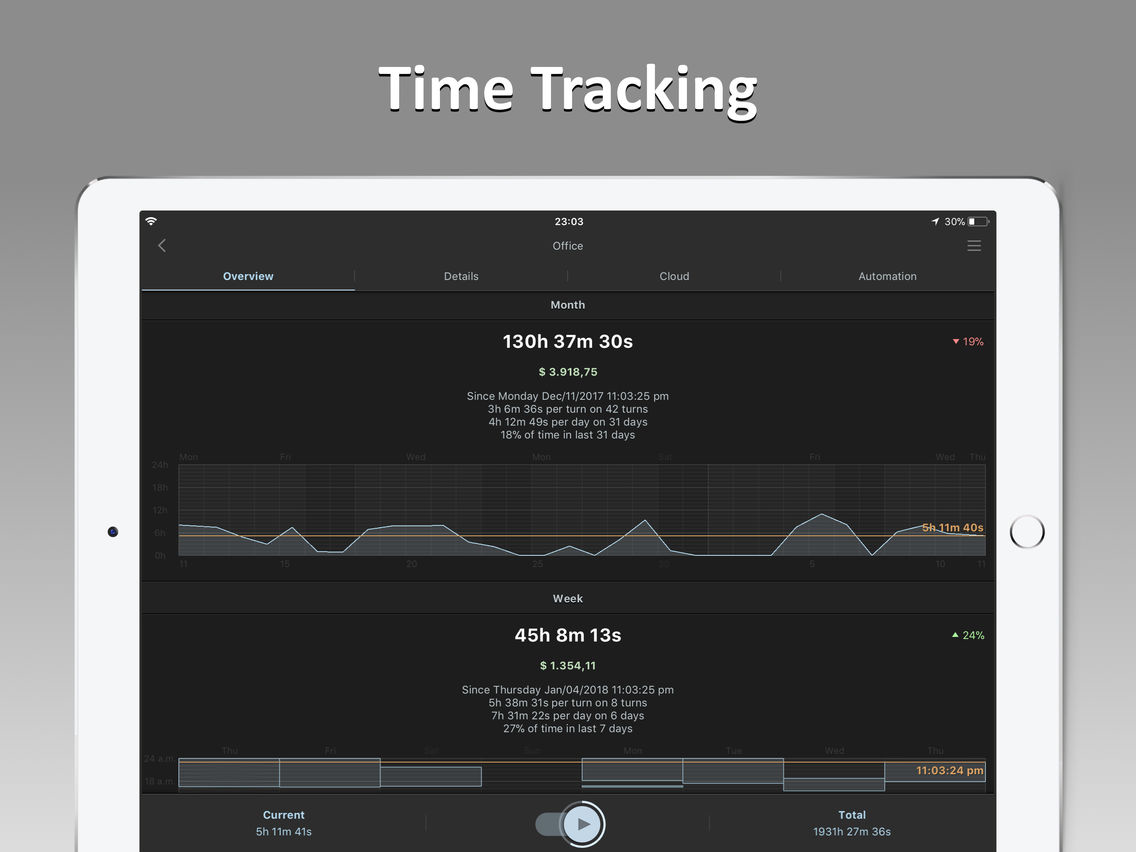
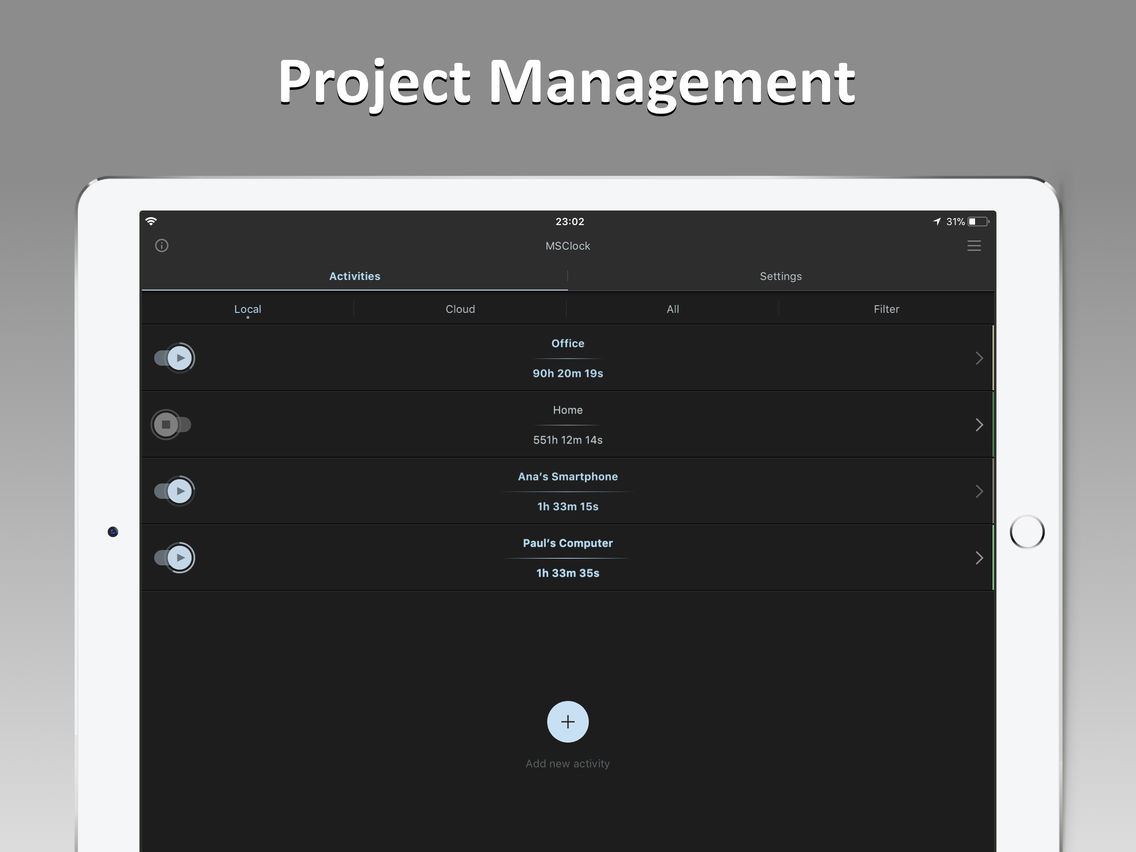
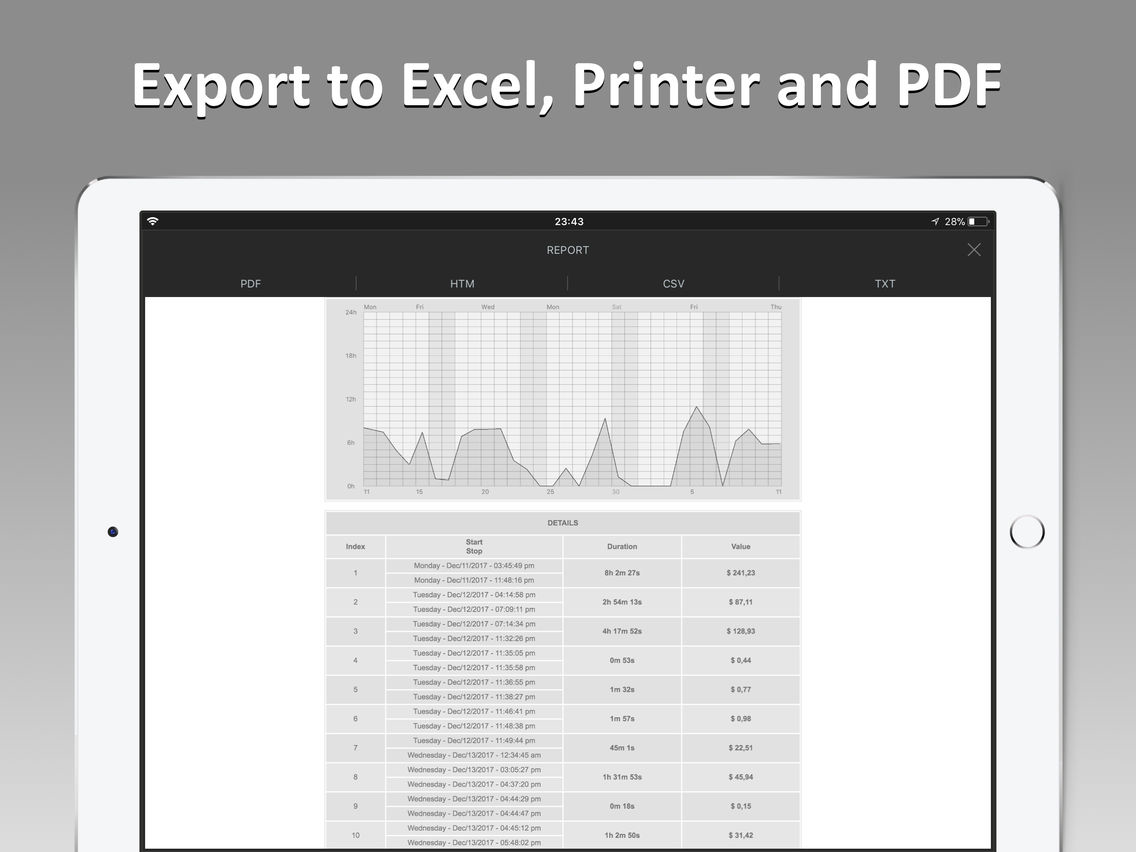
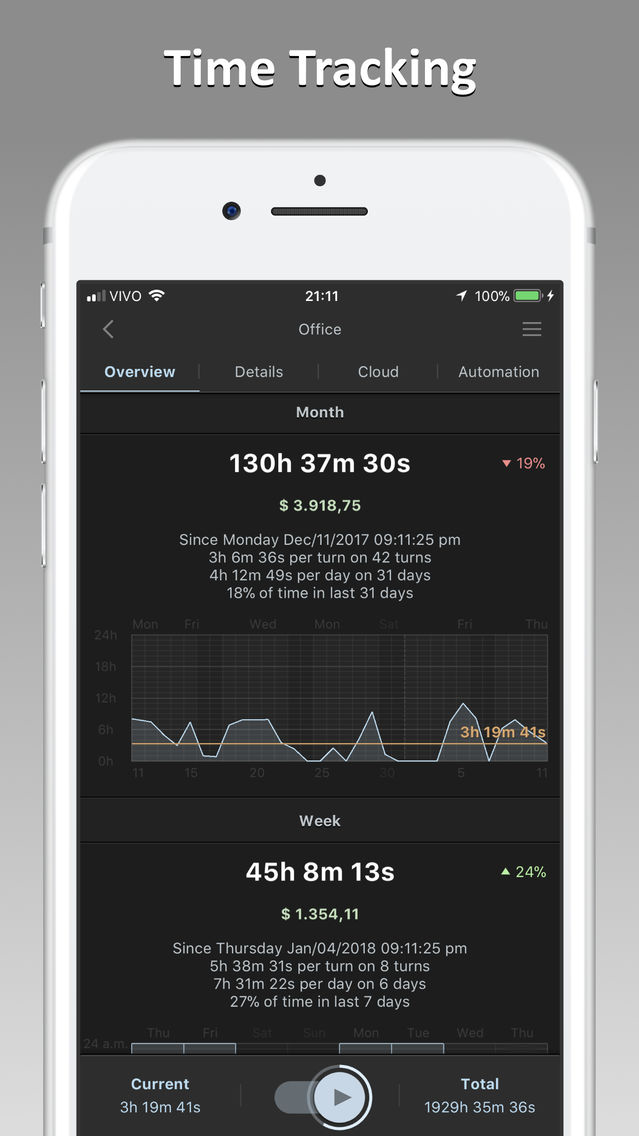
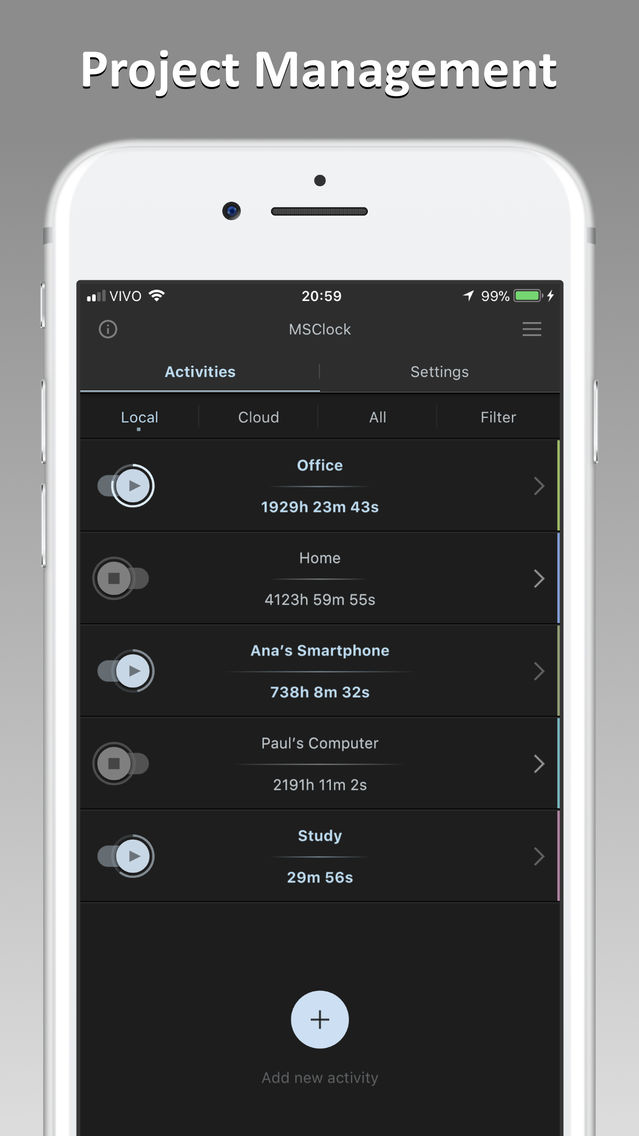
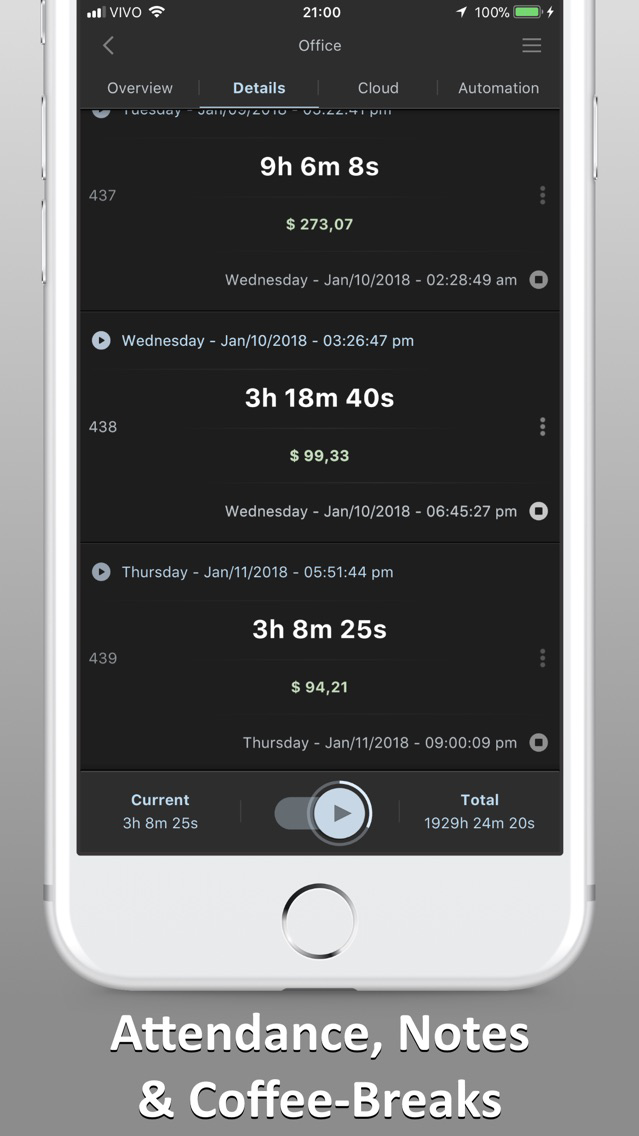
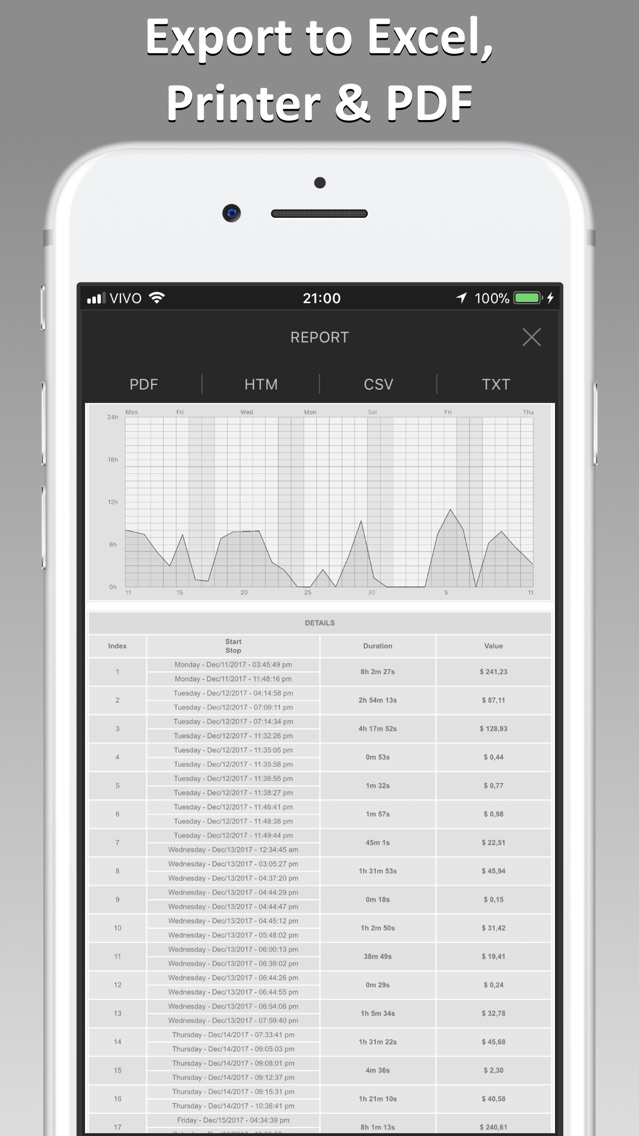
MSClock allows you the recording of your working hours with a simple push of a button. You can easily add breaks, overtime, attendance and notes. Manage your projects and export your data to Microsoft Excel, Printer or PDF. Clear overviews and statistics will give you the best working experience. Easy backup/restore on the cloud.

AUTOMATIC TIME TRACKING
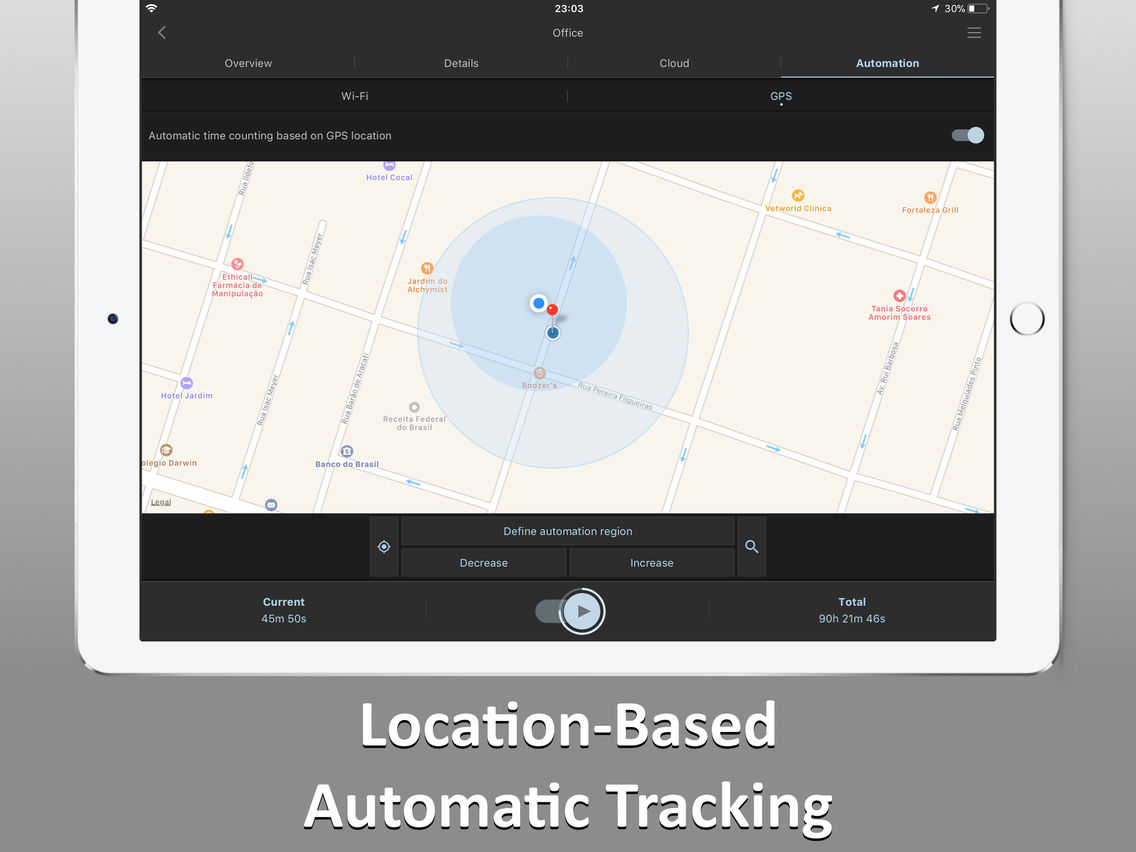
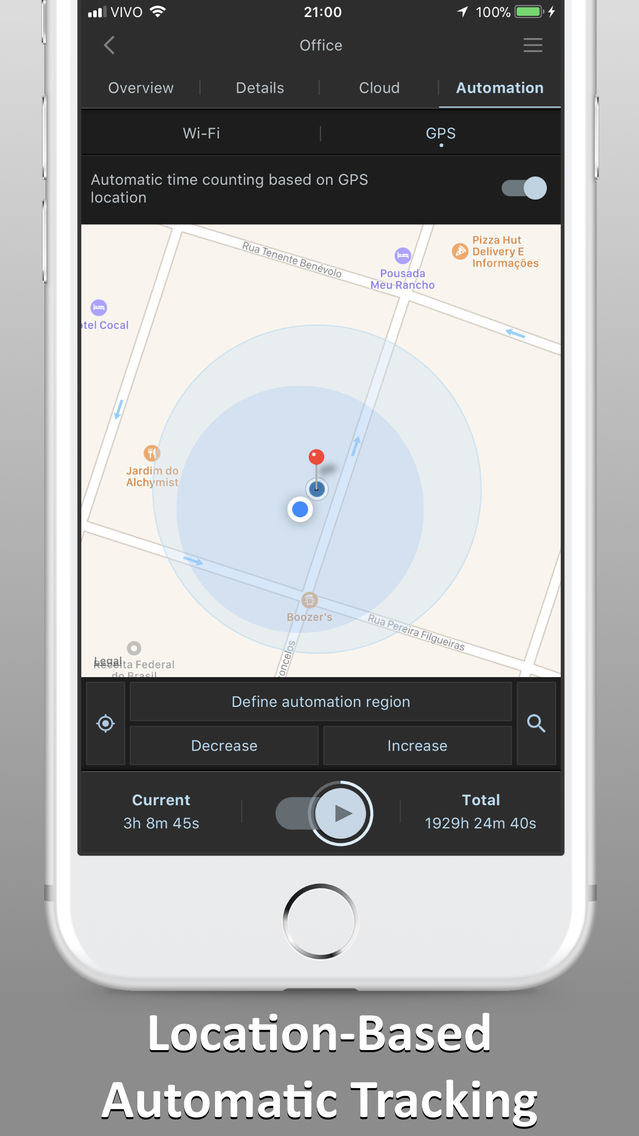
GPS and Wi-Fi automation allows you to automatically record the start and end time of your work, without having to do anything: just keep your device in your pocket and we’ll do the rest.

CLOUD SYNCHRONIZATION
Enable real-time synchronization to use MSClock on multiple devices and on your desktop! Instantly track your working hours or teammates on your phone, tablet, or computer.

AUTOMATIC REMINDERS
Custom reminders at the desired times will help you remember to keep track of your schedule, without ever forgetting to clock-in/out. Are you a fan of pomodoro technique? Let’s do it!

FEATURES
· Time Tracking
· Project Management
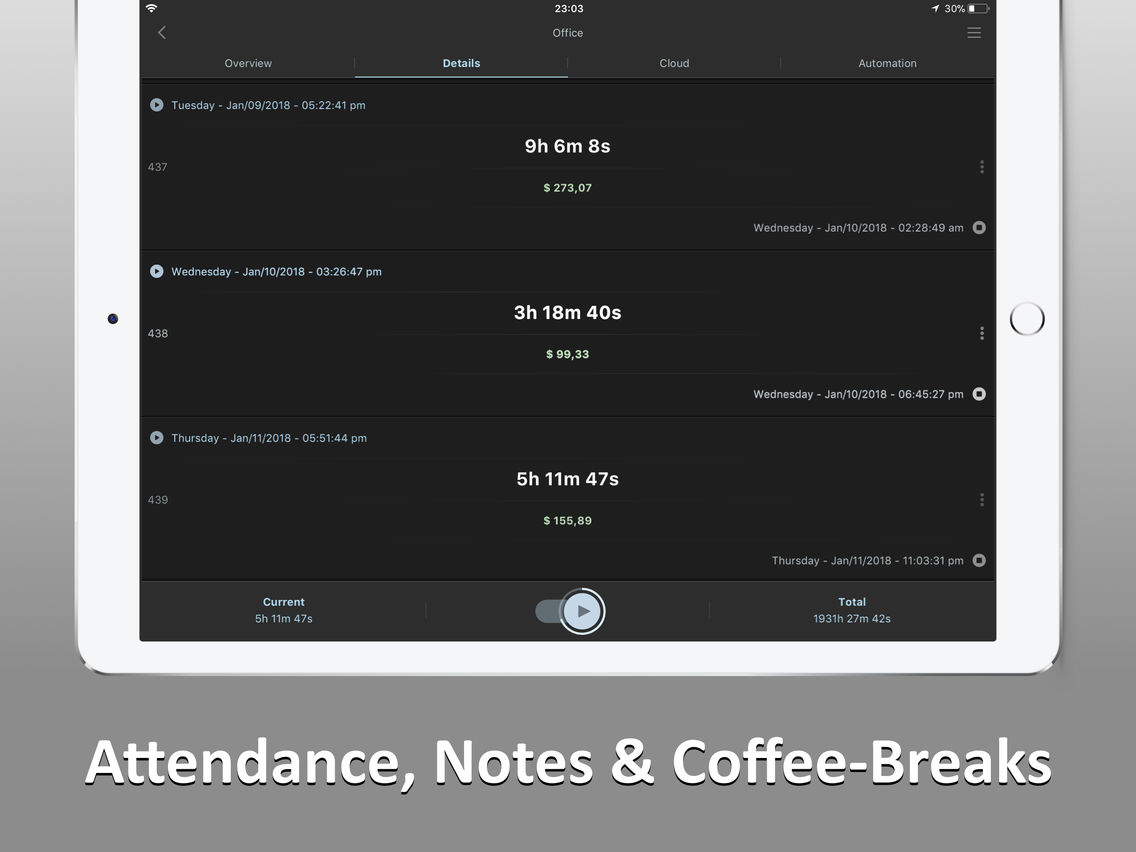
· Track Attendance, Overtime, Coffee Breaks
· GPS and Wi-Fi Automation
· Location-Based Tracking
· Cloud Synchronization On Multiple Devices
· Export to Excel or Print to PDF

FREE
MSClock is 100% free in Lite version, forever. You can access advanced features with a Premium subscription.

PRIVACY
Your data is safe. Privacy Policy at http://www.msclock.com/privacy

QUESTIONS?
Contact us. http://www.msclock.com/contact

Show More

Was ist neu in der neuesten Version 1.2.4

Last updated on Jan 18, 2018
Alte Versionen
We're constantly improving, and we've got some exciting updates that make our app even better. Like what you see or could we do better? Your feedback is important to us. Please contact us visiting www.msclock.com/contact.
Show More
Version History
1.2.4
Oct 11, 2017
We're constantly improving, and we've got some exciting updates that make our app even better. Like what you see or could we do better? Your feedback is important to us. Please contact us visiting www.msclock.com/contact.

MSClock - Time Tracker FAQ

Klicken Sie hier, um zu erfahren, wie Sie MSClock - Time Tracker in eingeschränkten Ländern oder Regionen herunterladen können.
Überprüfen Sie die folgende Liste, um die Mindestanforderungen von MSClock - Time Tracker zu sehen.
iPhone
iPad
MSClock - Time Tracker unterstützt English

MSClock - Time Tracker Alternative

Das könnte Ihnen auch gefallen

Erhalte mehr von MSC Engenharia de Software