NotezApp
Free
1.7.30for iPhone, iPad
Age Rating
NotezApp Screenshots
About NotezApp
Main Features:
• Write notes together with other users. When you collaborate with someone else, you tend to deliver better content.
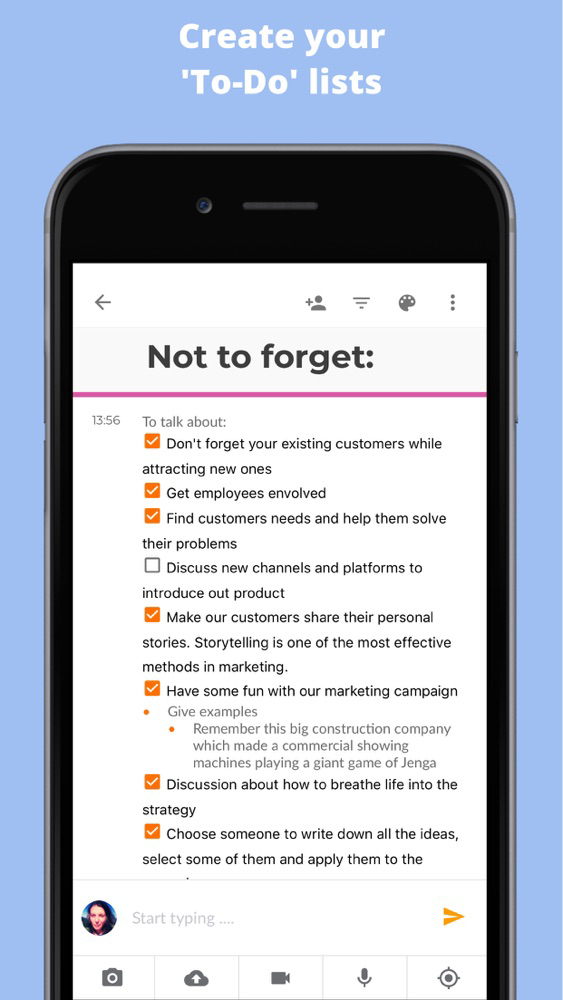
• Add images, audio and video to your notes. Take pictures directly via NotezApp, record audio and video or choose from your library/gallery.
• Use NotezApp offline
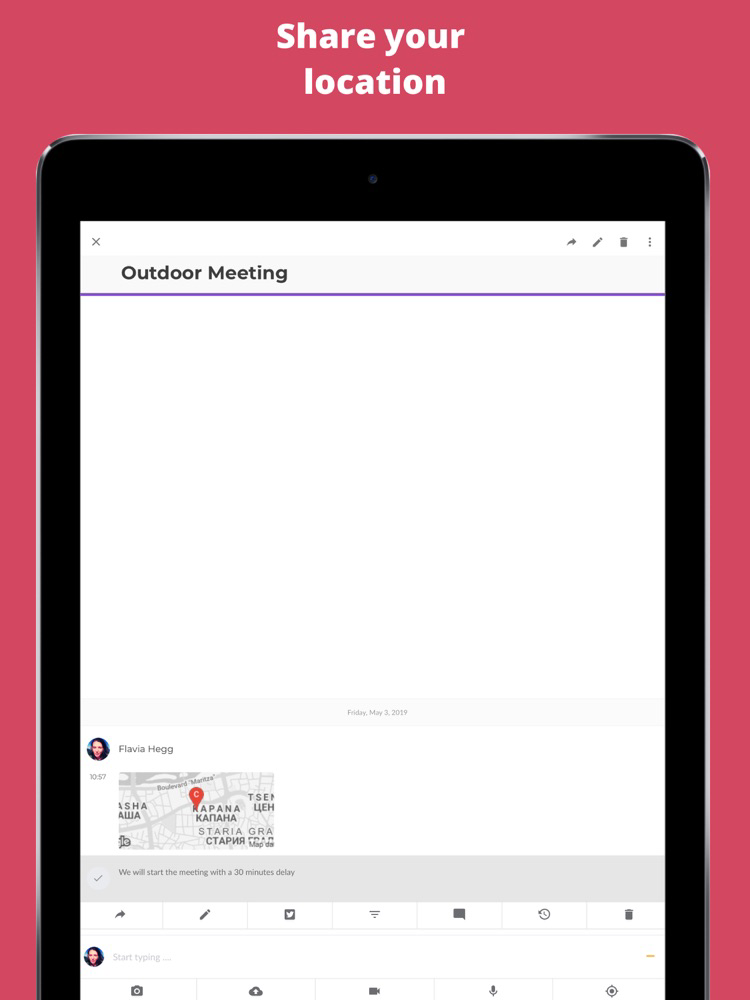
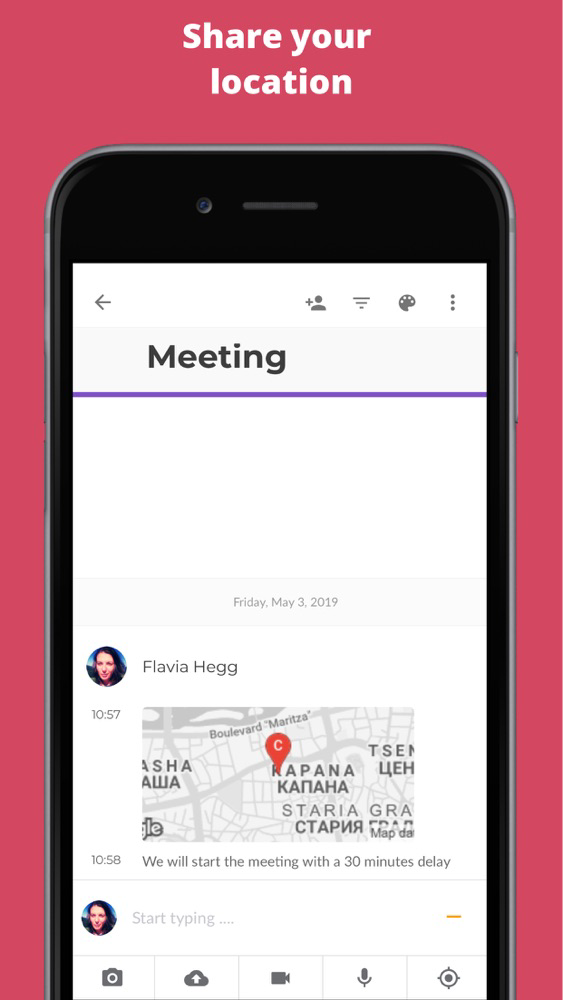
• Share your location and see it anytime on the map.
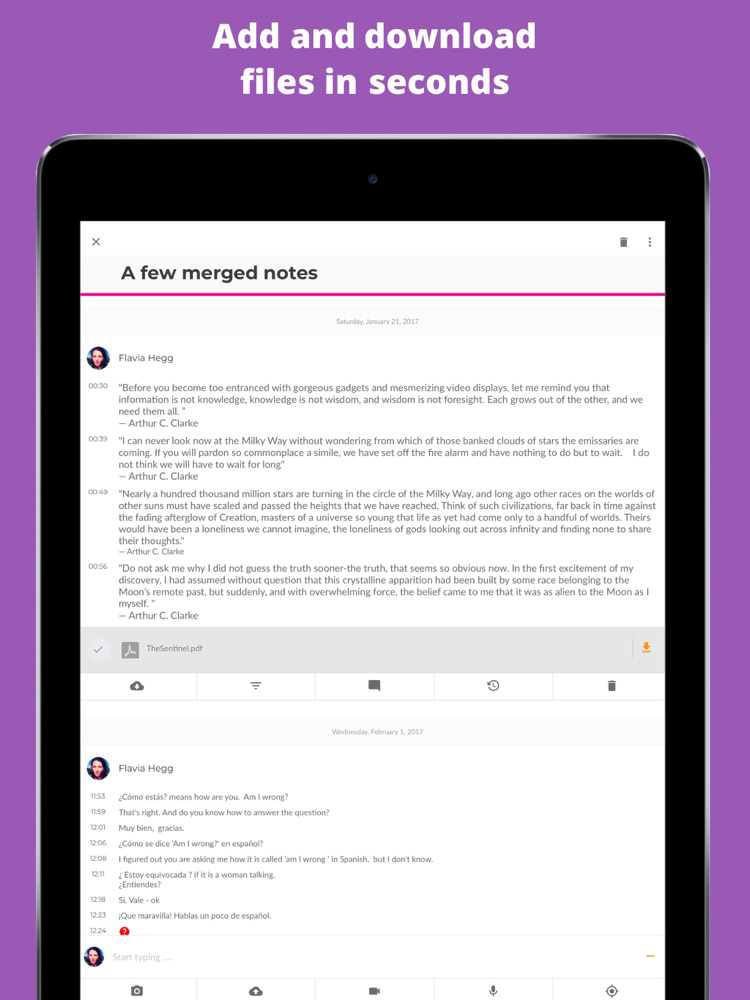
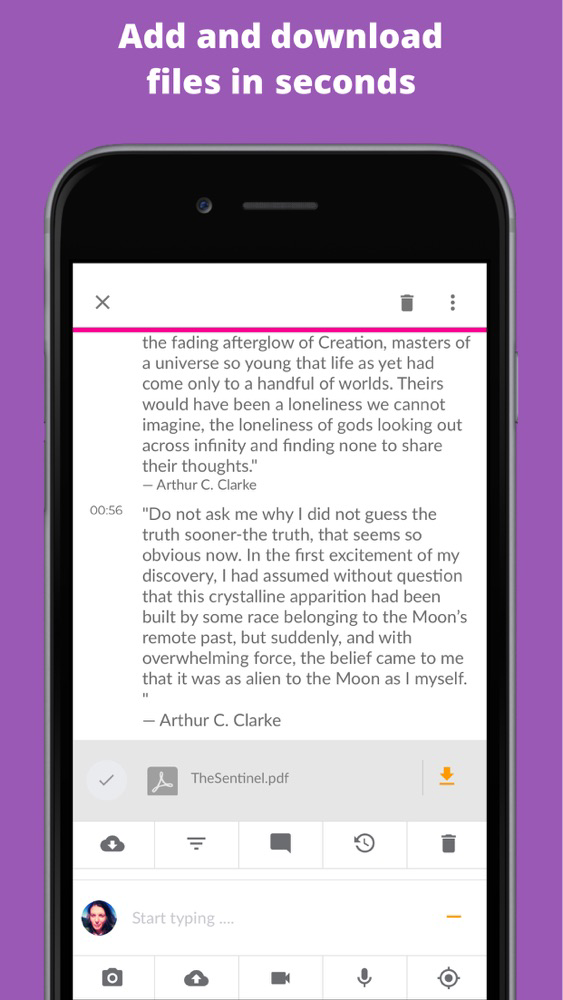
• Instantly add files such as txt, docx, xls, pdf and zip.
• Share links from other applications and websites to your notes. Tweet text or links.
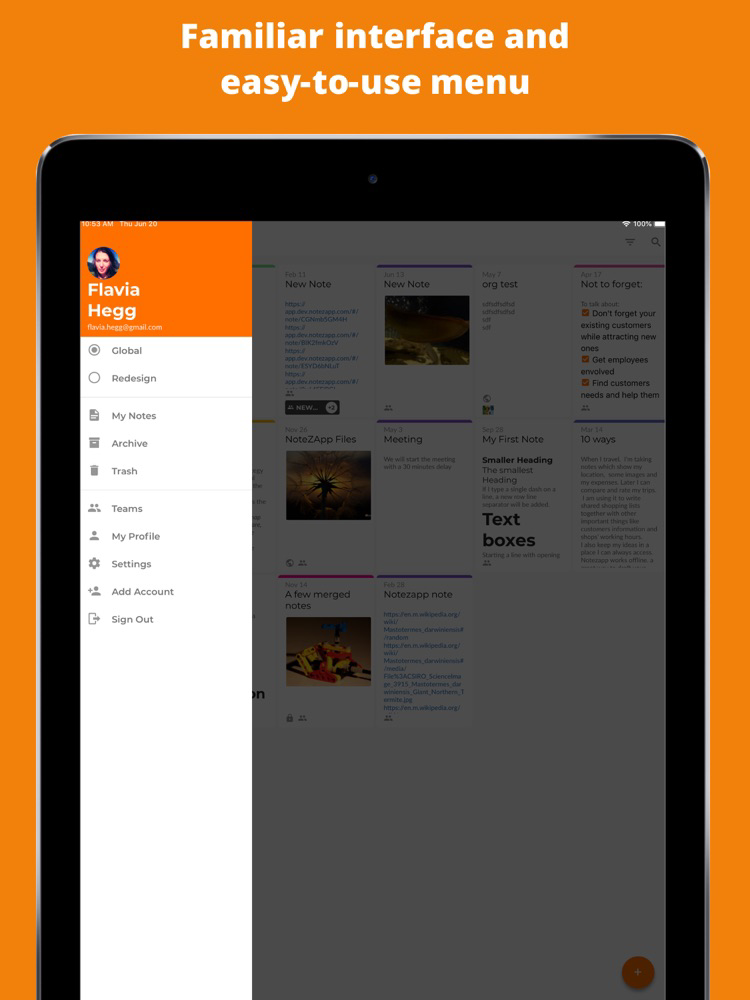
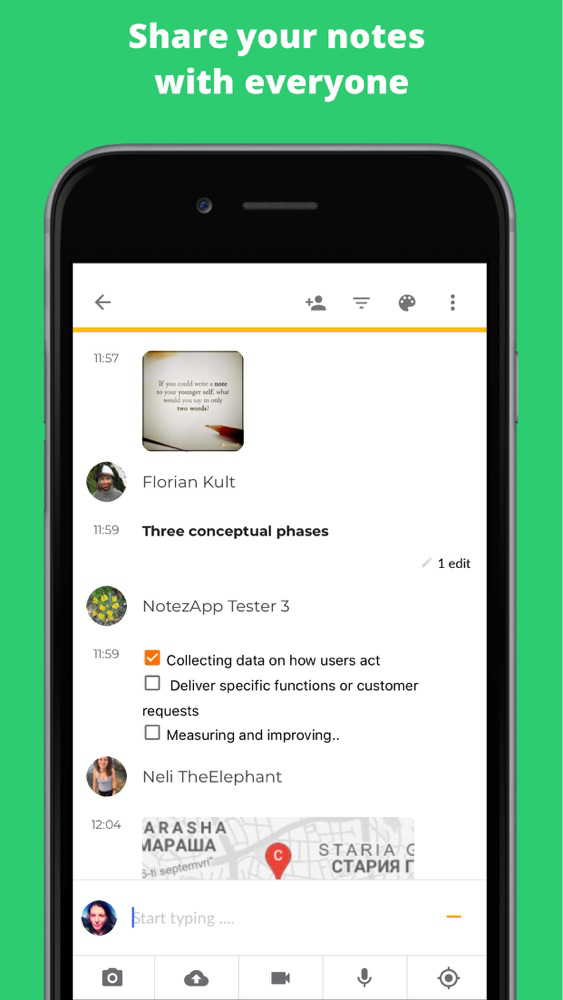
• Share note with user or with a team of users. Or create a public note and give the link to everybody.
• Merge two or more notes.
• Lock notes to prevent modifications of your important content.
• Organize notes in different categories by adding tags.
• Filter your note list to find notes by color, tag or team. Or filter notes to see only specific content in the note such as video, text, and other.
• Find your newly created or updated notes always ahead of your note list.
• Comment any type of content.
• See what changed in your notes - history shows all the text edits, who made the changes and the content before the change.
Access, saving and synchronization:
• Sync everything automatically across devices.
• Effortlessly access NotezApp. Log in via your Google, Facebook or Twitter account.
• Autosave notes.
• Use NotezApp securely from web browser at https://app.notezapp.com. It is a mobile-friendly website.
NotezApp meeting notes for Confluence®:
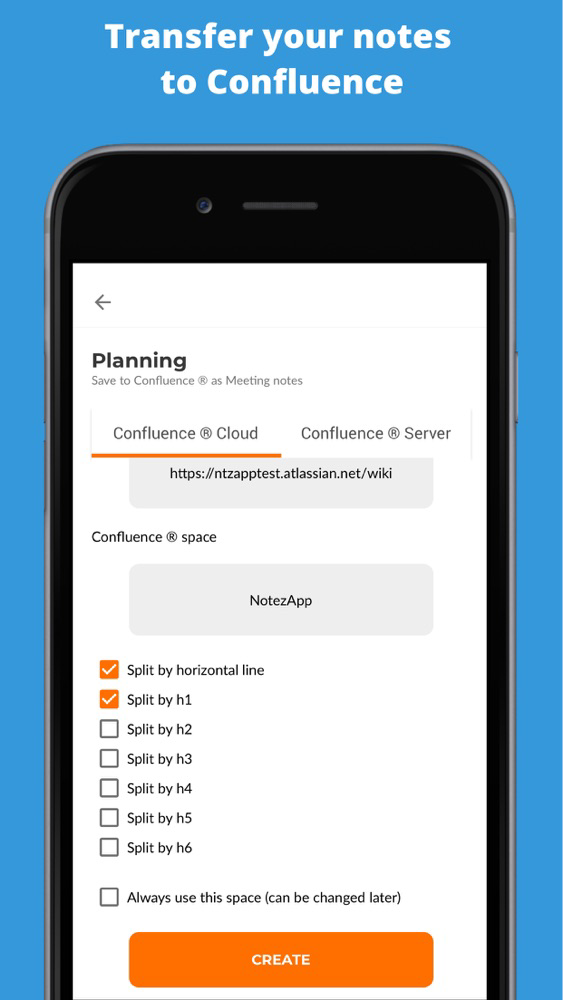
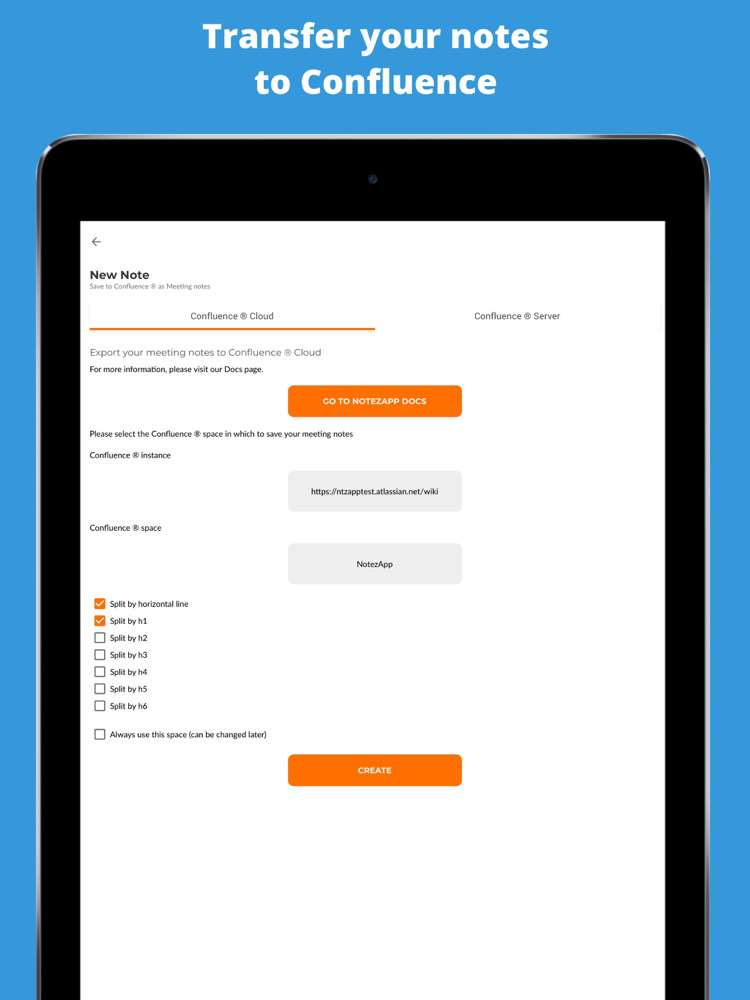
• Write the important things from your meeting and then instantly transfer them to your Confluence® meeting notes.
• No need to remember how much time the meeting took. Transfer your note right after the meeting and find it out with the automatic time tracing.
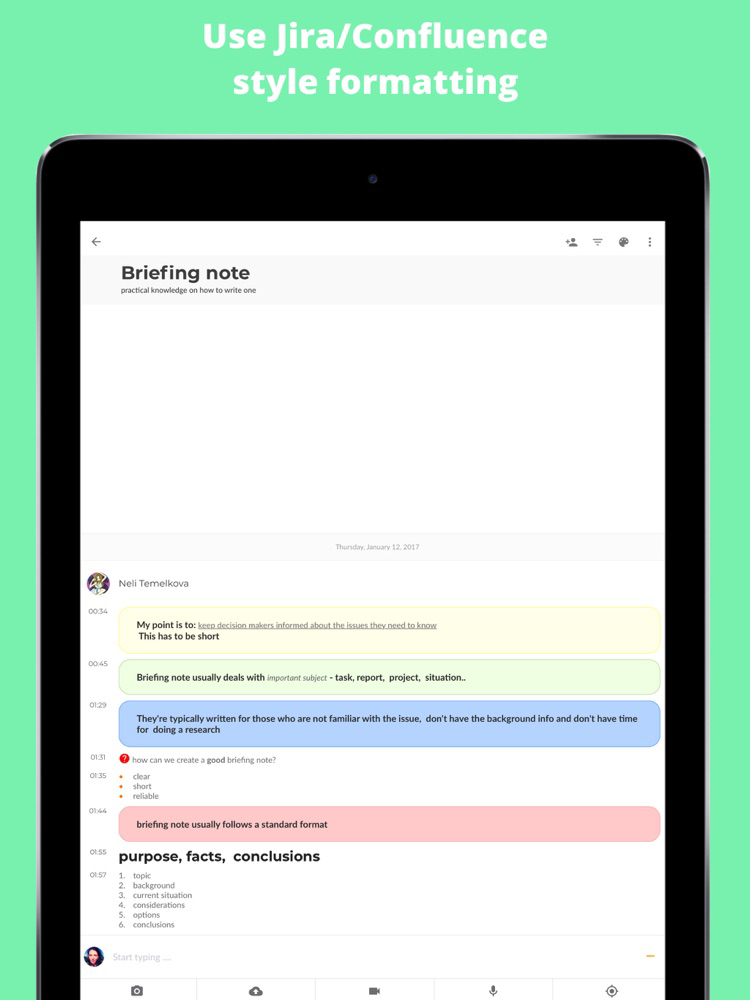
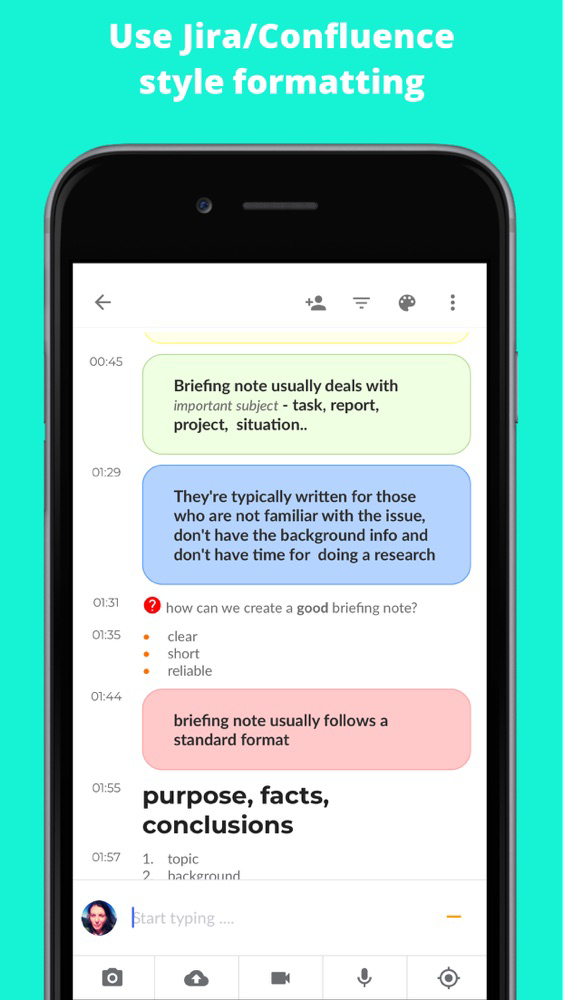
• Use Jira/Confluence style formatting and macros in your notes and transfer them to Confluence® without any necessity to edit.
• Work together with your co-workers while writing your meeting notes.
• If you use shared note, there is no need to add attendees. They are automatically transferred to Confluence® together with your note.
• Inform your customers and partners who don't have Confluence® access. Let them write in your notes and tell you what they think. Transfer their feedback to Confluence®.
• Use headings and horizontal lines in your notes, to find them split by the main topics when transferred to Confluence®.
Try Notezapp at https://app.notezapp.com/

• Write notes together with other users. When you collaborate with someone else, you tend to deliver better content.
• Add images, audio and video to your notes. Take pictures directly via NotezApp, record audio and video or choose from your library/gallery.
• Use NotezApp offline
• Share your location and see it anytime on the map.
• Instantly add files such as txt, docx, xls, pdf and zip.
• Share links from other applications and websites to your notes. Tweet text or links.
• Share note with user or with a team of users. Or create a public note and give the link to everybody.
• Merge two or more notes.
• Lock notes to prevent modifications of your important content.
• Organize notes in different categories by adding tags.
• Filter your note list to find notes by color, tag or team. Or filter notes to see only specific content in the note such as video, text, and other.
• Find your newly created or updated notes always ahead of your note list.
• Comment any type of content.
• See what changed in your notes - history shows all the text edits, who made the changes and the content before the change.
Access, saving and synchronization:
• Sync everything automatically across devices.
• Effortlessly access NotezApp. Log in via your Google, Facebook or Twitter account.
• Autosave notes.
• Use NotezApp securely from web browser at https://app.notezapp.com. It is a mobile-friendly website.
NotezApp meeting notes for Confluence®:
• Write the important things from your meeting and then instantly transfer them to your Confluence® meeting notes.
• No need to remember how much time the meeting took. Transfer your note right after the meeting and find it out with the automatic time tracing.
• Use Jira/Confluence style formatting and macros in your notes and transfer them to Confluence® without any necessity to edit.
• Work together with your co-workers while writing your meeting notes.
• If you use shared note, there is no need to add attendees. They are automatically transferred to Confluence® together with your note.
• Inform your customers and partners who don't have Confluence® access. Let them write in your notes and tell you what they think. Transfer their feedback to Confluence®.
• Use headings and horizontal lines in your notes, to find them split by the main topics when transferred to Confluence®.
Try Notezapp at https://app.notezapp.com/
Show More
Was ist neu in der neuesten Version 1.7.30
Last updated on Jun 29, 2020
Alte Versionen
Better UX experience
Performance improvements
Bug fixes
Performance improvements
Bug fixes
Show More
Version History
1.7.30
Jun 29, 2020
Better UX experience
Performance improvements
Bug fixes
Performance improvements
Bug fixes
1.4.22
Oct 4, 2019
Improved Headings
NotezApp FAQ
Klicken Sie hier, um zu erfahren, wie Sie NotezApp in eingeschränkten Ländern oder Regionen herunterladen können.
Überprüfen Sie die folgende Liste, um die Mindestanforderungen von NotezApp zu sehen.
iPhone
iPad
NotezApp unterstützt English