Page Reader
Gratis
2.0.52for iPhone, iPad
Age Rating
Page Reader Screenshots
About Page Reader
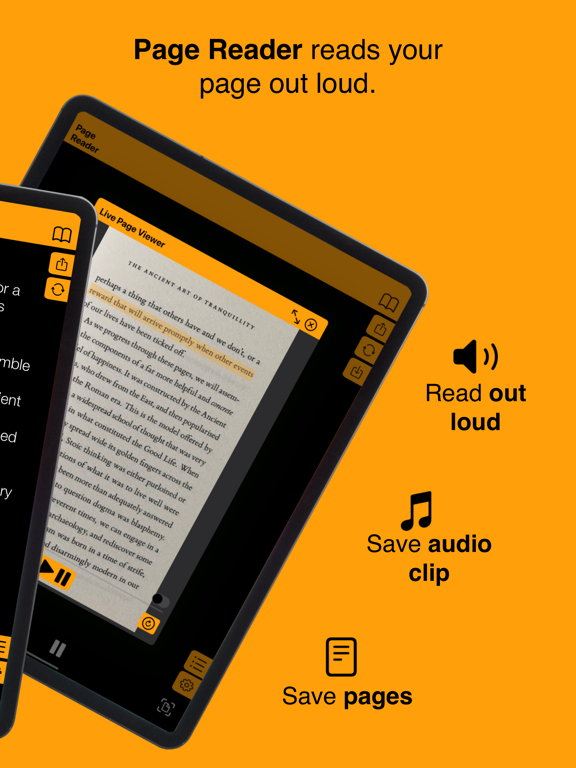
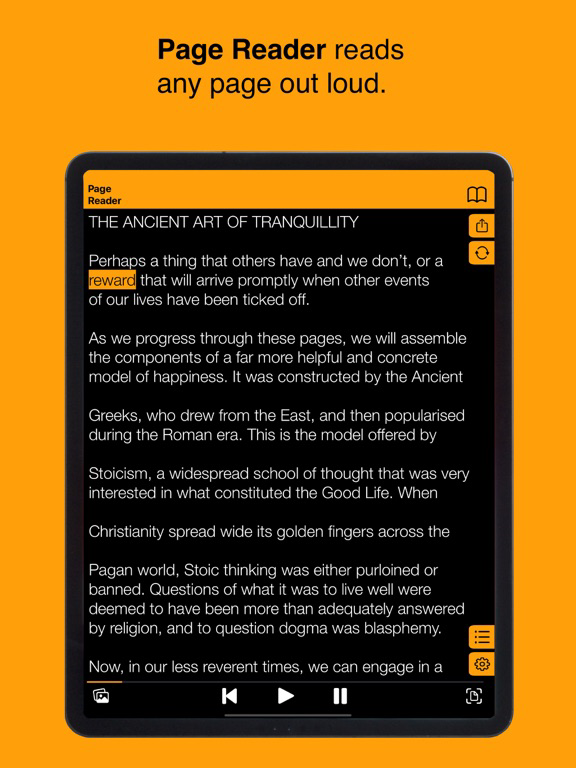
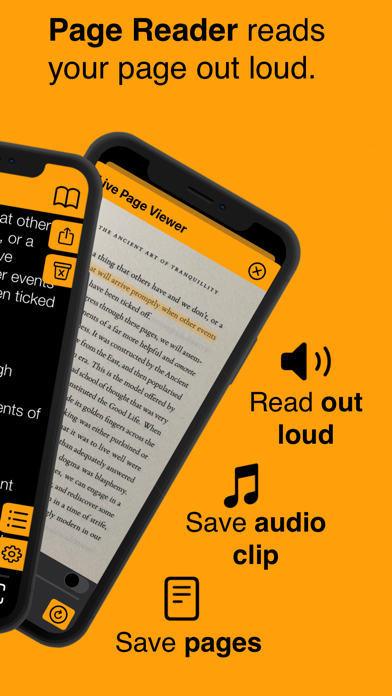
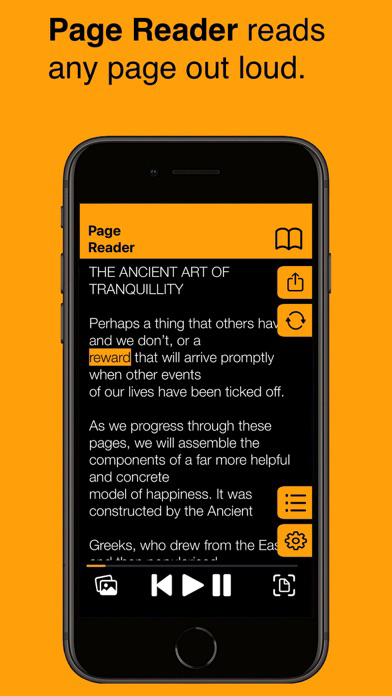
Page Reader lets you scan any page and read it out loud.
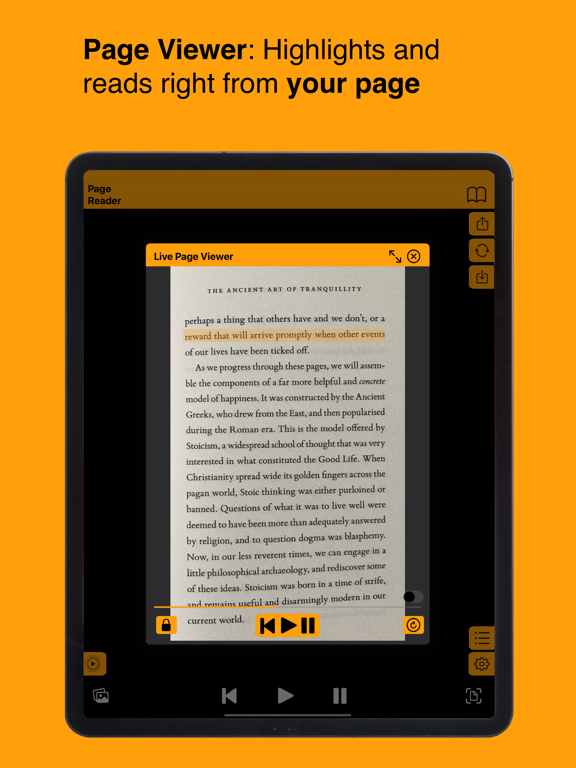
Turn any page into an audiobook using Page Reader’s intelligent text-recognition & audio player.
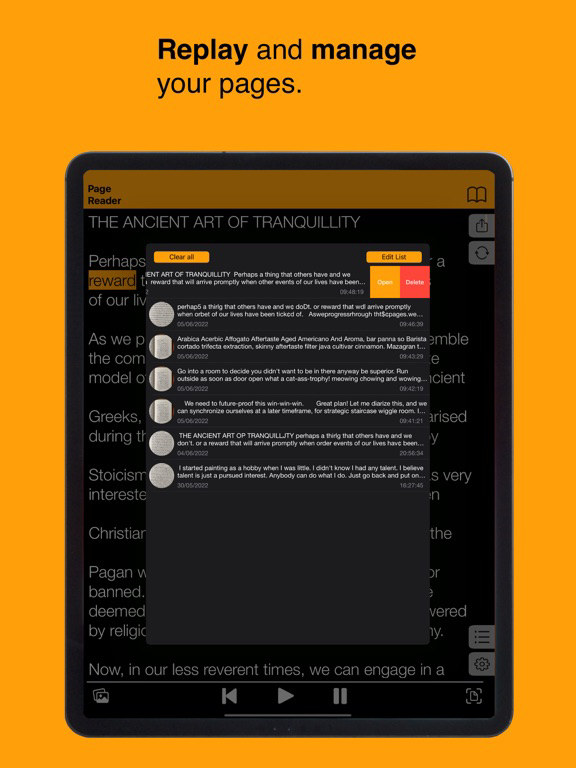
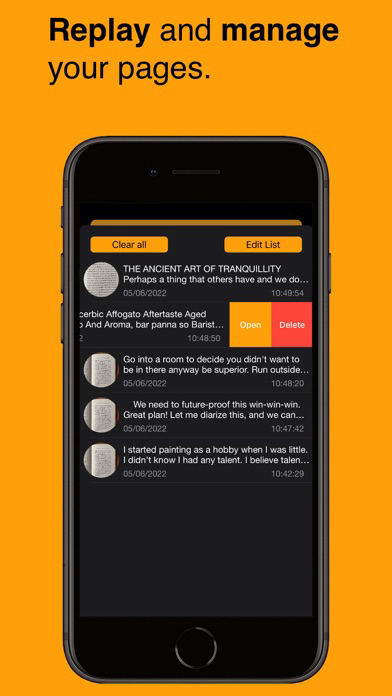
Browse history and re-listen to your pages.
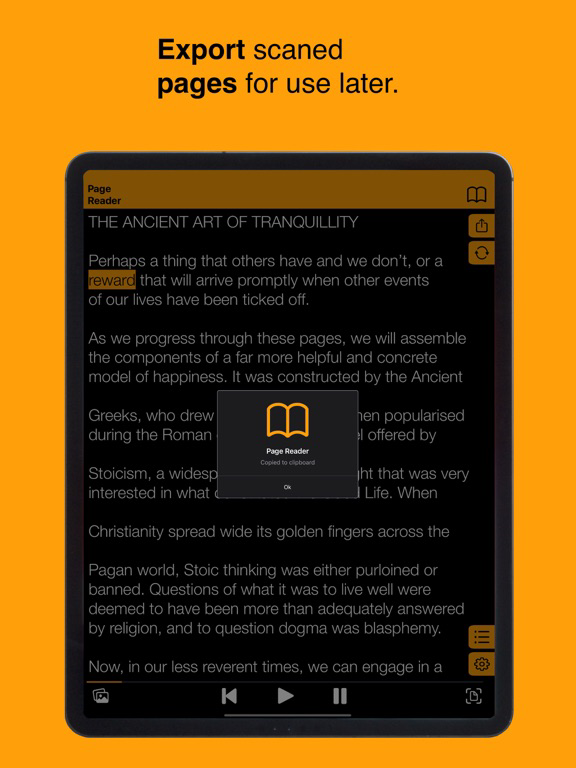
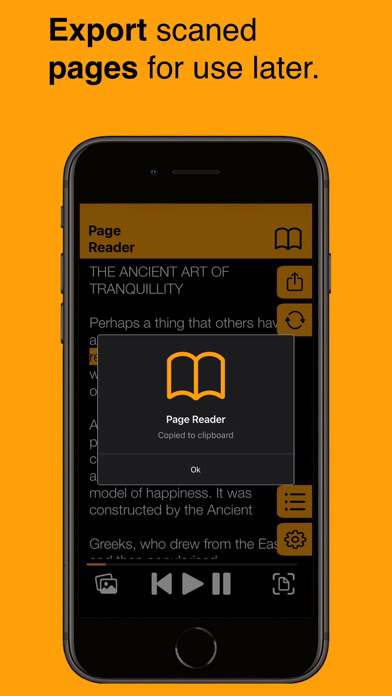
Copy scanned text for use later, or export to other apps.
Save Audio Clip.
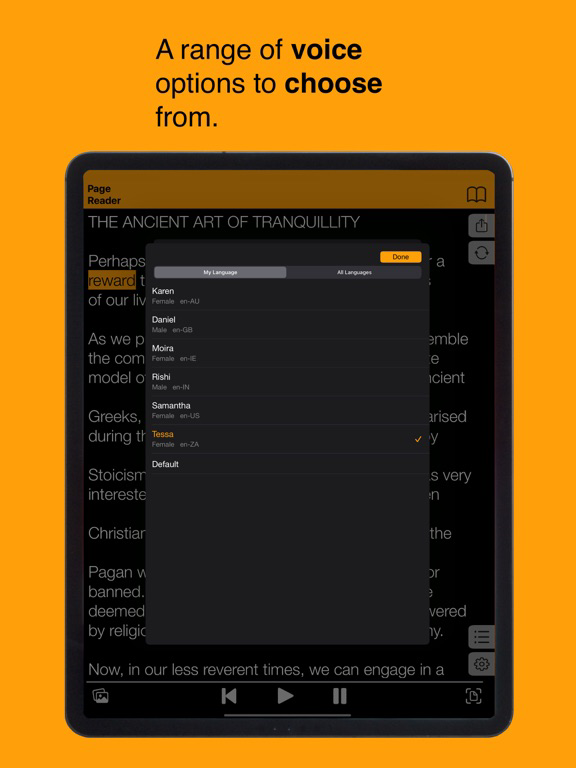
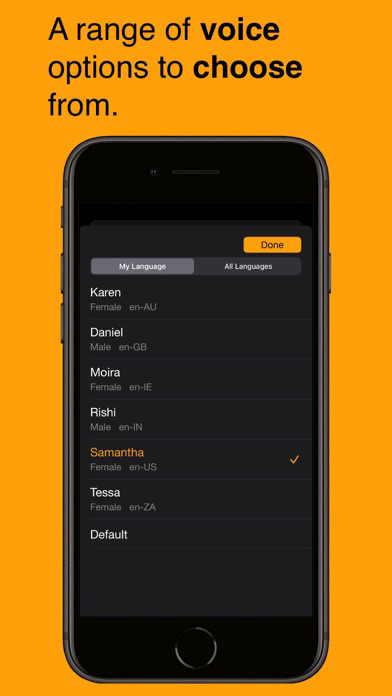
Choose from a range of voices.
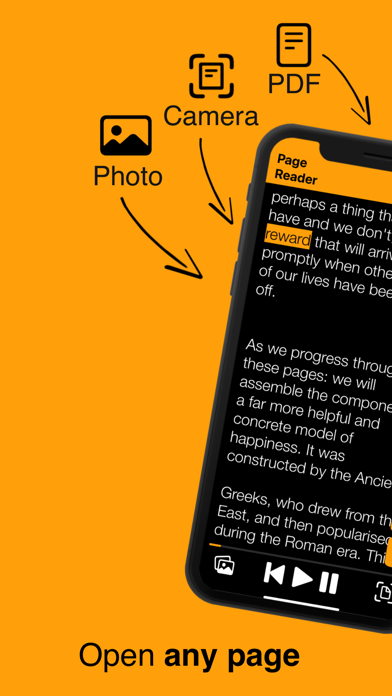
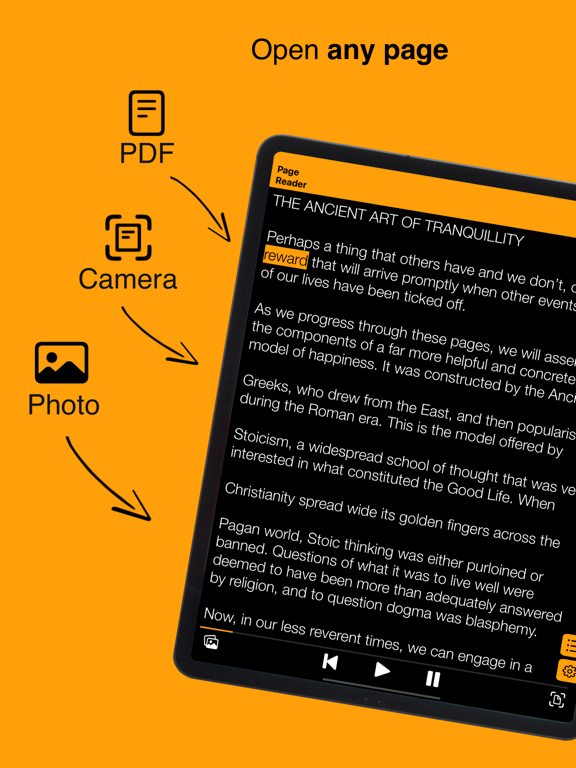
Import text from virtually anywhere!
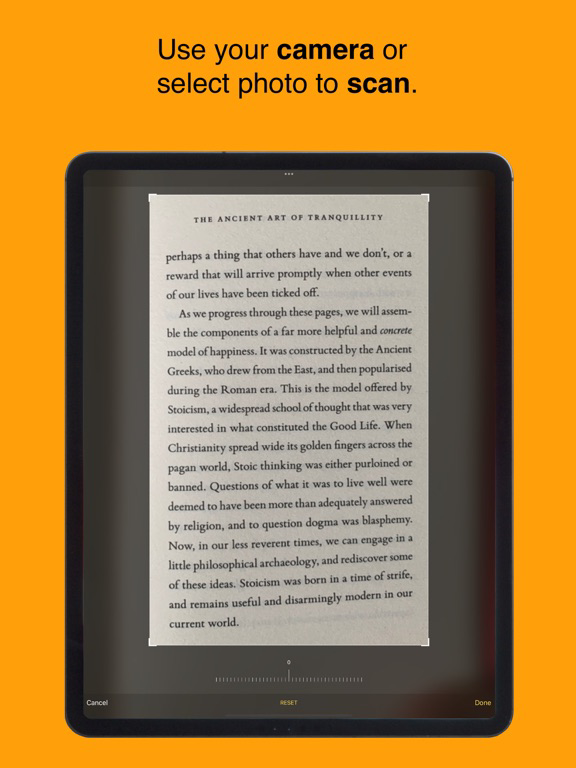
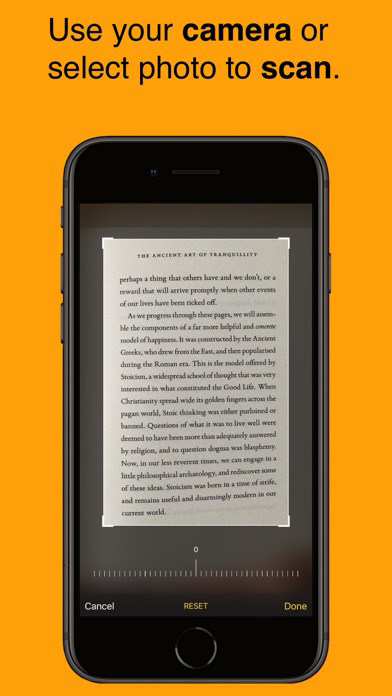
• Scan a page with your camera
• OR Open page from photo library
• OR Open PDF from files
• Read any scanned text out loud
• Save scanned pages to history
• Organise scanned pages into books
• Edit scanned text
• Export text for use later, or to other apps
• Choose from a range of voices
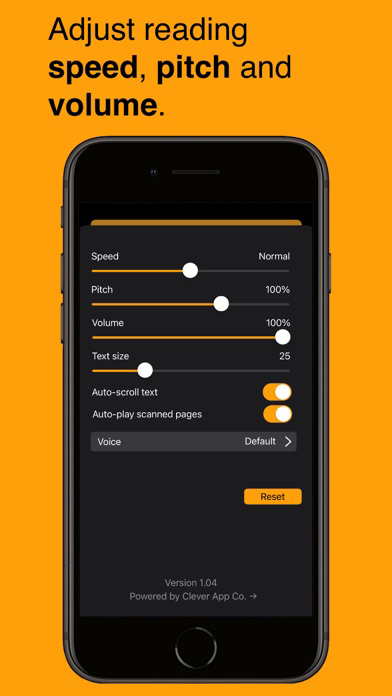
• Edit speed, pitch and volume of speech
• Save narrated pages as Audio Clips to save or share

Turn any page into an audiobook using Page Reader’s intelligent text-recognition & audio player.
Browse history and re-listen to your pages.
Copy scanned text for use later, or export to other apps.
Save Audio Clip.
Choose from a range of voices.
Import text from virtually anywhere!
• Scan a page with your camera
• OR Open page from photo library
• OR Open PDF from files
• Read any scanned text out loud
• Save scanned pages to history
• Organise scanned pages into books
• Edit scanned text
• Export text for use later, or to other apps
• Choose from a range of voices
• Edit speed, pitch and volume of speech
• Save narrated pages as Audio Clips to save or share
Show More
Was ist neu in der neuesten Version 2.0.52
Last updated on Mar 24, 2026
Alte Versionen
Thank you for using Page Reader.
This update contains bug fixes and improvements.
Don’t forget, you can reach support using the contact button in settings.
Happy Page Reading!
This update contains bug fixes and improvements.
Don’t forget, you can reach support using the contact button in settings.
Happy Page Reading!
Show More
Version History
2.0.52
Mar 24, 2026
Thank you for using Page Reader.
This update contains bug fixes and improvements.
Don’t forget, you can reach support using the contact button in settings.
Happy Page Reading!
This update contains bug fixes and improvements.
Don’t forget, you can reach support using the contact button in settings.
Happy Page Reading!
Page Reader FAQ
Klicken Sie hier, um zu erfahren, wie Sie Page Reader in eingeschränkten Ländern oder Regionen herunterladen können.
Überprüfen Sie die folgende Liste, um die Mindestanforderungen von Page Reader zu sehen.
iPhone
iPad
Ähnliche Videos
Latest introduction video of Page Reader on iPhone