Perspective Grid Tool - Adjust

Perspective Grid Tool - Adjust


8,99 €Best Deal Ever
1.0for Mac
Clovis Michel Pedroso Picanco
Developer
5,8 MB
Size
Mar 20, 2018
Update Date
Graphics & Design
Category
4+
Age Rating
Age Rating
4+
Apps in this category do not contain restricted content.
9+
Apps in this category may contain mild or occasional cartoon, fantasy or real-life violence, as well as occasional or mild adult, sexually suggestive or horrifying content and may not be suitable for children under 9 years of age.
12+
Apps in this category may contain occasional mild indecent language, frequent or intense cartoon or real-life violence, minor or occasional adult or sexually suggestive material, and simulated gambling, and may be for children under 12 years of age.
17+
You must be at least 17 years old to access this App.
Apps in this category may contain frequent and intense offensive language; Frequent and intense cartoon, fantasy or realistic violence: frequent and intense adult, scary and sexually suggestive subjects: as well as sexual content, nudity, tobacco, alcohol and drugs, may not be suitable for children under 17 years of age.
Perspective Grid Tool - Adjust Screenshots
Perspective Grid Tool - Adjust PlakatPerspective Grid Tool - Adjust PlakatPerspective Grid Tool - Adjust PlakatPerspective Grid Tool - Adjust PlakatPerspective Grid Tool - Adjust Plakat

About Perspective Grid Tool - Adjust

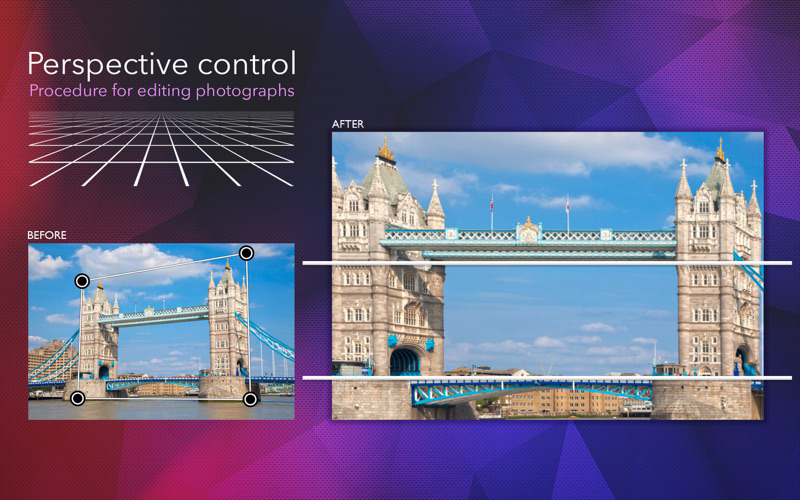
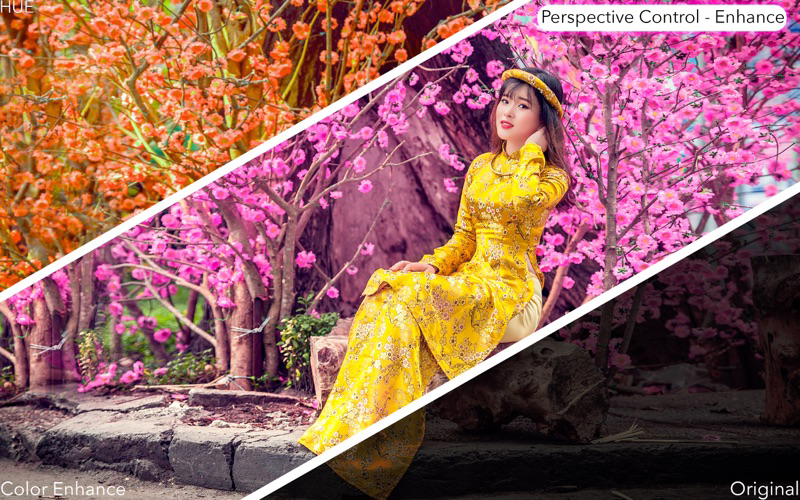
Sometimes the angle of your pictures is not quite right. Are you looking for a quick and easy way to fix the perspective of your photos? That’s what Perspective Grid Tool - Adjust does for you. Additionally, we offer 7 additional filters for an even better looking result.

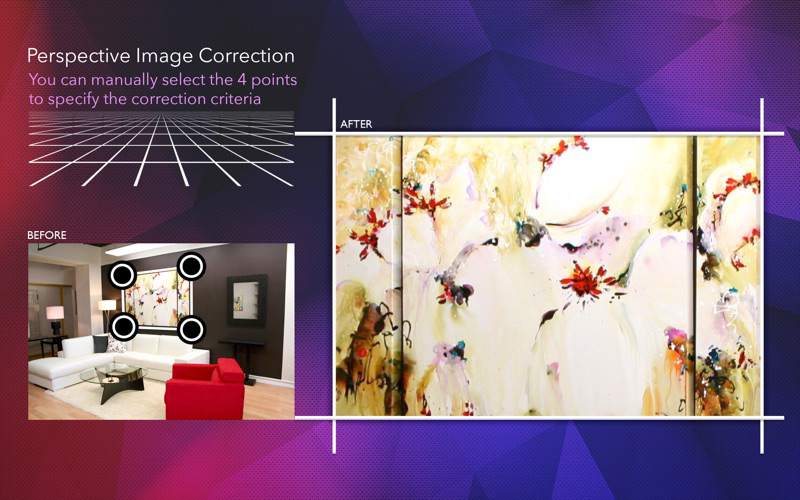
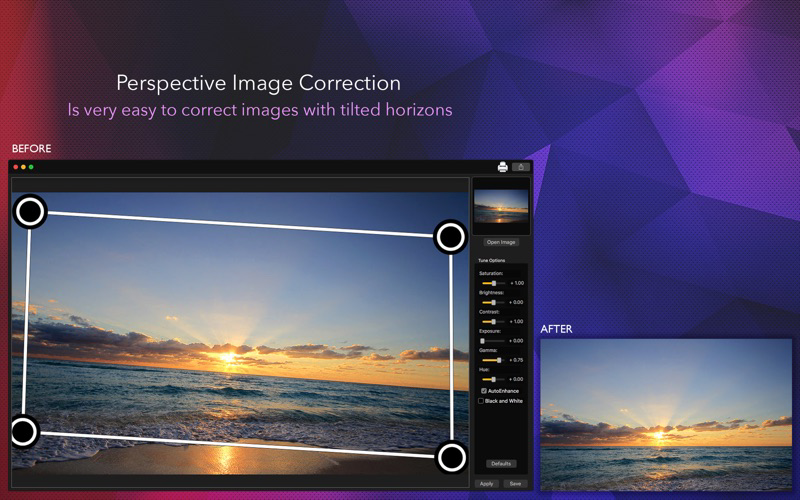
With a very easy to use interface, you can correct the perspective of any image in seconds, just load your image in, drag the control points to where you want the perspective to be, and click Apply. If you’re not satisfied with the result, click reset and try again!

Features:

1) Very simple and easy to use interface
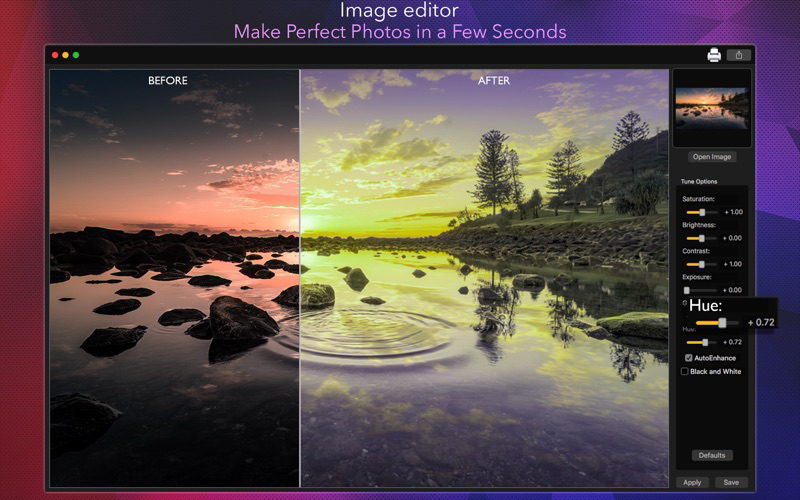
2) Preprocessing filters with 8 Color options: saturation, brightness, contrast, exposure, gamma, hue, automatic color enhance and black & white effect.
3) Zoom feature: makes it easier to drag the control points to the exact spot you want them to be.
4) Saving in different formats: JPG, PNG, BMP, JPG2000 and TIFF, with multiple features when saving such as resizing, rescaling and compressing.
5) Printing your work or sharing it on social media.

How to use:

1) Load your image into the app using the Open Image button.
2) Set the control points to the object you want it’ perspective fixed. When you’re done, click Apply.
3) Use the sliders and checkboxes on the right hand side to filter your image.
4) After fixing the perspective and filtering the result, click Save or the printer icon to share your result.

Show More

Was ist neu in der neuesten Version 1.0

Last updated on Mar 20, 2018
Version History
1.0
Mar 20, 2018

Perspective Grid Tool - Adjust Preis

Heute:
8,99 €
Am günstigsten:
8,99 €
Am teuersten:
9,99 €

Perspective Grid Tool - Adjust FAQ

Klicken Sie hier, um zu erfahren, wie Sie Perspective Grid Tool - Adjust in eingeschränkten Ländern oder Regionen herunterladen können.
Überprüfen Sie die folgende Liste, um die Mindestanforderungen von Perspective Grid Tool - Adjust zu sehen.
Mac
Erfordert macOS 10.11 oder neuer.

Perspective Grid Tool - Adjust Alternative

Das könnte Ihnen auch gefallen

Erhalte mehr von Clovis Michel Pedroso Picanco