PPT Remote Control - With laser pointer function
Gratis
5.0.1for iPhone
Age Rating
PPT Remote Control - With laser pointer function Screenshots
About PPT Remote Control - With laser pointer function
================================
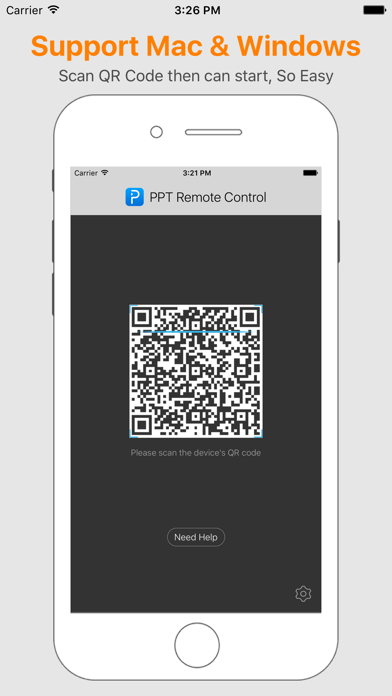
PPT Remote Control - Support Windows&Mac
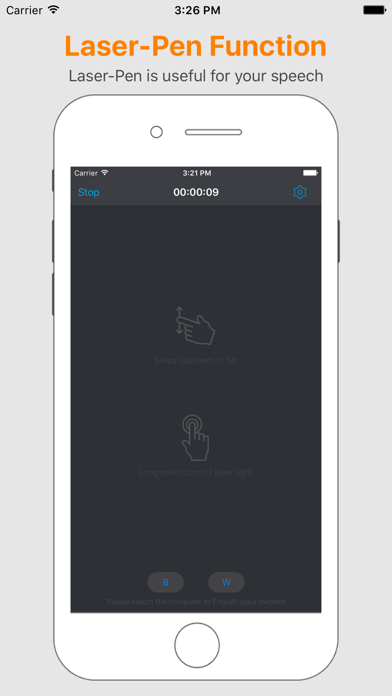
Tips: Laser Light color and size can adjust
================================
Support:Windows XP/Vista/7/8/10,Mac OS
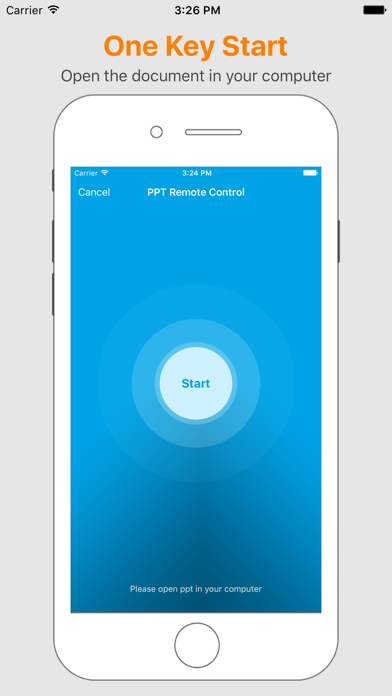
Start speech by your phone, Let's us enjoy your speech.
I think you will have a different speech. Please enjoy it
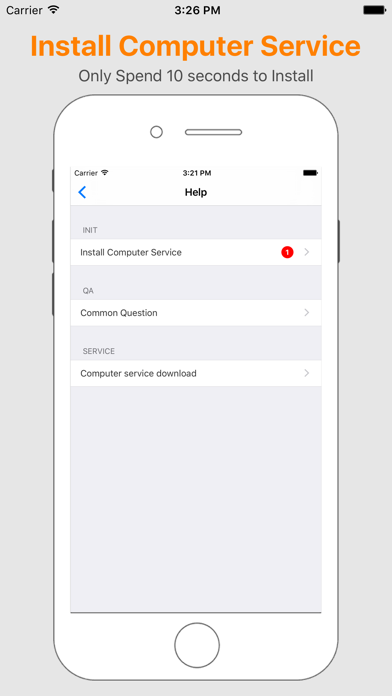
1. Install computer service
2. Use phone to flip ppt's page
3. I have laser light function
OK, Let's do it.

PPT Remote Control - Support Windows&Mac
Tips: Laser Light color and size can adjust
================================
Support:Windows XP/Vista/7/8/10,Mac OS
Start speech by your phone, Let's us enjoy your speech.
I think you will have a different speech. Please enjoy it
1. Install computer service
2. Use phone to flip ppt's page
3. I have laser light function
OK, Let's do it.
Show More
Was ist neu in der neuesten Version 5.0.1
Last updated on Jul 17, 2017
Alte Versionen
This update from Apple will improve the functionality of this app. No new features are included.
Fix Bug
Fix Bug
Show More
Version History
5.0.1
Jul 17, 2017
This update from Apple will improve the functionality of this app. No new features are included.
Fix Bug
Fix Bug
PPT Remote Control - With laser pointer function FAQ
Klicken Sie hier, um zu erfahren, wie Sie PPT Remote Control - With laser pointer function in eingeschränkten Ländern oder Regionen herunterladen können.
Überprüfen Sie die folgende Liste, um die Mindestanforderungen von PPT Remote Control - With laser pointer function zu sehen.
iPhone