Quick Doc Scan

Quick Doc Scan


Gratis

1.0for iPhone, iPod touch
rajesh jain
Developer
10,9 MB
Size
Aug 22, 2019
Update Date
Utilities
Category
4+
Age Rating
Age Rating
4+
Apps in this category do not contain restricted content.
9+
Apps in this category may contain mild or occasional cartoon, fantasy or real-life violence, as well as occasional or mild adult, sexually suggestive or horrifying content and may not be suitable for children under 9 years of age.
12+
Apps in this category may contain occasional mild indecent language, frequent or intense cartoon or real-life violence, minor or occasional adult or sexually suggestive material, and simulated gambling, and may be for children under 12 years of age.
17+
You must be at least 17 years old to access this App.
Apps in this category may contain frequent and intense offensive language; Frequent and intense cartoon, fantasy or realistic violence: frequent and intense adult, scary and sexually suggestive subjects: as well as sexual content, nudity, tobacco, alcohol and drugs, may not be suitable for children under 17 years of age.
Quick Doc Scan Screenshots
Quick Doc Scan PlakatQuick Doc Scan PlakatQuick Doc Scan PlakatQuick Doc Scan Plakat

About Quick Doc Scan

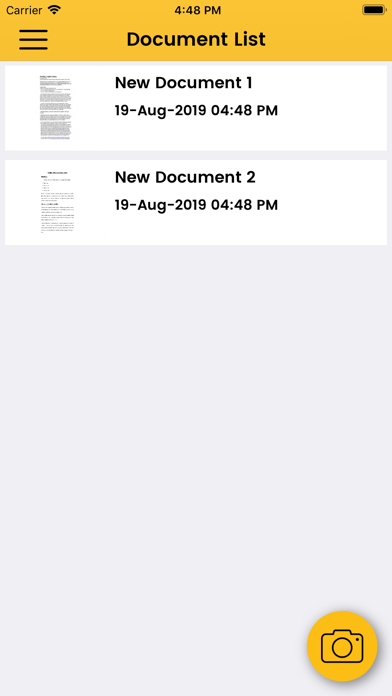
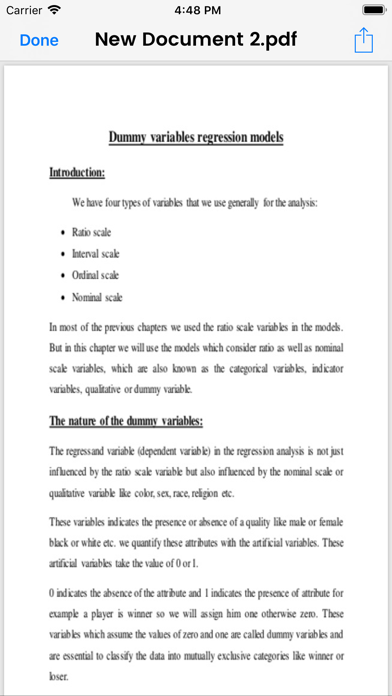
Quick doc scan is a handy scanner app that will turn your iOS device into a powerful mobile scanner. Easily scan, save and share any document in PDF format.

Our scanner app will become the indispensable tool in your day to day life. Scan anything you need including receipts, documents, paper notes, fax papers, book and store your scans as multipage PDF files.

Take this portable document scanner anywhere you go for your daily business needs. It doesn't require an Internet connection as all scans are stored locally on your device.

Say goodbye to huge office scanners and get this ultra-fast pdf scanner app now!

Advanced PDF Scanner App:
- quickly scan documents, notes, business cards or book pages
– Scan to high-quality PDF
– Save scans in grayscale, black and white or color
- auto crop, color adjust and optimization just like a regular scanner
– Multipage scanning – scan as many pages as you like
– Share your scans via email
– Easy print your scans with any Wi-Fi printer
– Save scans to PDF
– Share and upload scanned documents to cloud services like Dropbox, Evernote or Google Drive

Show More

Was ist neu in der neuesten Version 1.0

Last updated on Aug 22, 2019
Version History
1.0
Aug 22, 2019

Quick Doc Scan FAQ

Klicken Sie hier, um zu erfahren, wie Sie Quick Doc Scan in eingeschränkten Ländern oder Regionen herunterladen können.
Überprüfen Sie die folgende Liste, um die Mindestanforderungen von Quick Doc Scan zu sehen.
iPhone
Erfordert iOS 11.1 oder neuer.
iPod touch
Erfordert iOS 11.1 oder neuer.
Quick Doc Scan unterstützt Englisch

Quick Doc Scan Alternative

Das könnte Ihnen auch gefallen

Erhalte mehr von rajesh jain