Teamwork Document Editor

Teamwork Document Editor


Gratis

1.3.2for iPhone
Age Rating
4+
Apps in this category do not contain restricted content.
9+
Apps in this category may contain mild or occasional cartoon, fantasy or real-life violence, as well as occasional or mild adult, sexually suggestive or horrifying content and may not be suitable for children under 9 years of age.
12+
Apps in this category may contain occasional mild indecent language, frequent or intense cartoon or real-life violence, minor or occasional adult or sexually suggestive material, and simulated gambling, and may be for children under 12 years of age.
17+
You must be at least 17 years old to access this App.
Apps in this category may contain frequent and intense offensive language; Frequent and intense cartoon, fantasy or realistic violence: frequent and intense adult, scary and sexually suggestive subjects: as well as sexual content, nudity, tobacco, alcohol and drugs, may not be suitable for children under 17 years of age.
Teamwork Document Editor Screenshots
Teamwork Document Editor PlakatTeamwork Document Editor PlakatTeamwork Document Editor PlakatTeamwork Document Editor Plakat

About Teamwork Document Editor

The Document Editor allows you to download, open, edit, and save changes to files stored within Teamwork Projects without having to upload them again manually. It works with the applications that you already have on your computer, such as Microsoft Office, Word, Excel, LibreOffice, and Adobe Photoshop, as well as certain other image file types.

How it works:
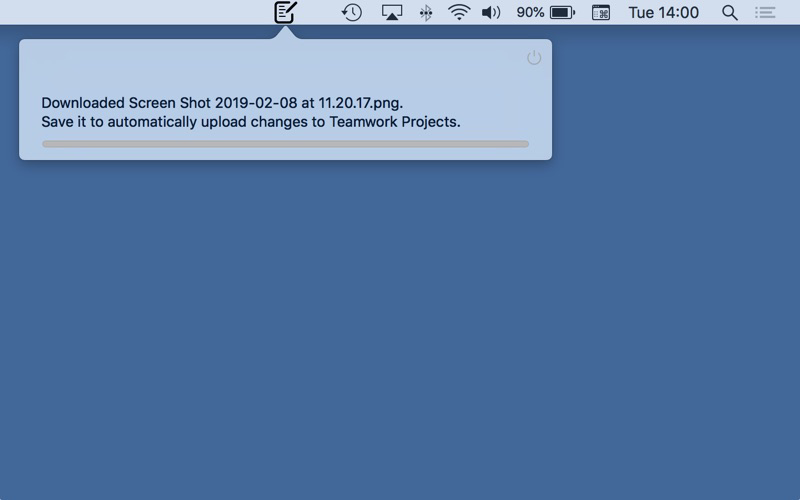
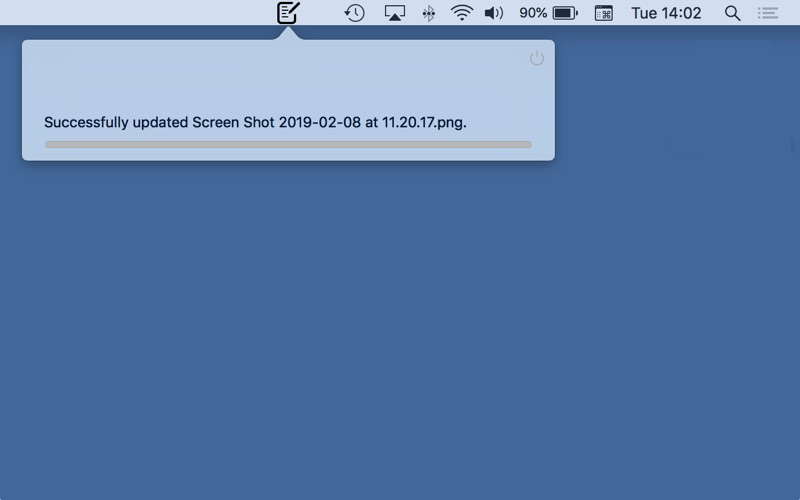
Once a Teamwork Projects user with editing permissions clicks to edit a file, it'll download automatically and open the file on your Mac. From there, you can make whatever edits are necessary to the file, hit save, and the edited file is automatically uploaded as a new version. All previous versions will still be available in the Versions area of your site.

Installing the Document Editor:
• Document Editor can only be enabled by an admin on the site
• Go to Site Settings, then click on the Integrations tab and enable the Document Editor
• Once this has been enabled, all users with editing permissions will see the edit option
• Clicking on this will open the download option for Mac
• Once downloaded, you can use it immediately

Show More

Was ist neu in der neuesten Version 1.3.2

Last updated on Feb 28, 2019
Alte Versionen
- new branding applied
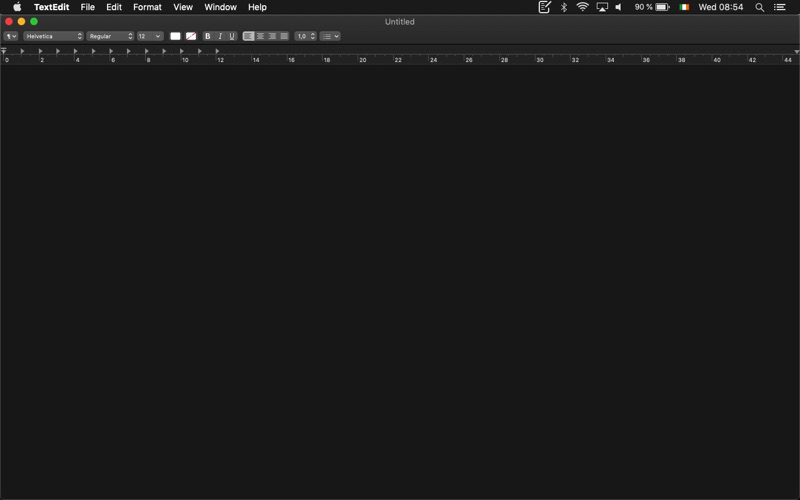
- support for Dark Mode
Show More
Version History
1.3.2
Feb 28, 2019
- new branding applied
- support for Dark Mode

Teamwork Document Editor FAQ

Klicken Sie hier, um zu erfahren, wie Sie Teamwork Document Editor in eingeschränkten Ländern oder Regionen herunterladen können.
Überprüfen Sie die folgende Liste, um die Mindestanforderungen von Teamwork Document Editor zu sehen.
iPhone

Teamwork Document Editor Alternative

Das könnte Ihnen auch gefallen

Erhalte mehr von Teamwork Crew Limited