xPaste

xPaste


Gratis

1.0.2for iPhone, iPad
Age Rating
4+
Apps in this category do not contain restricted content.
9+
Apps in this category may contain mild or occasional cartoon, fantasy or real-life violence, as well as occasional or mild adult, sexually suggestive or horrifying content and may not be suitable for children under 9 years of age.
12+
Apps in this category may contain occasional mild indecent language, frequent or intense cartoon or real-life violence, minor or occasional adult or sexually suggestive material, and simulated gambling, and may be for children under 12 years of age.
17+
You must be at least 17 years old to access this App.
Apps in this category may contain frequent and intense offensive language; Frequent and intense cartoon, fantasy or realistic violence: frequent and intense adult, scary and sexually suggestive subjects: as well as sexual content, nudity, tobacco, alcohol and drugs, may not be suitable for children under 17 years of age.
xPaste Screenshots
xPaste PlakatxPaste PlakatxPaste PlakatxPaste PlakatxPaste PlakatxPaste Plakat

About xPaste

xPaste

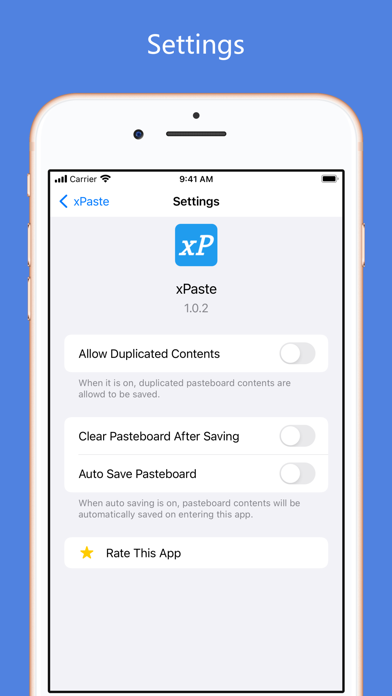
xPaste is an efficient and easy-to-use app for you to save, copy or clear the pasteboard contents. It can help you manage the pasteboard history for your efficiency and guard your pasteboard privacy by clearing it at any time.

Keywords: pasteboard manager, pasteboard privacy guard, save pasteboard, copy pasteboard, clear pasteboard, pasteboard widget, today widget for pasteboard, pasteboard management

## Features

xPaste is versatile and easy-to-use. It can help you

1. Clear your pasteboard by just one click. This will guard your pasteboard privacy.
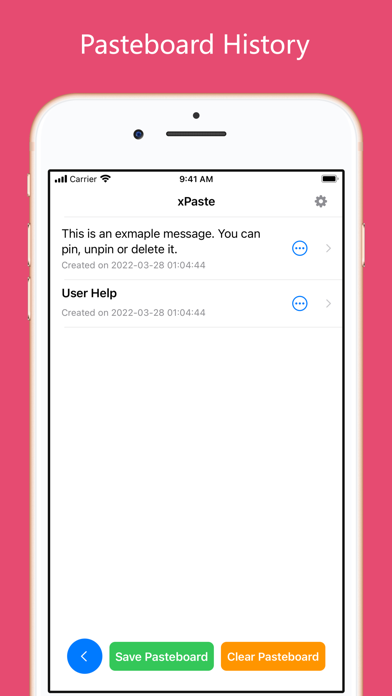
2. Save your pasteboard contents as history by just on click.
3. Copy your pasteboard history items at any time easily.
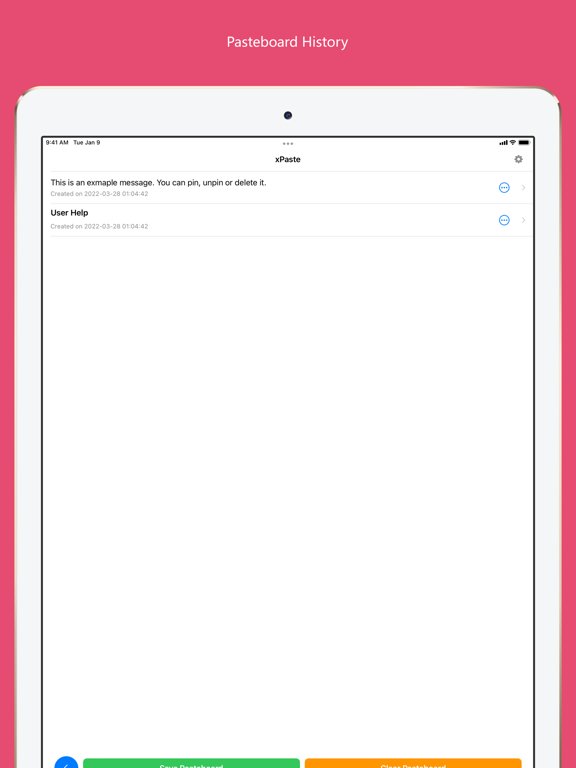
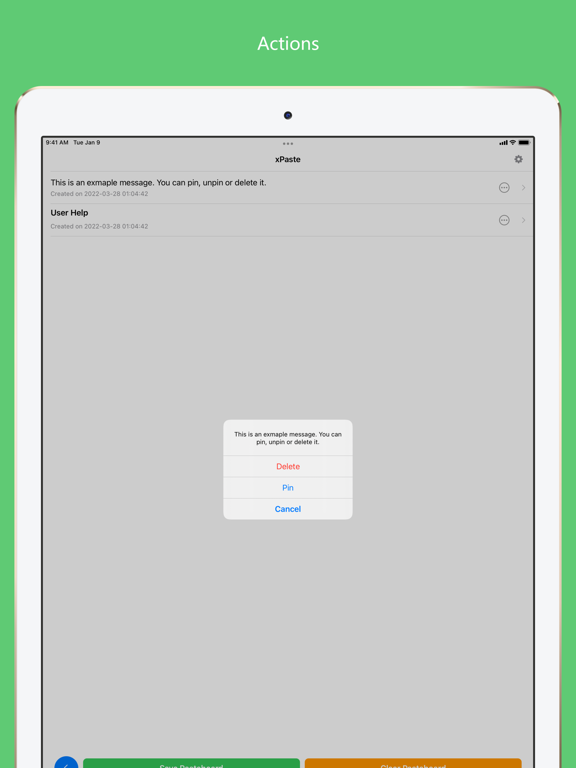
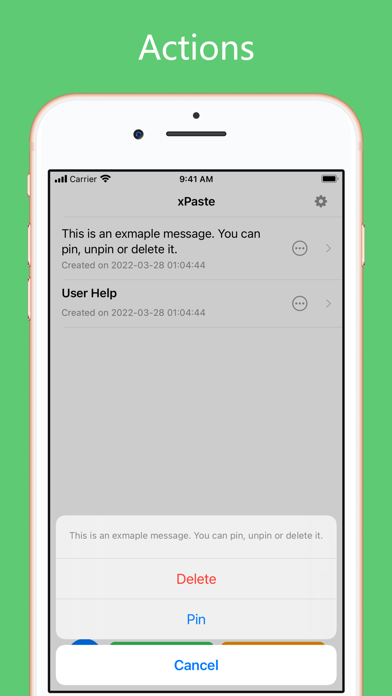
4. Manage the pasteboard history: deleting, pinning or unpinning any item to the top.
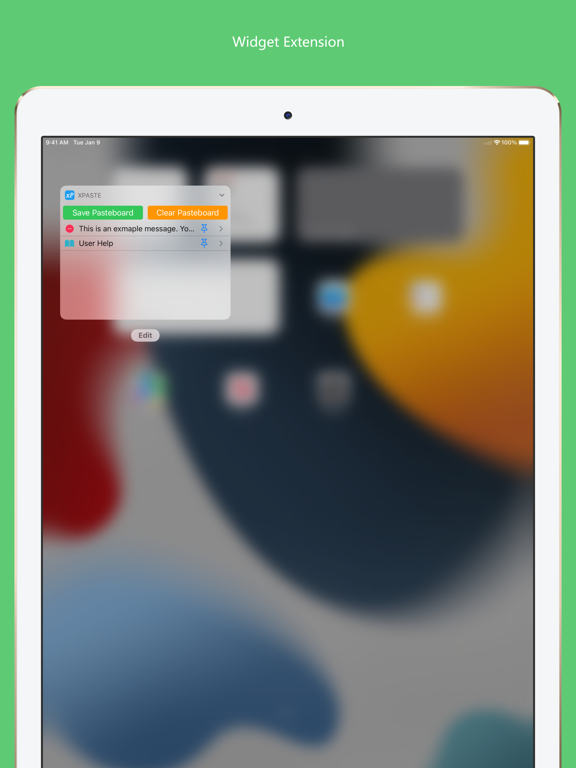
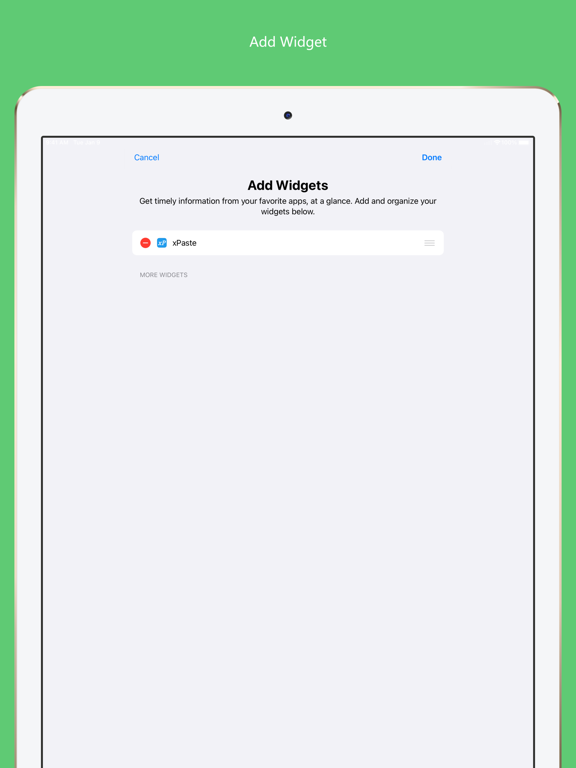
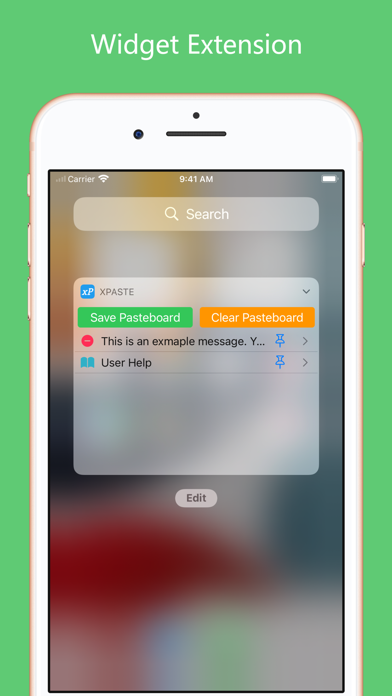
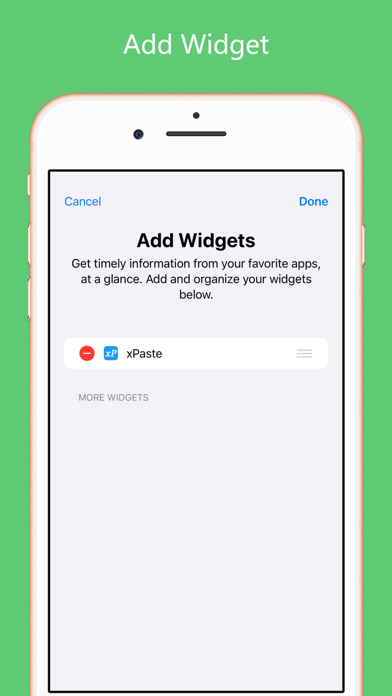
5. Access these features by a widget extension.

## Usage Illustrations

1. Pasteboard history items:

2. Save or clear the pasteboard contents in this app:

3. Save or clear the pasteboard in the widget extension:

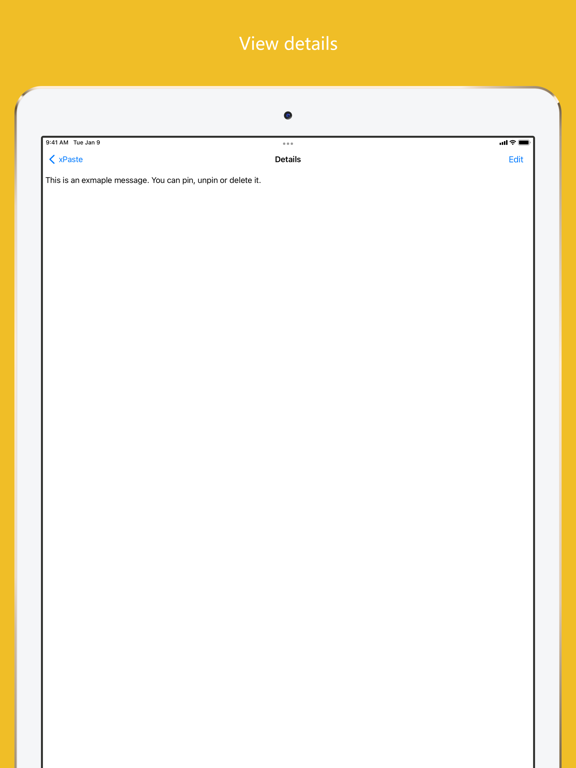
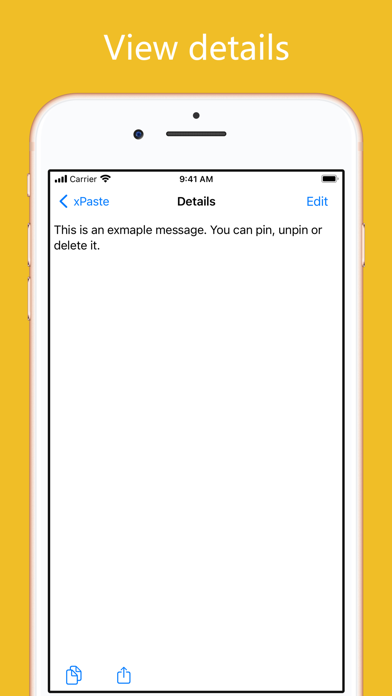
4. View the pasteboard item details by clicking the right part of any history cell:

5. Copy a pasteboard history item by clicking the left part of history cells:

Show More

Was ist neu in der neuesten Version 1.0.2

Last updated on Apr 3, 2022
Version History
1.0.2
Apr 3, 2022

xPaste FAQ

Klicken Sie hier, um zu erfahren, wie Sie xPaste in eingeschränkten Ländern oder Regionen herunterladen können.
Überprüfen Sie die folgende Liste, um die Mindestanforderungen von xPaste zu sehen.
iPhone
iPad

Ähnliche Videos

Latest introduction video of xPaste on iPhone

xPaste Alternative

Das könnte Ihnen auch gefallen

Erhalte mehr von 思意 谢