Contact & File Transfer Wizard

Contact & File Transfer Wizard


Internet Photo/Video transfer


Free

2.0.3for iPhone, iPod touch
CyberValue LLC
Developer
69,1 Mo
Size
Nov 15, 2020
Update Date
Utilities
Category
Age Rating
4+
Apps in this category do not contain restricted content.
9+
Apps in this category may contain mild or occasional cartoon, fantasy or real-life violence, as well as occasional or mild adult, sexually suggestive or horrifying content and may not be suitable for children under 9 years of age.
12+
Apps in this category may contain occasional mild indecent language, frequent or intense cartoon or real-life violence, minor or occasional adult or sexually suggestive material, and simulated gambling, and may be for children under 12 years of age.
17+
You must be at least 17 years old to access this App.
Apps in this category may contain frequent and intense offensive language; Frequent and intense cartoon, fantasy or realistic violence: frequent and intense adult, scary and sexually suggestive subjects: as well as sexual content, nudity, tobacco, alcohol and drugs, may not be suitable for children under 17 years of age.
Contact & File Transfer Wizard Screenshots
Contact & File Transfer Wizard posterContact & File Transfer Wizard posterContact & File Transfer Wizard posterContact & File Transfer Wizard posterContact & File Transfer Wizard posterContact & File Transfer Wizard posterContact & File Transfer Wizard poster

About Contact & File Transfer Wizard

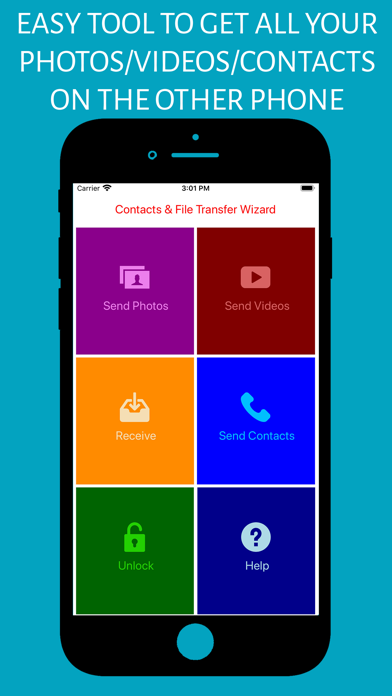
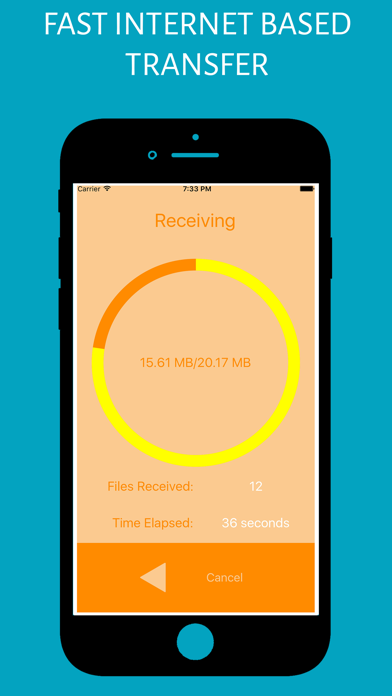
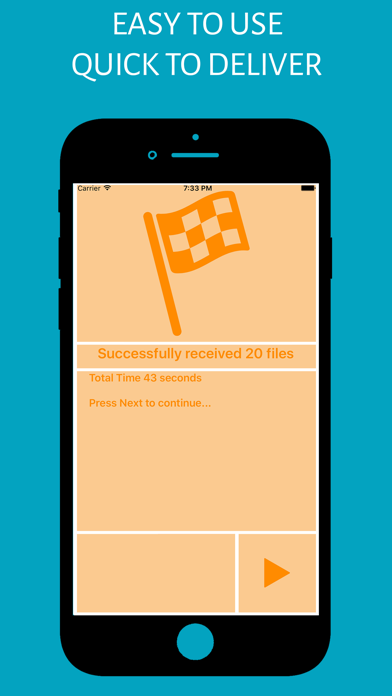
Finding the right App to transfer your large number of files from your mobile device to another phone should not be hard. We have designed Contact & File Transfer Wizard prioritizing simplicity and efficiency. You can transfer photos, Videos to your newly purchased device easily and as fast as your internet connection would allow.

Here are some feature we built into our App:

- No need for complicated network or Wifi connection setup
- Reliable file transfers.
- Reliable contact transfers.
- Photos and Videos automatically show in your photos app on the destination phone
- Optimized for ease of use and short self explaining UI

In case of any issue please contact the Developer directly using "Contact Developer" on this page also make sure you are:

- Granting app permission to external storage
- Using WiFi not Data

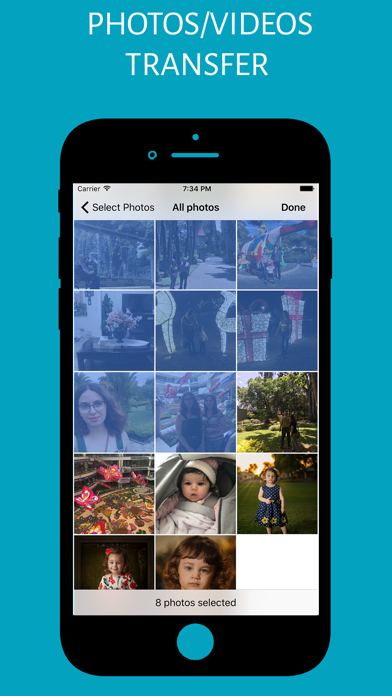
To transfer files choose the Send Photos/Video/Files and select files using one of the tools on your phone (some of the tools don't allow "Select All" so look for one that does, usually photos app does), then tap next to get Reference ID.

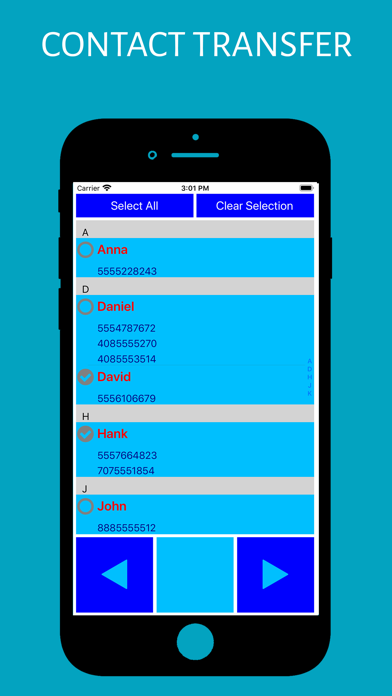
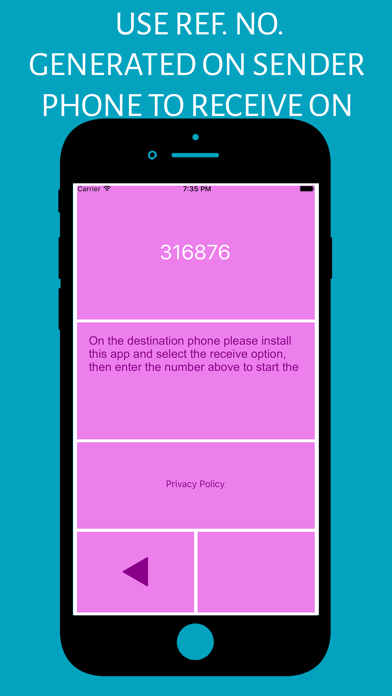
To transfer your contacts (phone number and names only) choose Send Contacts and select the contacts you want to send to the other device, then tap next to see the reference number. use that number to receive contacts on the other phone.

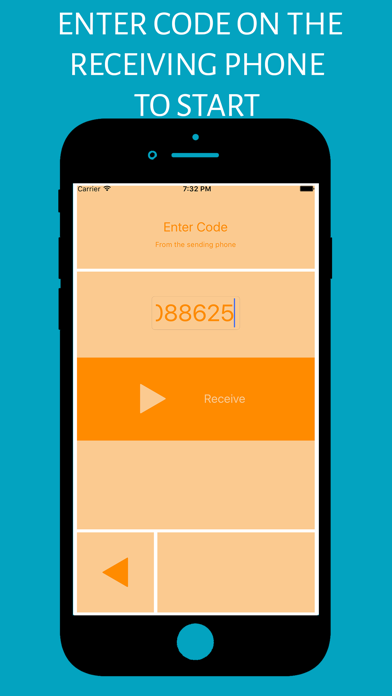
On the destination phone enter the reference ID to start the transfer process.

Show More

What's New in the Latest Version 2.0.3

Last updated on Nov 15, 2020
Old Versions
Bug fix
Show More
Version History
2.0.3
Nov 15, 2020
Bug fix

Contact & File Transfer Wizard FAQ

Click here to learn how to download Contact & File Transfer Wizard in restricted country or region.
Check the following list to see the minimum requirements of Contact & File Transfer Wizard.
iPhone
Erfordert iOS 8.0 oder neuer.
iPod touch
Erfordert iOS 8.0 oder neuer.
Contact & File Transfer Wizard supports Deutsch, Arabisch, Englisch, Finnisch, Französisch, Italienisch, Polnisch, Portugiesisch, Russisch, Spanisch, Türkisch, Ungarisch

Contact & File Transfer Wizard Alternative

You May Also Like

Get more from CyberValue LLC