Bitnote

Bitnote


Free

2.6.0for iPhone
Age Rating
4+
Apps in this category do not contain restricted content.
9+
Apps in this category may contain mild or occasional cartoon, fantasy or real-life violence, as well as occasional or mild adult, sexually suggestive or horrifying content and may not be suitable for children under 9 years of age.
12+
Apps in this category may contain occasional mild indecent language, frequent or intense cartoon or real-life violence, minor or occasional adult or sexually suggestive material, and simulated gambling, and may be for children under 12 years of age.
17+
You must be at least 17 years old to access this App.
Apps in this category may contain frequent and intense offensive language; Frequent and intense cartoon, fantasy or realistic violence: frequent and intense adult, scary and sexually suggestive subjects: as well as sexual content, nudity, tobacco, alcohol and drugs, may not be suitable for children under 17 years of age.
Bitnote Captures d'écran
Bitnote AfficheBitnote AfficheBitnote AfficheBitnote AfficheBitnote Affiche

About Bitnote

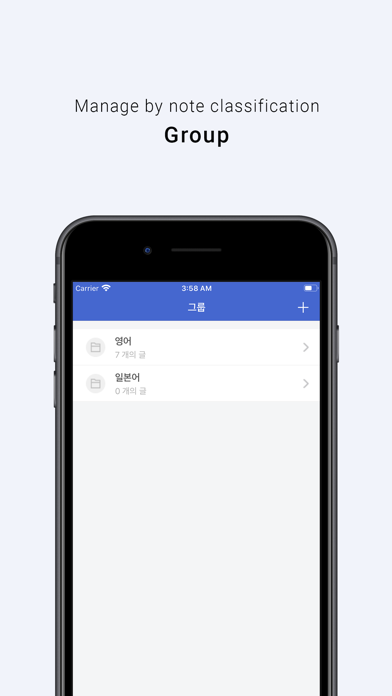
[Group]
-You can manage notes in groups.
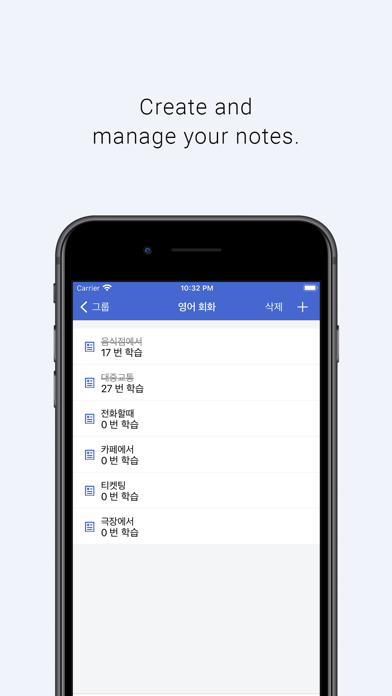
- You can create notes in each group.
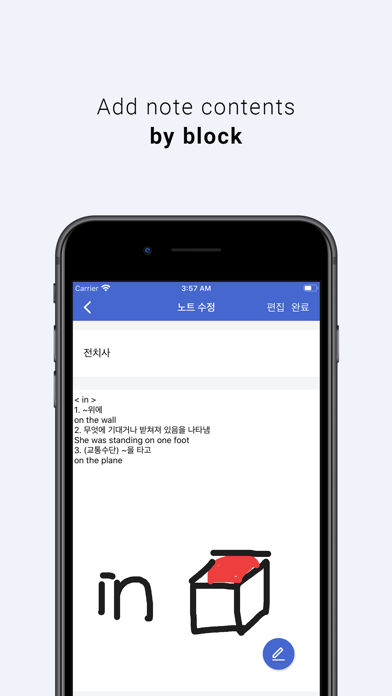
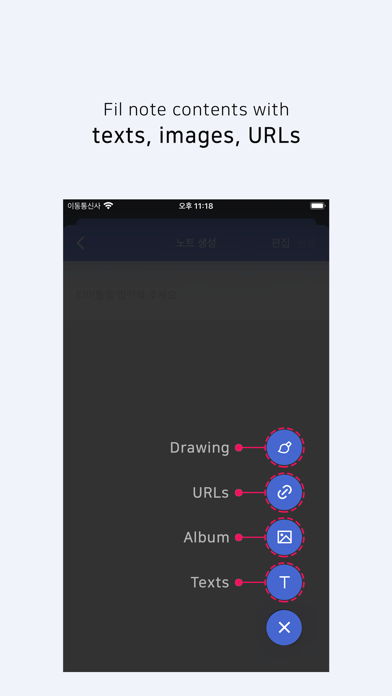
- The contents of the note consist of [text, image, URL].
- Images can be registered as images imported from the user library and directly drawn images.
- You can swipe the group to the right, modify and delete it.
- Swipe the note to the right to check that you have completed your study.

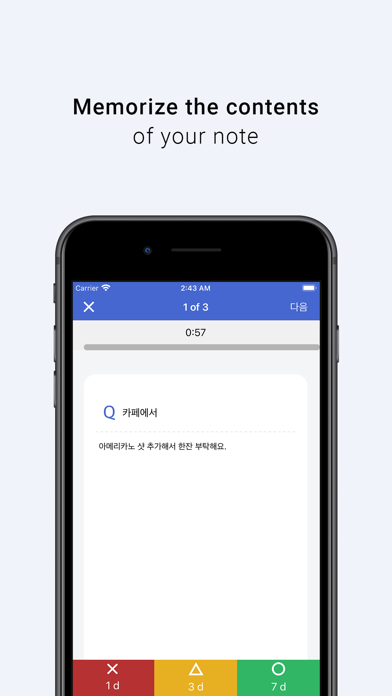
[Memorizing the blinker]
- Select a group to study.
- Show the titles and contents of the notes belonging to the selected group one by one.
(If there is no content in the note, the learning function cannot be used.)
- Note contents appear one by one during 1 minute of timer (default).
Think about the following and memorize it!

[A blank Paper study]
- Prepare a blank paper and a pen.
- Select a group to study.
- Show the titles of the notes belonging to the selected group one by one.
- Write down everything that comes to mind after looking at the title on a blank sheet.
- When you complete your study, you can check the number of reviews on the note screen.

[Review]
- You can review the notes you studied by memorizing blinkers and learning blankly in N days.
- You can check the degree of understanding of each note as "less, medium, and many".
- Depending on the degree of understanding, you can review it through the "Review" button in N days.
When you choose "less", after 1d (day),
When you choose the middle, after 3d (day),
When you choose a lot, after 7d (day),

[Setting up]
- Learning timer ON, OFF: Check whether to use a timer in blank learning.
(When using the blinker memorization function, the timer is applied by default)
- Shuffle notes: When learning notes, show them in random order.
- Time per problem: Time setting for each problem. (Up to 60:00)

Show More

Quoi de neuf dans la dernière version 2.6.0

Last updated on Nov 13, 2021
Vieilles Versions
# Feature
You can see a list of notes to review in the widget.

#Bugfix
When modifying the note, I corrected the problem that the log record I studied was erased.
Show More
Version History
2.6.0
Nov 13, 2021
# Feature
You can see a list of notes to review in the widget.

#Bugfix
When modifying the note, I corrected the problem that the log record I studied was erased.

Bitnote FAQ

Cliquez ici pour savoir comment télécharger Bitnote dans un pays ou une région restreints.
Consultez la liste suivante pour voir les exigences minimales de Bitnote.
iPhone

Alternative à Bitnote

Tu pourrais aussi aimer

Obtenir plus de SuJin Jin