Bitnote
Free
2.6.0for iPhone
Age Rating
Bitnote Screenshots
About Bitnote
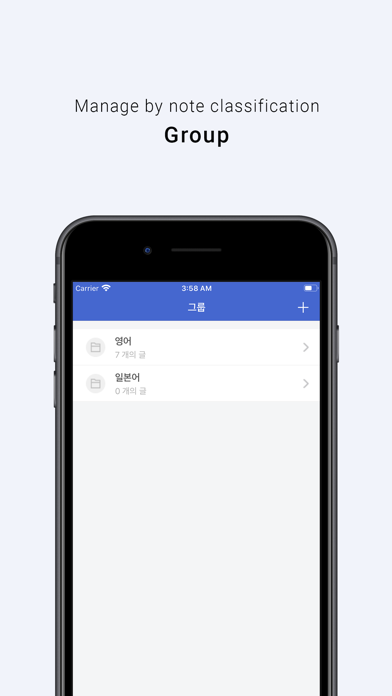
[Group]
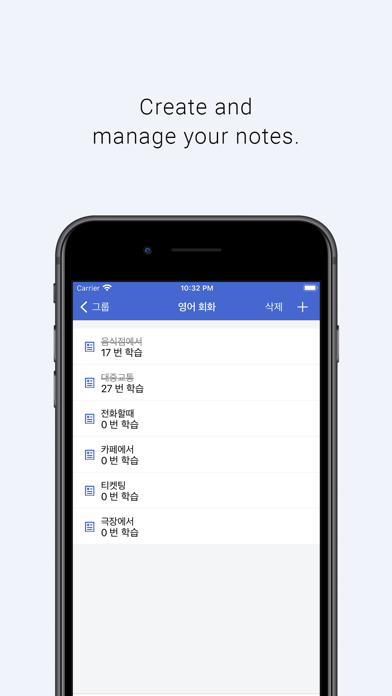
-You can manage notes in groups.
- You can create notes in each group.
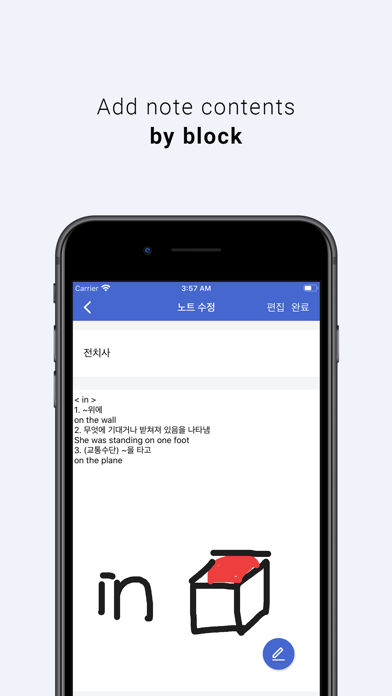
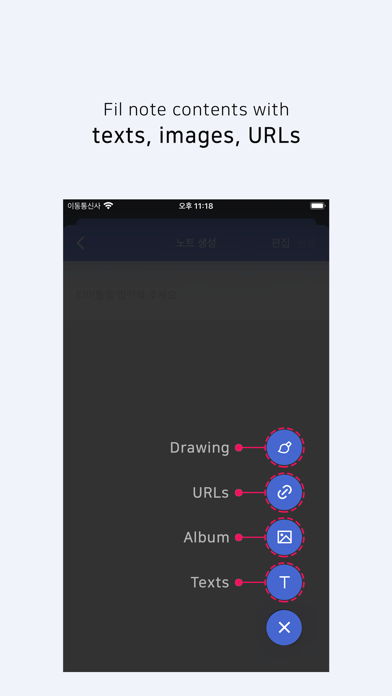
- The contents of the note consist of [text, image, URL].
- Images can be registered as images imported from the user library and directly drawn images.
- You can swipe the group to the right, modify and delete it.
- Swipe the note to the right to check that you have completed your study.
[Memorizing the blinker]
- Select a group to study.
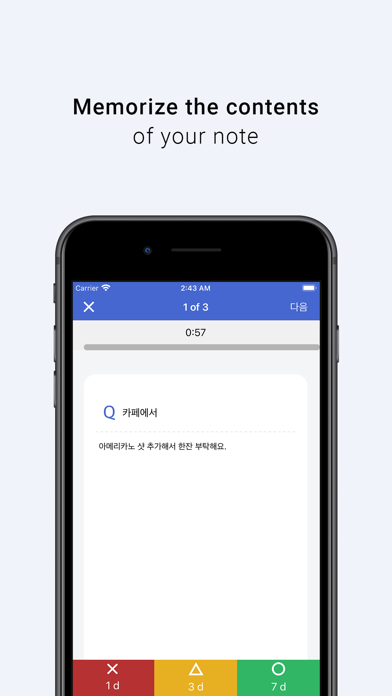
- Show the titles and contents of the notes belonging to the selected group one by one.
(If there is no content in the note, the learning function cannot be used.)
- Note contents appear one by one during 1 minute of timer (default).
Think about the following and memorize it!
[A blank Paper study]
- Prepare a blank paper and a pen.
- Select a group to study.
- Show the titles of the notes belonging to the selected group one by one.
- Write down everything that comes to mind after looking at the title on a blank sheet.
- When you complete your study, you can check the number of reviews on the note screen.
[Review]
- You can review the notes you studied by memorizing blinkers and learning blankly in N days.
- You can check the degree of understanding of each note as "less, medium, and many".
- Depending on the degree of understanding, you can review it through the "Review" button in N days.
When you choose "less", after 1d (day),
When you choose the middle, after 3d (day),
When you choose a lot, after 7d (day),
[Setting up]
- Learning timer ON, OFF: Check whether to use a timer in blank learning.
(When using the blinker memorization function, the timer is applied by default)
- Shuffle notes: When learning notes, show them in random order.
- Time per problem: Time setting for each problem. (Up to 60:00)

-You can manage notes in groups.
- You can create notes in each group.
- The contents of the note consist of [text, image, URL].
- Images can be registered as images imported from the user library and directly drawn images.
- You can swipe the group to the right, modify and delete it.
- Swipe the note to the right to check that you have completed your study.
[Memorizing the blinker]
- Select a group to study.
- Show the titles and contents of the notes belonging to the selected group one by one.
(If there is no content in the note, the learning function cannot be used.)
- Note contents appear one by one during 1 minute of timer (default).
Think about the following and memorize it!
[A blank Paper study]
- Prepare a blank paper and a pen.
- Select a group to study.
- Show the titles of the notes belonging to the selected group one by one.
- Write down everything that comes to mind after looking at the title on a blank sheet.
- When you complete your study, you can check the number of reviews on the note screen.
[Review]
- You can review the notes you studied by memorizing blinkers and learning blankly in N days.
- You can check the degree of understanding of each note as "less, medium, and many".
- Depending on the degree of understanding, you can review it through the "Review" button in N days.
When you choose "less", after 1d (day),
When you choose the middle, after 3d (day),
When you choose a lot, after 7d (day),
[Setting up]
- Learning timer ON, OFF: Check whether to use a timer in blank learning.
(When using the blinker memorization function, the timer is applied by default)
- Shuffle notes: When learning notes, show them in random order.
- Time per problem: Time setting for each problem. (Up to 60:00)
Show More
What's New in the Latest Version 2.6.0
Last updated on Nov 13, 2021
Old Versions
# Feature
You can see a list of notes to review in the widget.
#Bugfix
When modifying the note, I corrected the problem that the log record I studied was erased.
You can see a list of notes to review in the widget.
#Bugfix
When modifying the note, I corrected the problem that the log record I studied was erased.
Show More
Version History
2.6.0
Nov 13, 2021
# Feature
You can see a list of notes to review in the widget.
#Bugfix
When modifying the note, I corrected the problem that the log record I studied was erased.
You can see a list of notes to review in the widget.
#Bugfix
When modifying the note, I corrected the problem that the log record I studied was erased.
Bitnote FAQ
Click here to learn how to download Bitnote in restricted country or region.
Check the following list to see the minimum requirements of Bitnote.
iPhone