Codepad
$1.99
1.1for iPhone, iPad
Age Rating
Codepad Captures d'écran
About Codepad
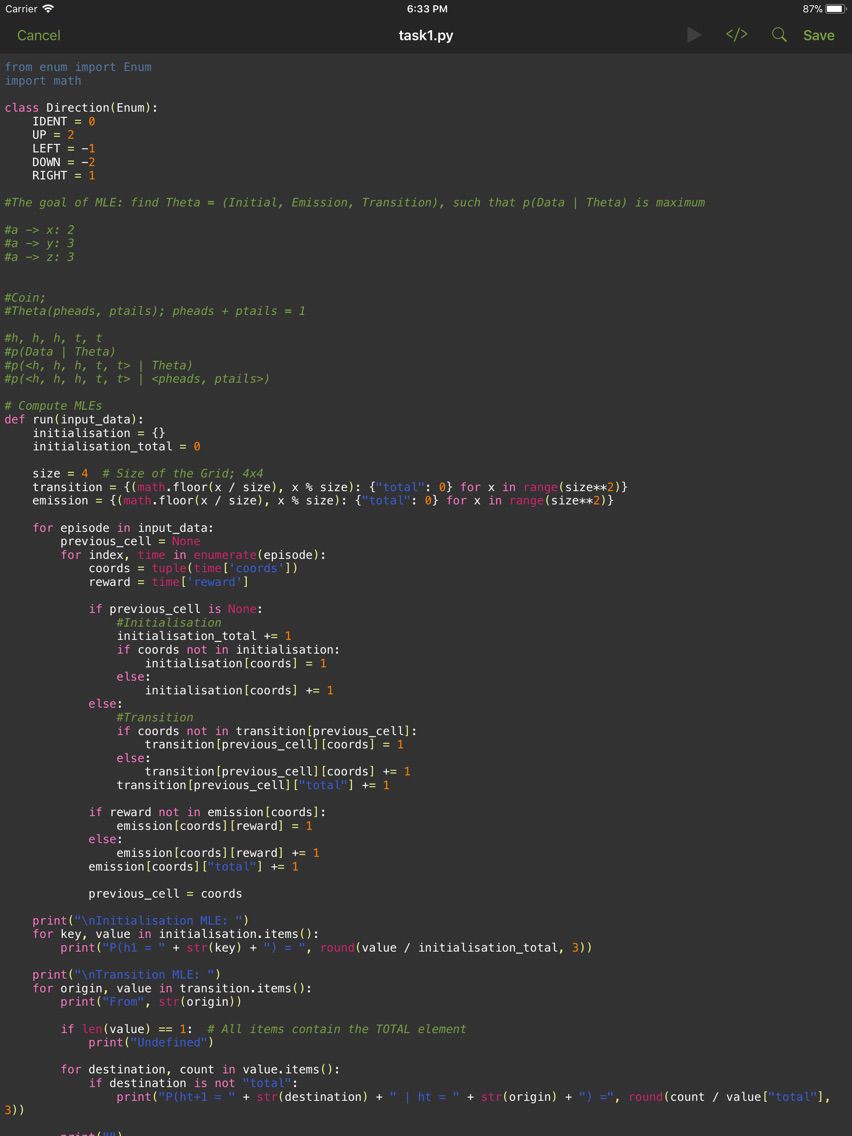
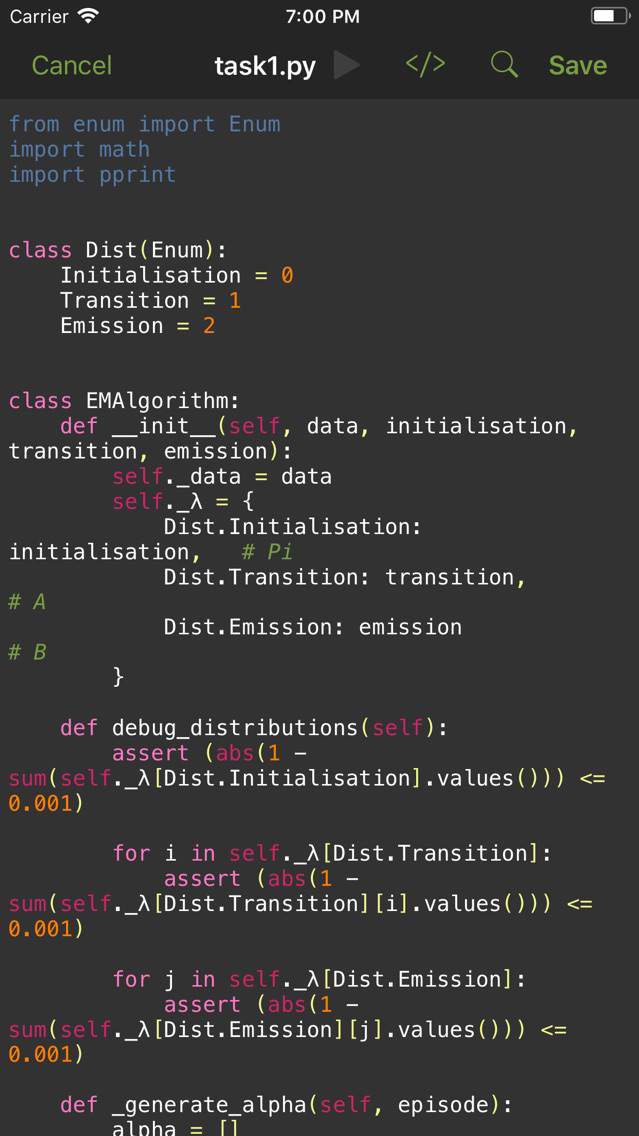
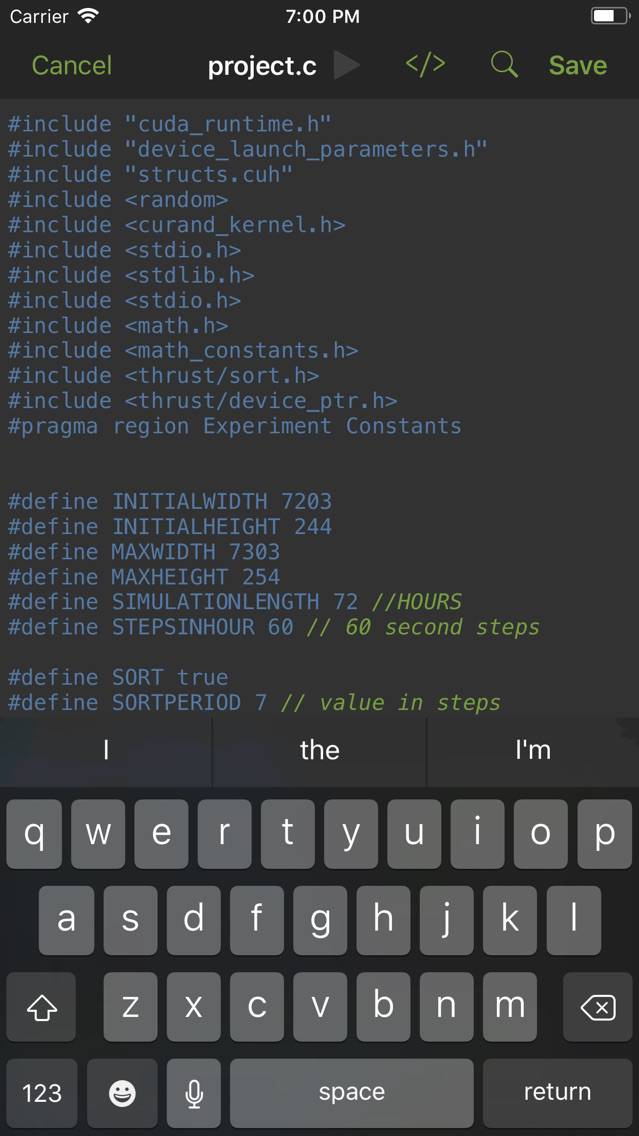
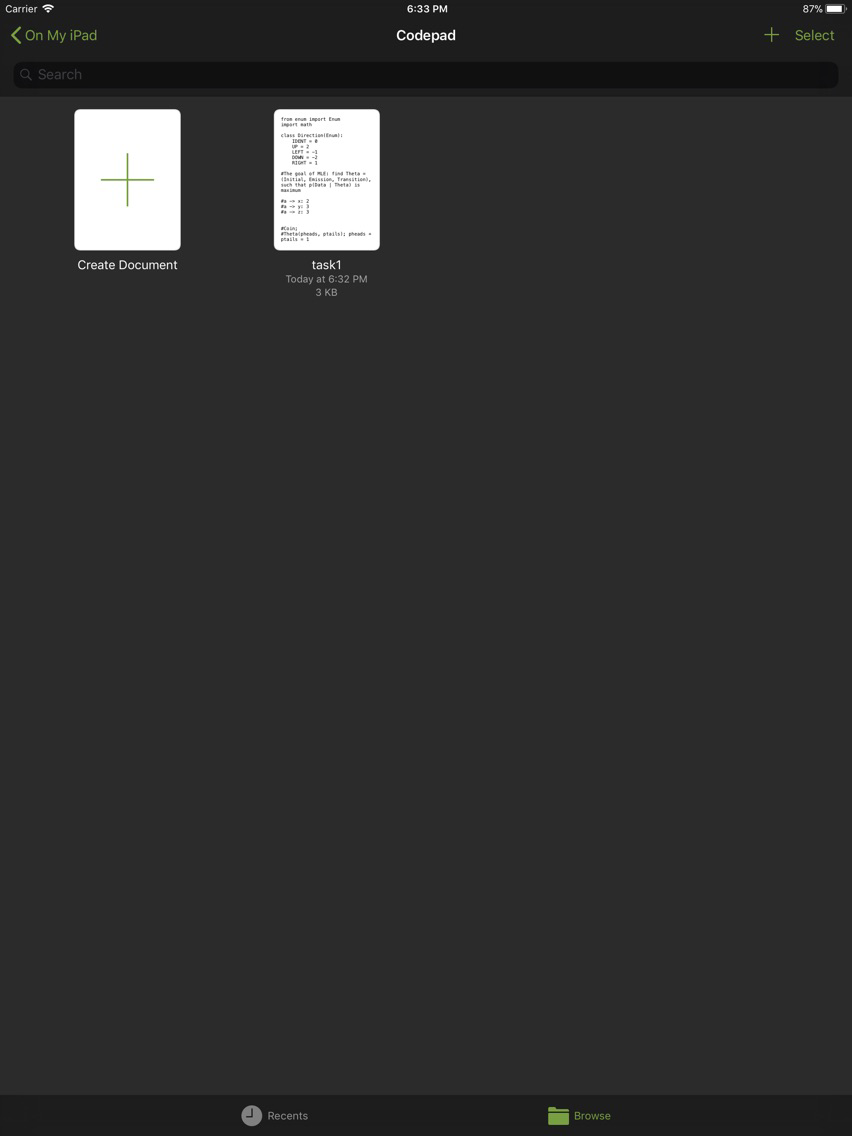
Edit many types of code in your iCloud Drive. In place editing allows you to work on your code on the go without creating multiple confusing copies of the file. Dynamic syntax highlighting means your code is just as readable as it would be on your computer.
Syntax Highlighting is provided for:
-Assembly
-C, C++
-Go
-HTML, CSS, JavaScript, PHP, SQL
-Haskell
-Java, Kotlin
-LaTeX, including BibTeX
-Markdown
-MATLAB, R
-Python
-Swift
-XML
The app also provides a previewer for HTML websites.

Syntax Highlighting is provided for:
-Assembly
-C, C++
-Go
-HTML, CSS, JavaScript, PHP, SQL
-Haskell
-Java, Kotlin
-LaTeX, including BibTeX
-Markdown
-MATLAB, R
-Python
-Swift
-XML
The app also provides a previewer for HTML websites.
Show More
Quoi de neuf dans la dernière version 1.1
Last updated on Mar 15, 2018
Vieilles Versions
Modified tab button to indent all selected lines rather than replacing text and added new unindent button.
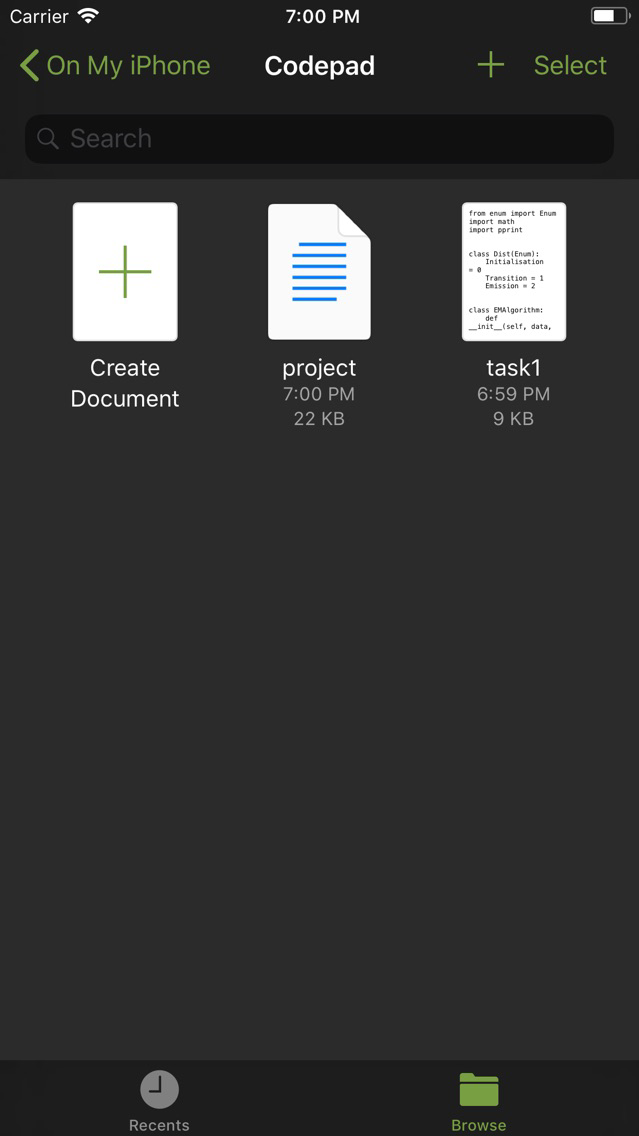
New QuickLook preview extension displays syntax highlighted code right from the Files app, without needing to open up Codepad*.
Fixed bug where syntax highlighting might not update correctly when starting a new line after an import or comment.
*Select languages only.
Show More
Version History
1.1
Nov 18, 2017
Modified tab button to indent all selected lines rather than replacing text and added new unindent button.
New QuickLook preview extension displays syntax highlighted code right from the Files app, without needing to open up Codepad*.
Fixed bug where syntax highlighting might not update correctly when starting a new line after an import or comment.
*Select languages only.
Codepad FAQ
Cliquez ici pour savoir comment télécharger Codepad dans un pays ou une région restreints.
Consultez la liste suivante pour voir les exigences minimales de Codepad.
iPhone
iPad
Codepad prend en charge English