Codepad

Codepad


$1.99

1.1for iPhone, iPad
Age Rating
4+
Apps in this category do not contain restricted content.
9+
Apps in this category may contain mild or occasional cartoon, fantasy or real-life violence, as well as occasional or mild adult, sexually suggestive or horrifying content and may not be suitable for children under 9 years of age.
12+
Apps in this category may contain occasional mild indecent language, frequent or intense cartoon or real-life violence, minor or occasional adult or sexually suggestive material, and simulated gambling, and may be for children under 12 years of age.
17+
You must be at least 17 years old to access this App.
Apps in this category may contain frequent and intense offensive language; Frequent and intense cartoon, fantasy or realistic violence: frequent and intense adult, scary and sexually suggestive subjects: as well as sexual content, nudity, tobacco, alcohol and drugs, may not be suitable for children under 17 years of age.
Codepad 스크린 샷
Codepad 포스터Codepad 포스터
Codepad 포스터Codepad 포스터Codepad 포스터

About Codepad

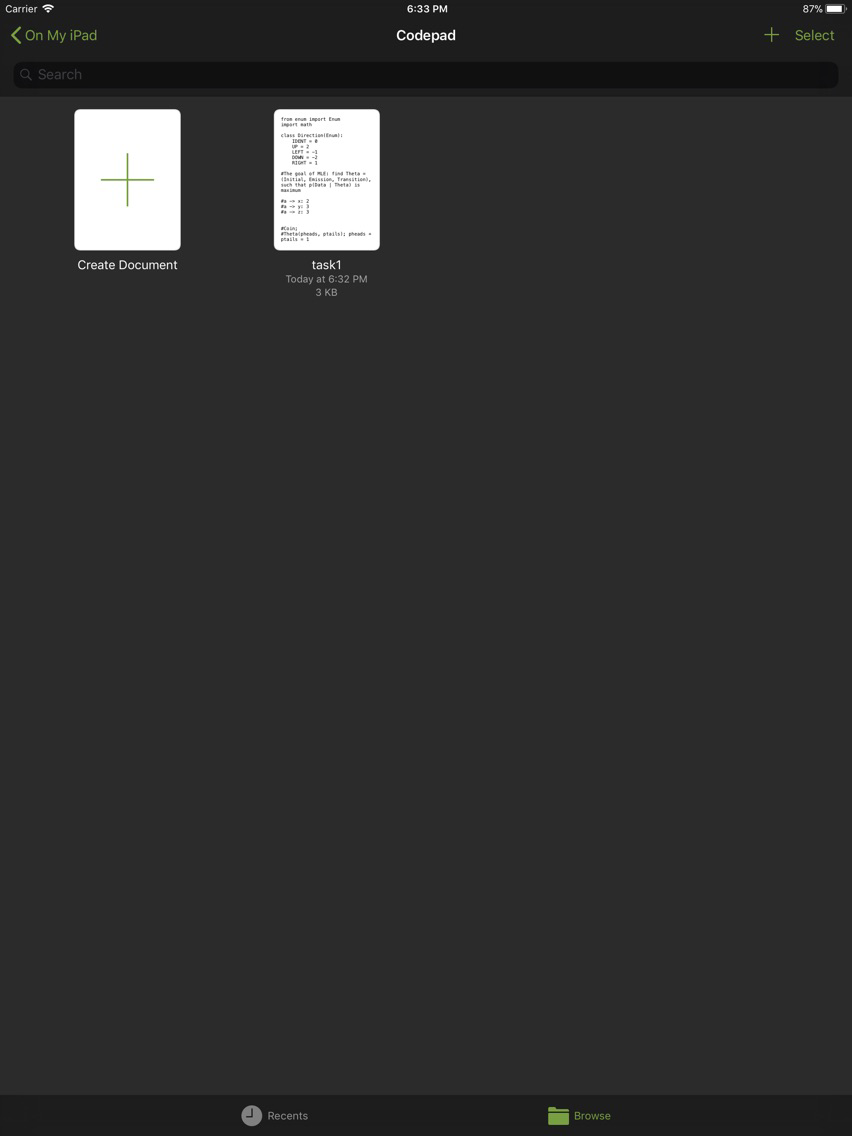
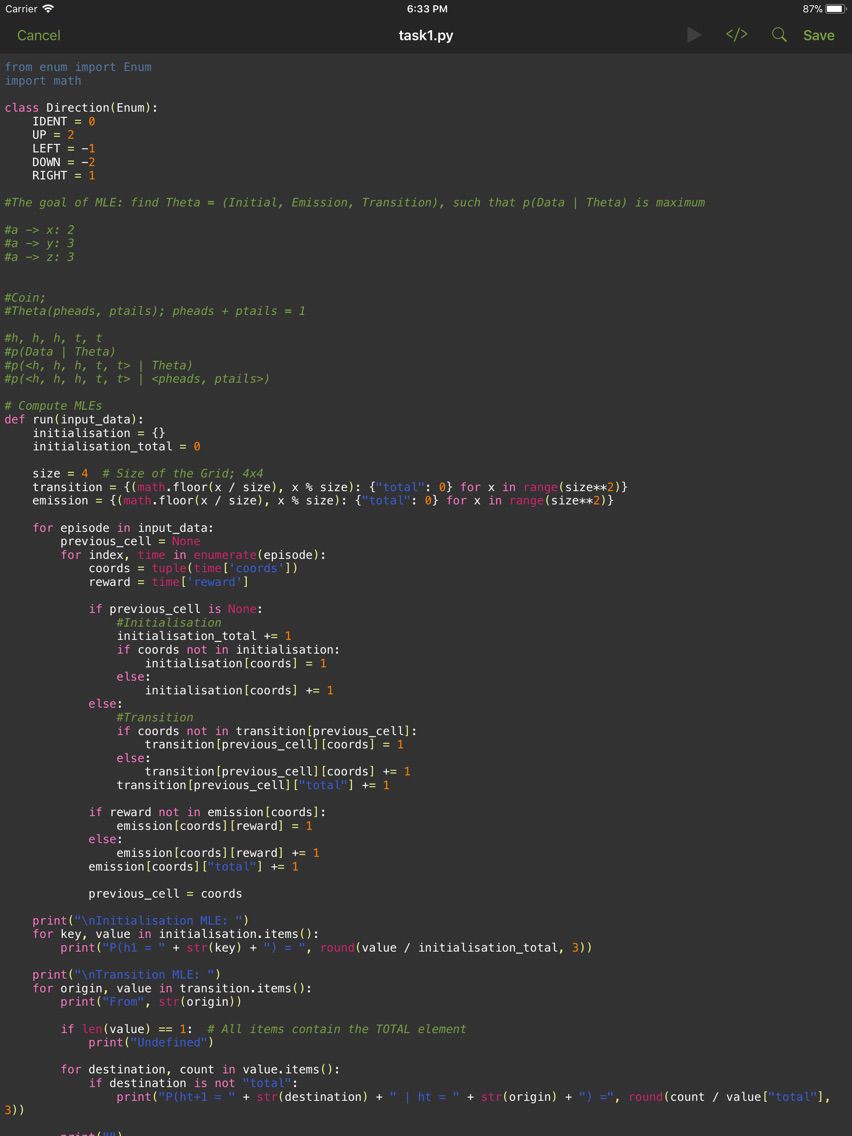
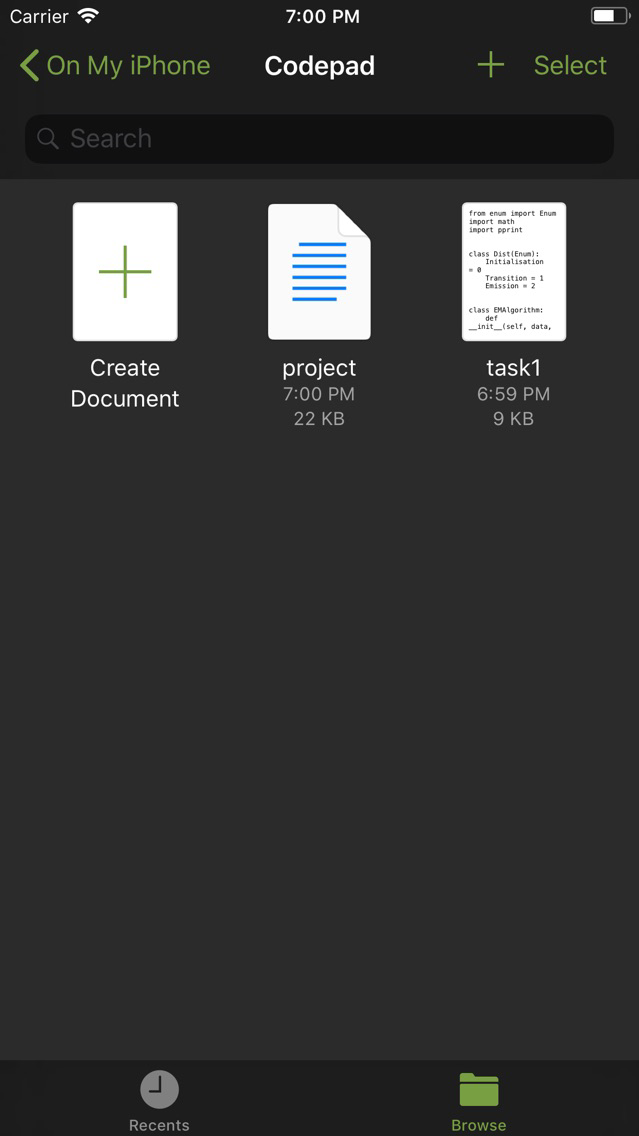
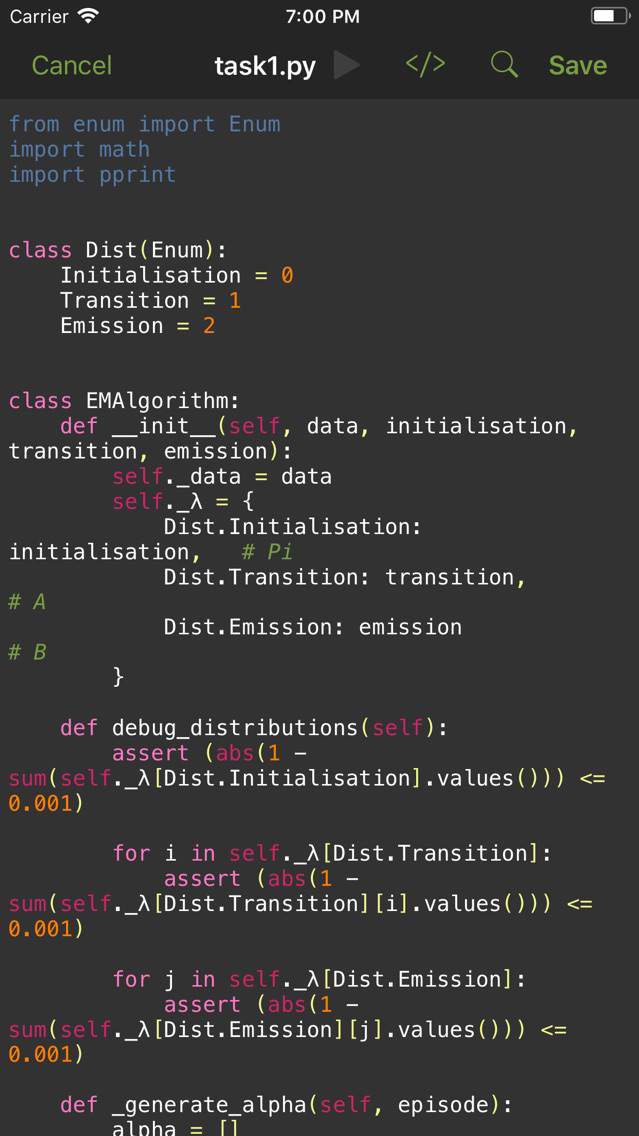
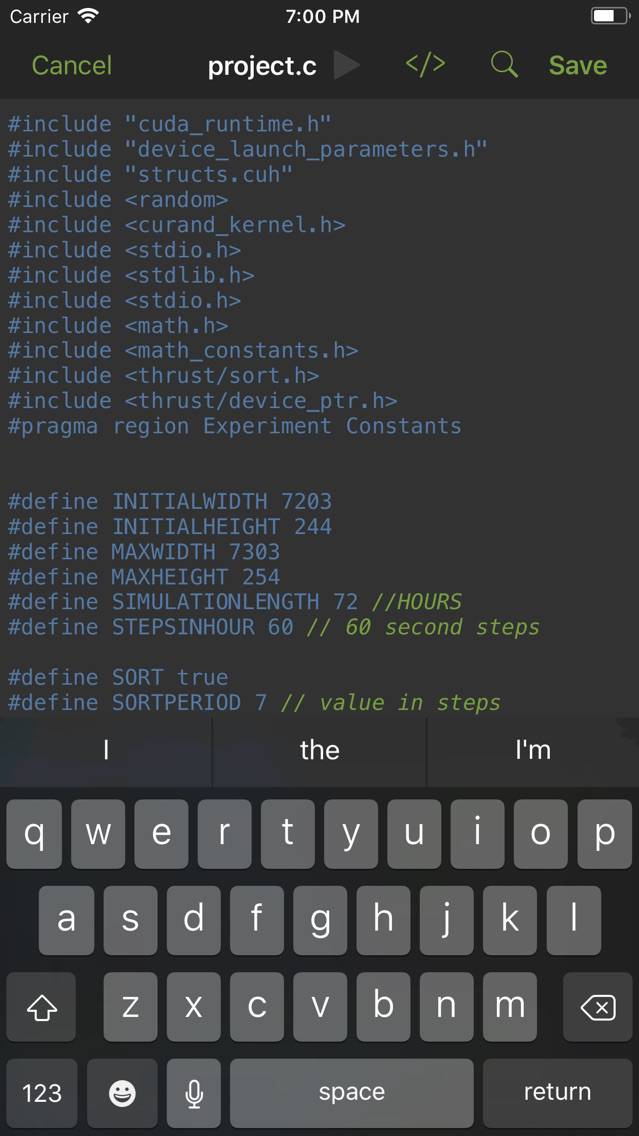
Edit many types of code in your iCloud Drive. In place editing allows you to work on your code on the go without creating multiple confusing copies of the file. Dynamic syntax highlighting means your code is just as readable as it would be on your computer.

Syntax Highlighting is provided for:
-Assembly
-C, C++
-Go
-HTML, CSS, JavaScript, PHP, SQL
-Haskell
-Java, Kotlin
-LaTeX, including BibTeX
-Markdown
-MATLAB, R
-Python
-Swift
-XML

The app also provides a previewer for HTML websites.

Show More

최신 버전 1.1의 새로운 기능

Last updated on Mar 15, 2018
오래된 버전
Modified tab button to indent all selected lines rather than replacing text and added new unindent button. New QuickLook preview extension displays syntax highlighted code right from the Files app, without needing to open up Codepad*. Fixed bug where syntax highlighting might not update correctly when starting a new line after an import or comment. *Select languages only.
Show More
Version History
1.1
Nov 18, 2017
Modified tab button to indent all selected lines rather than replacing text and added new unindent button. New QuickLook preview extension displays syntax highlighted code right from the Files app, without needing to open up Codepad*. Fixed bug where syntax highlighting might not update correctly when starting a new line after an import or comment. *Select languages only.

Codepad FAQ

제한된 국가 또는 지역에서 Codepad를 다운로드하는 방법을 알아보려면 여기를 클릭하십시오.
Codepad의 최소 요구 사항을 보려면 다음 목록을 확인하십시오.
iPhone
iPad
Codepad은 다음 언어를 지원합니다. English

Codepad 대안

당신은 또한 좋아할 수도 있습니다

Oliver Binns에서 더 많은 것을 얻기